Bling AI · The jewelry image studio
Your jewelry. In a new light.
Turn a phone photo, a 3D file or a sketch into product photos, on-model images and ads. Pick a studio look, place it on your own model, or just say what you want.
3 free photos · No card needed
Board
Black diamond ring
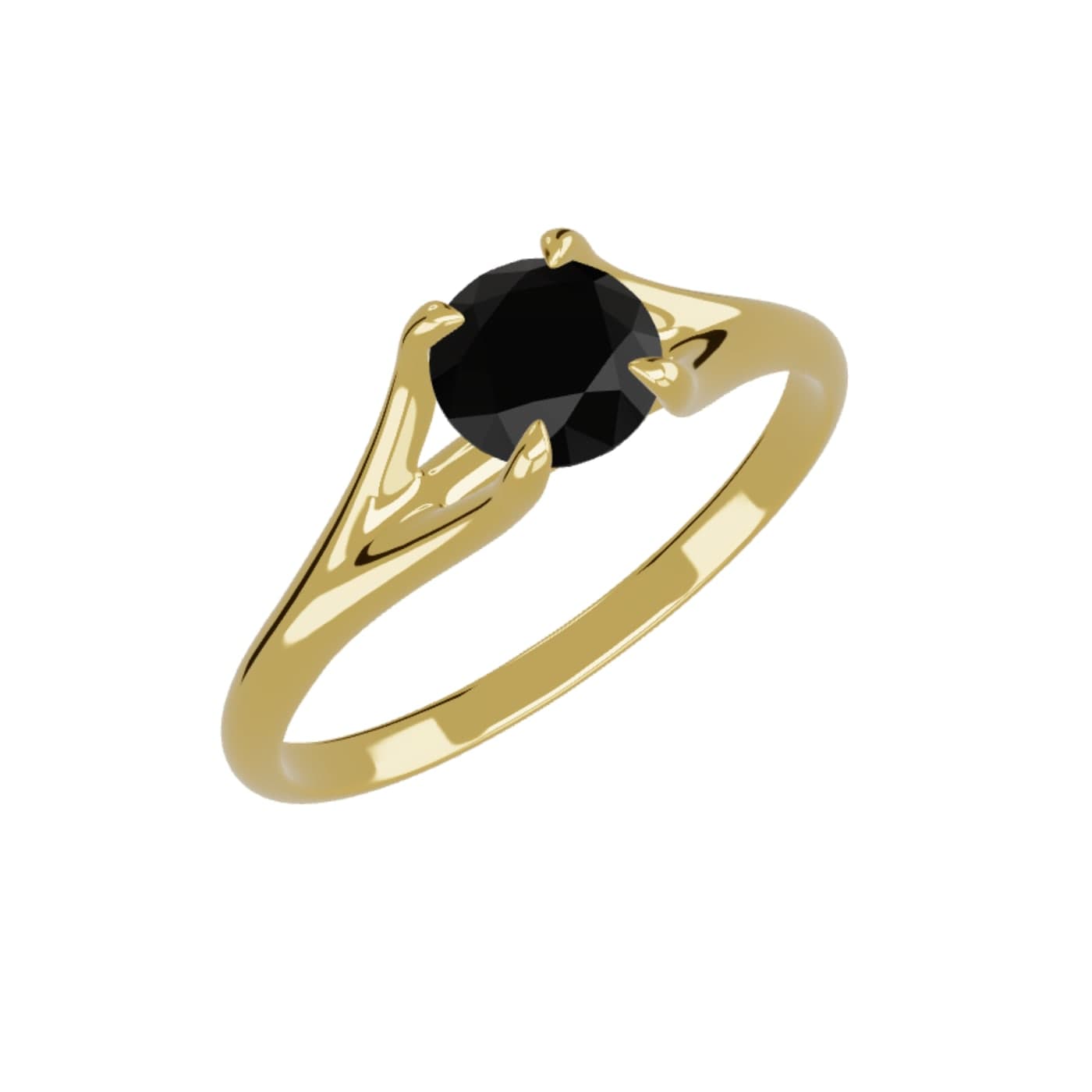
Your 3D file
ring.3dm
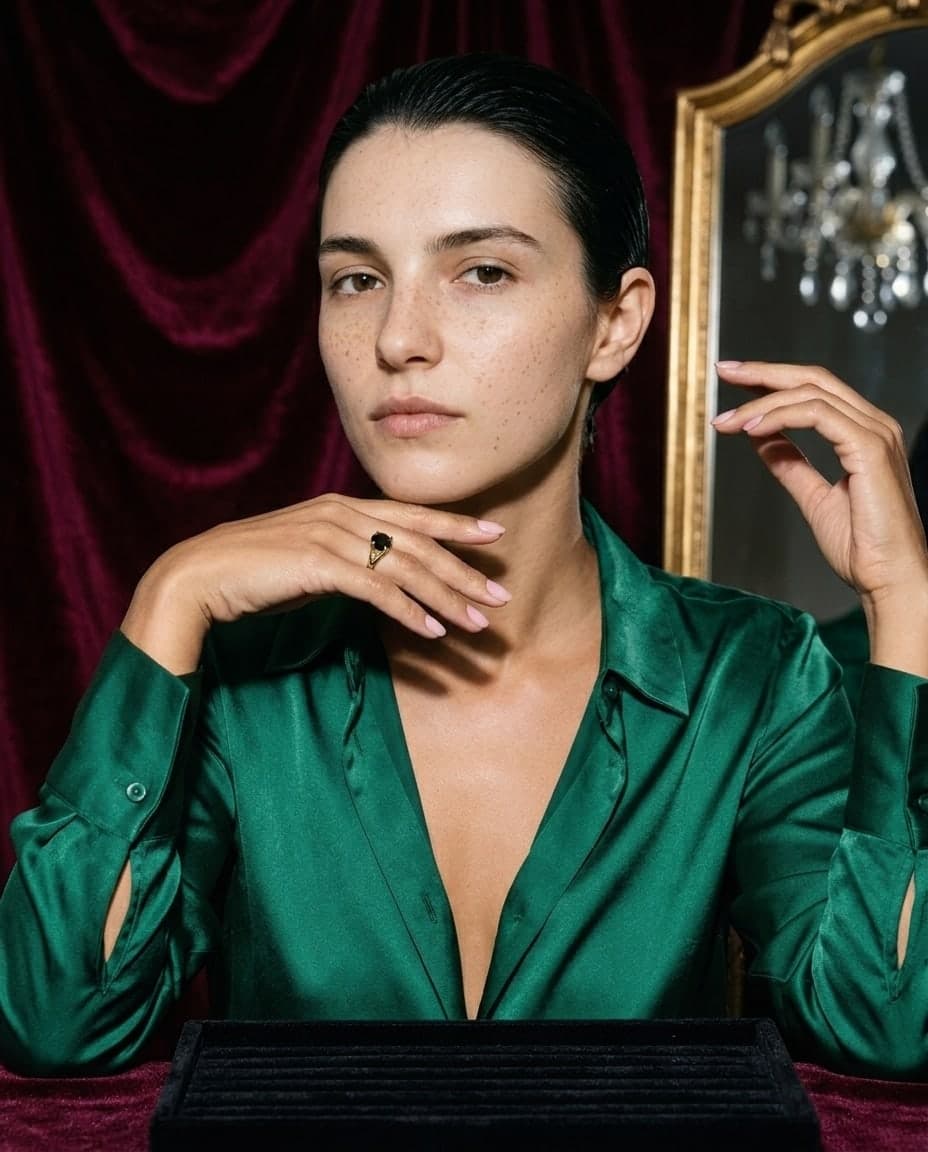
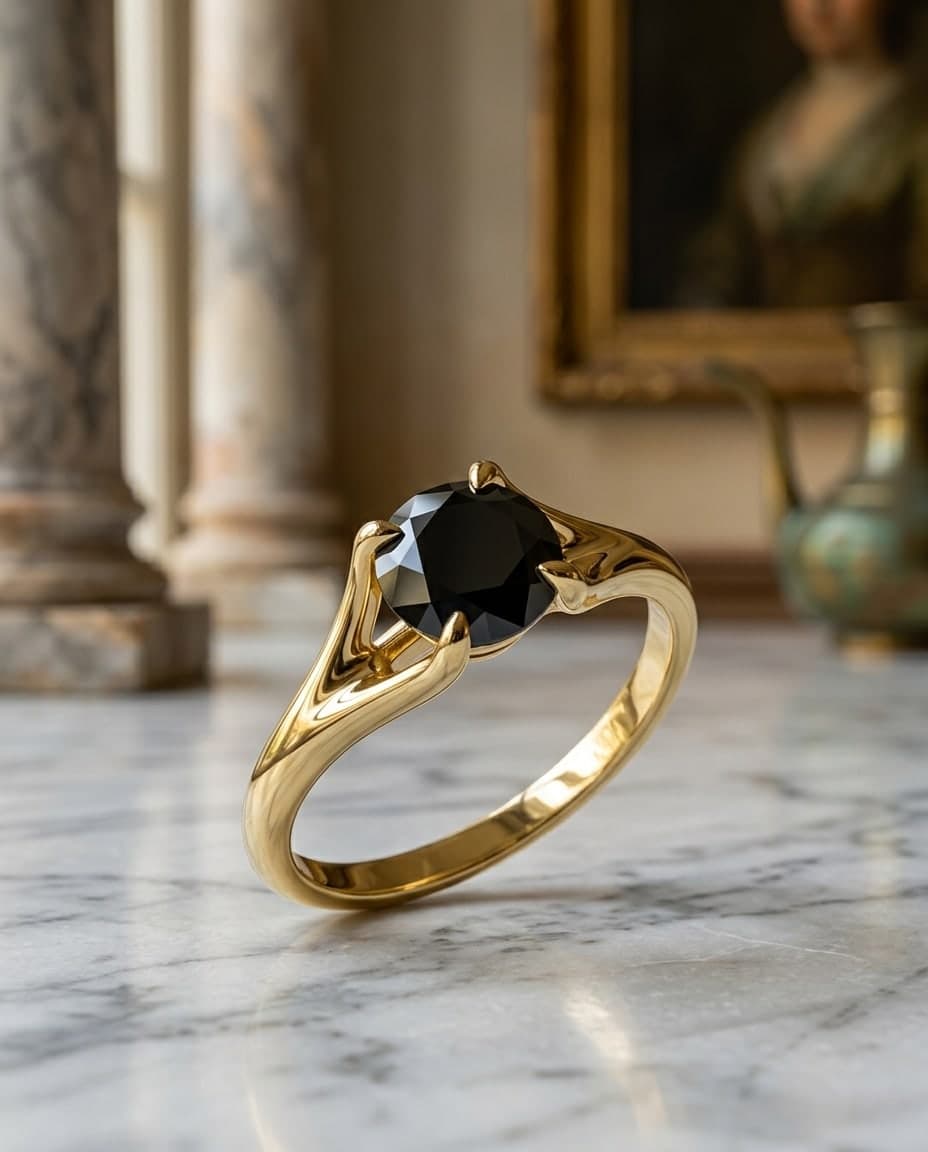
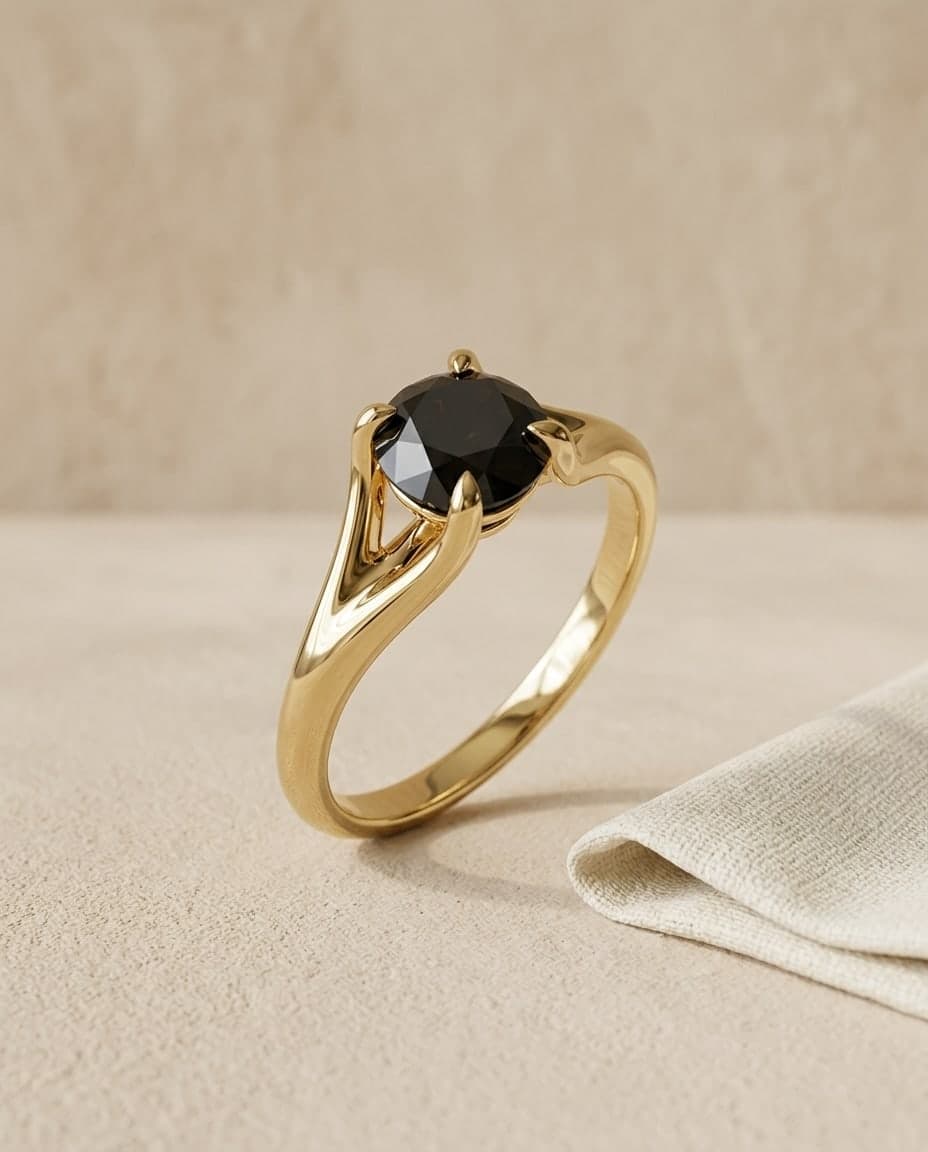
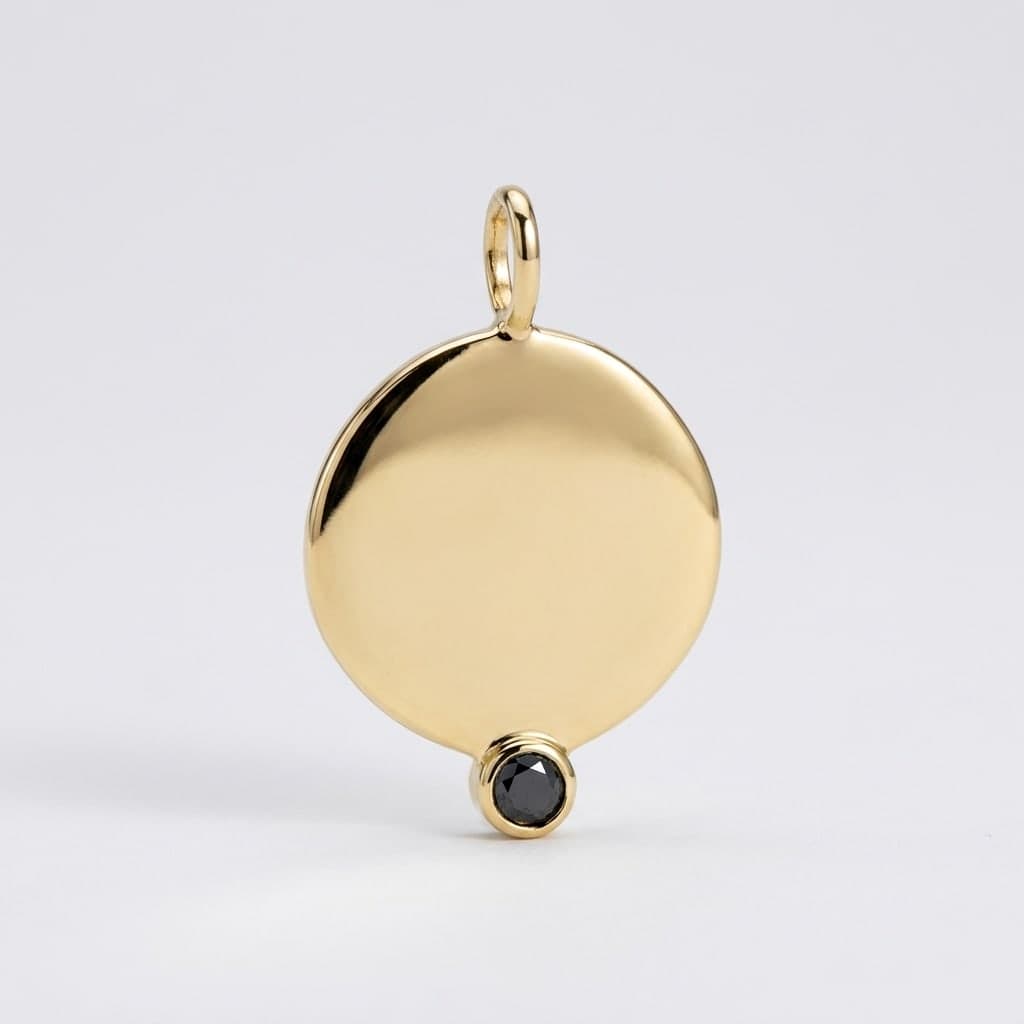
A Studio board: a 3D file of a black diamond ring becomes a render, a product photo, the ring placed on a model photo, an on-model photo asked for in the chat, and an ad. All images are real results for this ring.
One piece
Every image you need, from one piece.
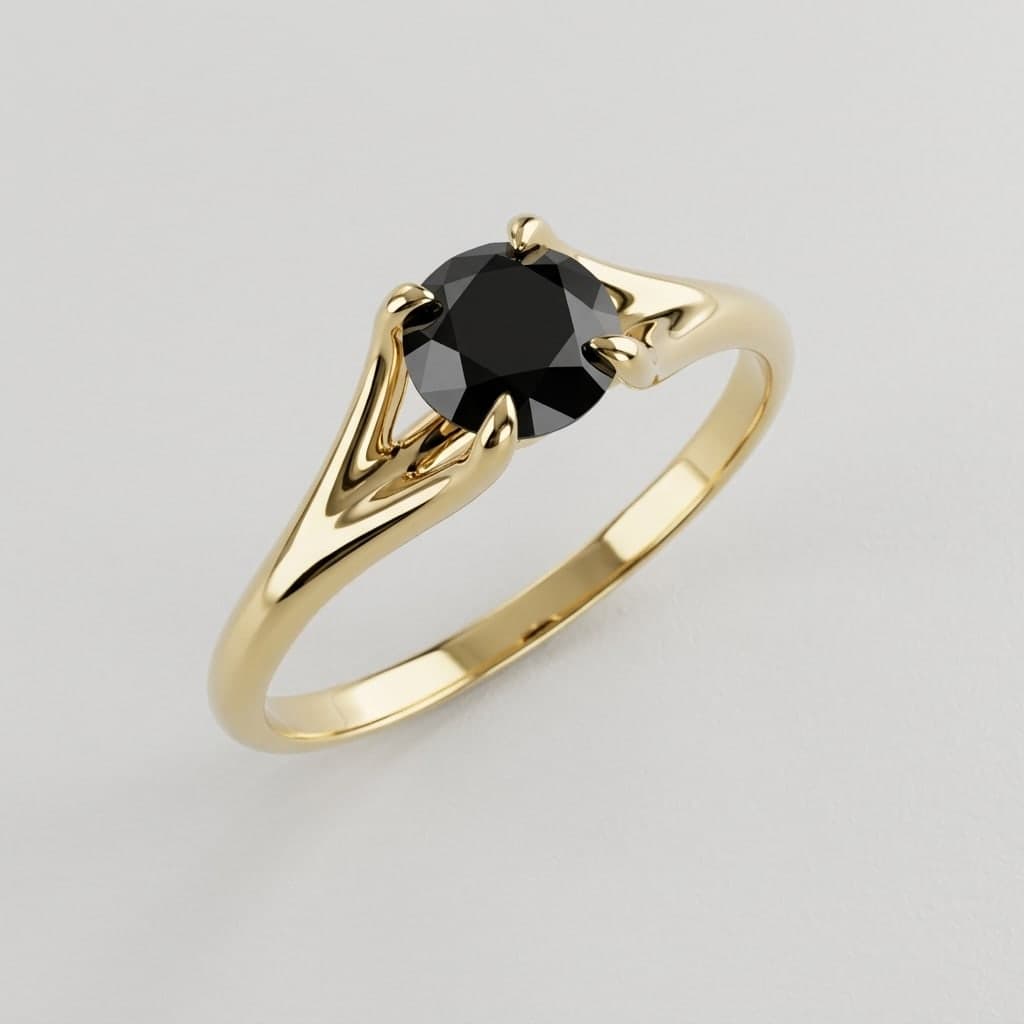
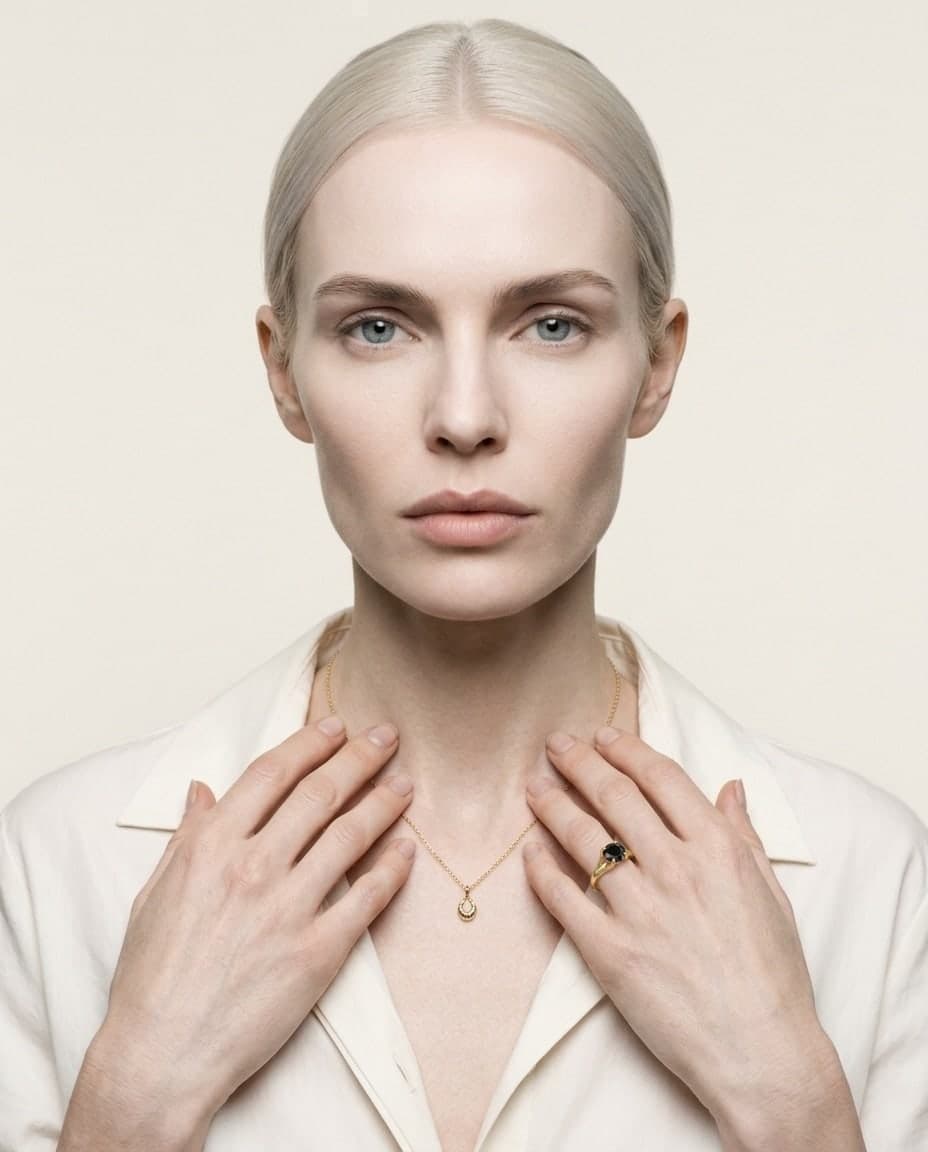
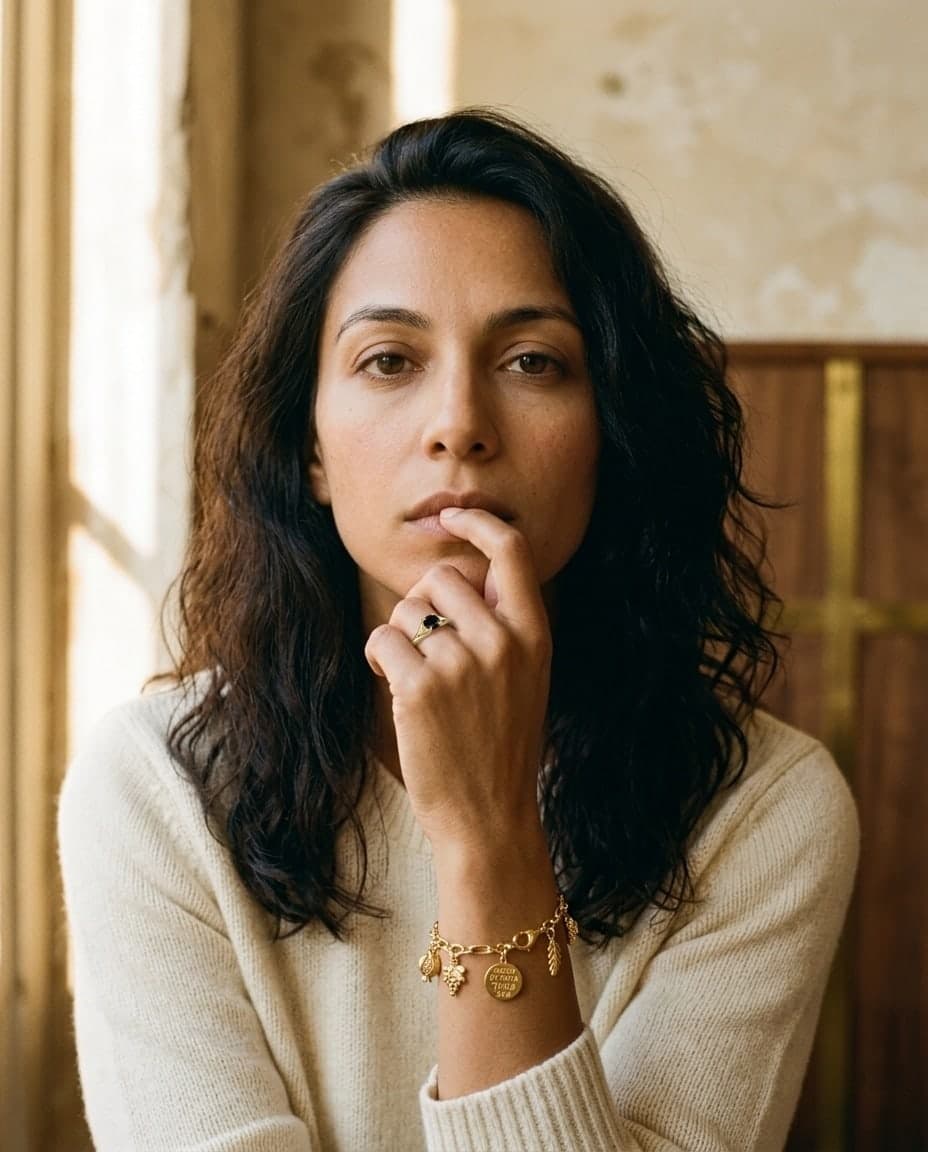
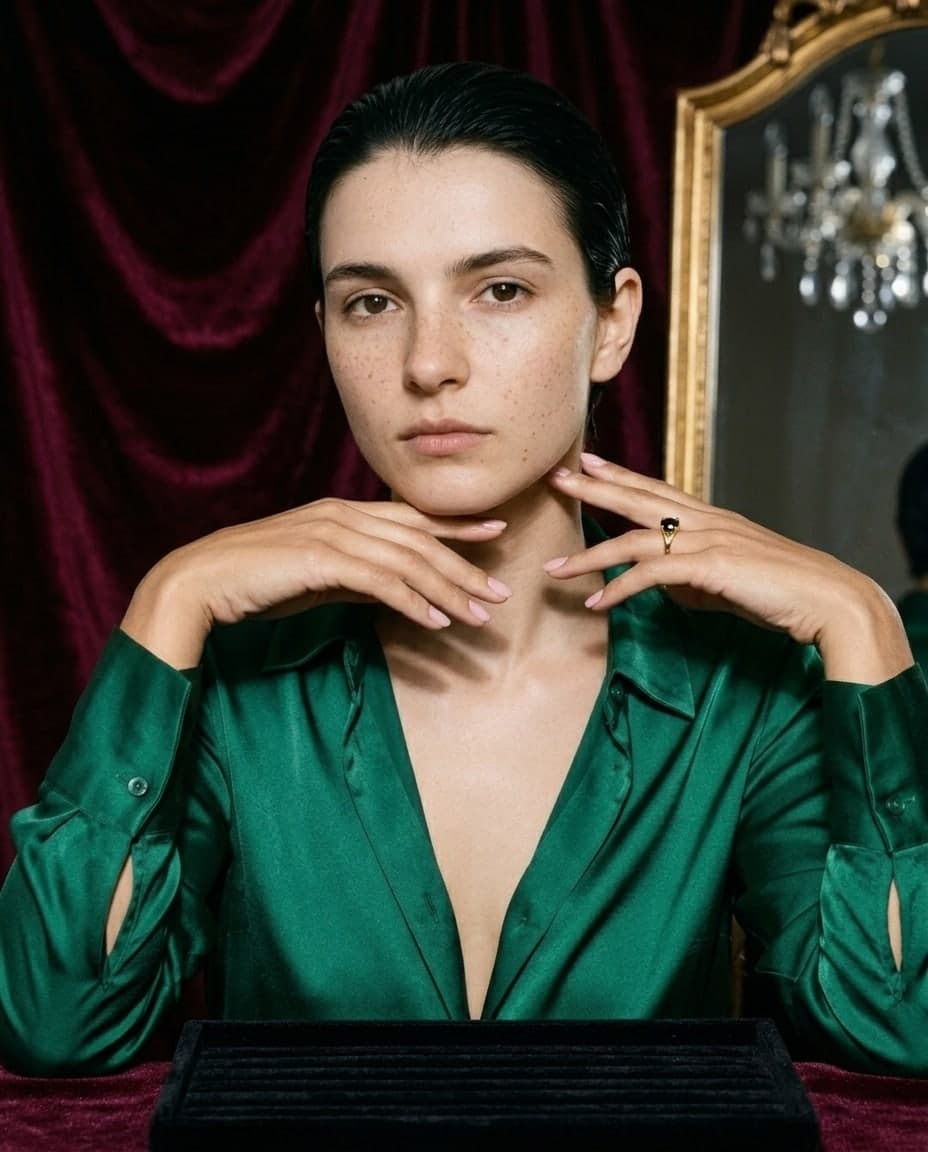
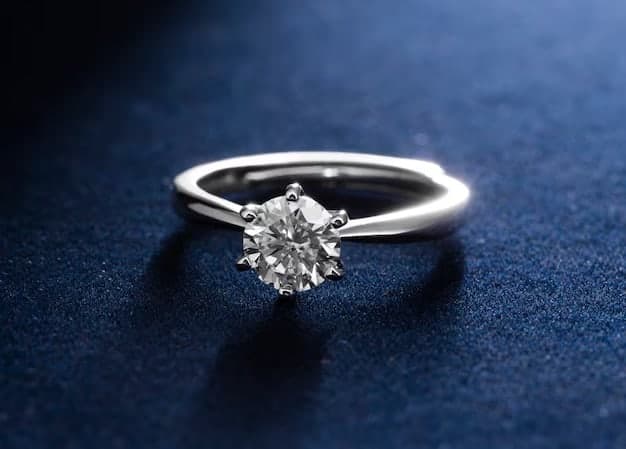
One ring, one 3D file: product photos in two studio looks, on-model shots, and the ring on four different model photos. All made in Studio, none retouched.


How it works
Start from what you have.
No photoshoot, and no CAD needed. A phone photo works, and so does a file, a sketch or a few words.
- 1
Add your piece.
A phone photo, a 3D file, a sketch or a description. Tell us what it is and its size.
- 2
Pick a step, or just ask.
Product photos, on-model shots, new angles, ads. Each result lands on your board.
- 3
Keep going, or download.
Branch from any result, then download in up to 4K.
 Your photo
A phone photo
Shot on a table in daylight is enough. From there, product photos and on-model shots.
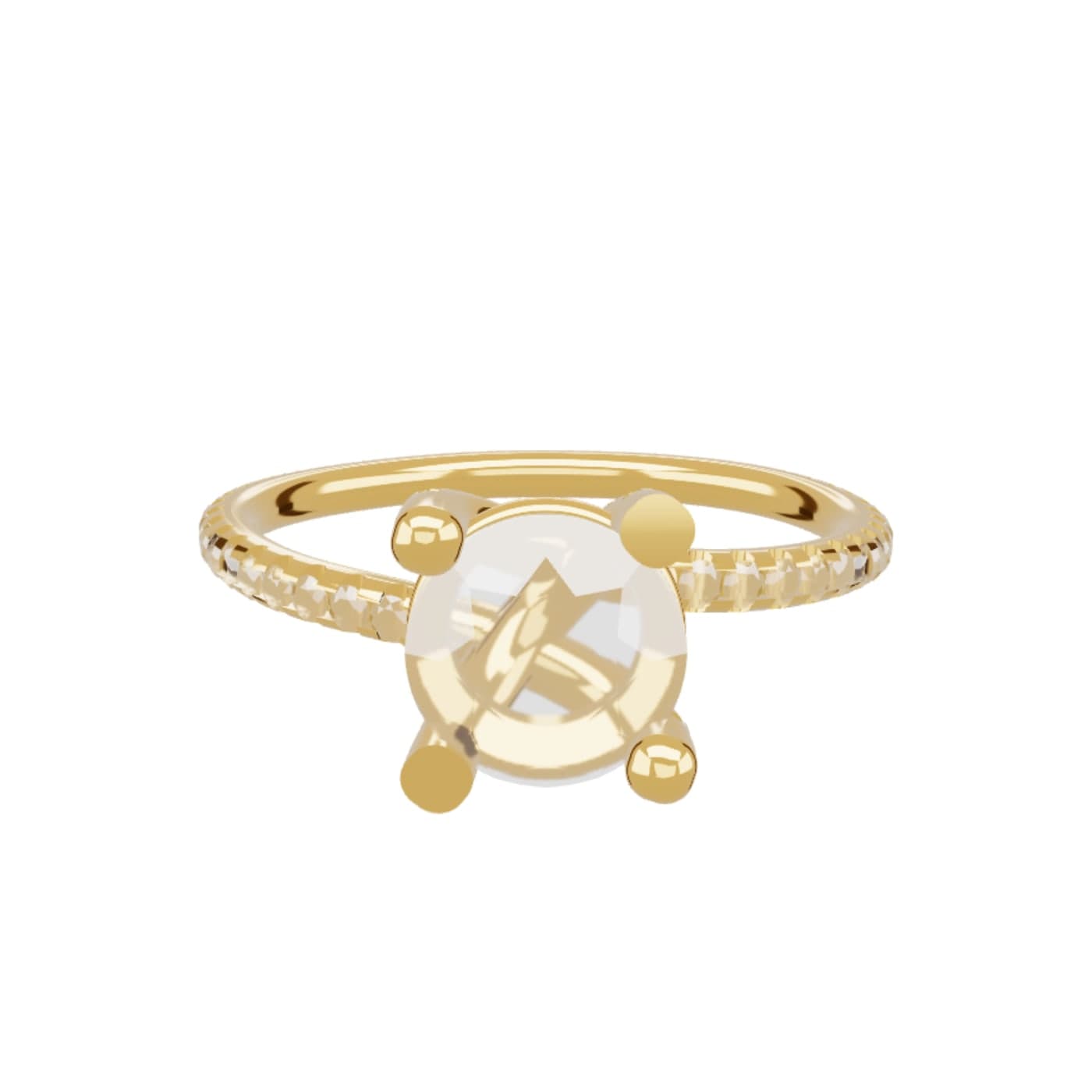 Your 3D file
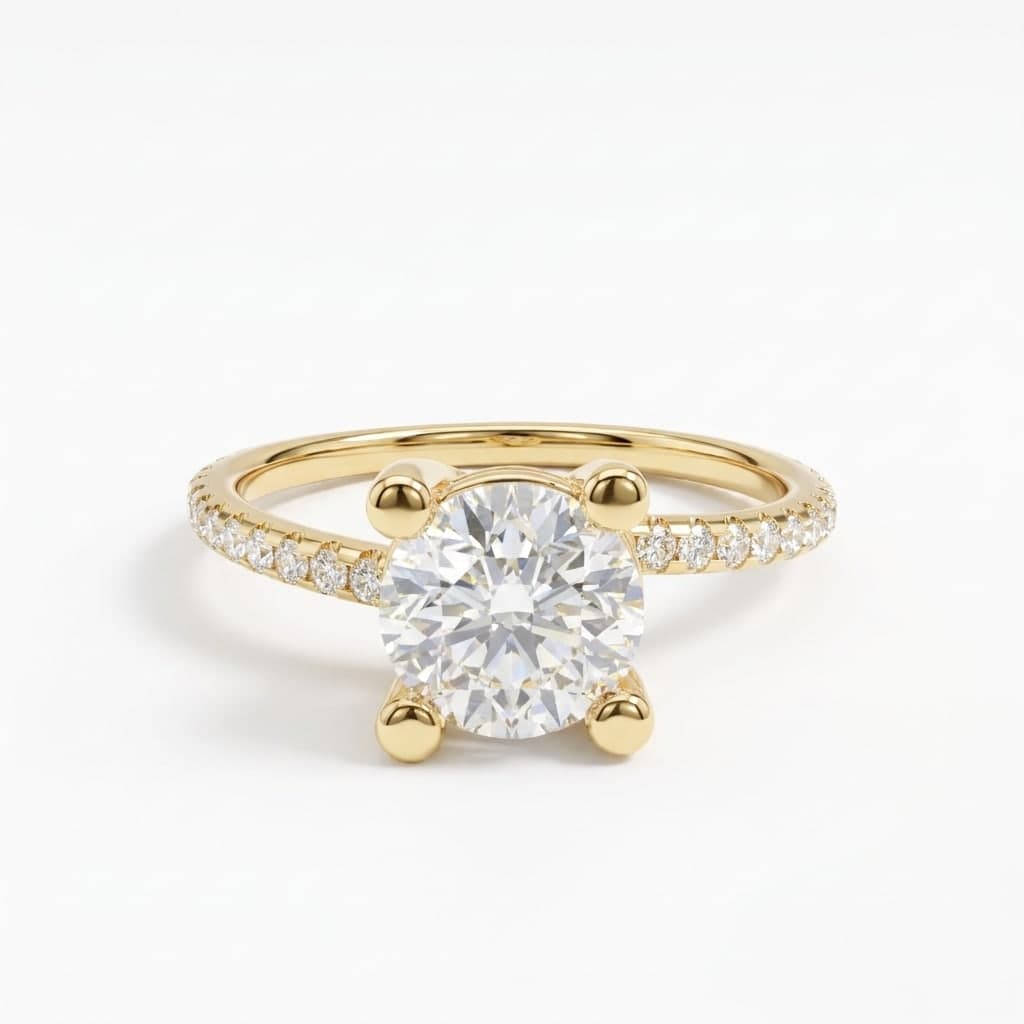
A 3D file
Bring the CAD: .3dm, .glb, .obj or .stl. Choose the metal and stones, turn it to the angle you want, and render it real.
Try it free in your browser Your sketch
A sketch, or a few words
Draw it, upload an illustration, or describe the piece. Studio renders it real, ready for every other step.
Studio assistant
Just say what you want.
No prompts to learn. Ask in your own words, and the assistant picks the right steps for you.
It asks before it guesses.
What the piece is, and how big, so a ring never comes back as a bracelet.
You see the cost first.
Every shot shows its credits, and nothing runs until you press Run.
Results land on your board.
Keep going from any of them: another angle, another look, an ad.
Assistant
Models
On your model, or one of your own.
Use the people you already shoot with, or create a model once and keep the same face across your whole catalogue.
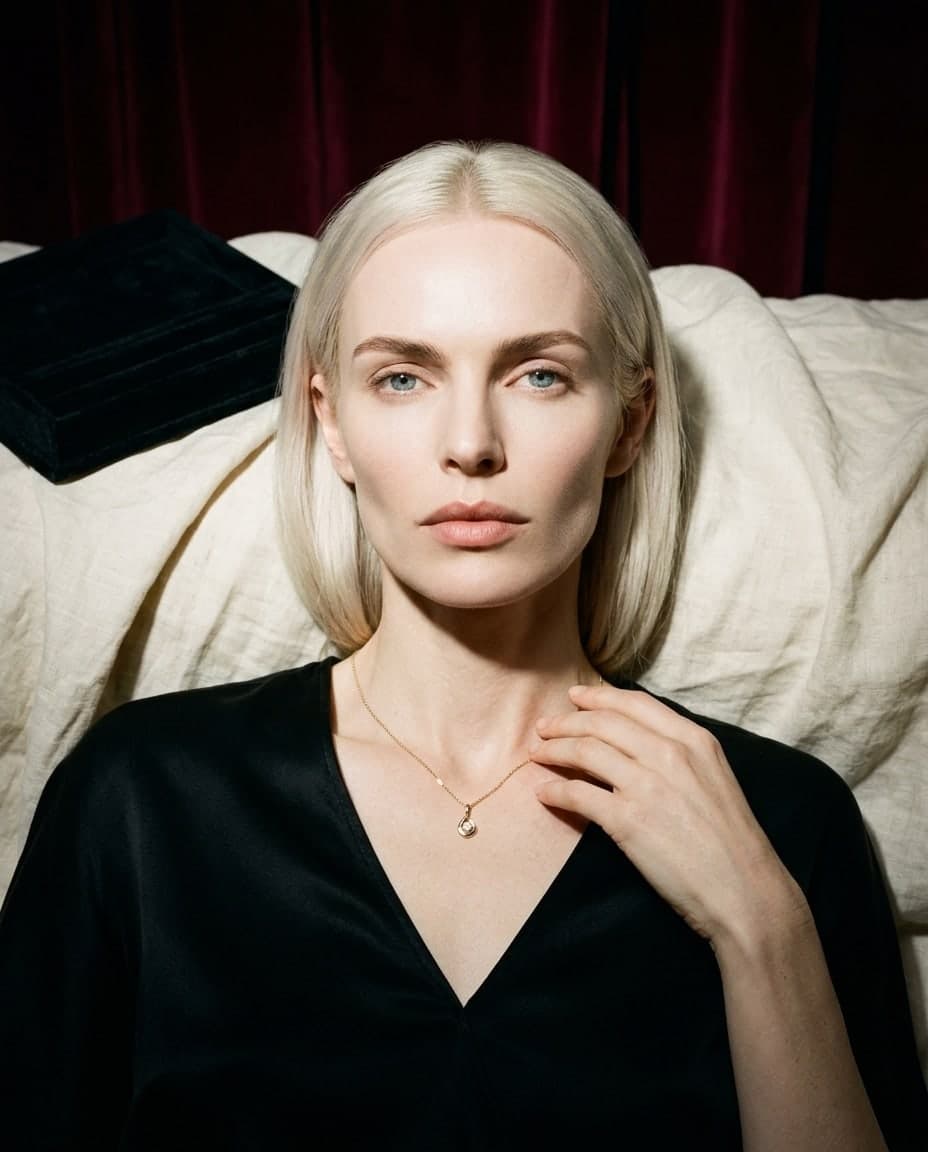
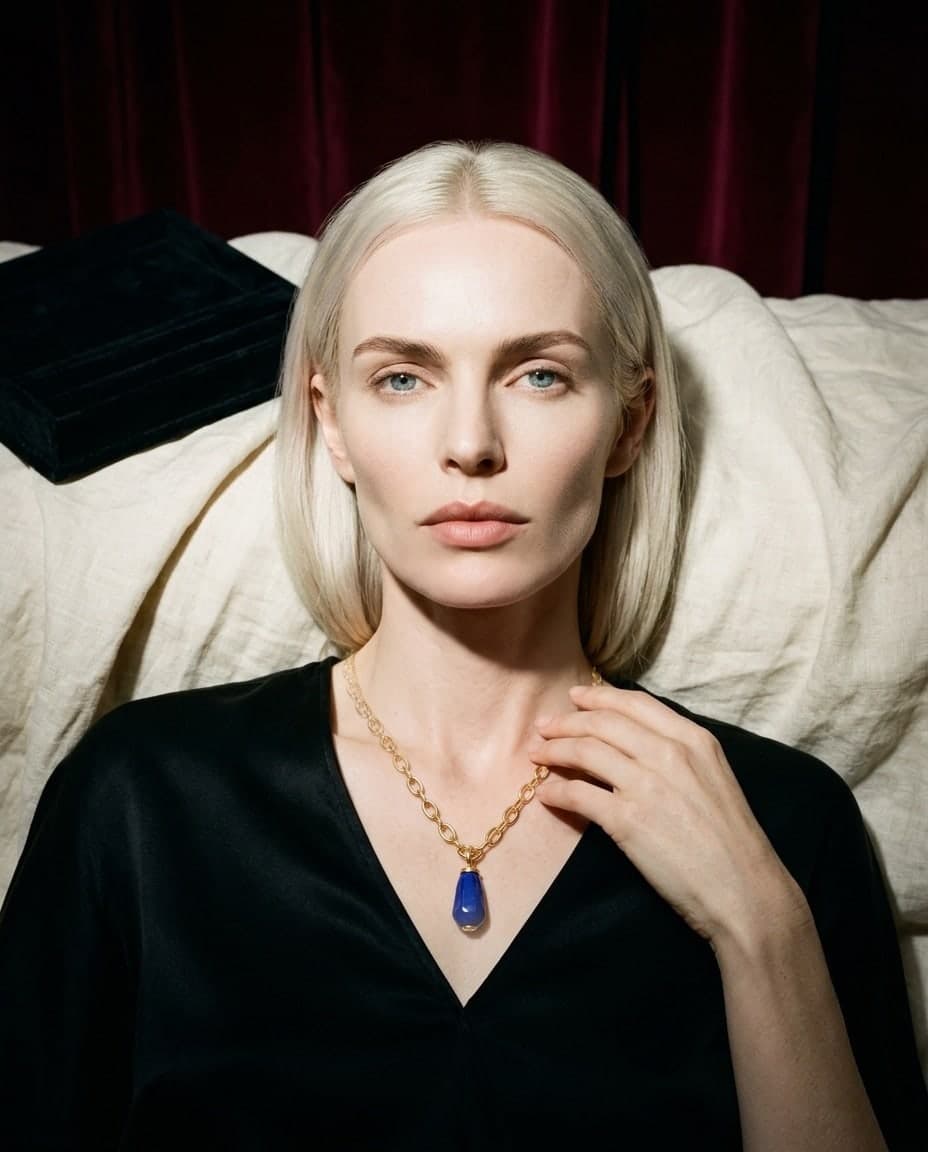
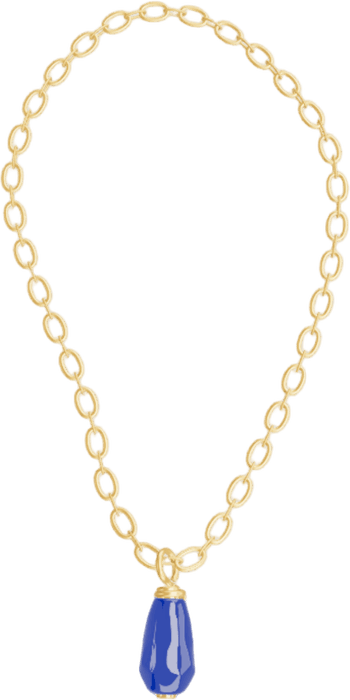 Your jewelry
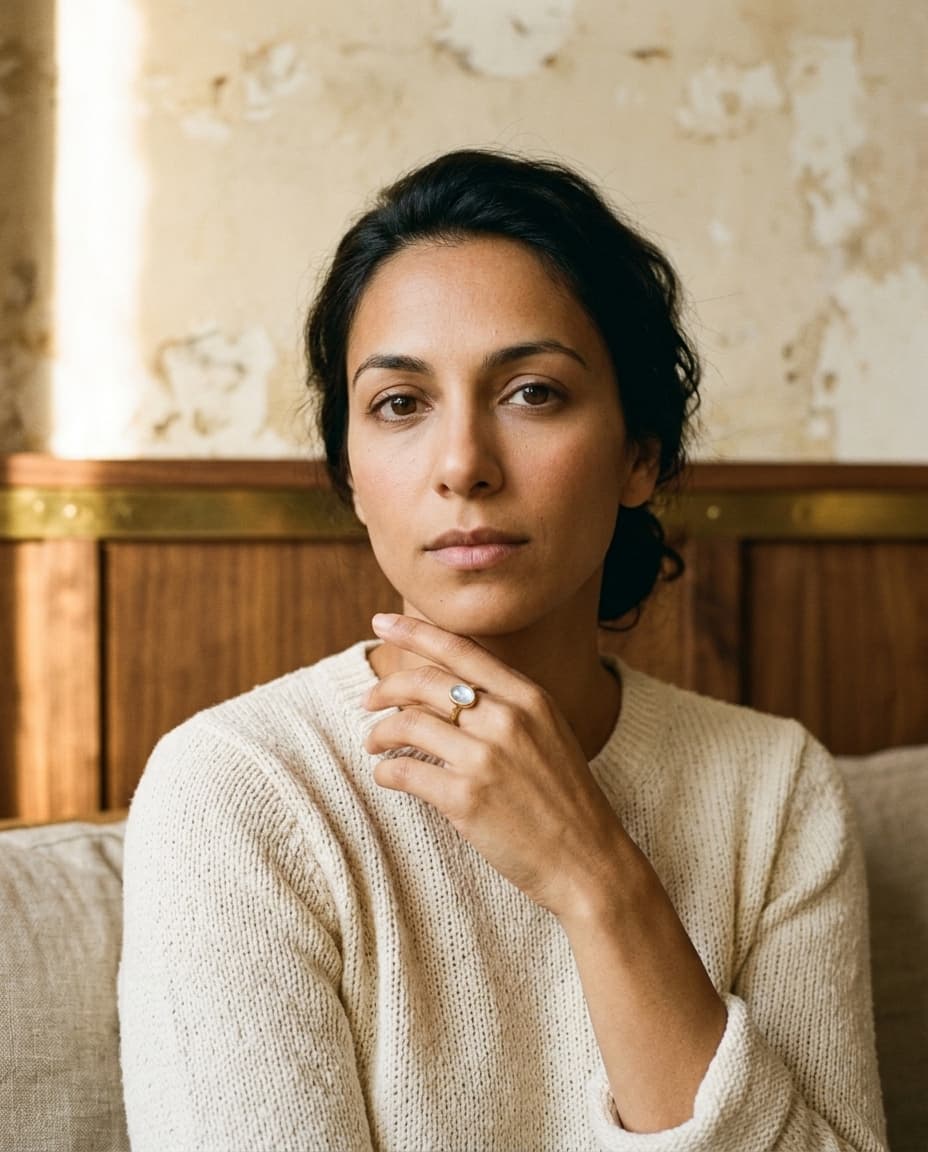
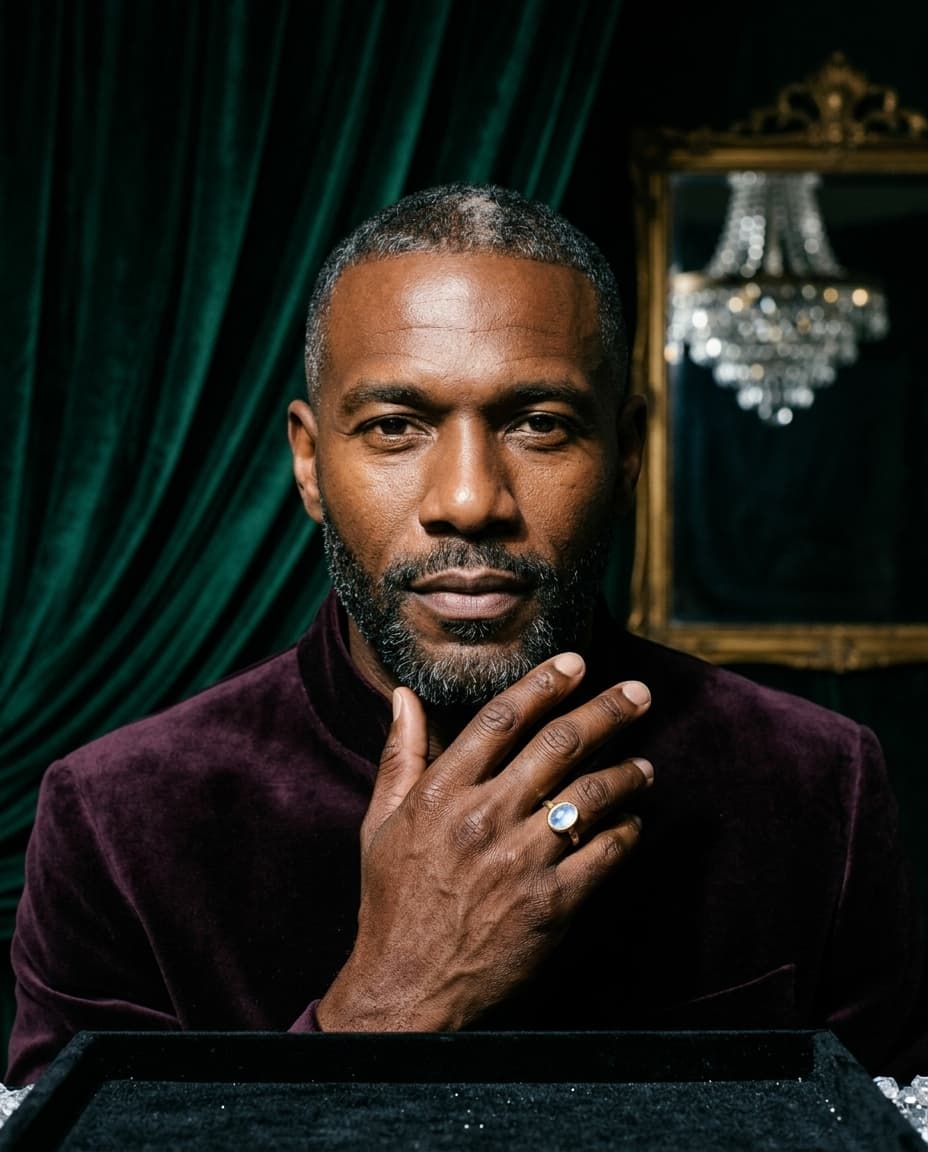
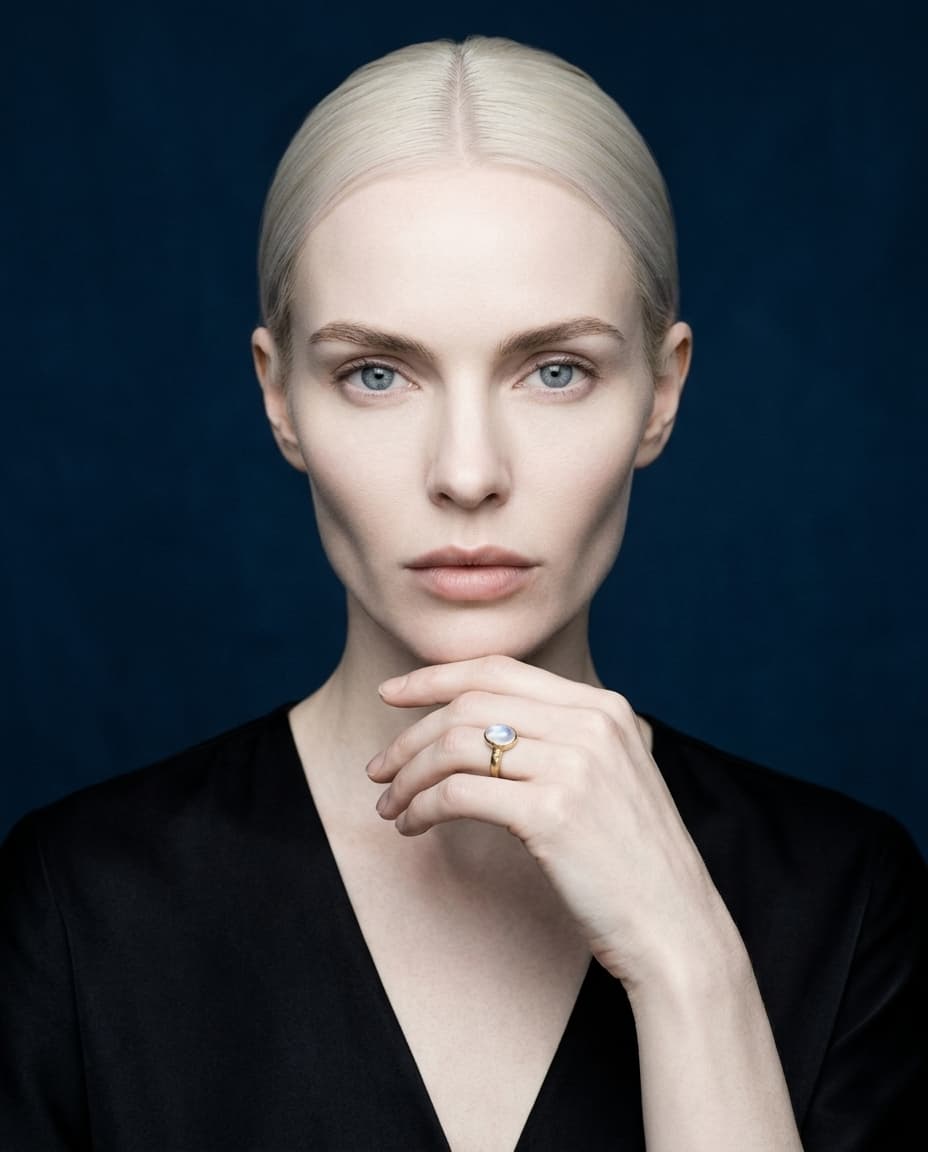
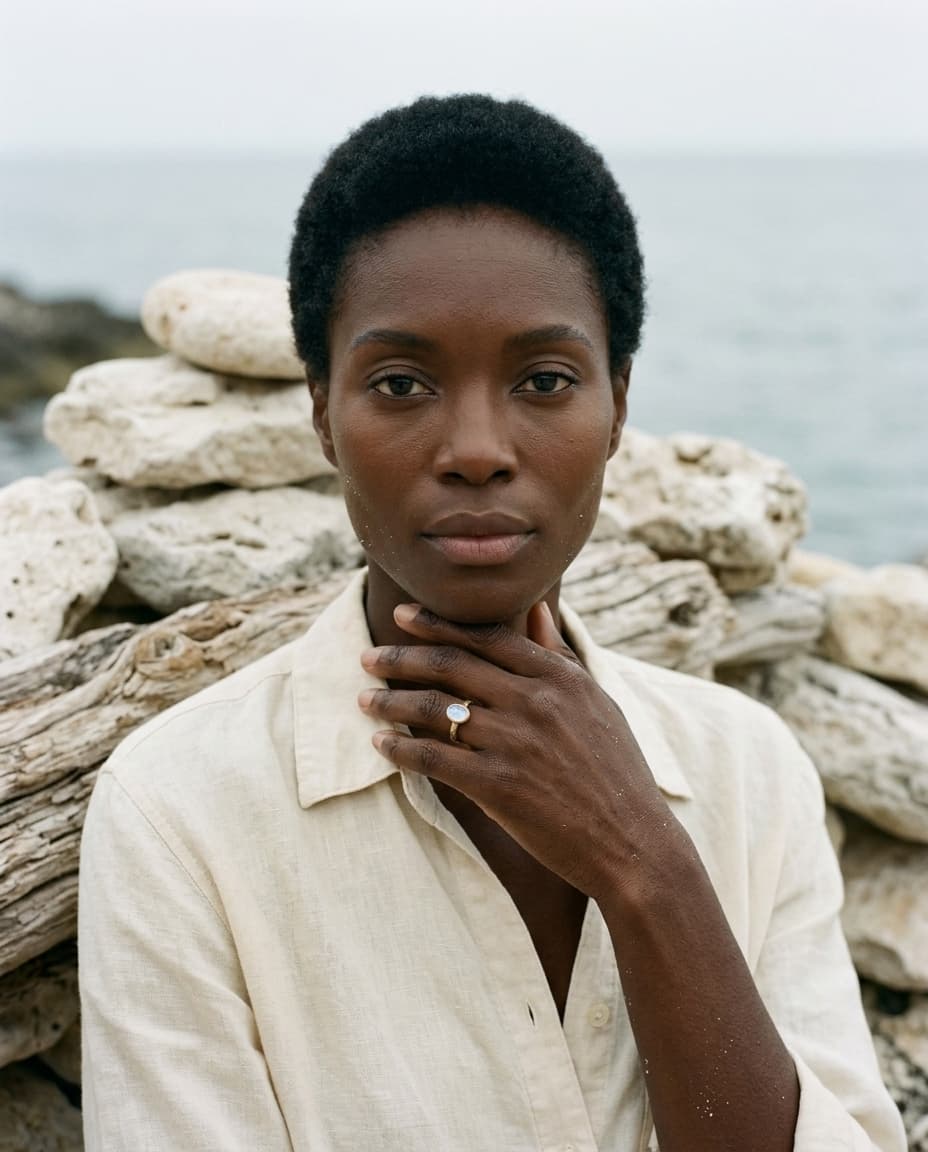
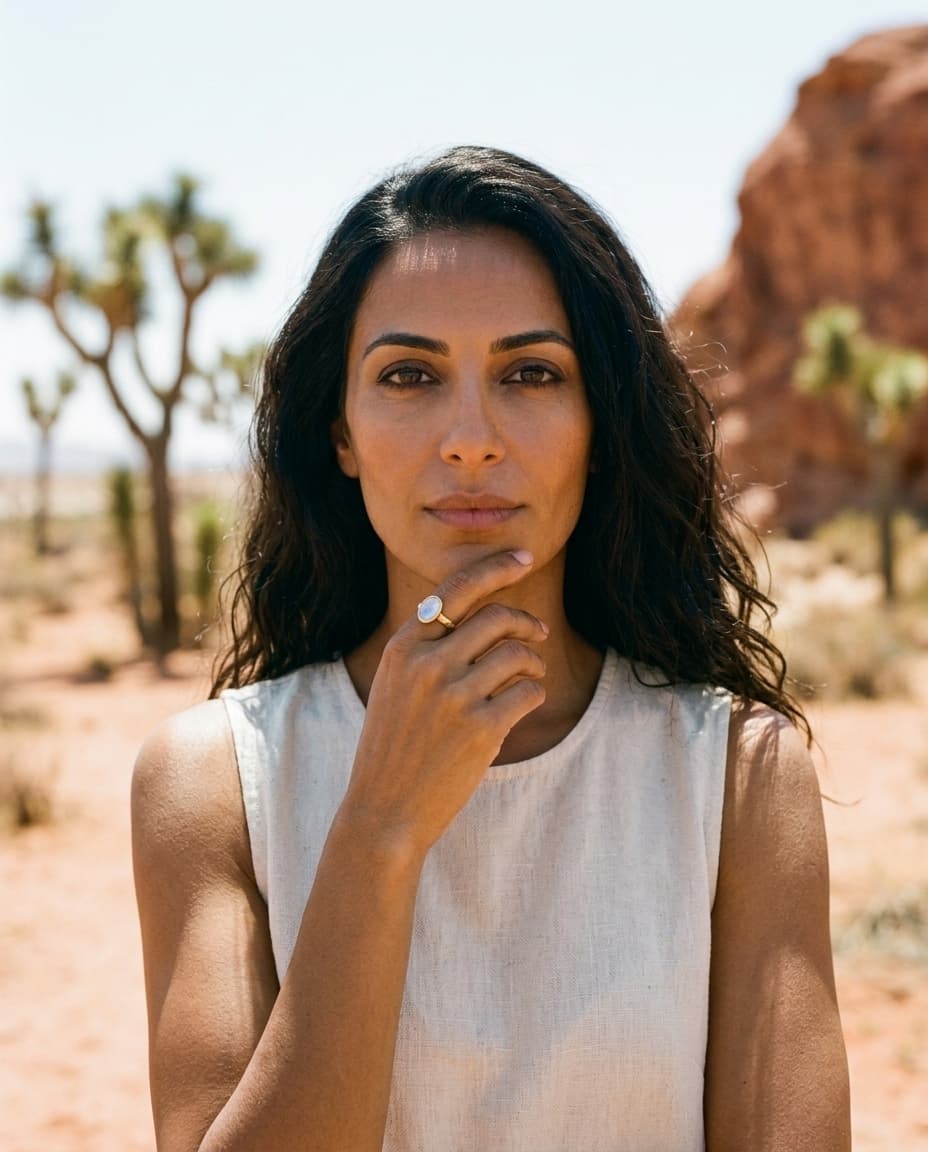
On your own model photo
Upload a photo of your model, or pick one of ours, and place the piece where it’s worn. Studio blends in the light and shadows and leaves the rest of the photo untouched.
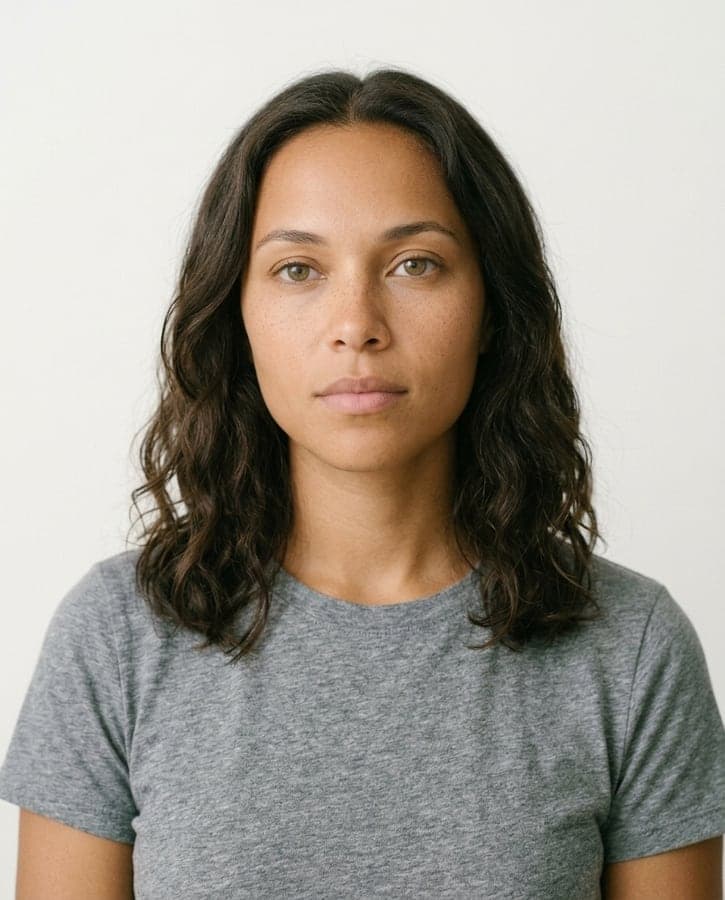
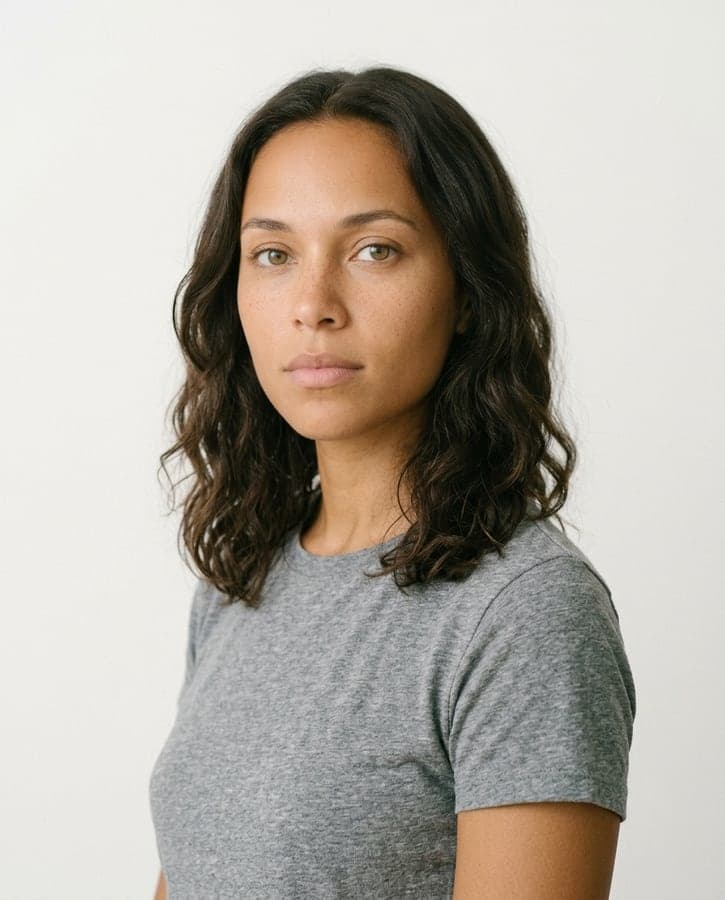
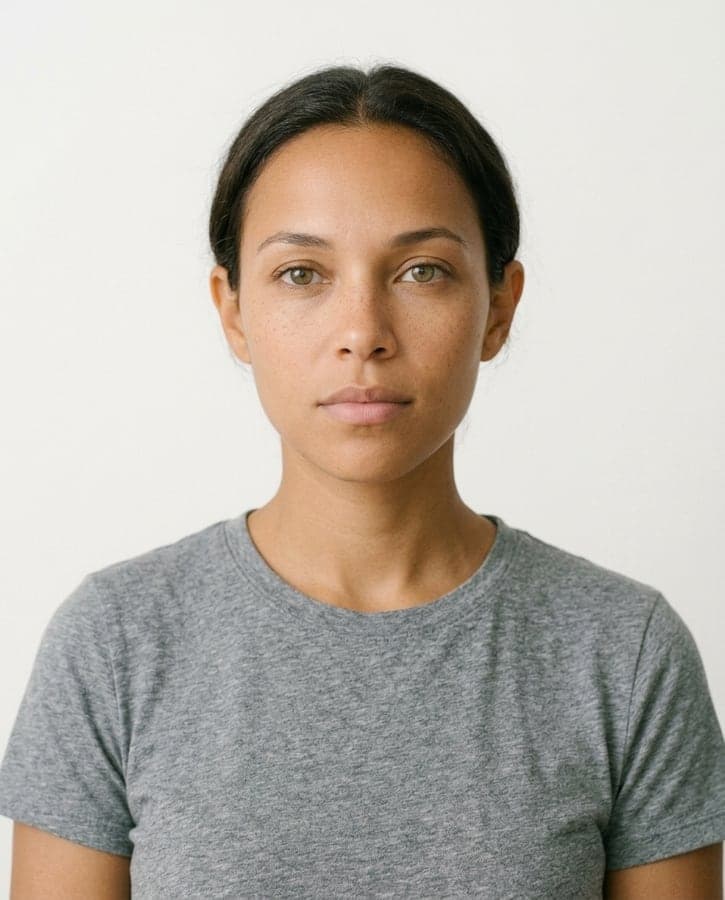
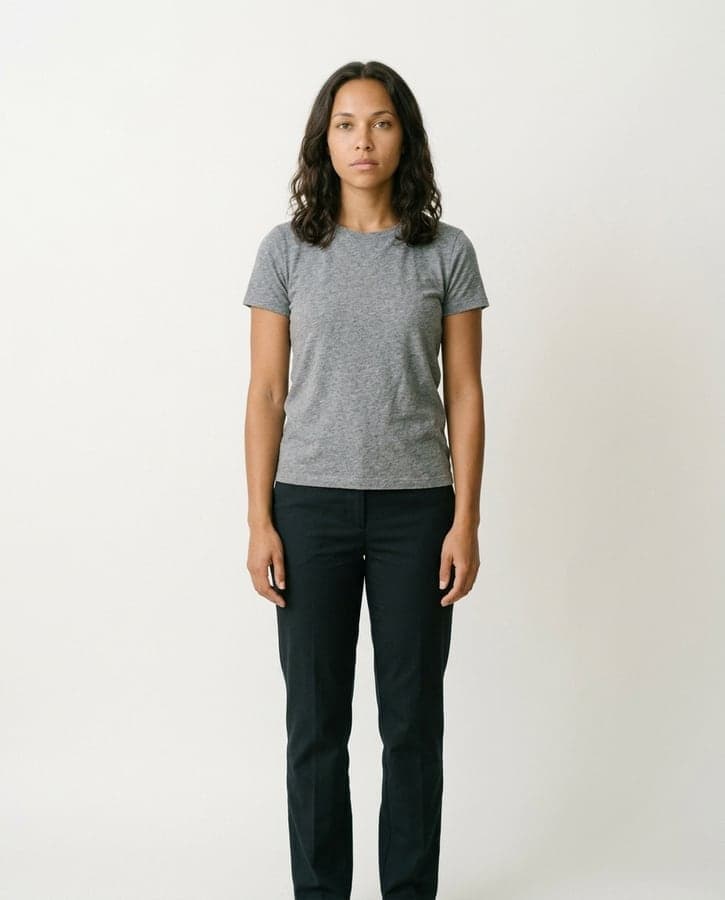
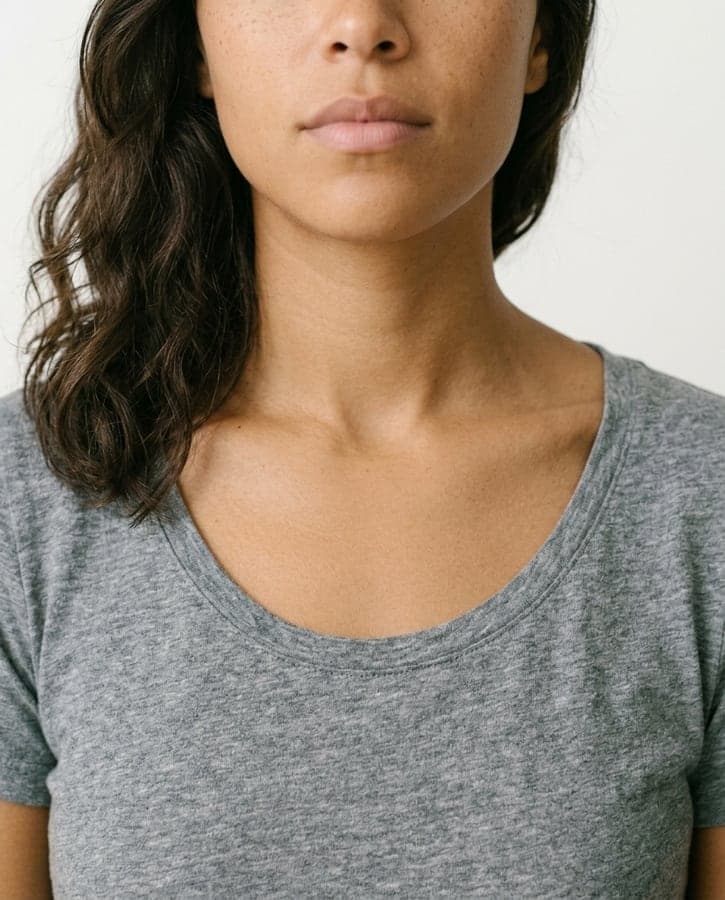
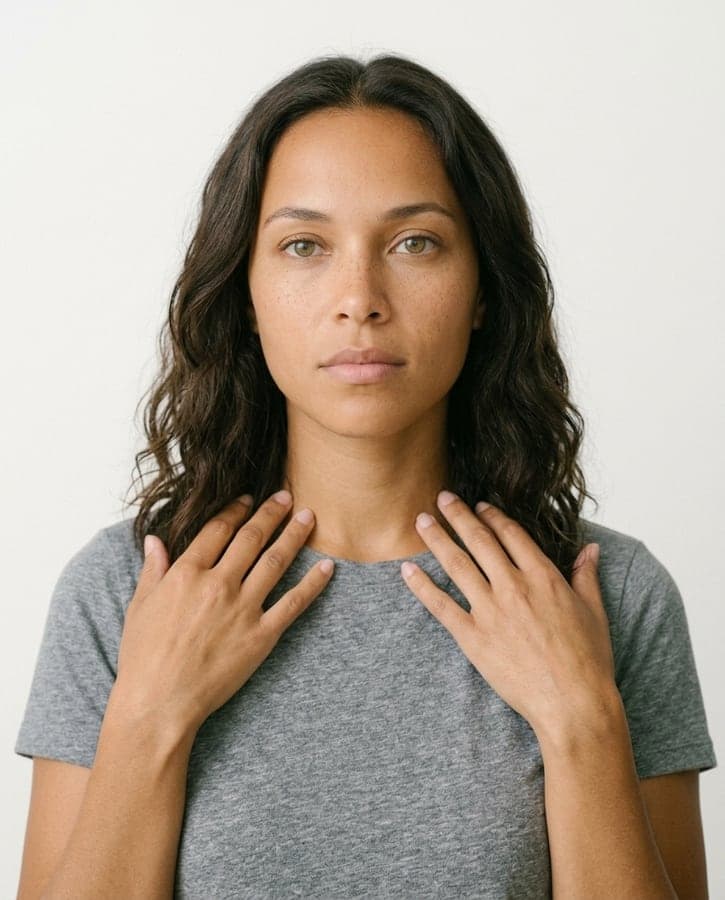
Or a model of your own
Describe who you want and Studio makes a model sheet: one face from every angle. Cast them in any on-model shot, so a whole collection shares one face.
- Late 20s
- Wavy dark brown hair
- Light freckles
- Soft look
Up close
The same piece, at every step.
The bezel, the cut and the rope chain, cropped close in the original photo and in both results. Check your own pieces the same way before you publish.
Your photo
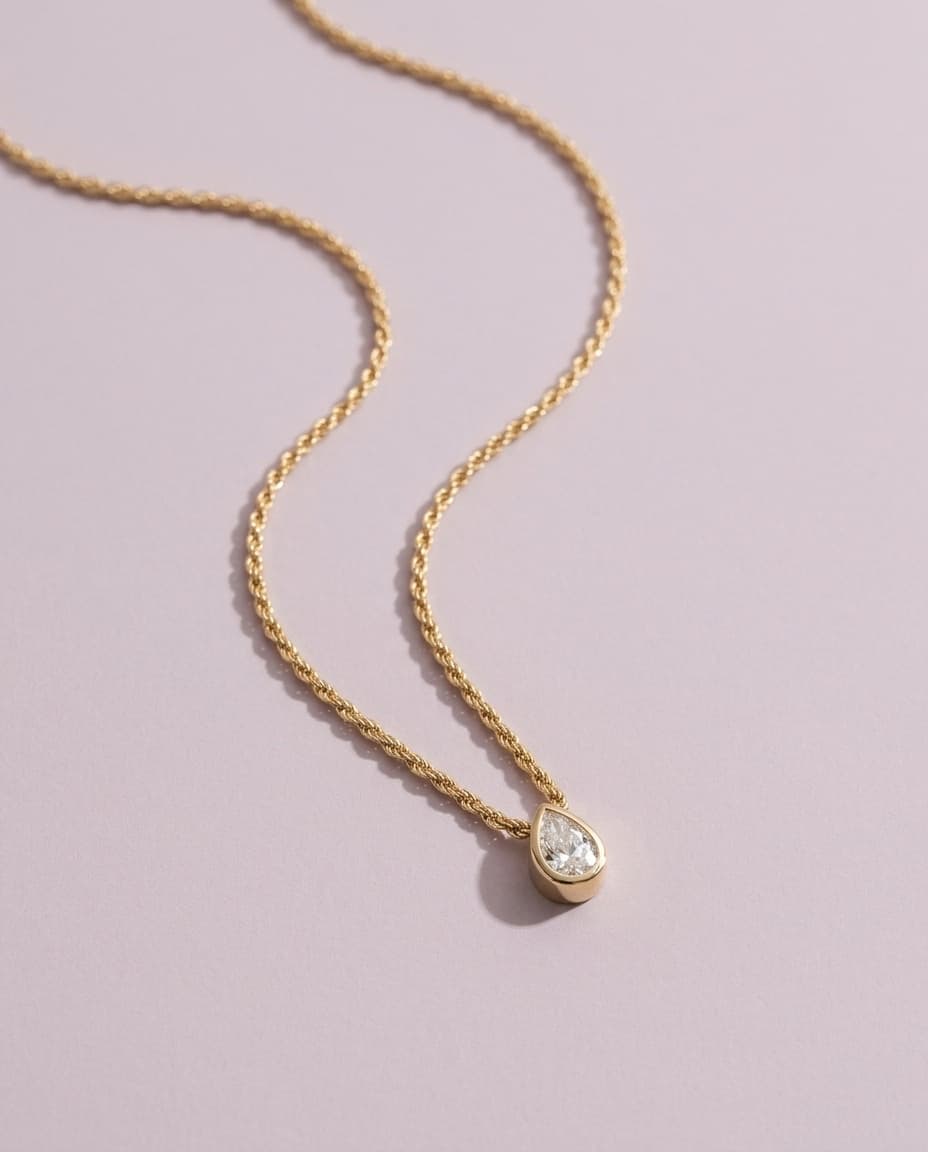
Product photo

On-model photo
Tools
Quick fixes, no board needed.
For a single photo that just needs a hand: drop it in, pick a fix, download.
Clean up
A tidy, bright photo of the piece, as it is.
Remove background
A clean cut-out, ready for any layout.
Change background
The same shot on a new surface.
Auto light & colour
Fix a dull or blue phone photo. Free.
Sharpen & enlarge
More detail from a small or soft photo.
Download in 4K
Any result, up to 4096 pixels.
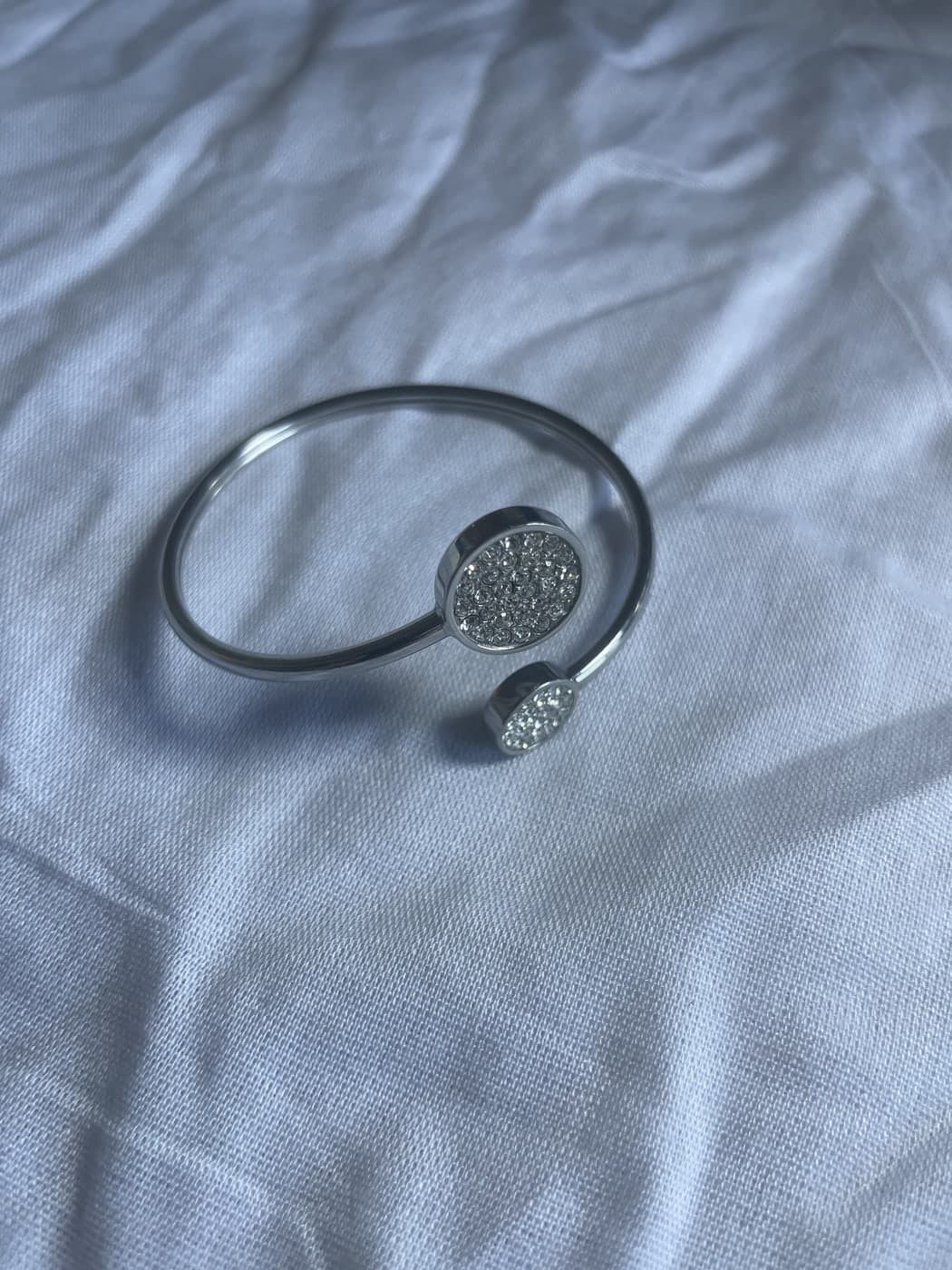 Your photo
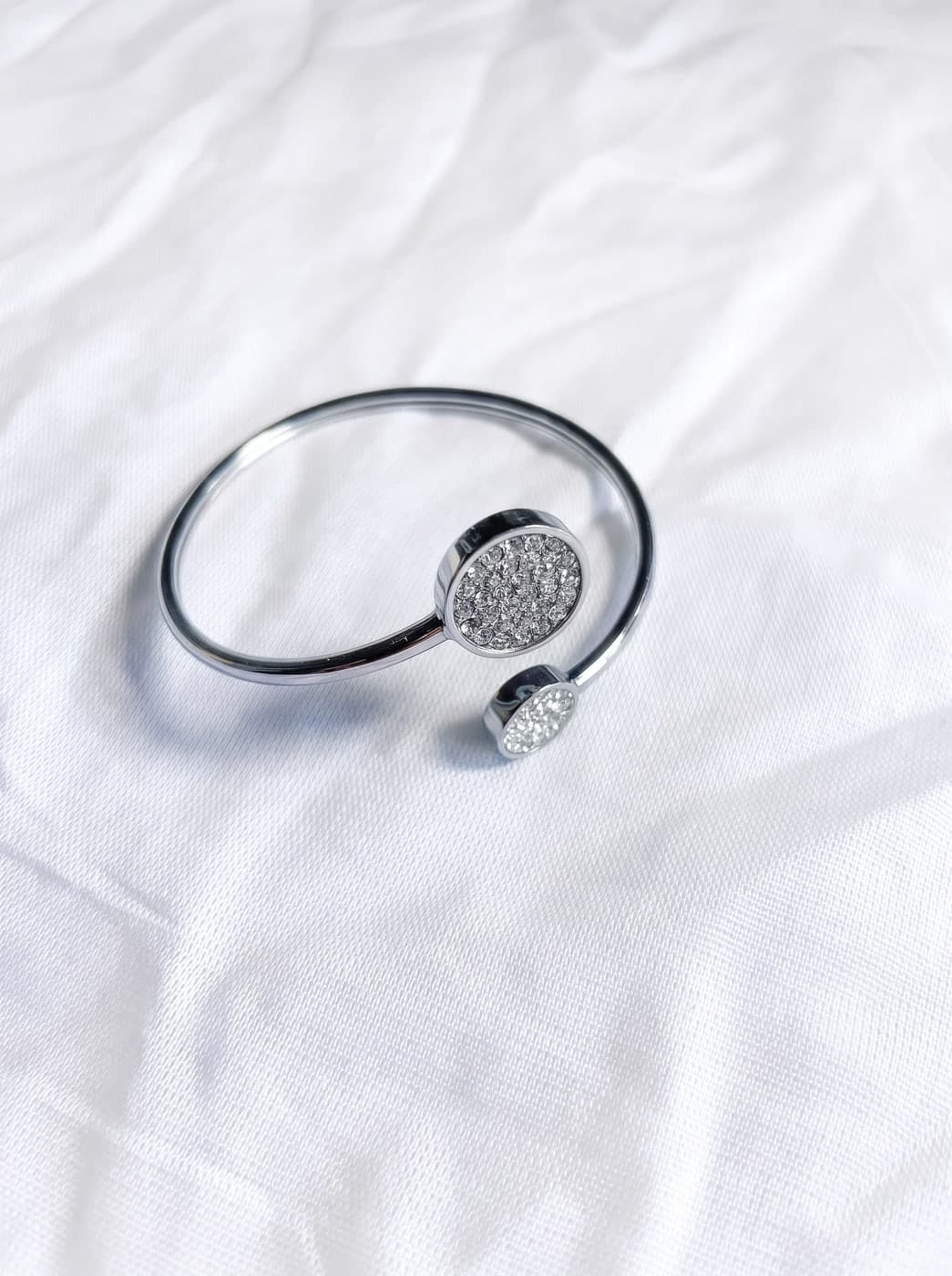
 Your photo

Free for jewelers
Prices, stamps, sizes and brands.
metal prices
jewelry brand directory
Pricing
Simple pricing.
One price per plan, everything included. Start free and only pay when you want more credits.
- Free$0
30 credits to start, 3 photos
- 3 studio photos of your own piece, free
- Try any of the 15 studios and 17 house models
- Full commercial rights, your images are yours to keep
- ProPopular$39.99/mo
50% off
Regular price $79.98Launch price until January 312,000 credits every month
- Top up anytime with credit packs
- All 15 studios, 17 models, and your own custom model
- Photos and video, on a model or on their own
- Full editing suite: background swap, retouch, color grading
- Faster rendering
- Studio$79.99/mo
50% off
Regular price $159.98Launch price until January 314,000 credits every month
- Fastest rendering
- Bulk catalog export (soon)
- Concierge onboarding and a dedicated contact
About 10 credits per photo and 100–200 per video.
Start here
Choose your light.
3 free photos, no card needed. It runs in your browser, and on iPhone.
Or talk to the founder first: thirty minutes, bring one piece and we'll shoot it live.