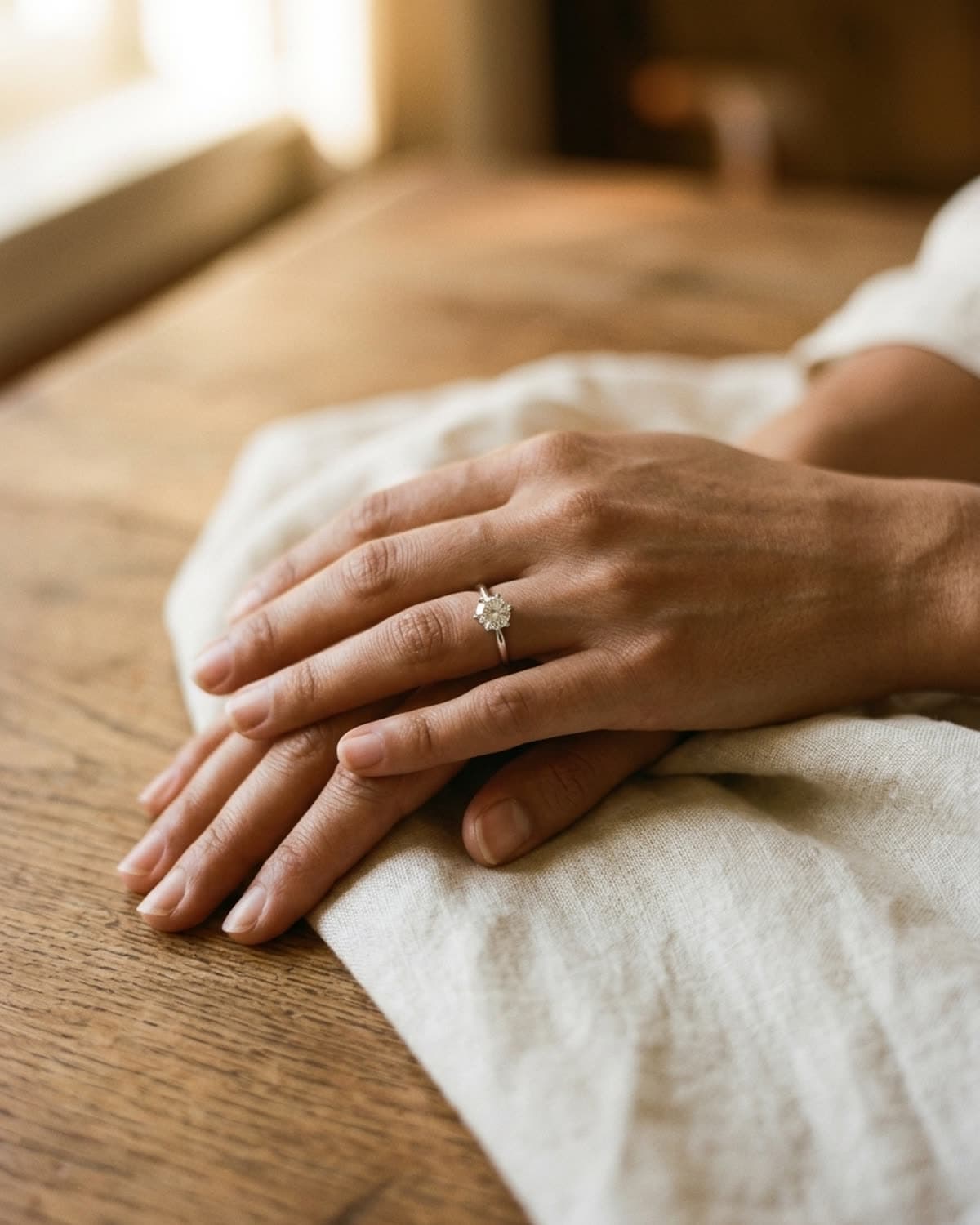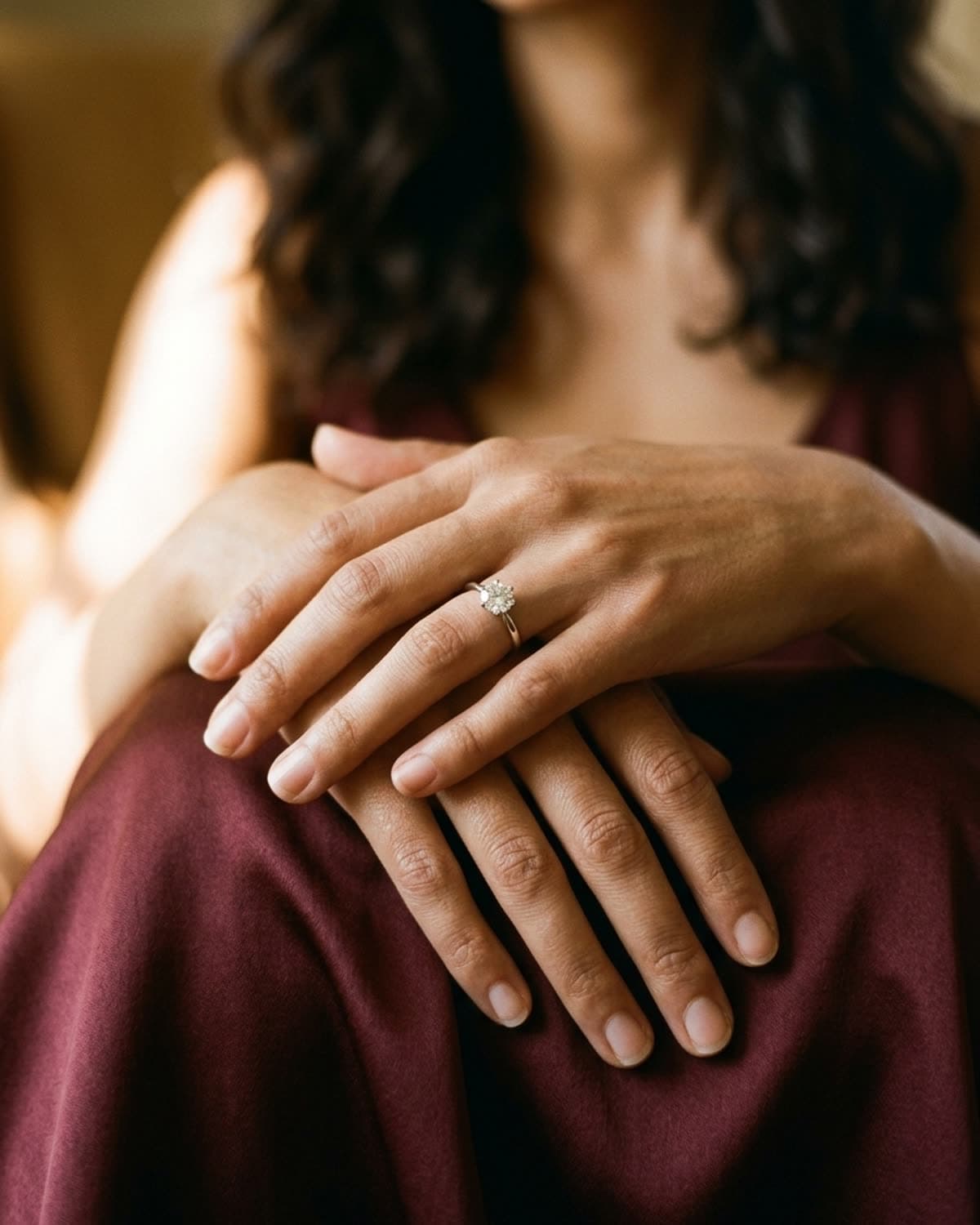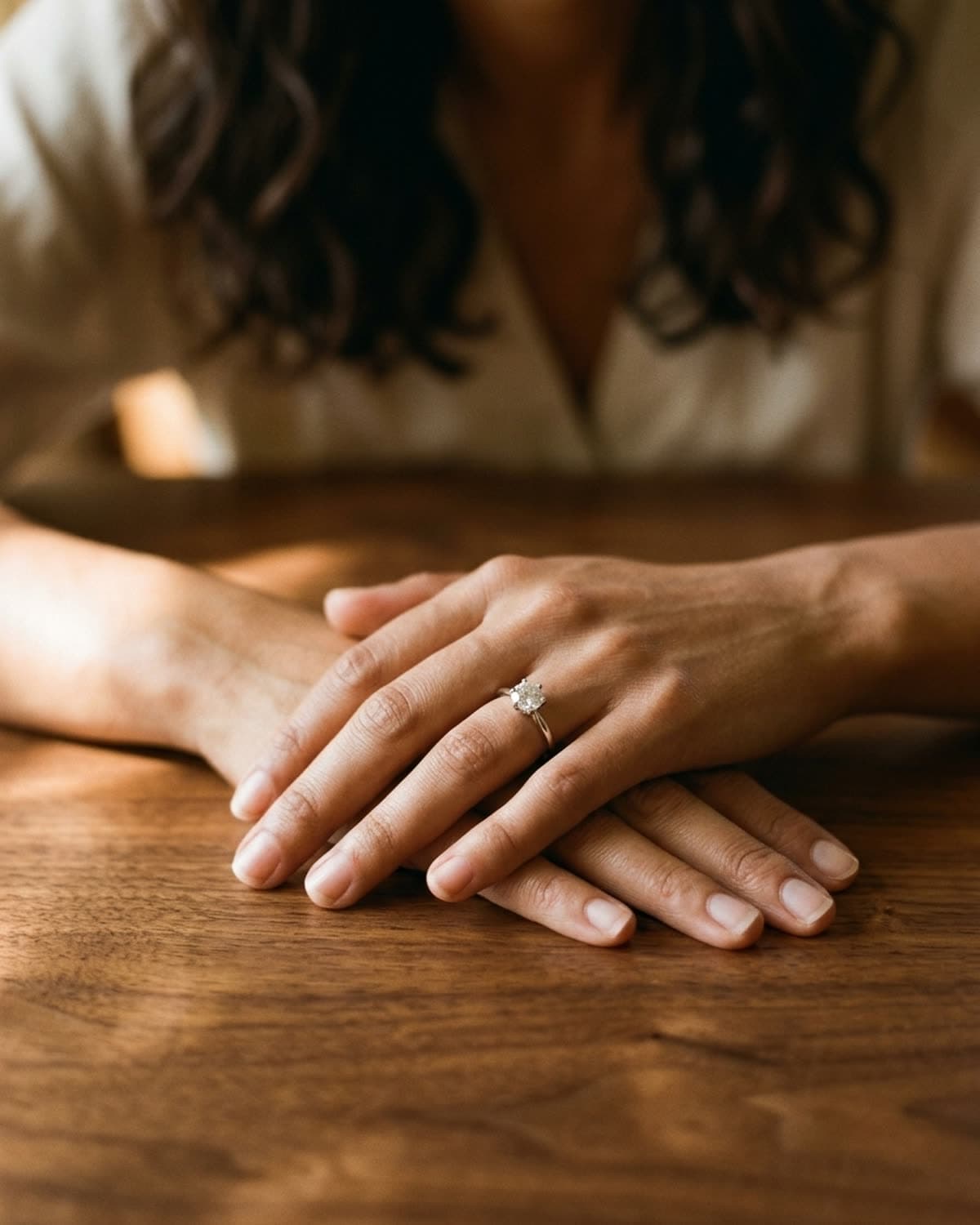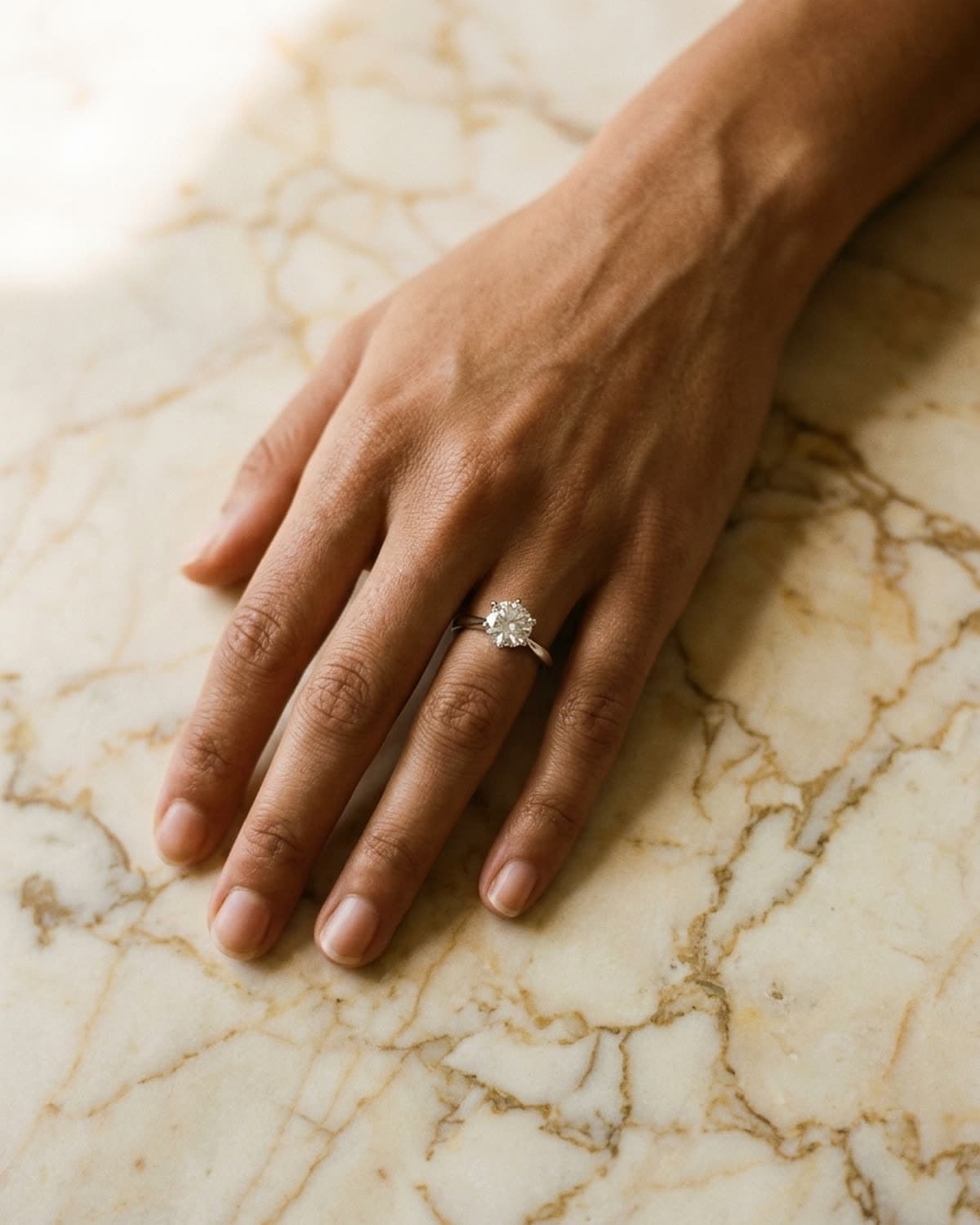
Rings
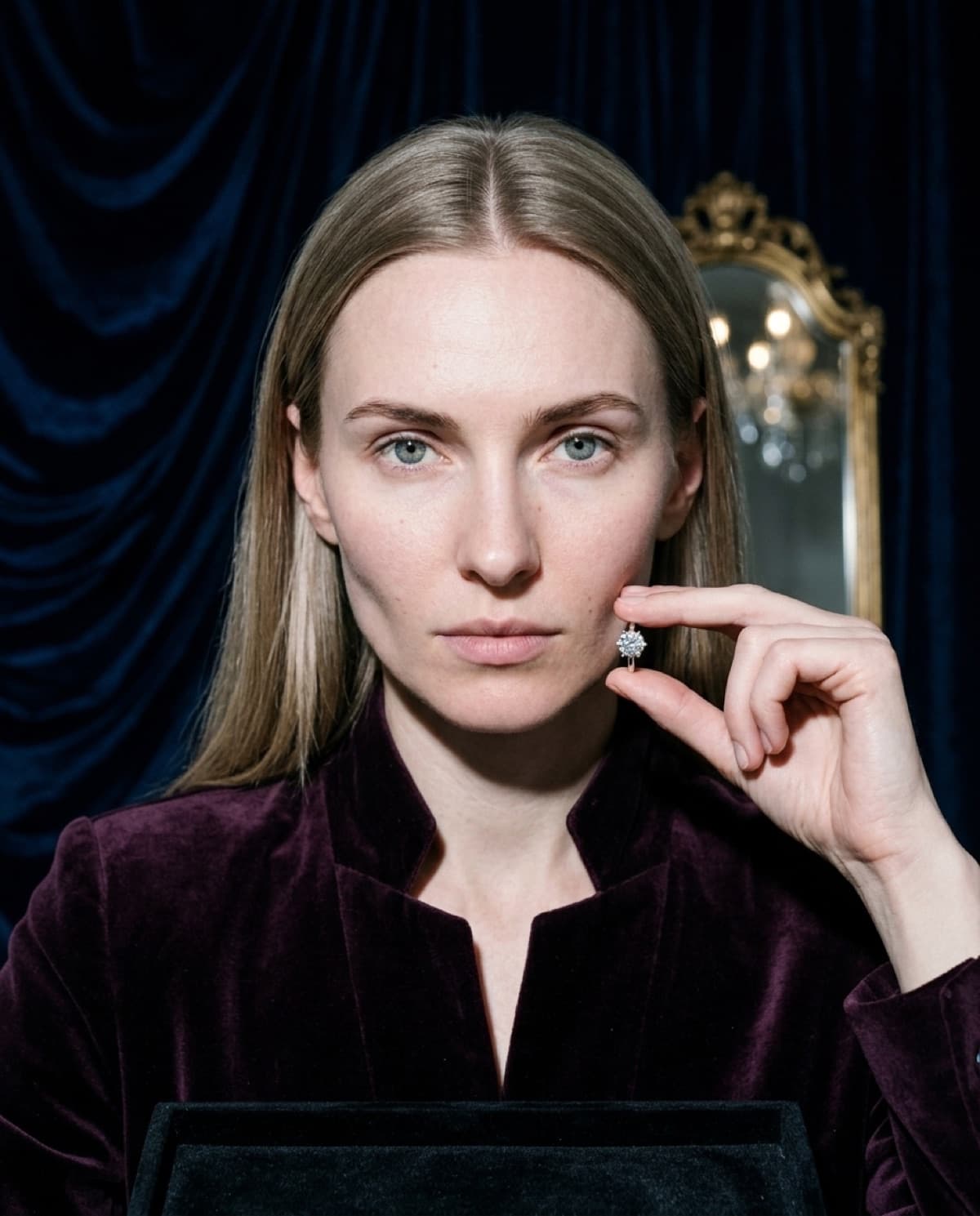
Solitaire ring on navy velvet, with Anya.
This runs through Vault — the velvet-stage studio — with Anya. The deep navy drapery absorbs every stray reflection so the only thing that sparkles is the stone, and the single hard spotlight is tuned to a tight specular highlight on the diamond. Anya holds the ring at her jaw rather than wearing it: the auction-house gesture that says 'examine this,' which is exactly what Vault is built for. The gilt mirror and oxblood velvet place the piece in a late-night collection viewing without a word of copy. For statement and diamond-heavy work, this is the format that reads as 'magnificent jewels' instead of 'product page.' One generation, no studio rental.
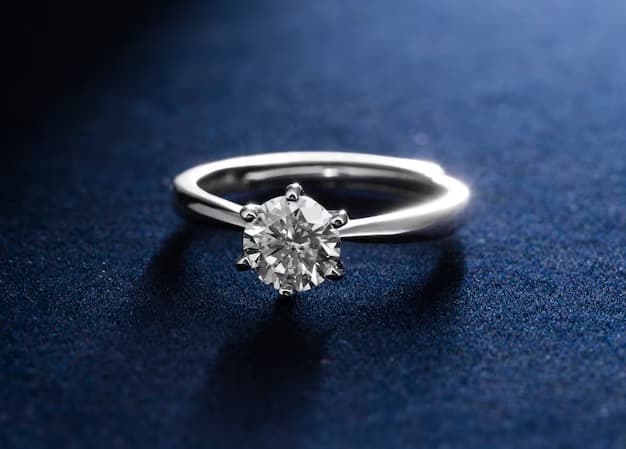
Started from this
A single iPhone photo of the piece. One prompt. Sixty seconds.
- Piece
- Rings
- Scene
- Anya, navy velvet, solitaire
Shoot your jewelry like this. 3 free photos, no card needed.
Recreate this look
Same workflow, your piece.
The studio + model pairing here is in the app. Pick them, upload your iPhone photo of a real piece, and Bling AI runs the same generation pipeline.
Step 1
Upload a phone shot of your piece.
Any iPhone photo on a neutral surface — cream linen, paper, a clean wood board. Natural diffused light. Sharp focus on the piece.
Step 2
Pick the Vault studio.
Iced. Velvet stage. — Emerald or wine velvet drapery, hard spotlight, ice-on-jewel sparkle. For diamond-heavy, statement, and auction-coded pieces — Cartier ice campaigns, Pharrell Joopiter.
Step 3
Cast Anya.
Sharp ice. Slavic editorial. — A late-20s Russian woman with ash-blonde hair and ice-grey eyes. Sharp angularity, magazine-cover stillness.
Step 4
Generate. ~60 seconds.
Run on its own or as part of the Etsy listing pack — same studio + model, four shots, one tap.
for a piece like this
the metal and the fit
brands making rings like this