bling ai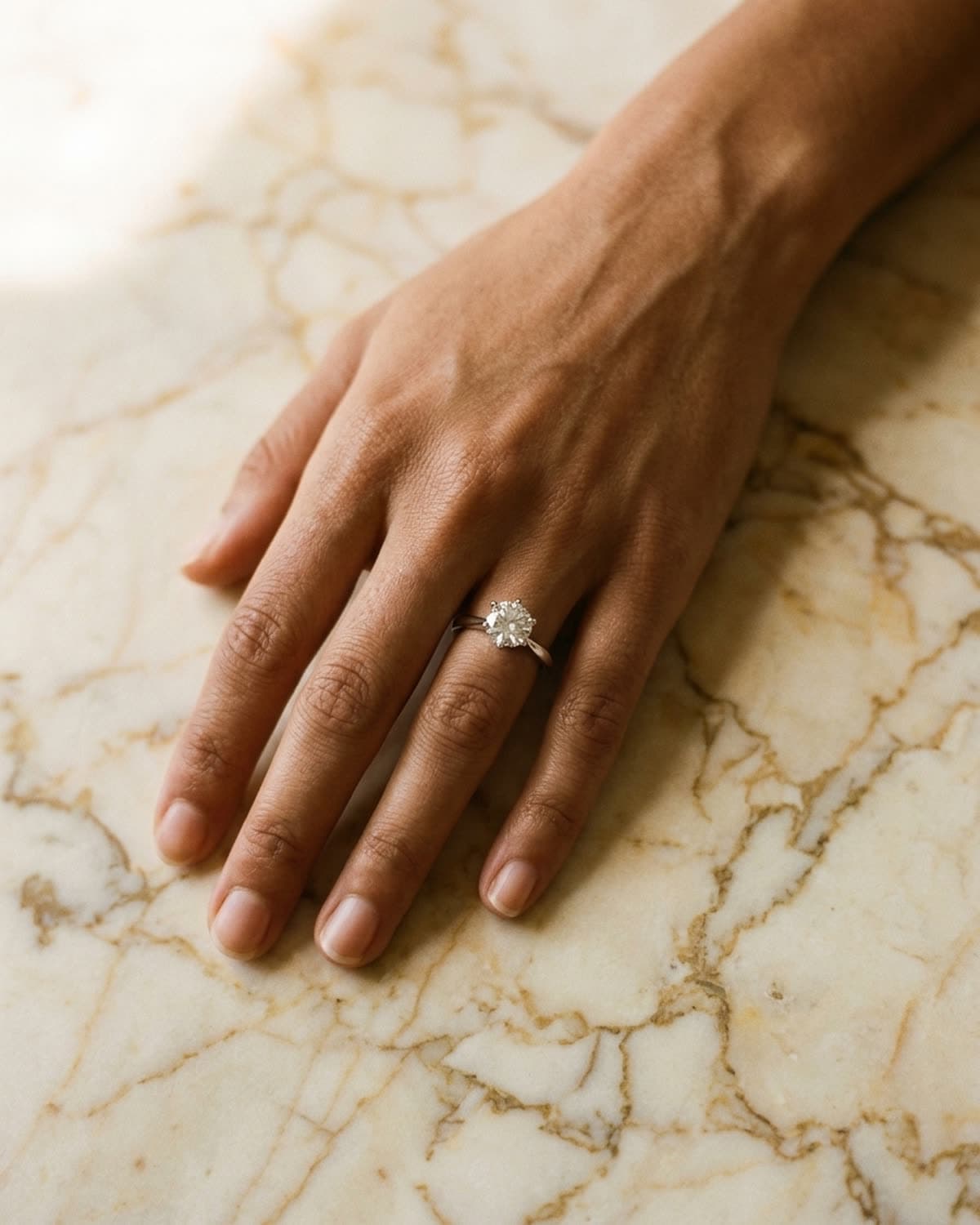
rings
solitaire ring on a hand, cream marble.
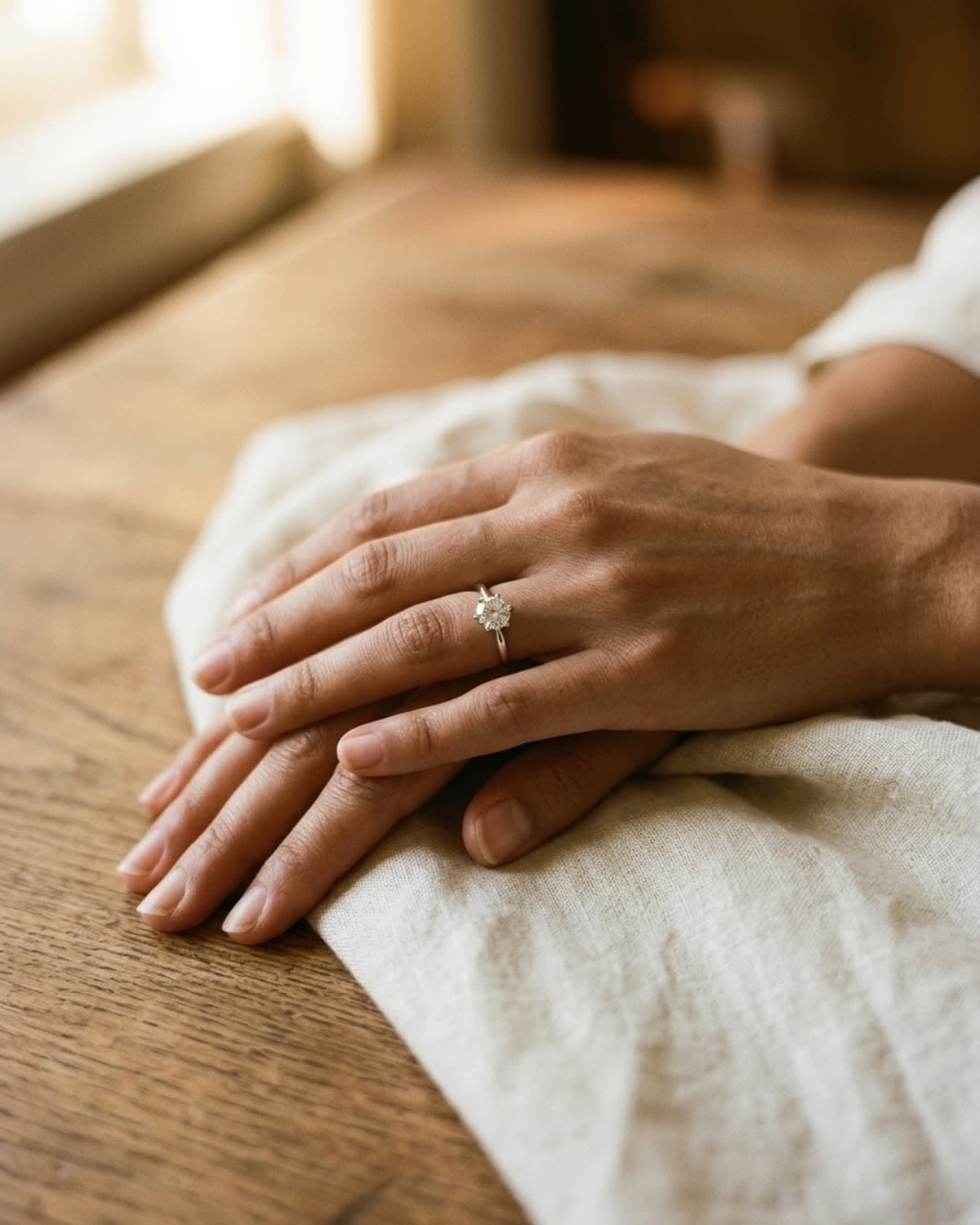
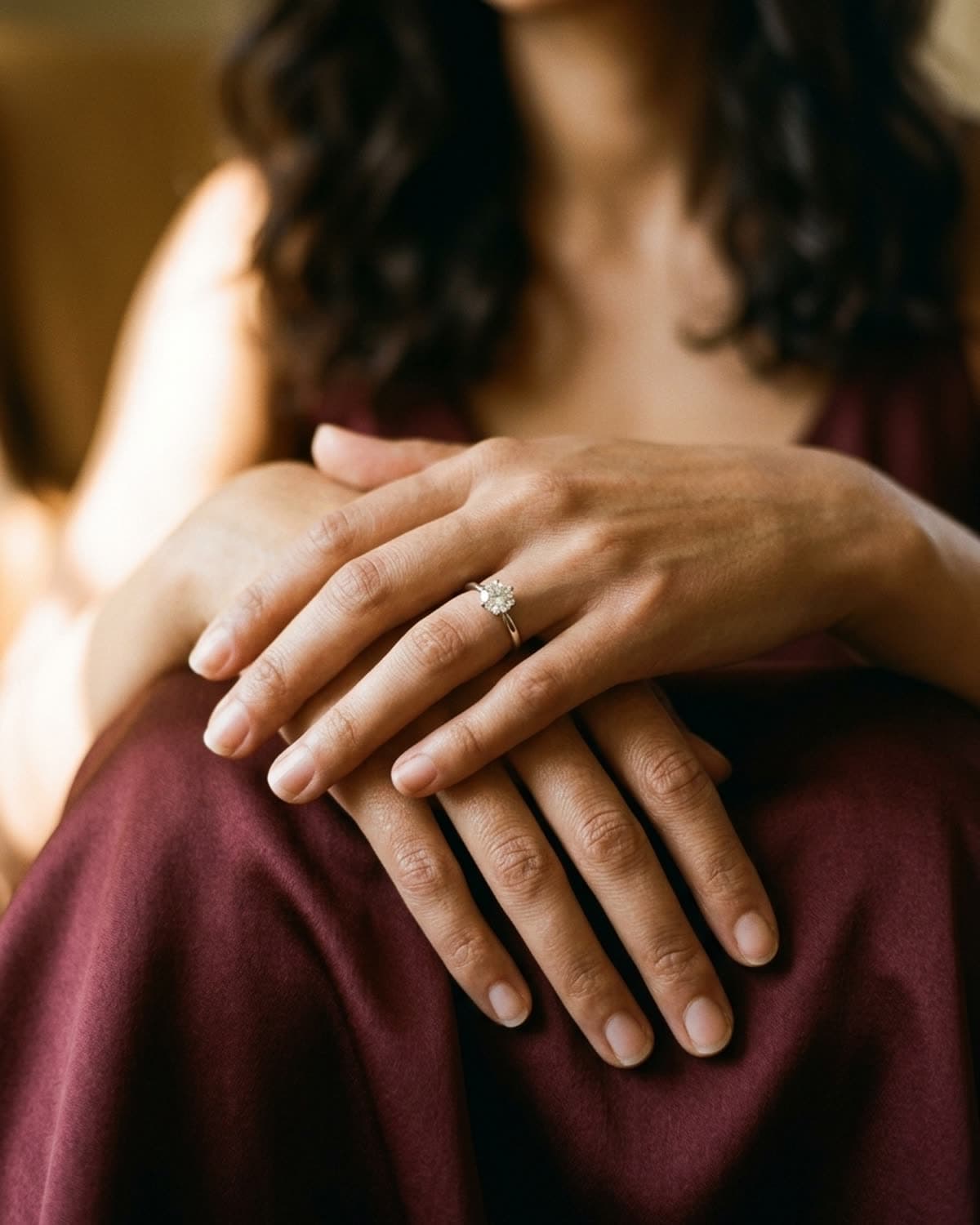
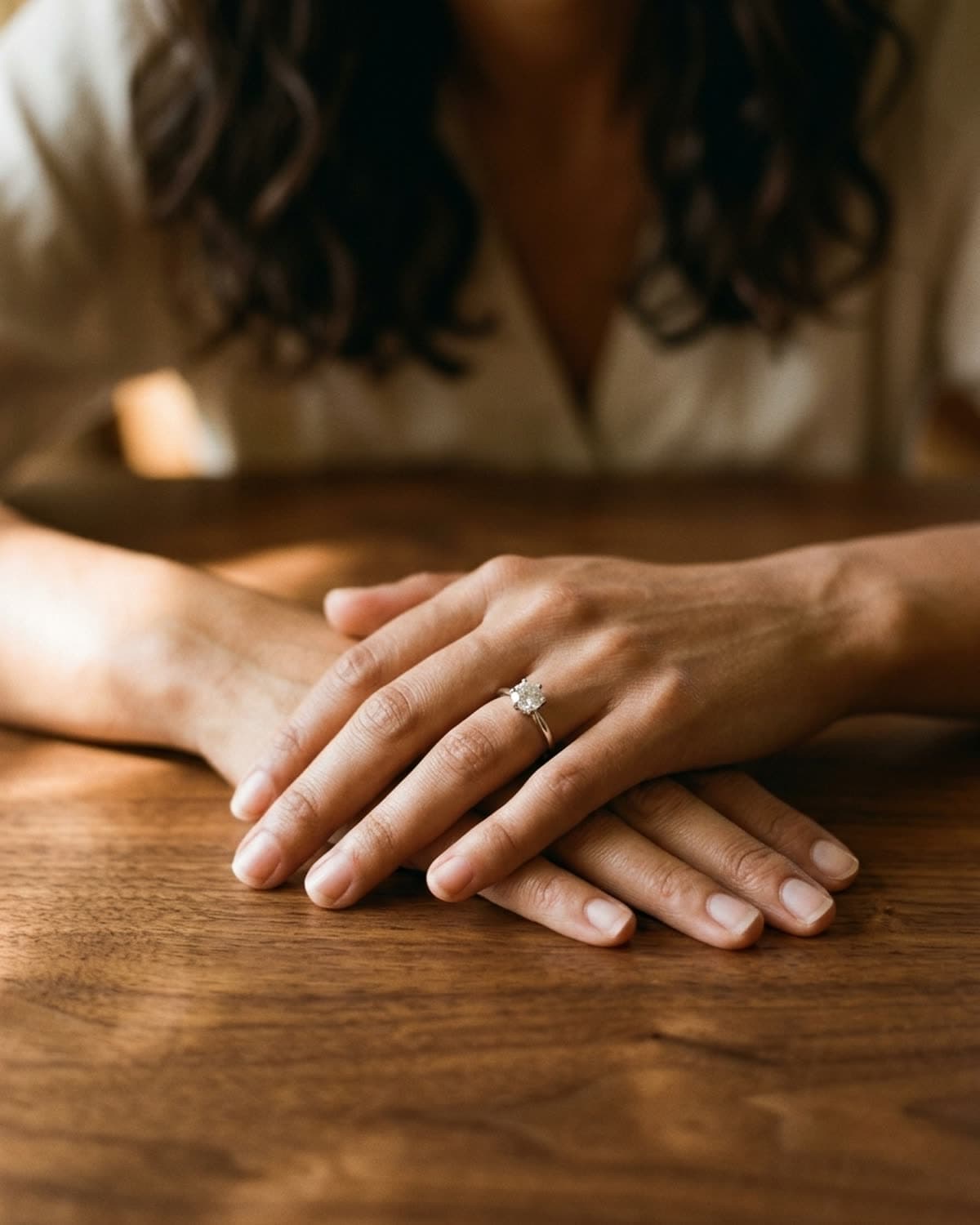
Mira's hand laid flat on cream marble with gold and brown veining, shot from above, the solitaire on her ring finger. The veins are busy on purpose. A plain surface would make the hand look like a catalog insert, and the veining gives the frame movement while staying in the same warm palette as the skin. The fingers are relaxed and slightly spread so the ring finger sits apart from its neighbours, and the stone faces straight up at the camera, which is the angle where a round solitaire shows the most of its facets. Soft light comes in from the top left and leaves a brighter patch in that corner, so the frame isn't evenly lit. For engagement and solitaire listings, an overhead worn shot like this shows scale on a real hand, which a buyer can't judge from a ring on its own.
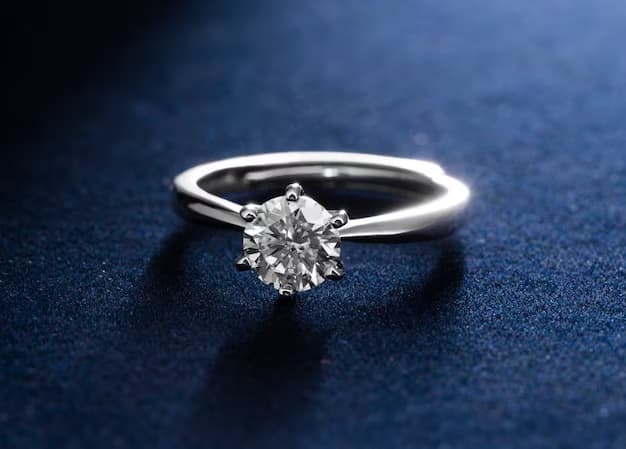
started from this
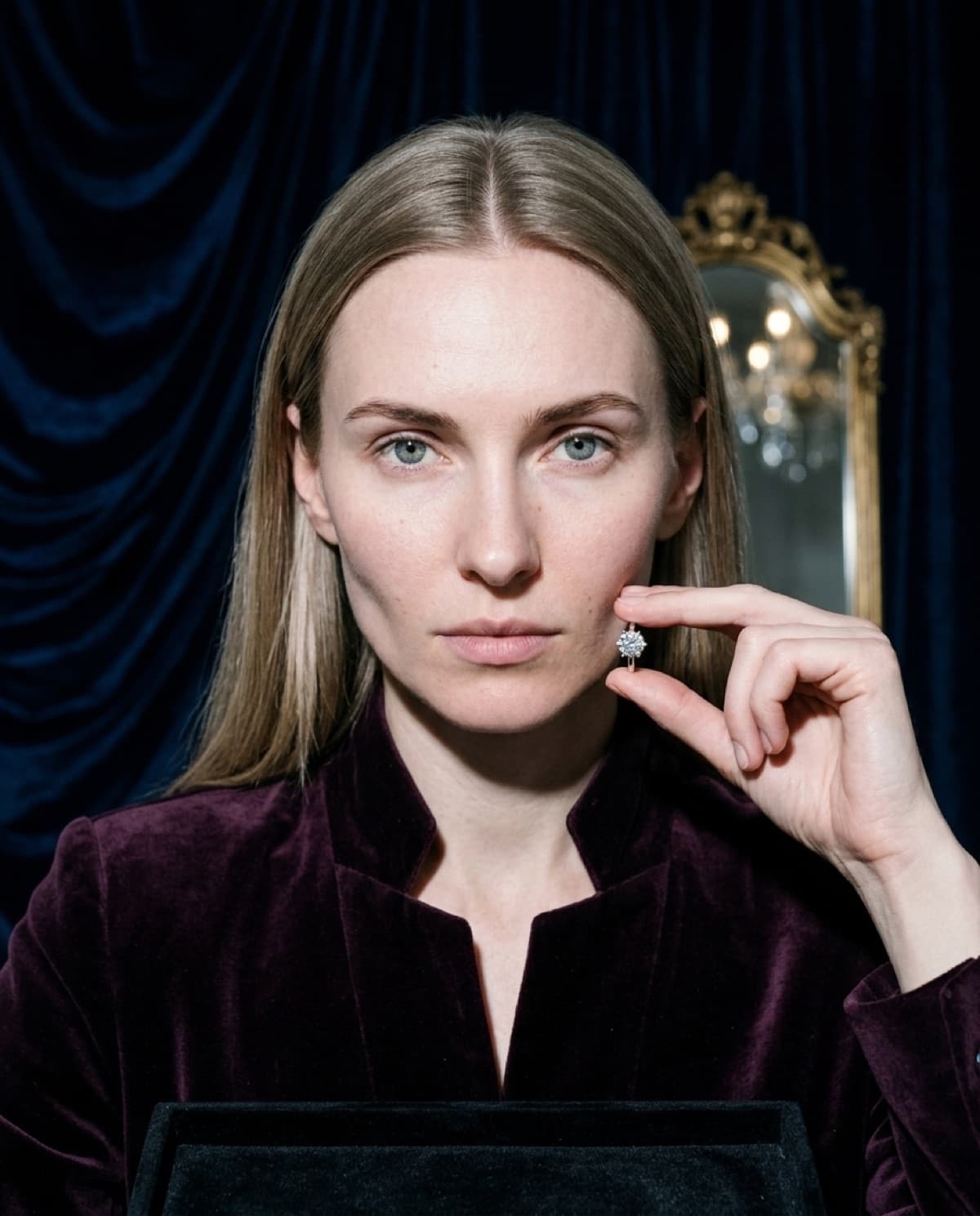
a single iphone photo of the piece. one prompt. sixty seconds.
- piece
- rings
- scene
- warm marble overhead
shoot your jewelry like this. 100 free credits, no card needed.
recreate this look
same workflow, your piece.
The studio + model pairing here is in the app. Pick them, upload your iPhone photo of a real piece, and bling ai runs the same generation pipeline.
step 1
upload a phone shot of your piece.
Any iPhone photo on a neutral surface — cream linen, paper, a clean wood board. Natural diffused light. Sharp focus on the piece.
step 2
pick the patina studio.
warm earthy. quiet luxury. — Warm earthy aesthetic — natural light, soft golden hour, walnut and cream textures. For indie / handmade jewelry that wants to look intentional, not loud.
step 3
cast mira.
warm earthy. quiet luxury. — A soft, contemplative late-twenties presence. Natural light, walnut and cream textures, golden hour warmth.
step 4
generate. ~60 seconds.
Run on its own or as part of the etsy listing pack — same studio + model, four shots, one tap.