bling ai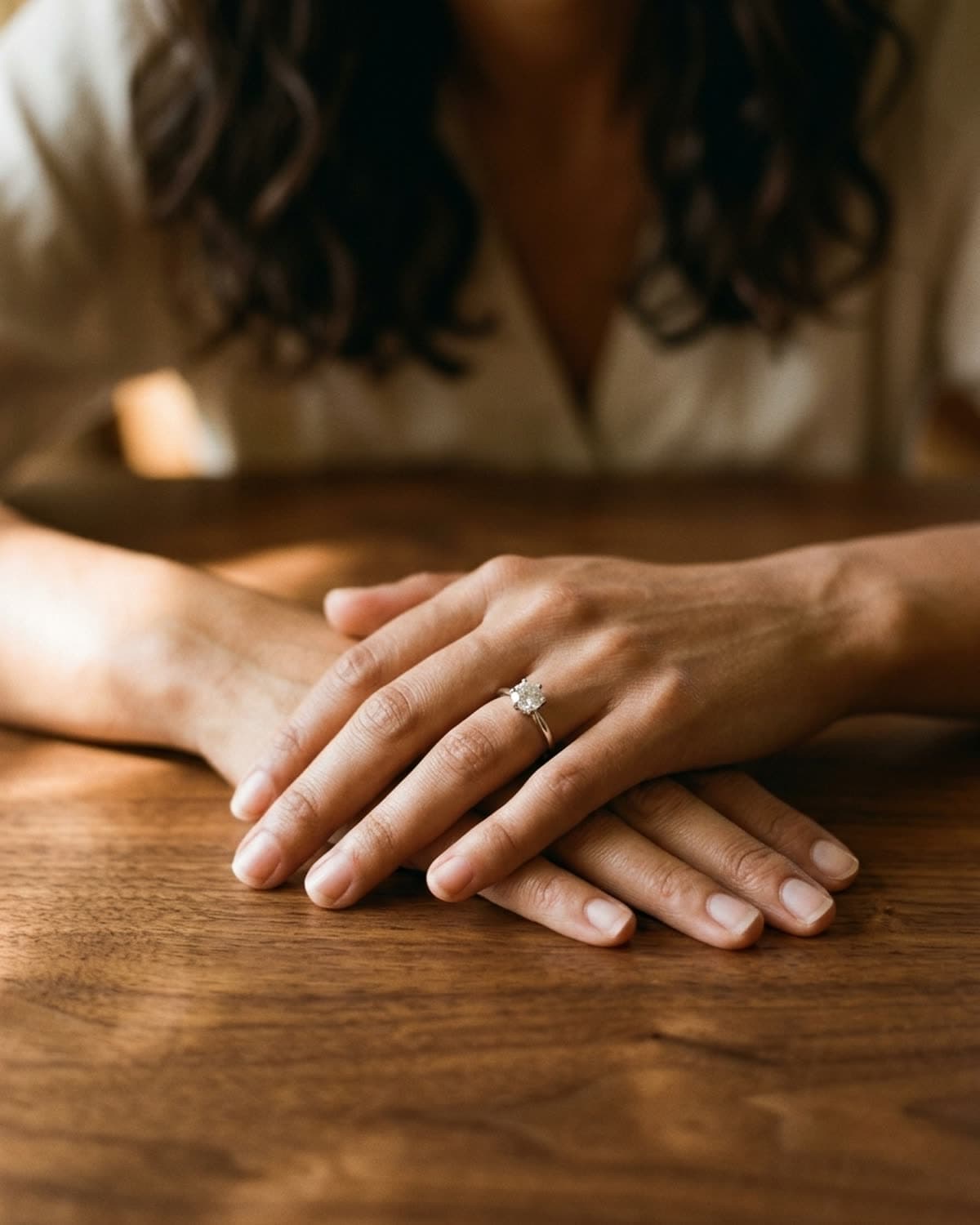
rings
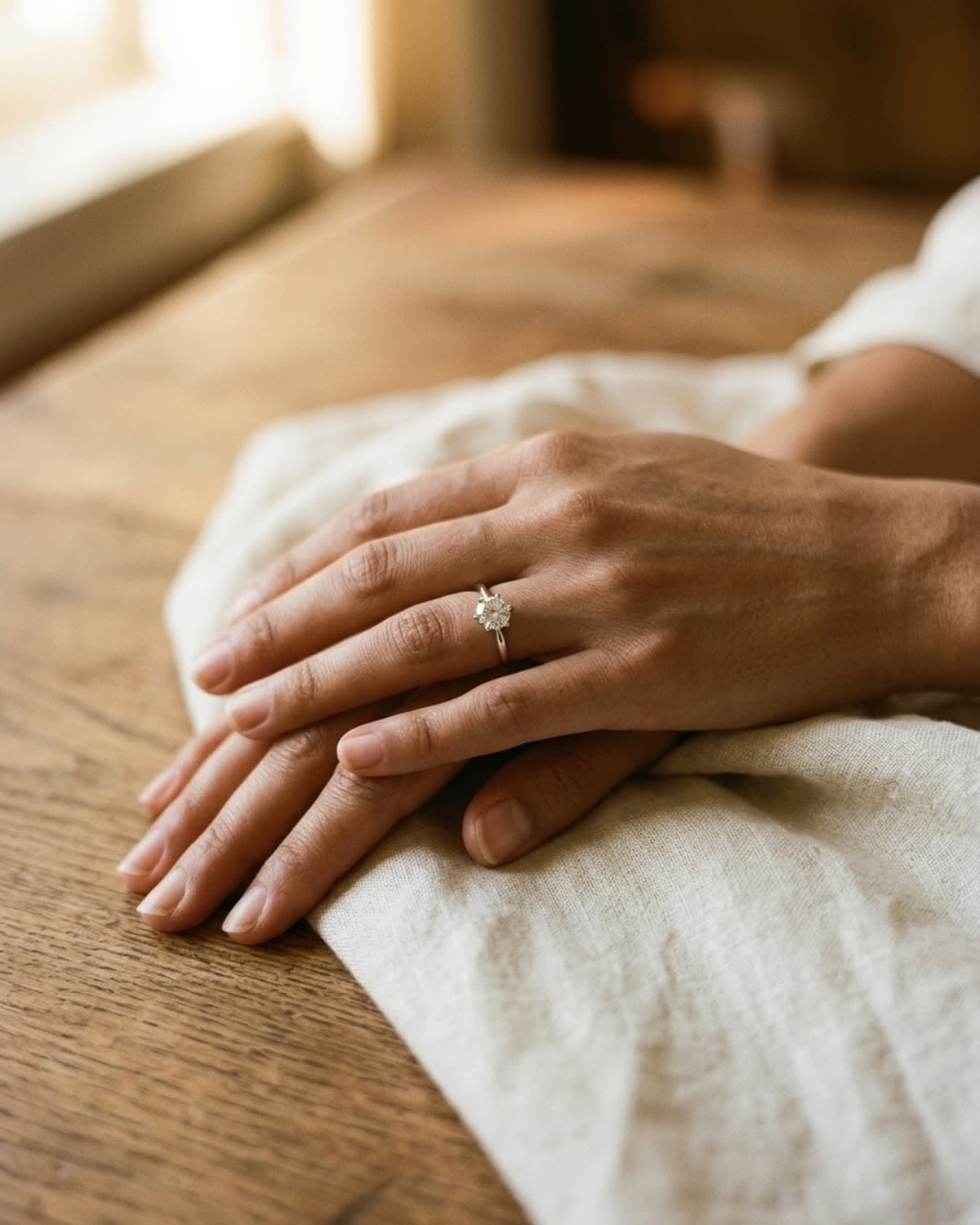
solitaire ring on a walnut table.
Hands folded on a walnut table, the ring hand on top, with light coming in low from the left so it rakes across the grain. The low angle is what makes the wood look like wood. Lit from the front, the same table goes flat and orange, but side light pulls out every line of the grain and gives the surface depth. The solitaire sits near the center and is the brightest point in the frame, and the cream blouse and dark hair behind are soft enough to read as mood. Dark walnut is a good partner for white metal and diamonds because the stone looks brighter by comparison. If you shoot rings at home, a wooden table next to a window gets you close to this, as long as the light comes from the side and not from behind the camera.
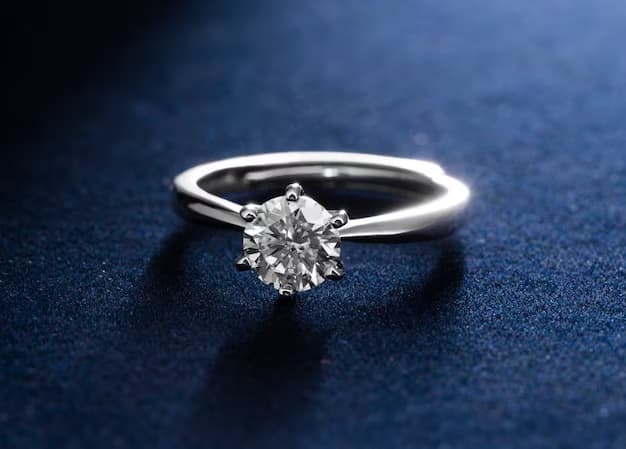
started from this
a single iphone photo of the piece. one prompt. sixty seconds.
- piece
- rings
- scene
- warm wood, soft window
shoot your jewelry like this. 100 free credits, no card needed.
recreate this look
same workflow, your piece.
The studio + model pairing here is in the app. Pick them, upload your iPhone photo of a real piece, and bling ai runs the same generation pipeline.
step 1
upload a phone shot of your piece.
Any iPhone photo on a neutral surface — cream linen, paper, a clean wood board. Natural diffused light. Sharp focus on the piece.
step 2
pick the patina studio.
warm earthy. quiet luxury. — Warm earthy aesthetic — natural light, soft golden hour, walnut and cream textures. For indie / handmade jewelry that wants to look intentional, not loud.
step 3
cast mira.
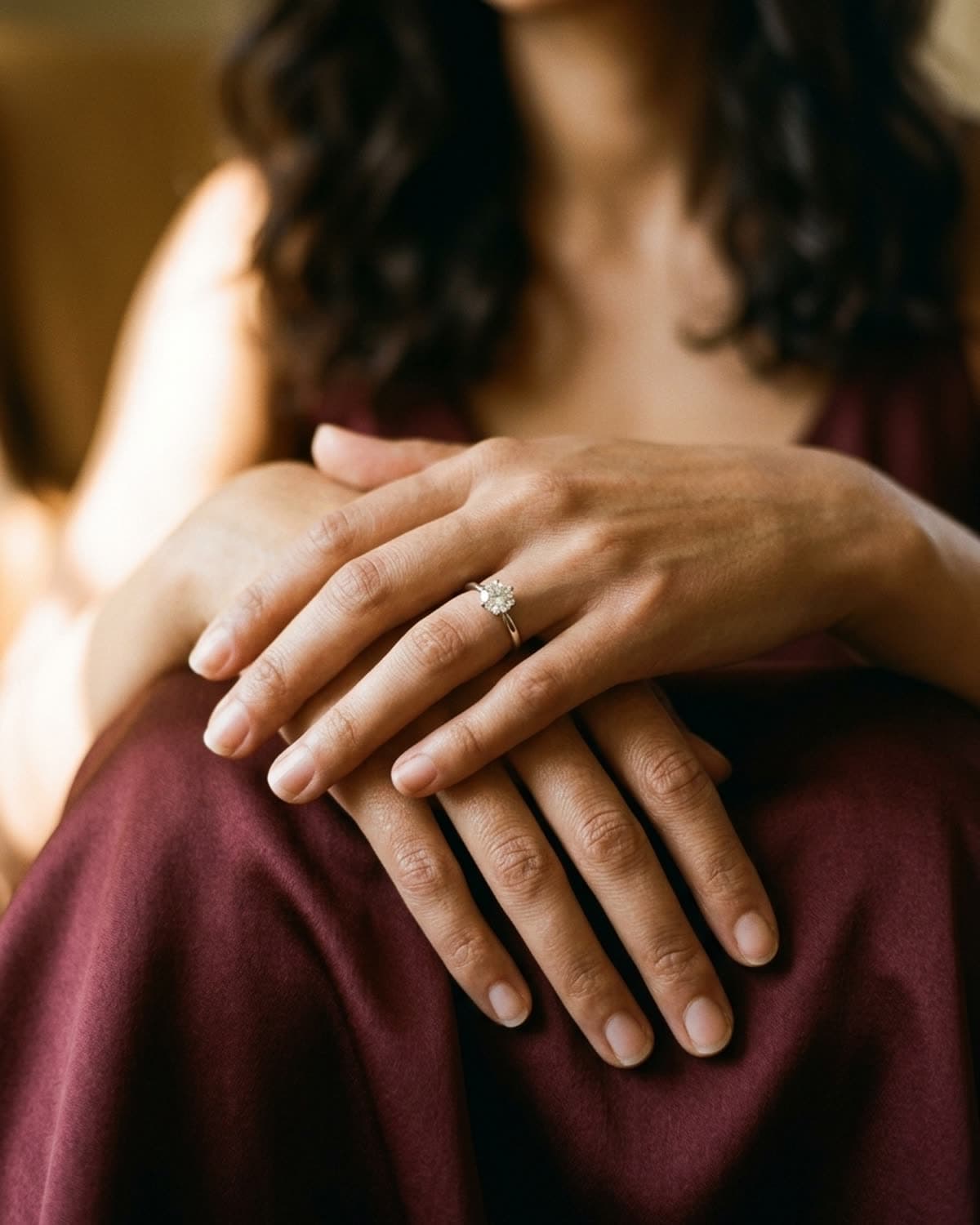
warm earthy. quiet luxury. — A soft, contemplative late-twenties presence. Natural light, walnut and cream textures, golden hour warmth.
step 4
generate. ~60 seconds.
Run on its own or as part of the etsy listing pack — same studio + model, four shots, one tap.