bling ai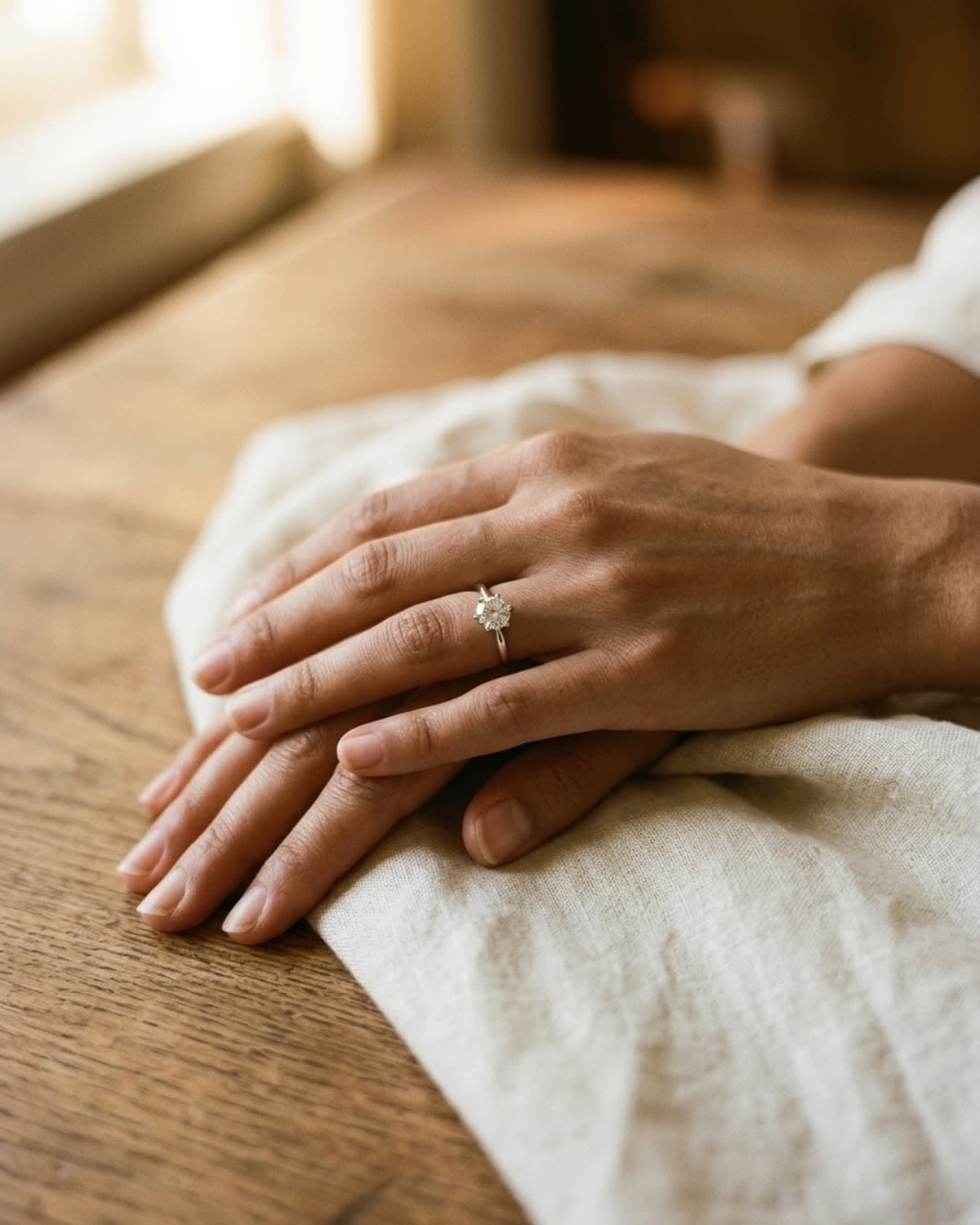
rings
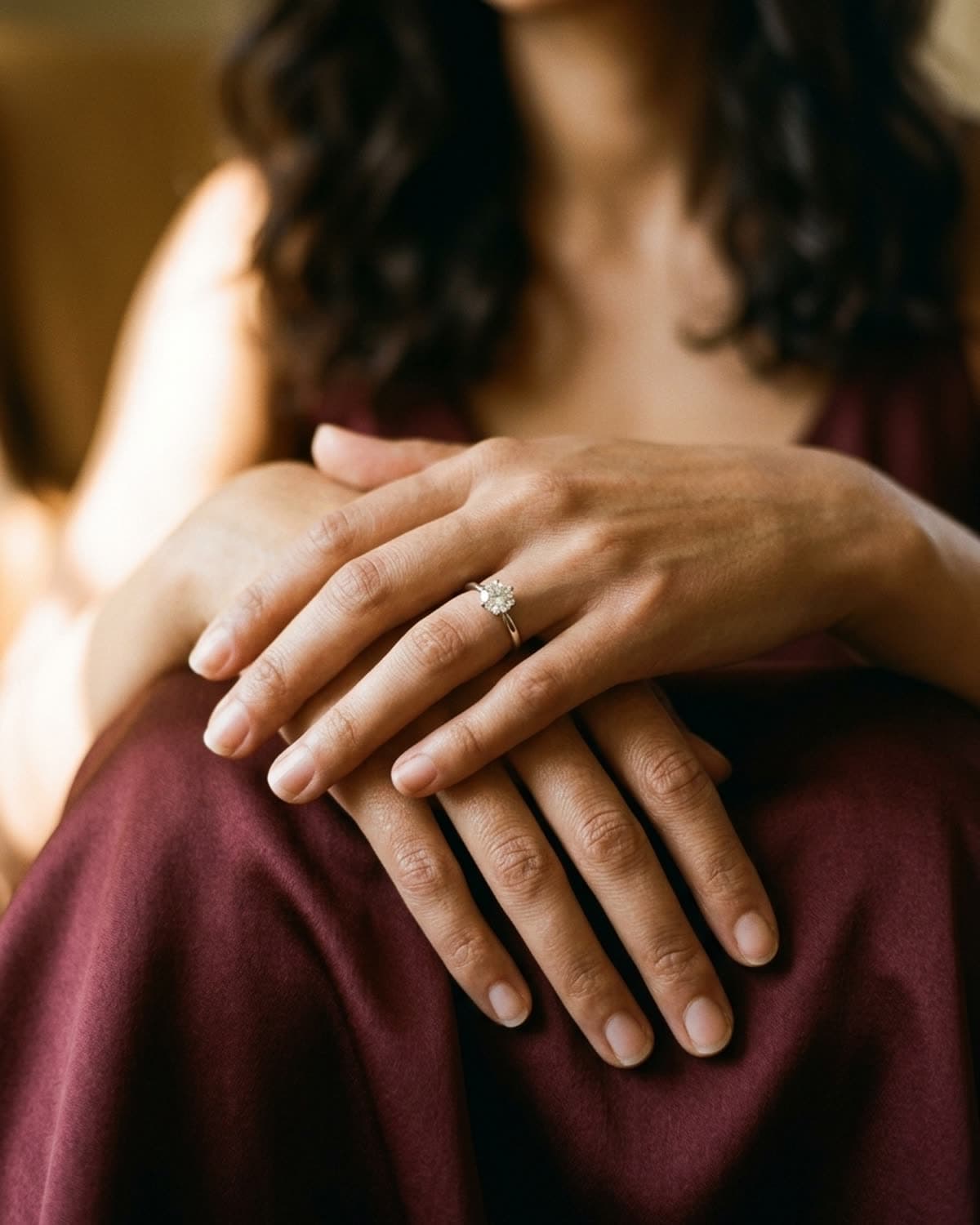
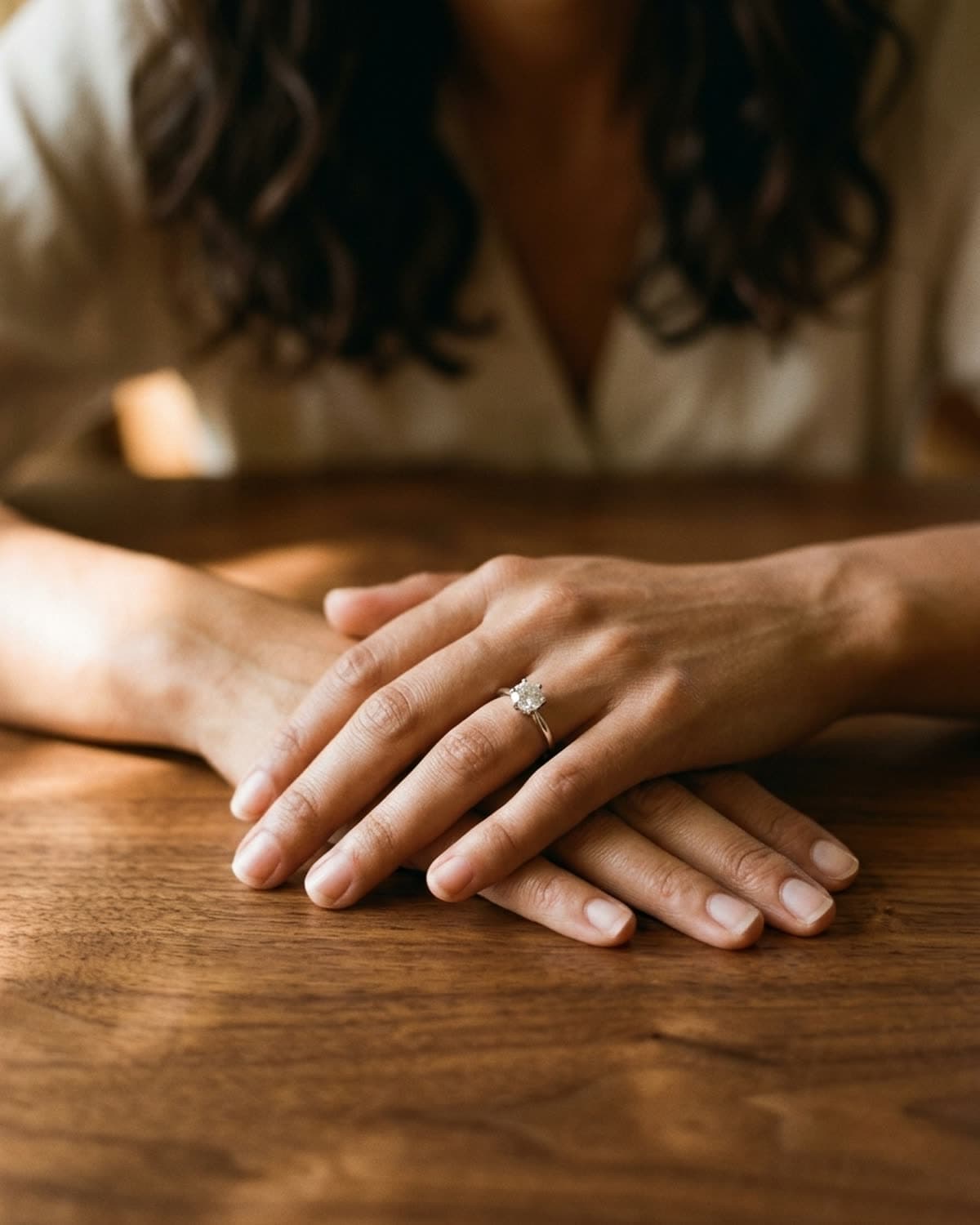
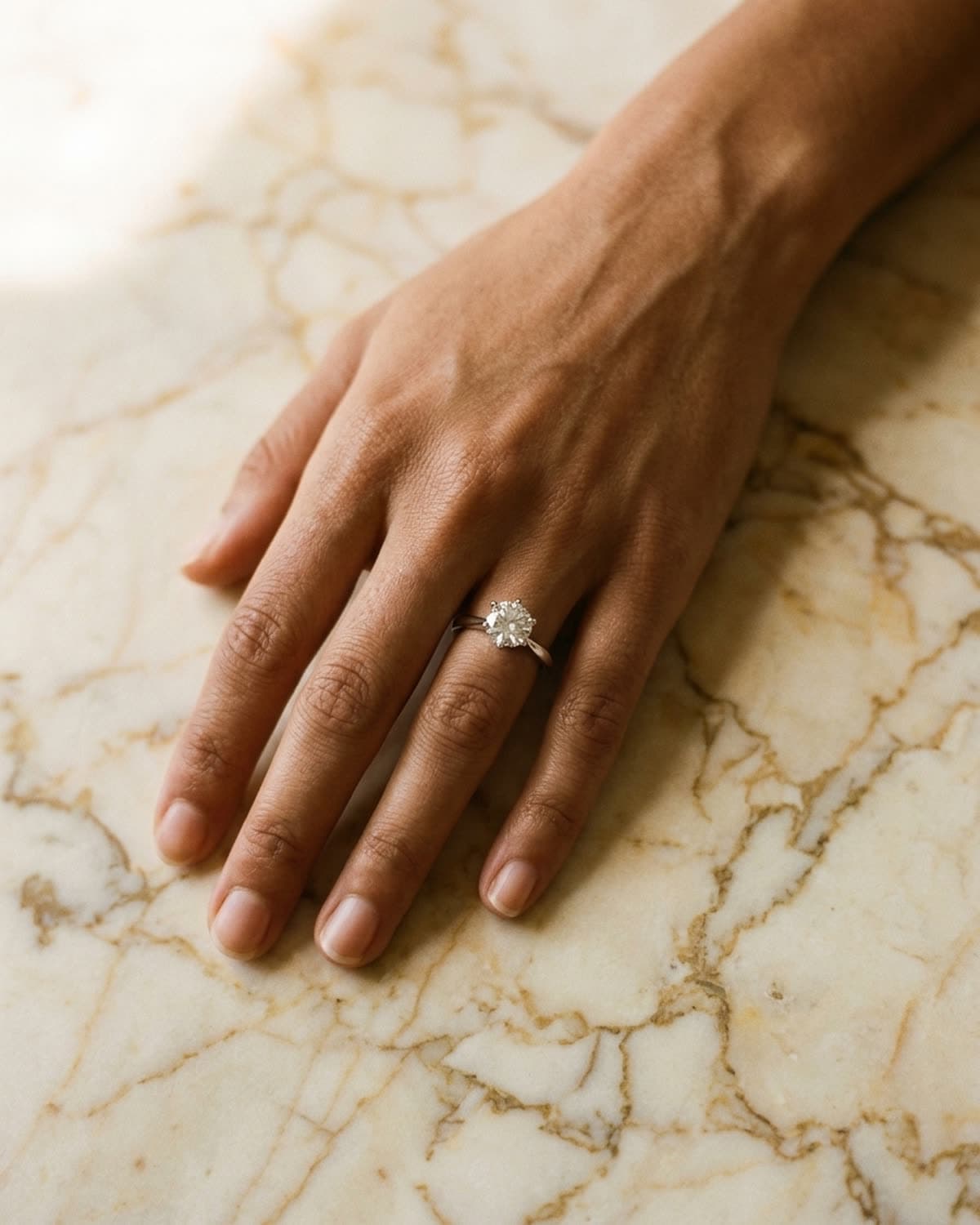
solitaire ring on a hand, cream linen.
The cream linen surface here is doing more work than the ring itself. Patina drapes the linen at a slight angle over warm wood so the diagonal of the weave catches golden hour light without competing with the metal of the band — the ring stays the brightest thing in the frame. Mira's hand position is deliberate: the band tilted to a three-quarter angle that lets the diamond's facet structure read clearly, the rest of the fingers relaxed to keep the eye on the ring. This is the framing the Patina template defaults to when you upload a single ring with no shot mode specified — it's optimized for Etsy listing hero shots, where the buyer needs to recognize the piece in the first half-second of the scroll. Generated in one pass.
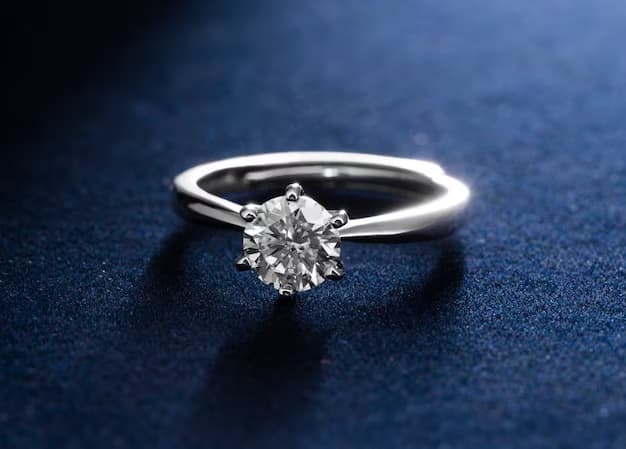
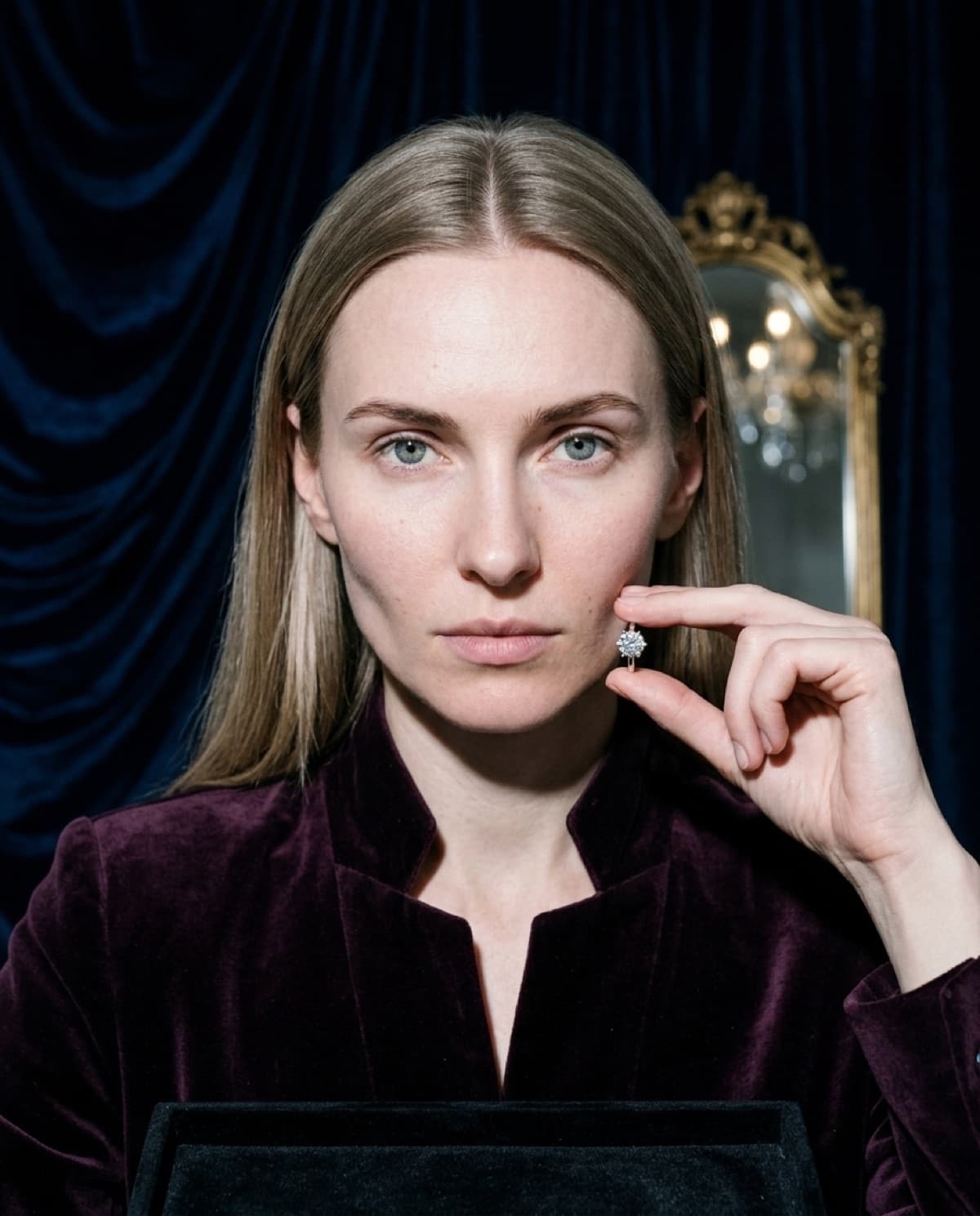
started from this
a single iphone photo of the piece. one prompt. sixty seconds.
- piece
- rings
- scene
- cream linen, golden hour
shoot your jewelry like this. 100 free credits, no card needed.
recreate this look
same workflow, your piece.
The studio + model pairing here is in the app. Pick them, upload your iPhone photo of a real piece, and bling ai runs the same generation pipeline.
step 1
upload a phone shot of your piece.
Any iPhone photo on a neutral surface — cream linen, paper, a clean wood board. Natural diffused light. Sharp focus on the piece.
step 2
pick the patina studio.
warm earthy. quiet luxury. — Warm earthy aesthetic — natural light, soft golden hour, walnut and cream textures. For indie / handmade jewelry that wants to look intentional, not loud.
step 3
cast mira.
warm earthy. quiet luxury. — A soft, contemplative late-twenties presence. Natural light, walnut and cream textures, golden hour warmth.
step 4
generate. ~60 seconds.
Run on its own or as part of the etsy listing pack — same studio + model, four shots, one tap.