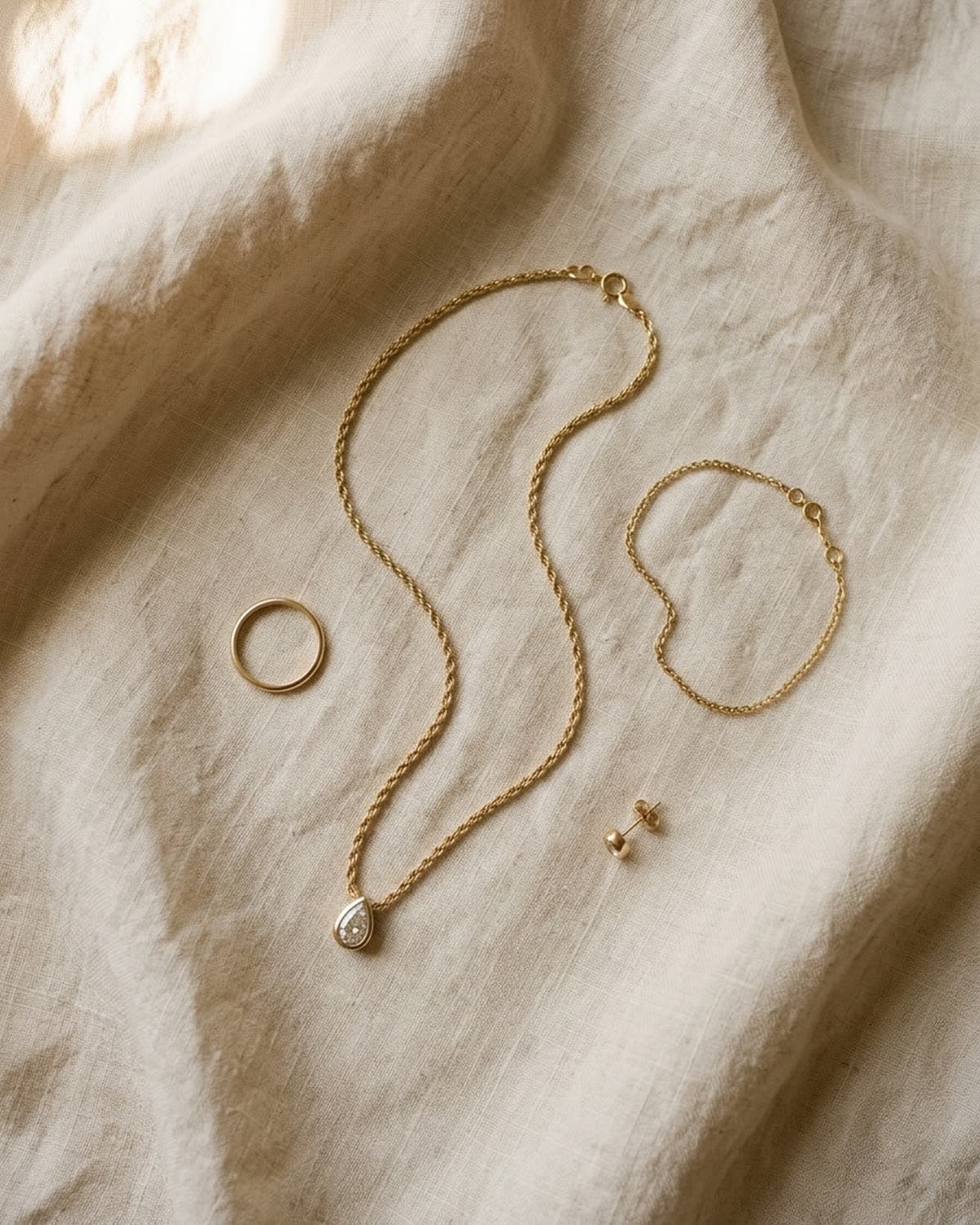
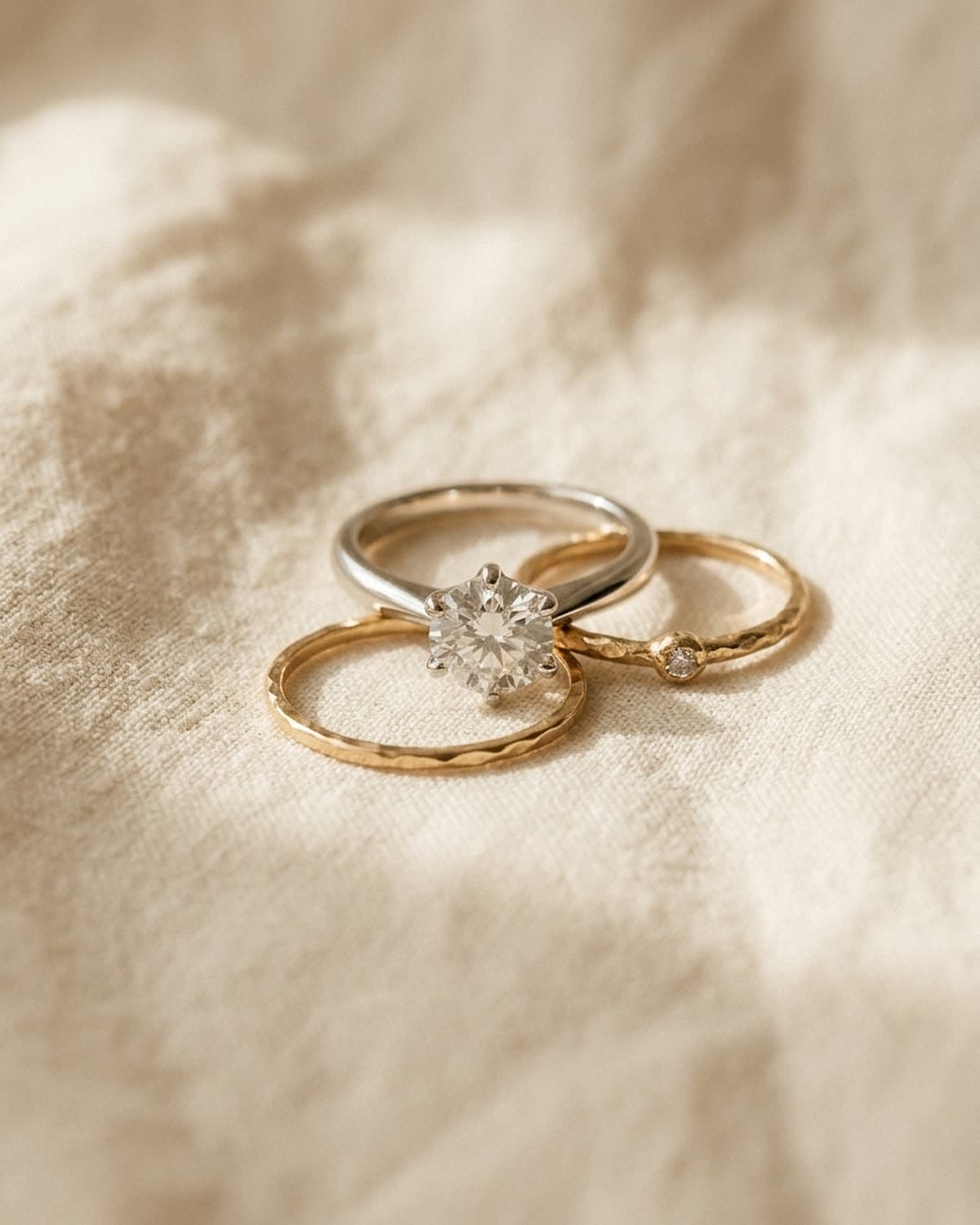
bling ai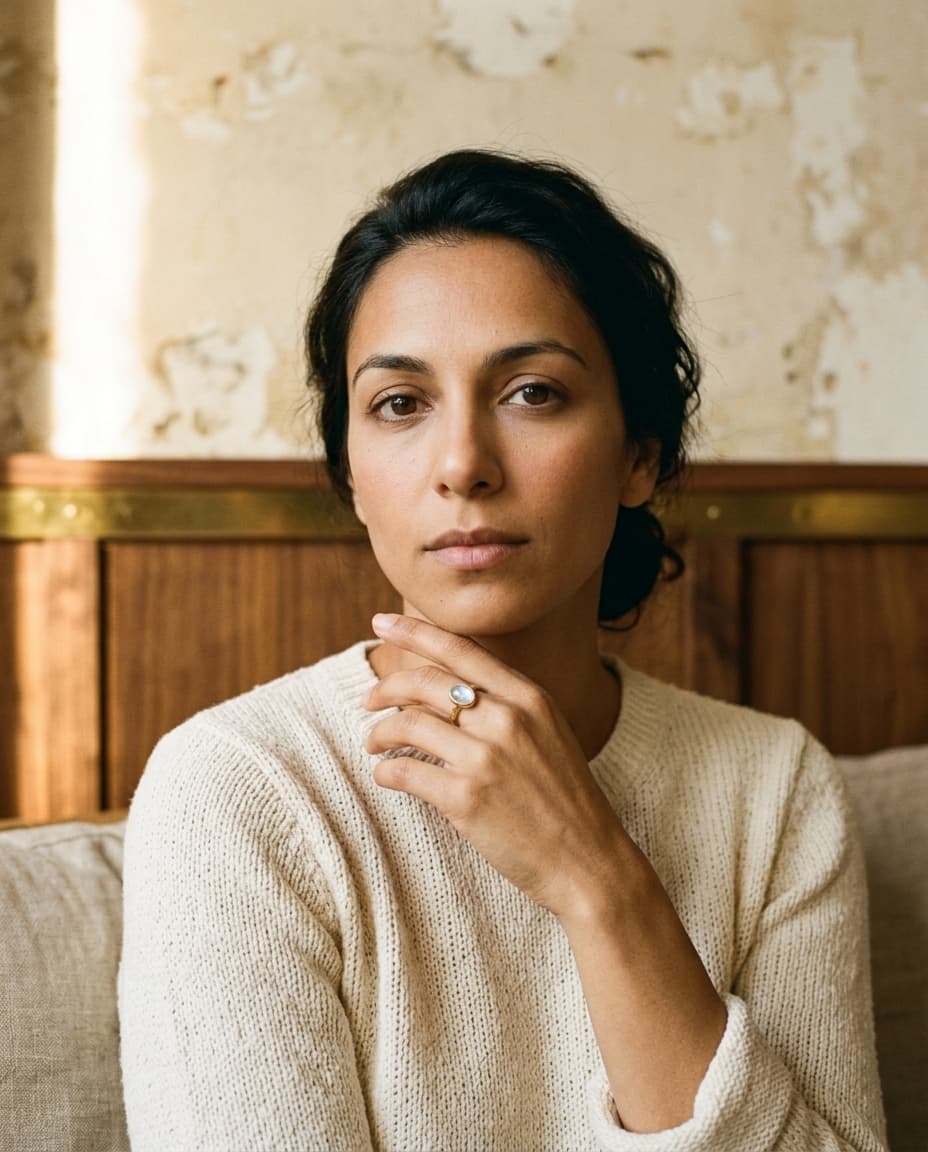
a $40 ring can't justify a $200 photoshoot. and that's the math that breaks etsy jewelry sellers — the listings that perform require multiple high-quality photos, but the margin per piece can't fund a professional photographer per shoot, let alone per new sku.
the workaround most jewelers settle on — a phone shot on a kitchen counter, sometimes on a piece of linen, sometimes in better light — is exactly what it looks like. and the listings underperform because of it.
bling ai was built around this specific problem. the workflow that pays it off is a single preset called the etsy pack — four campaign-ready shots from one iphone photo, in under a minute. this is the guide to using it.
what etsy listings actually need
before the preset existed, jewelers were stitching together listings from whatever photos they could shoot in an afternoon. the result was usually some combination of:
- one decent flat-lay on linen
- one phone shot at the workbench
- one “in use” selfie
and that was it. etsy's algorithm rewards listings with more high-quality photos and clear shot variety — front, scale reference, detail macro, lifestyle context. the listings that bury you in search results have all four. the listings you compete with as a new seller usually don't.
the etsy pack is the smallest possible bundle that covers all four shot types. it is not a campaign in the editorial sense — it is the listing pack. the goal is every listing converts at the same rate as the listings of the seller with the best photos in your category.
the four-shot bundle
the preset runs four generations from one upload, in one tap. each is the same model in the same studio, same wardrobe, same light — only the framing changes.
- 01
FRONT
Straight-on head-and-shoulders portrait, model facing camera directly, jewelry clearly readable on body, neutral seamless backdrop. The primary etsy listing photo. The one that decides whether someone swipes through the rest.
- 02
THREE-QUARTER
Model turned 45 degrees from camera, profile side visible, piece prominently displayed on the turned side. The shot that proves the piece is dimensional, not flat — critical for rings, earrings, and necklaces with shaped silhouettes.
- 03
SCALE
Hand-held composition — the model holds the piece in their open palm at chest height, hand fills the lower third of the frame. The “is this earring tiny or oversized?” question every etsy buyer asks silently. SCALE answers it without anyone having to read the dimensions in the listing.
- 04
MACRO
Extreme product-only macro of the piece off-body, vertical 4:5 composition, sculptural light, no model. Texture and material foreground. The shot that proves the piece is well-made.
four shots. one piece. one tap. ready to drop into an etsy listing in the order above — and the four cover ~80% of what the listing algorithm wants to see.
the workflow, step by step
- 01
- 02
- 03
upload your iphone source photo
one clean phone shot of the piece on a neutral surface. cream linen, a piece of paper, a clean wooden board — whatever you have. don't overthink the source. the next section covers what to actually look out for.
- 04
hit etsy pack
one tap. the preset fans out four jobs in parallel — FRONT, THREE-QUARTER, SCALE, MACRO — all sharing the same model, studio, wardrobe, and light direction. they finish in ~60-90 seconds.
- 05
download. drop into the listing.
save the four images. the order you upload them into the etsy listing matters — FRONT first, THREE-QUARTER second, SCALE third, MACRO fourth. that's the order an etsy buyer wants to see them.
picking the right studio
for etsy specifically, three studios cover ~80% of indie sellers:
patina — warm earthy. golden-hour light, cream linen, walnut and oxblood textures. the workhorse for handmade and demi-fine etsy jewelry. aurate / mejuri / catbird-coded. if you don't know which to pick, start here.
vellum — clean catalog. warm-white seamless paper, controlled overhead light, isolated product. the studio you pick when you want the piece to be the loudest thing in frame. ideal for the FRONT and MACRO shots of an etsy pack when the rest of your listing is already lifestyle-heavy. hermès e-com / tiffany product page-coded.
tide — coastal salt-air. bleached limestone, sea haze, sun-faded linen. for moonstone, pearl, organic shapes, and mediterranean-coded pieces. cover image of this guide is a tide shot.
three other studios occasionally come up for etsy:
- verdure — botanical / garden romance. for floral, pastoral fine.
- solstice — desert / southwest. for turquoise, hammered gold, boho-fine.
- reel — 70s film. for retro-revival pieces, gold chains with archive energy.
stay out of vault, glacier, strobe, and halo unless you're selling at a different price point — those studios shoot the piece as if it were $5k+, and the visual cue mismatches the etsy buyer's expectation.
picking the right model
the etsy buyer comes in via search. they're comparison-shopping a hundred listings. the model you cast has to read as “someone i could be” in the first 0.4 seconds before the buyer scrolls. four of our seventeen models hit that note especially well:
mira — warm earthy, quiet luxury. late twenties, soft natural light, contemplative. the founding house model. the safest default for indie etsy.
naomi — coastal warmth, editorial calm. early thirties, deep umber skin, cropped natural afro. grounded, quiet. especially strong in tide and patina.
lila — boho fine, auburn ringlets. mid-twenties, biracial, freckles, bright green eyes. warmth. romance. softness. for jewelry that wants to feel inherited or gathered.
camila — sun-warmed, mediterranean ease. late twenties, hazel-green eyes, sun-bleached caramel hair. summer warmth. ideal for solstice and tide work.
we have a full guide to picking the right model — see the cast for all seventeen — but for the etsy pack specifically, the four above are the highest-conversion defaults.
the iphone source photo
bling ai is generous with imperfect source photos, but the result still gets noticeably better when the source is clean. five rules:
- flat surface, neutral color. cream linen, a piece of white or cream paper, a clean unfinished wood board. avoid glossy surfaces (they create reflections the ai has to remove) and busy patterns (which compete with the piece).
- natural diffused light. a window on a cloudy day. avoid direct hard sunlight (creates harsh shadow the ai will preserve) and overhead fluorescent kitchen light (creates the wrong color cast).
- straight overhead or slight angle. the ai handles either, but straight overhead is easier to interpret. shoot from above, piece centered.
- fill the frame, but leave a bit of margin. the piece should occupy 60-70% of the frame width. too small and detail is lost. too cropped and the silhouette gets cut.
- sharp focus on the piece. tap-to-focus on your phone. if the band is blurry, the ai may treat the blur as a stylistic choice and preserve it in the output. don't make it guess.
a 30-second source shot in good window light beats a 5-minute attempt at a “styled” source. the styling is what bling ai is for.
if you want the five rules checked for you, the photo checker measures exactly this — focus, exposure, how cluttered the surface is, and what share of the frame the piece occupies — and flags whether the file clears etsy's 2000px recommendation. it runs in the browser, so nothing is uploaded. for etsy's full image rules (20 photos, how the thumbnail gets cropped, file types) and every other platform's, see jewelry photo size requirements.
common mistakes
uploading a source photo that's already styled. the source is just a reference. don't pose it on linen with a coffee cup. the styling layer is what the studio does.
picking a studio that doesn't match your price point. vault and glacier shoot the piece as a $5k+ object. if your listing price is $45, the buyer reads the mismatch and bounces. start with patina or vellum.
switching models every shoot. the model identity is a brand-cohesion signal. once an etsy buyer recognizes your model across three listings, they start recognizing your brand. switching to a new model for every shoot kills that compounding effect.
skipping the SCALE shot. the SCALE shot is the one buyers use to decide whether to buy. “will this look giant on my hand?” if you skip it, etsy fills the dimension-comparison gap with the buyer's anxiety. don't.
re-running the whole pack to fix one shot. use the refine flow on a single output. it's faster, it's cheaper, and the other three shots stay consistent.
a starting recipe
if you're sitting down to make this work tonight:
- pick a single ring you currently sell on etsy
- take a clean phone shot of it on cream linen, natural window light
- open the app, pick patina + mira, hit etsy pack
- download the four shots
- drop them into a duplicate of your current listing
- publish the duplicate alongside the original
- wait a week
- compare conversion
if the duplicate wins, you have the workflow for every other listing in your shop. if not, swap to vellum + naomi and repeat. one of the two combinations almost always wins, and it's the same combination across most of your remaining catalog.
your etsy shop has a hundred listings to upgrade. this is the workflow that gets there.
the same four shots carry to every other channel you sell on, which is the cheapest reason to add one: where to sell jewelry online compares what etsy, shopify, ebay, tiktok shop and faire actually take from a $100 sale.