bling ai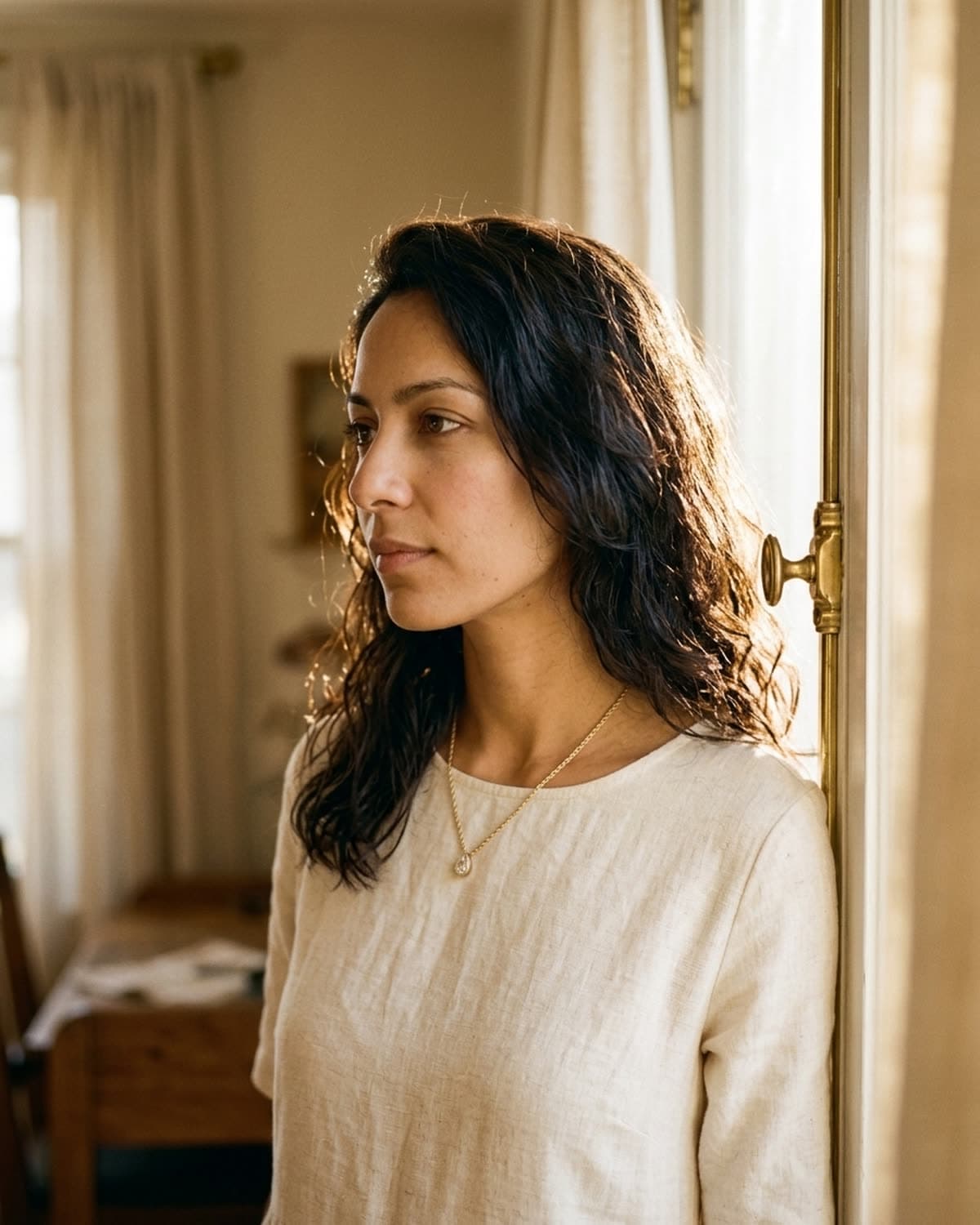
lifestyle
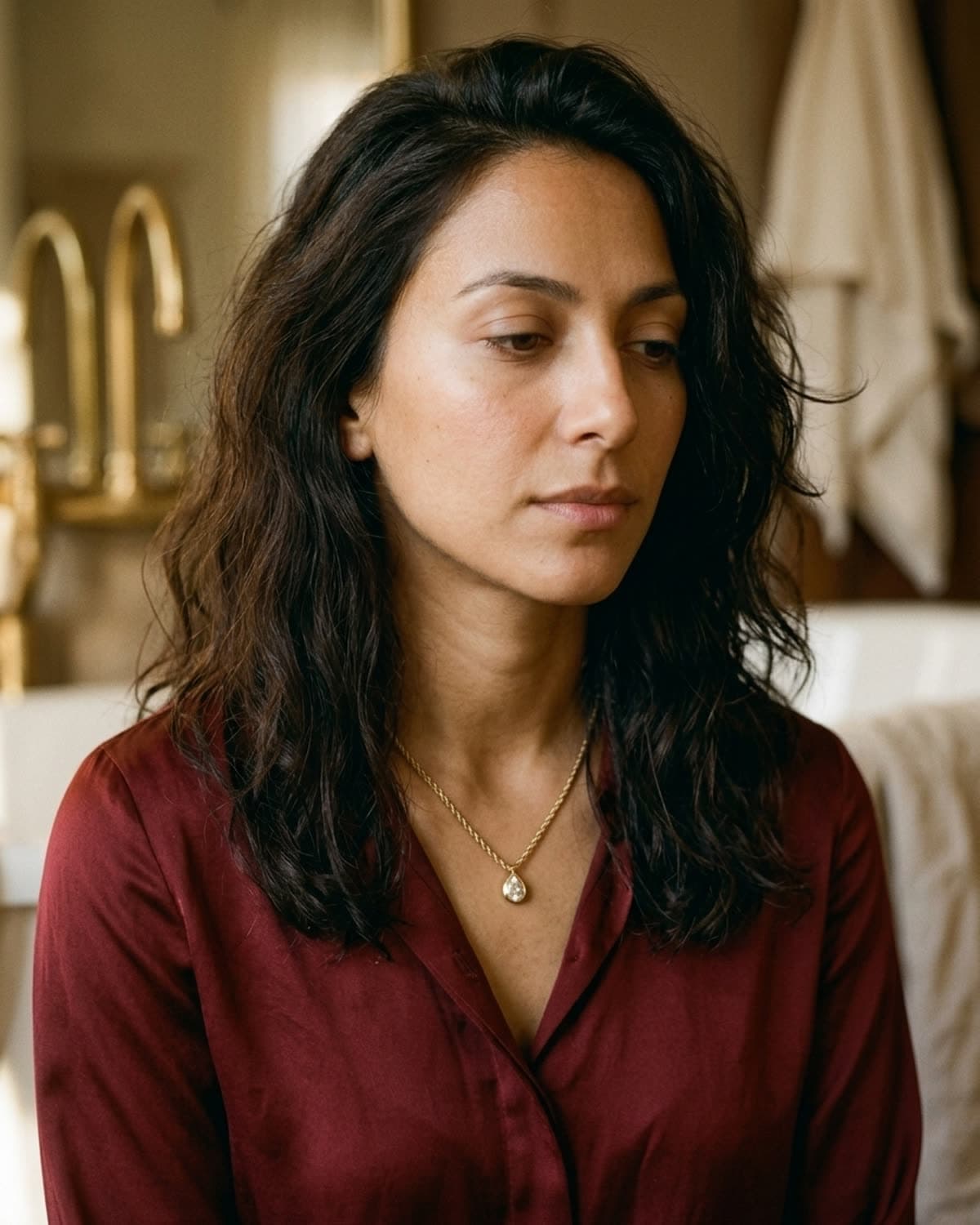
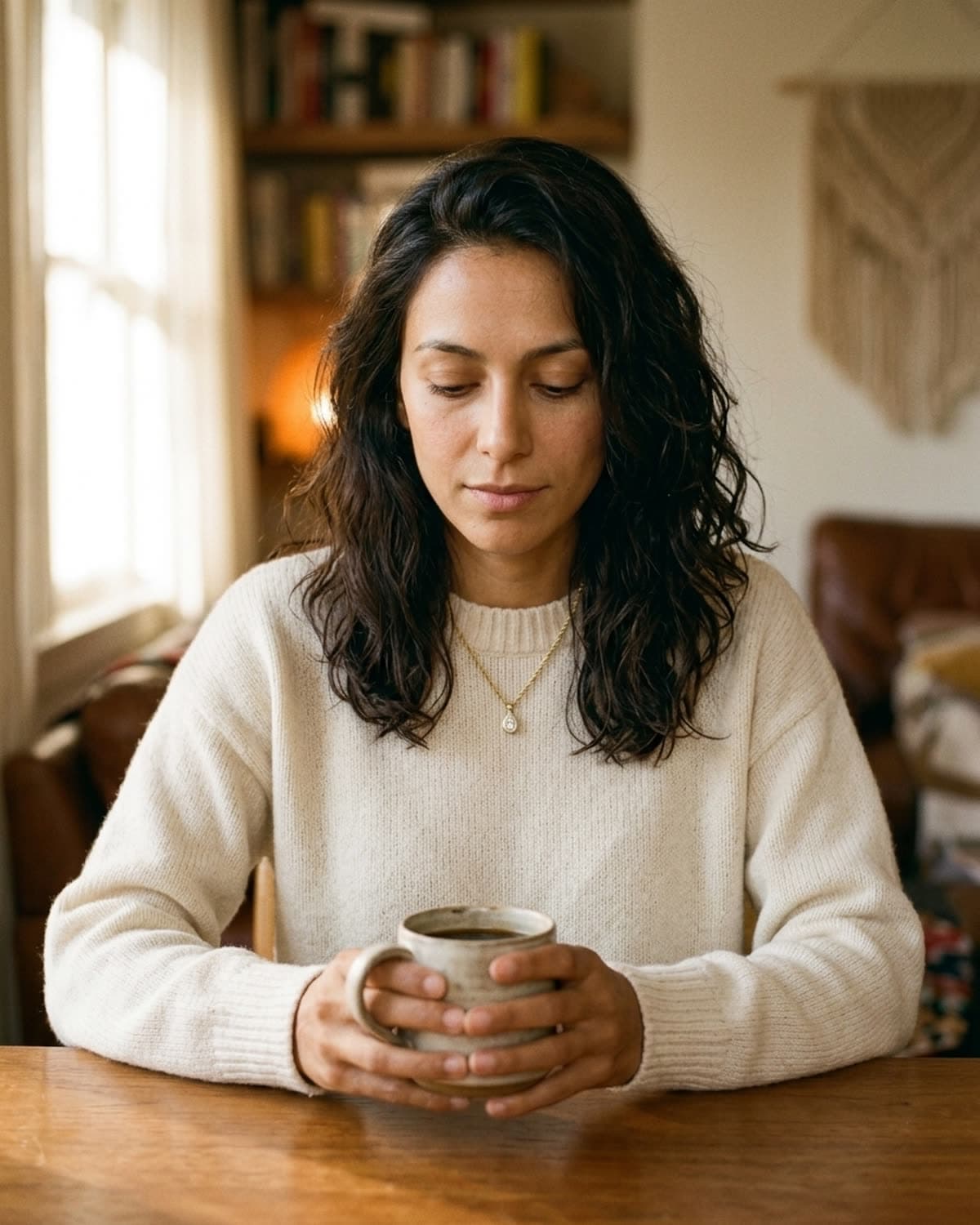
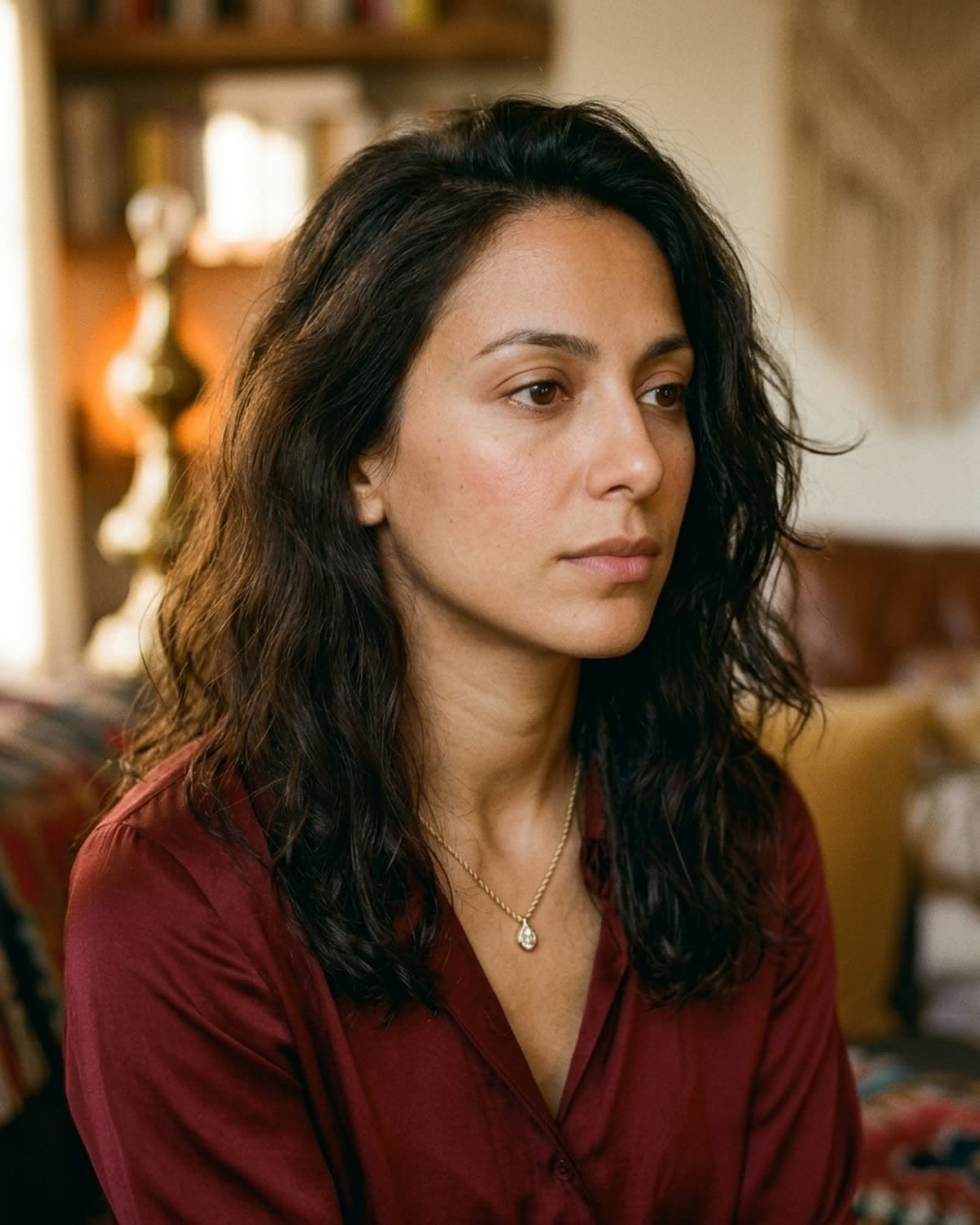
pendant necklace by a golden-hour window.
Mira in soft profile against a tall window in golden hour. The Patina template positions her about three feet back from the window plane, which is what creates the warm edge-light wrap around her face and the cream knit she's wearing. The necklace catches one specular highlight on the pendant — that highlight is what sells the piece against an otherwise muted scene. Lifestyle shots like this are what Etsy buyers screenshot and add to their personal Pinterest boards, which is the signal that translates into intent to buy three weeks later. This is the 'aspirational lifestyle' shot inside the etsy-pack preset, used for the secondary slide on Instagram carousel listings.
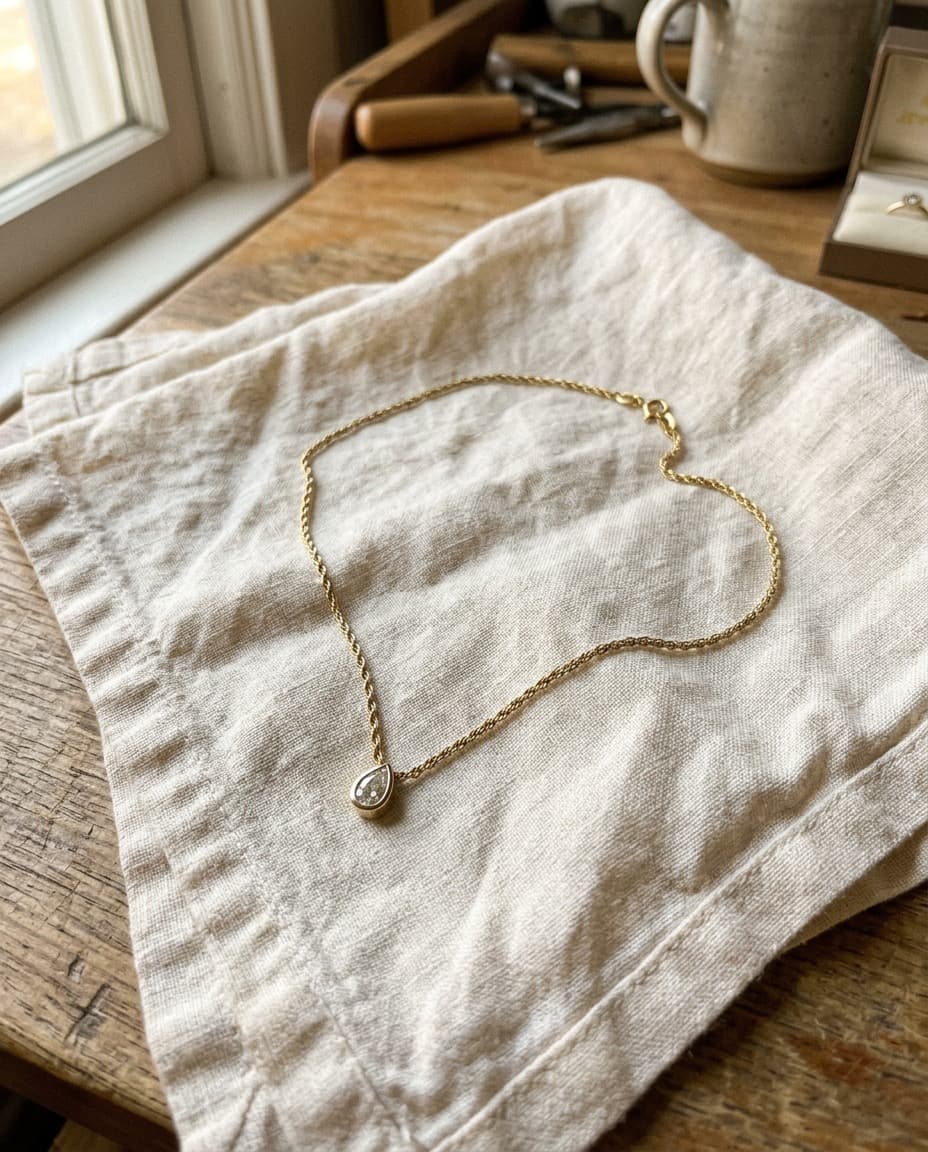
started from this
a single iphone photo of the piece. one prompt. sixty seconds.
- piece
- lifestyle
- scene
- window light, warm interior
shoot your jewelry like this. 100 free credits, no card needed.
recreate this look
same workflow, your piece.
The studio + model pairing here is in the app. Pick them, upload your iPhone photo of a real piece, and bling ai runs the same generation pipeline.
step 1
upload a phone shot of your piece.
Any iPhone photo on a neutral surface — cream linen, paper, a clean wood board. Natural diffused light. Sharp focus on the piece.
step 2
pick the patina studio.
warm earthy. quiet luxury. — Warm earthy aesthetic — natural light, soft golden hour, walnut and cream textures. For indie / handmade jewelry that wants to look intentional, not loud.
step 3
cast mira.
warm earthy. quiet luxury. — A soft, contemplative late-twenties presence. Natural light, walnut and cream textures, golden hour warmth.
step 4
generate. ~60 seconds.
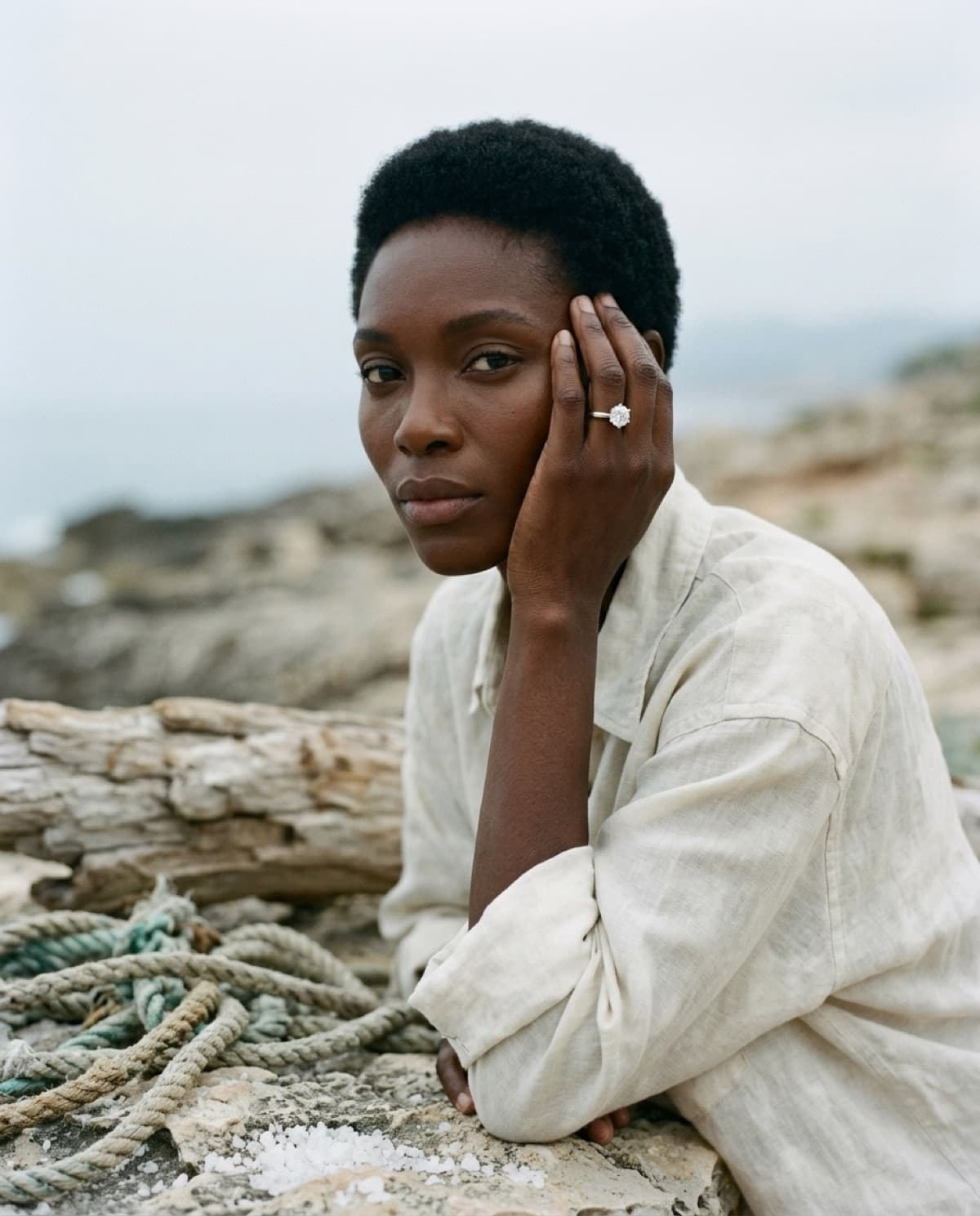
Run on its own or as part of the etsy listing pack — same studio + model, four shots, one tap.