Lifestyle
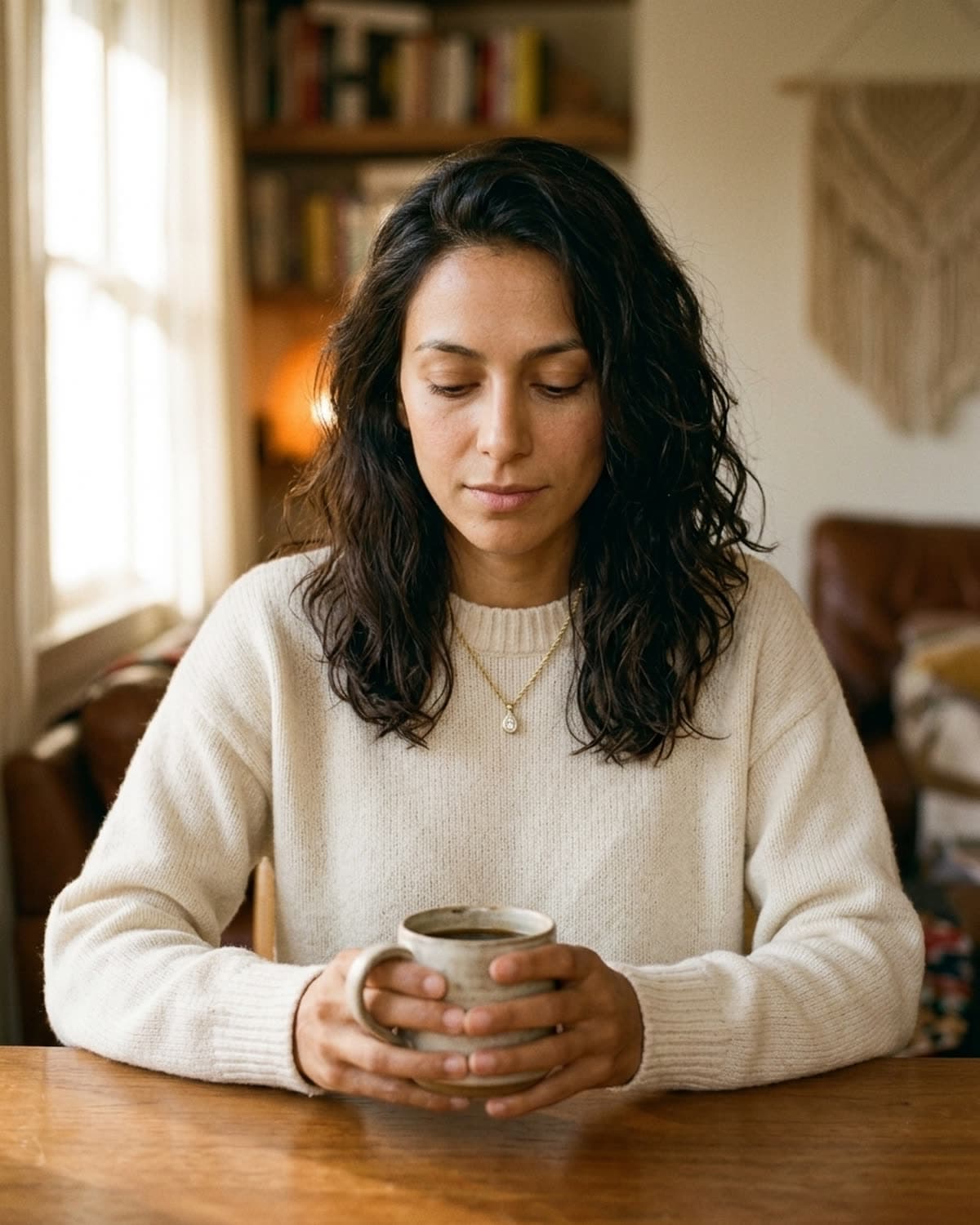
Pendant necklace with morning coffee.
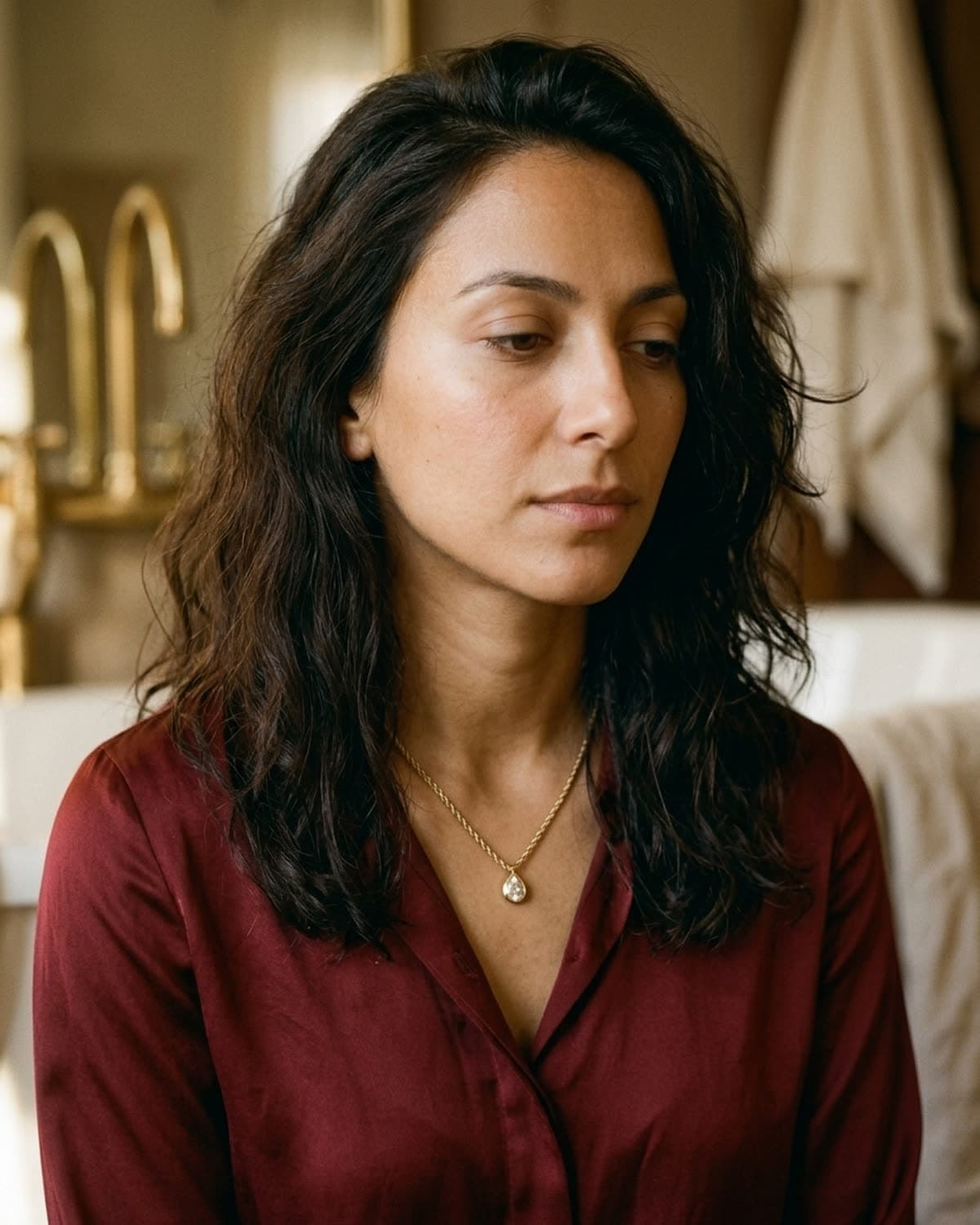
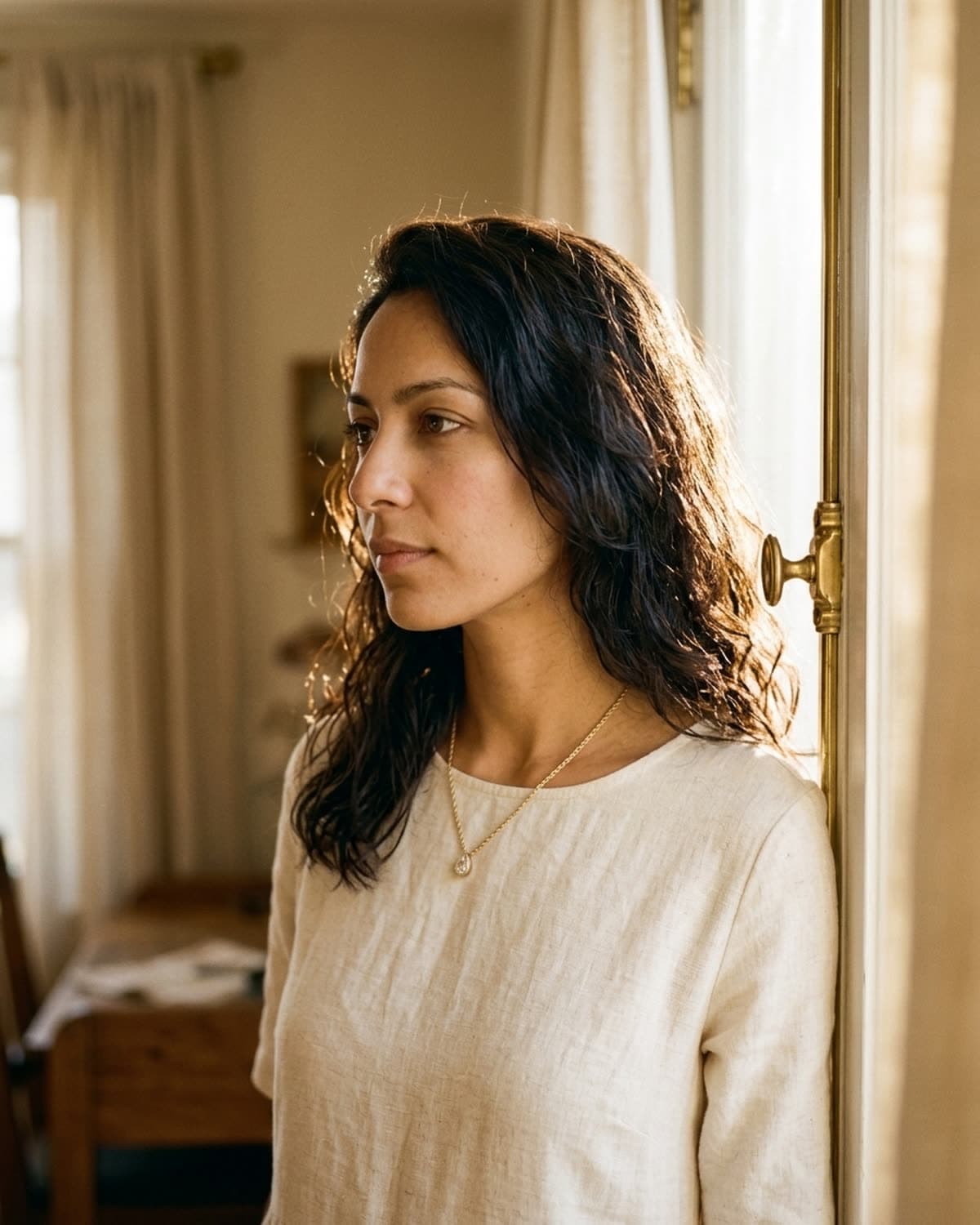
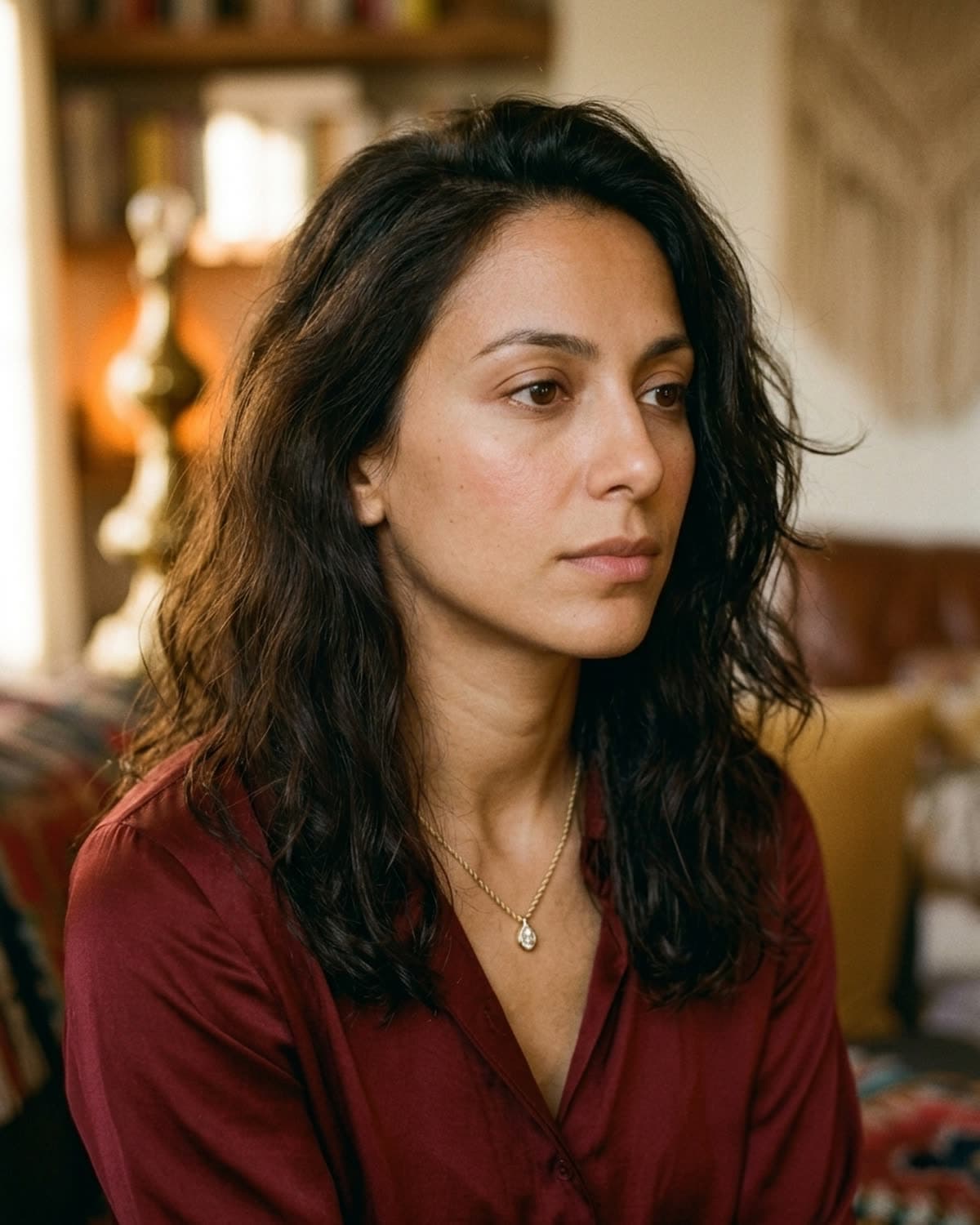
Mira at a wooden table holding a speckled ceramic mug in both hands, in a cream crew-neck sweater with the pendant resting on the knit. The composition is centered and symmetrical, unusual for this set, and it makes the picture feel still, like a slow morning. The necklace isn't the subject. It's small in the frame and the mug draws the eye first, but it's clearly visible, and that's what a lifestyle image is for: showing the piece as part of an ordinary day. The background has more in it than the product shots (a window, shelves of books, a macramé hanging, a leather chair), all kept soft. Brands use images like this on About pages, in email headers and on an Instagram grid that would otherwise be all close-ups.
Started from this
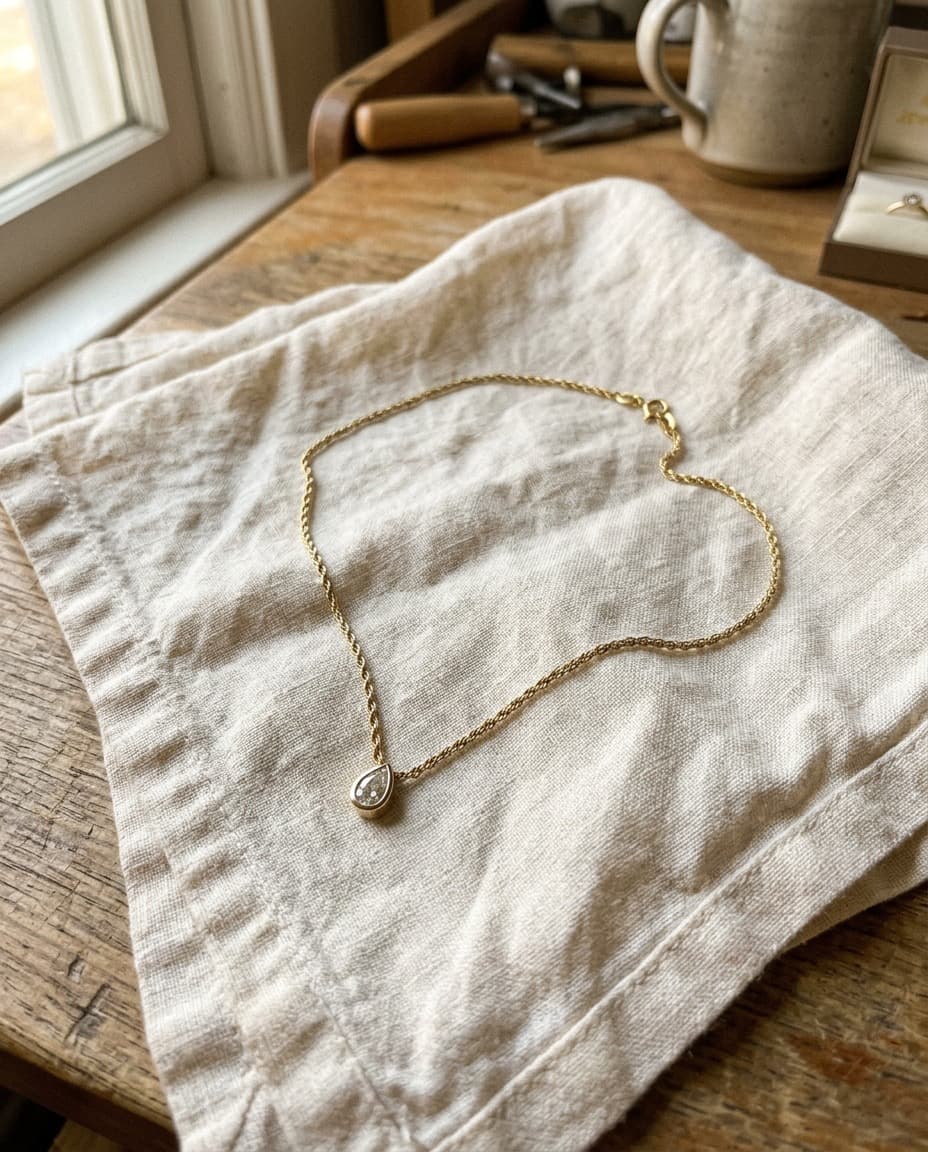
A single iPhone photo of the piece. One prompt. Sixty seconds.
- Piece
- Lifestyle
- Scene
- Coffee, cream knit, morning
Shoot your jewelry like this. 3 free photos, no card needed.
Recreate this look
Same workflow, your piece.
The studio + model pairing here is in the app. Pick them, upload your iPhone photo of a real piece, and Bling AI runs the same generation pipeline.
Step 1
Upload a phone shot of your piece.
Any iPhone photo on a neutral surface — cream linen, paper, a clean wood board. Natural diffused light. Sharp focus on the piece.
Step 2
Pick the Patina studio.
Warm earthy. Quiet luxury. — Warm earthy aesthetic — natural light, soft golden hour, walnut and cream textures. For indie / handmade jewelry that wants to look intentional, not loud.
Step 3
Cast Mira.
Warm earthy. Quiet luxury. — A soft, contemplative late-twenties presence. Natural light, walnut and cream textures, golden hour warmth.
Step 4
Generate. ~60 seconds.
Run on its own or as part of the Etsy listing pack — same studio + model, four shots, one tap.
for a piece like this
the metal and the fit
brands making necklaces like this