bling ai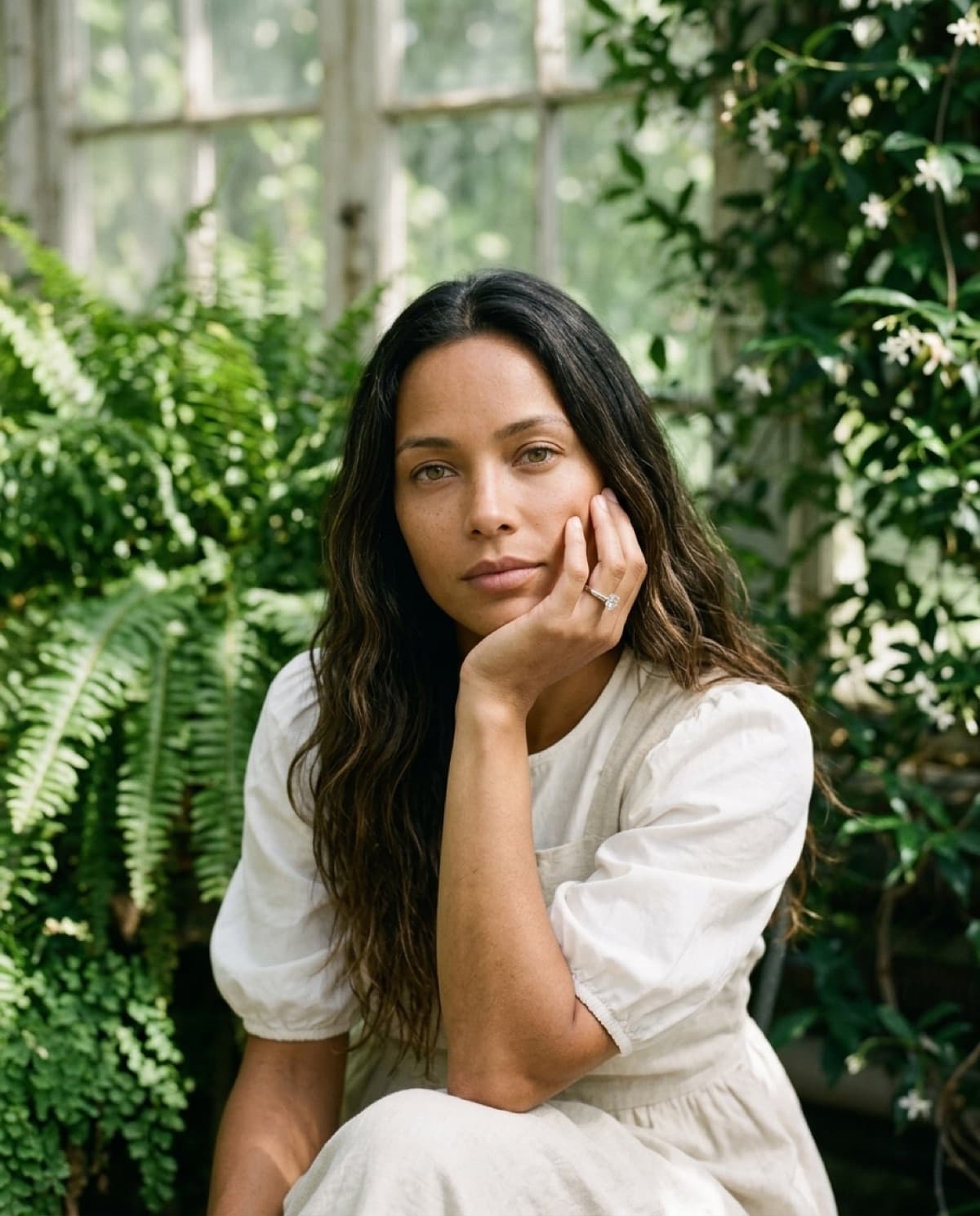
lifestyle
ring on camila in a conservatory.
Generated in Verdure — the conservatory studio — with Camila. The dappled light through old glass and the green bounce off the ferns are doing the warming here; a neutral studio would leave the same ring looking colder and smaller. Camila's hand-to-cheek pose tucks the piece at the natural focal point while the jasmine and puff-sleeve linen carry the garden-romance mood. This is the slow-morning, heirloom-feeling frame that pastoral and floral fine jewelry needs — the look that gets saved to Pinterest boards weeks before anyone buys. Shot from one source image of the piece in a single pass.
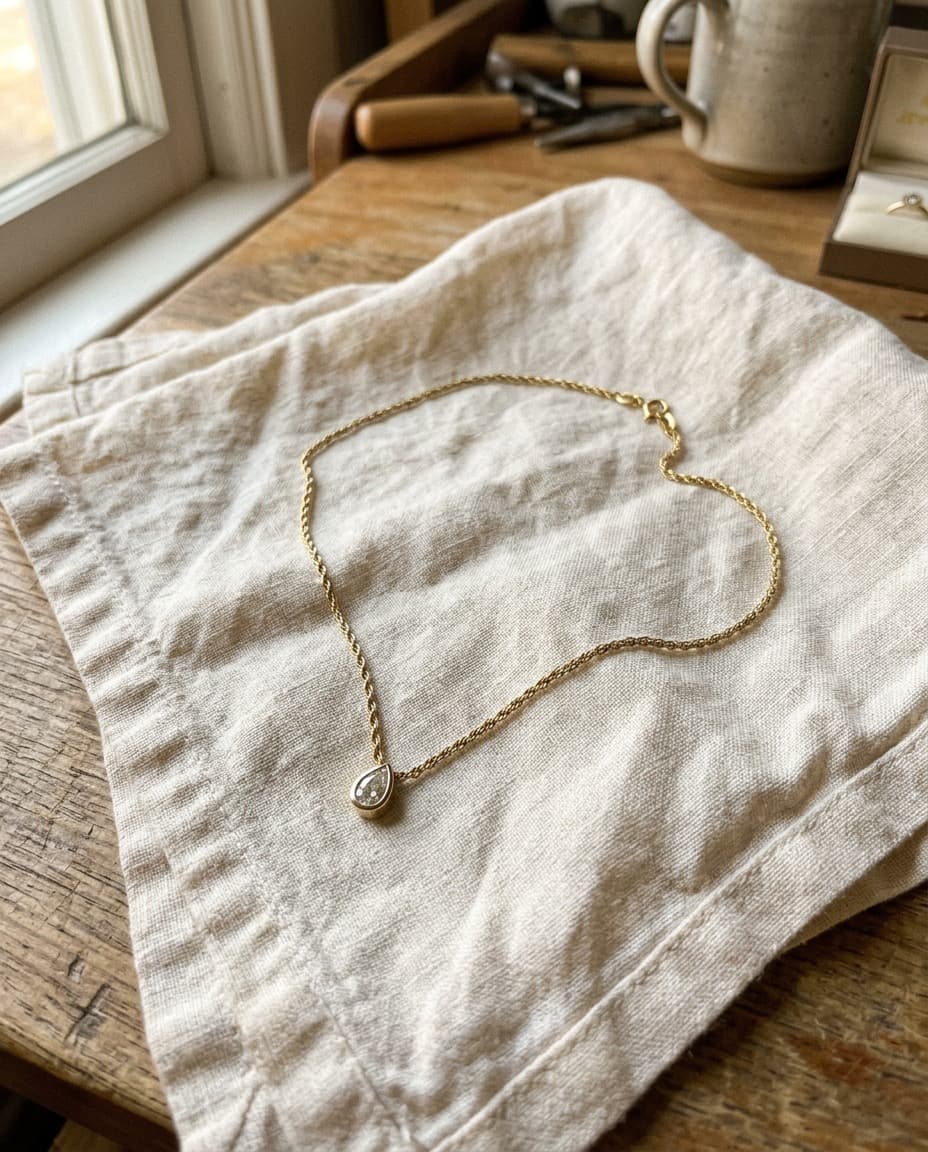
started from this
a single iphone photo of the piece. one prompt. sixty seconds.
- piece
- lifestyle
- scene
- camila in the conservatory
shoot your jewelry like this. 100 free credits, no card needed.
recreate this look
same workflow, your piece.
The studio + model pairing here is in the app. Pick them, upload your iPhone photo of a real piece, and bling ai runs the same generation pipeline.
step 1
upload a phone shot of your piece.
Any iPhone photo on a neutral surface — cream linen, paper, a clean wood board. Natural diffused light. Sharp focus on the piece.
step 2
pick the verdure studio.
garden romance. botanical. — Victorian conservatory, dappled light through glass, climbing jasmine. For pastoral fine jewelry — Doen, Sezane, La DoubleJ-coded romance.
step 3
cast camila.
sun-warmed. mediterranean ease. — A late-20s Brazilian with hazel-green eyes and sun-bleached caramel hair. Saint Laurent Marrakech-coded, summer-warmth, freckled.
step 4
generate. ~60 seconds.
Run on its own or as part of the etsy listing pack — same studio + model, four shots, one tap.