Bracelets
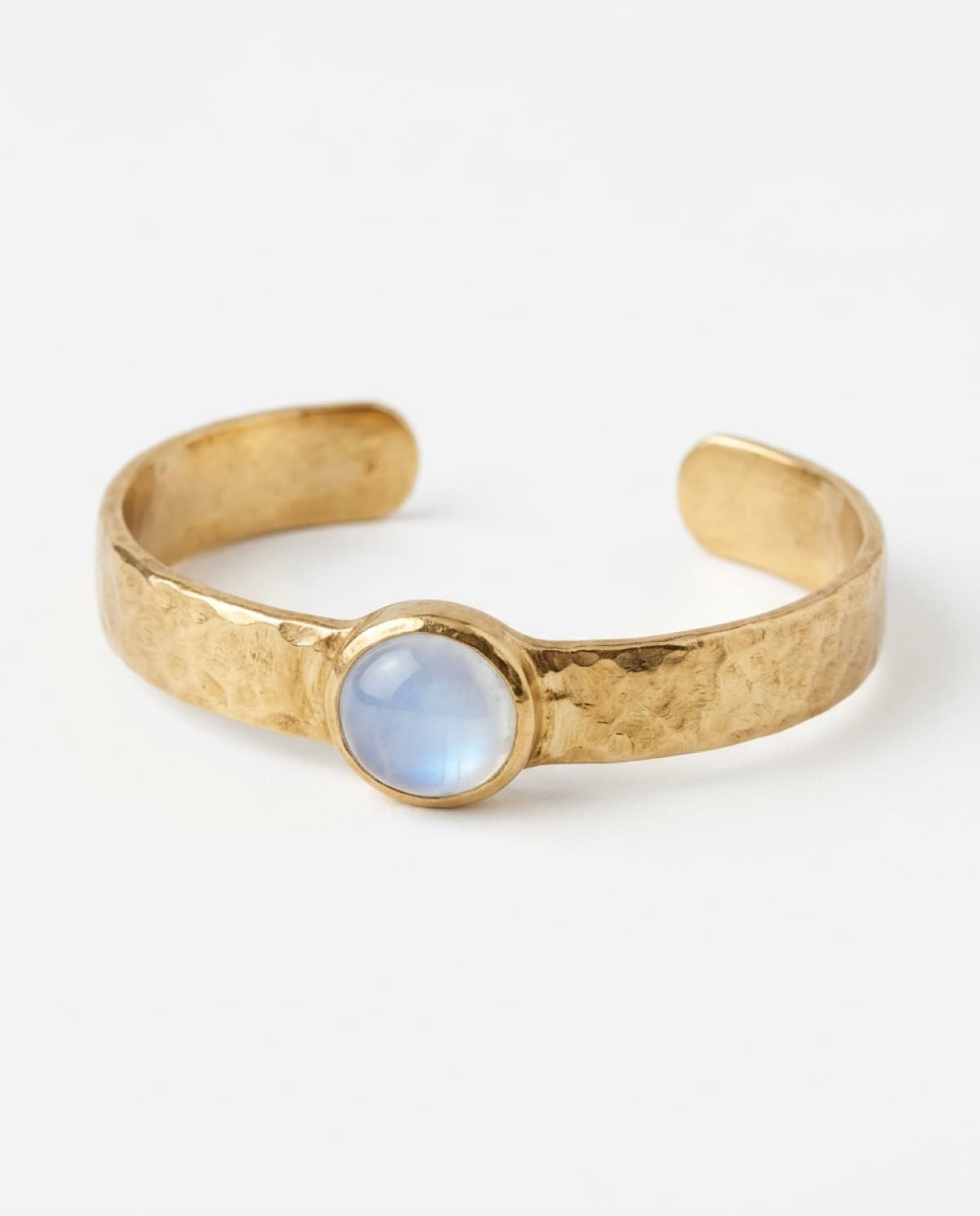
Hammered gold moonstone cuff bracelet.
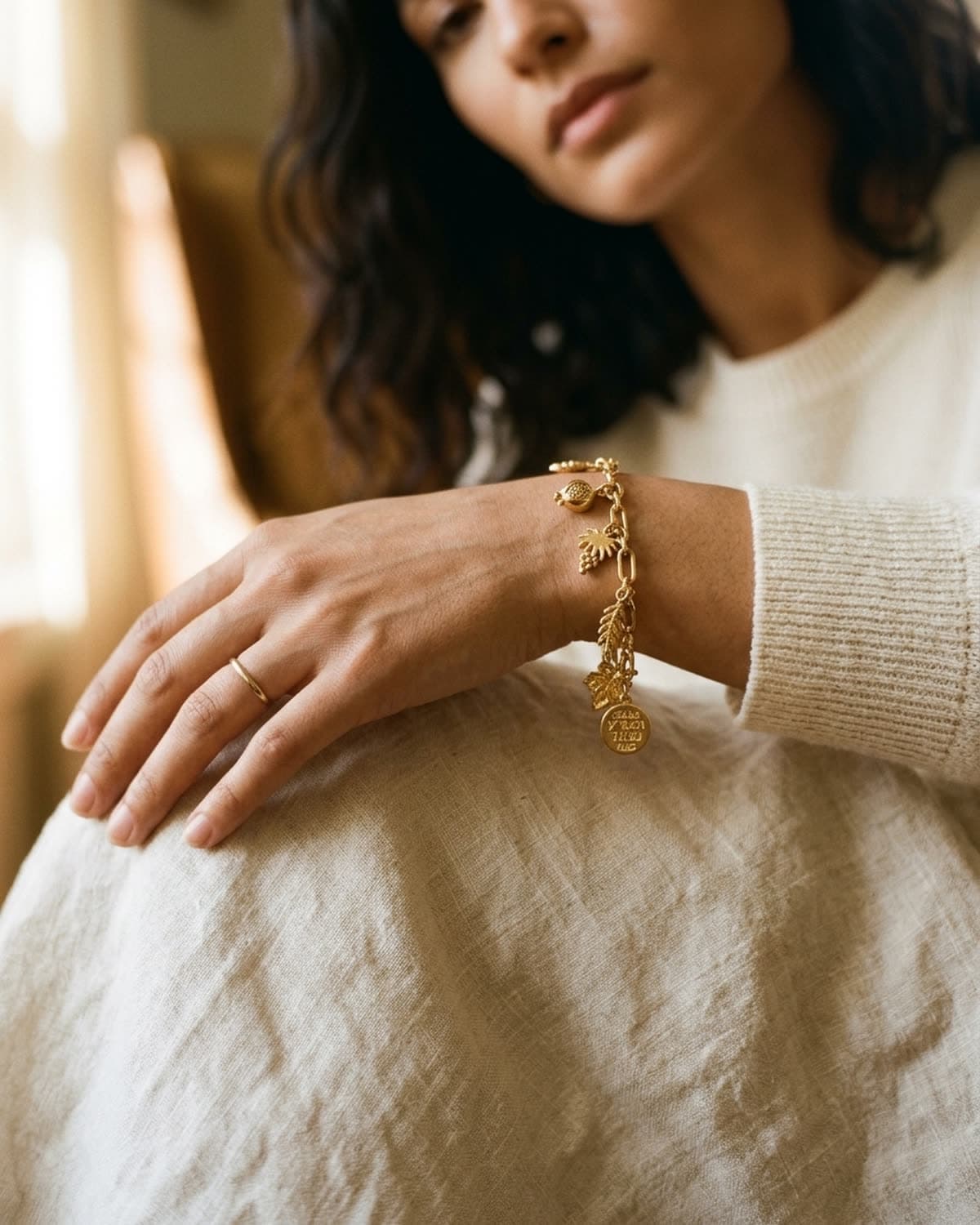
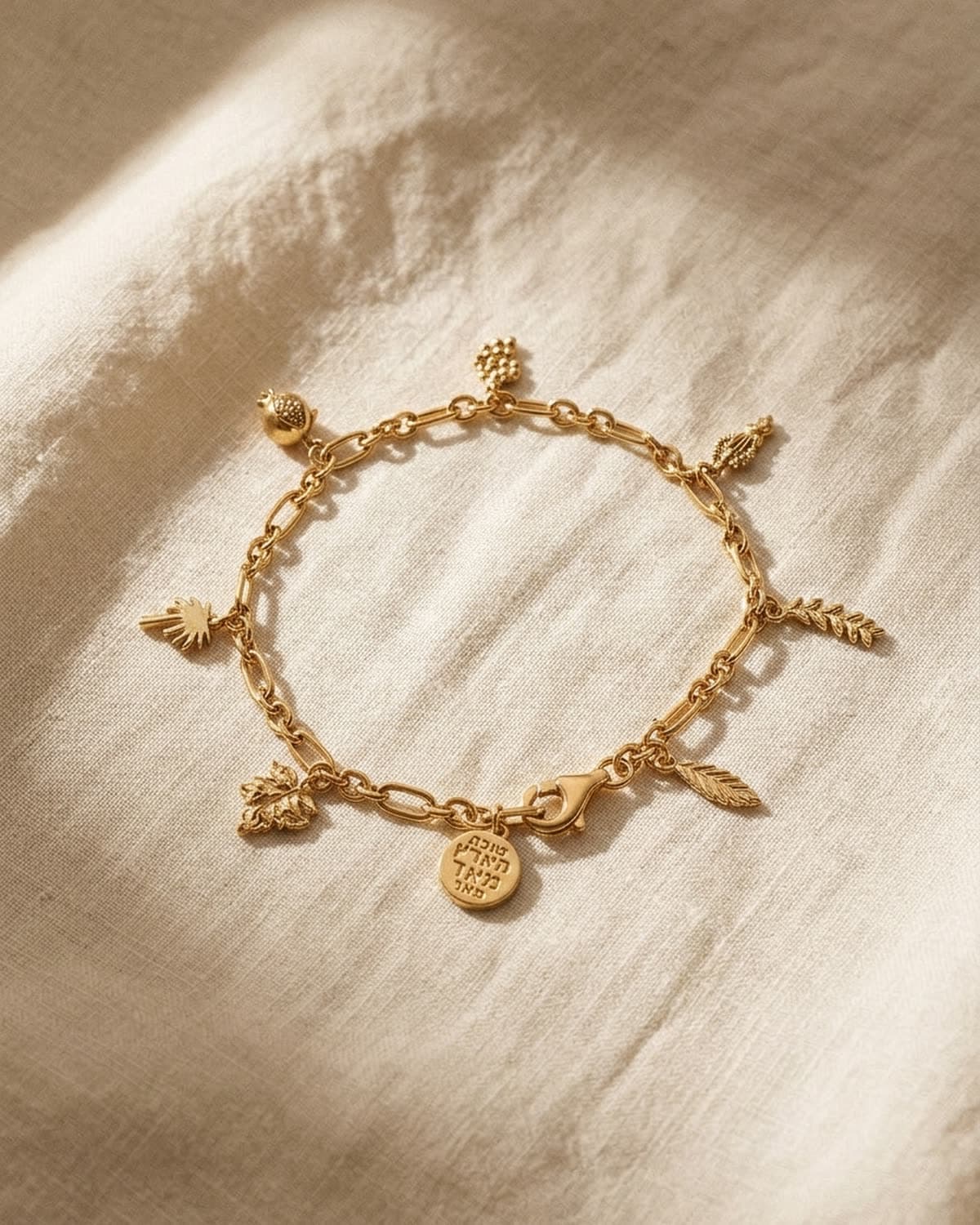
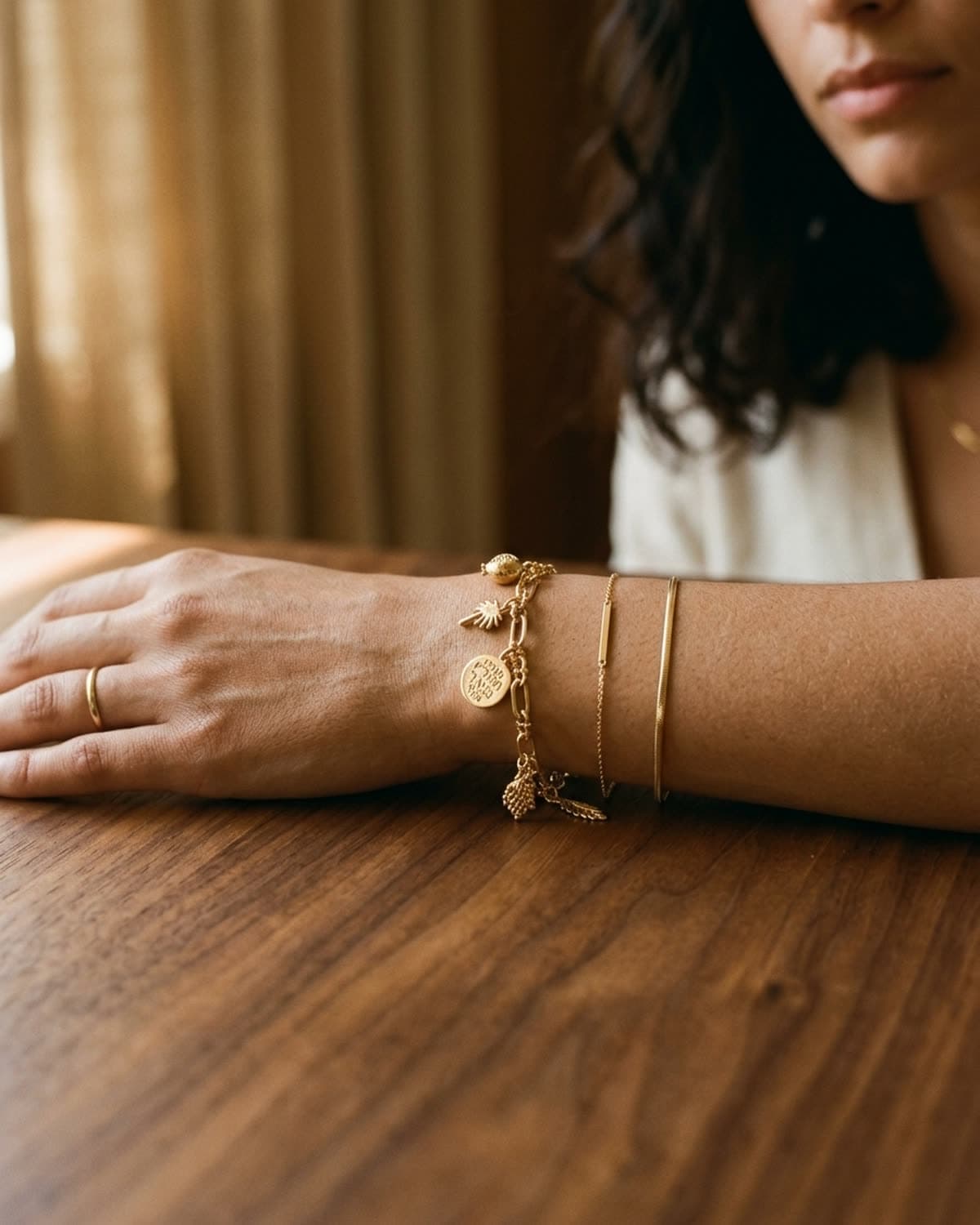
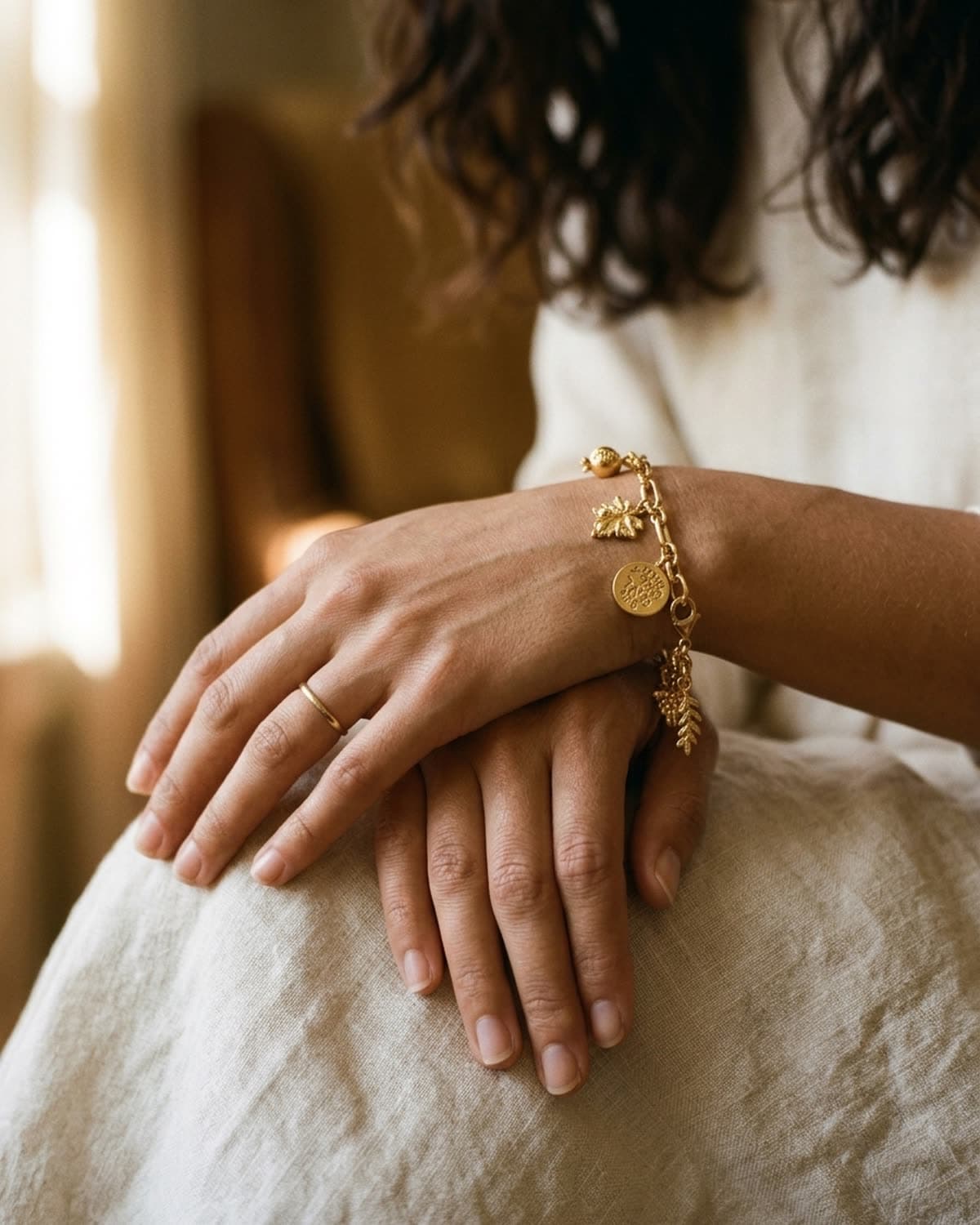
The hammered-gold moonstone cuff from the Tide collection in Vellum. Photographed at a low three-quarter angle so the open cuff reads as a dimensional object rather than a flat band — the hammer texture catches the warm directional light along its whole length, and the bezel-set cabochon sits at the visual center. The warm-white seamless keeps the gold honest and the single soft shadow does the grounding. Completing the four-piece set — ring, earrings, necklace, cuff — this is how a small brand shoots a cohesive collection that looks like one campaign instead of four separate listings. Generated in a single pass from one source image.
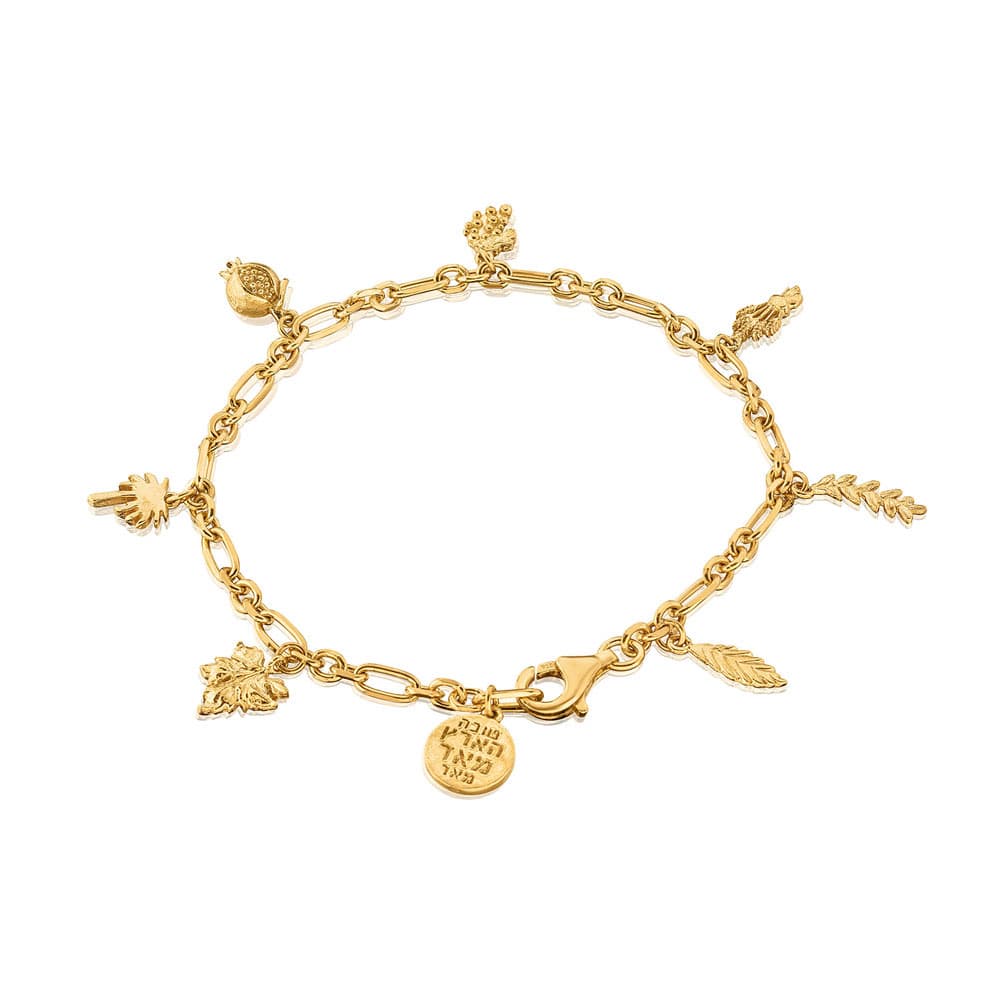
Started from this
A single iPhone photo of the piece. One prompt. Sixty seconds.
- Piece
- Bracelets
- Scene
- Hammered gold, moonstone cuff
Shoot your jewelry like this. 3 free photos, no card needed.
Recreate this look
Same workflow, your piece.
The studio + model pairing here is in the app. Pick them, upload your iPhone photo of a real piece, and Bling AI runs the same generation pipeline.
Step 1
Upload a phone shot of your piece.
Any iPhone photo on a neutral surface — cream linen, paper, a clean wood board. Natural diffused light. Sharp focus on the piece.
Step 2
Pick the Vellum studio.
Clean catalog. Seller-grade. — Warm-white seamless, isolated product, controlled overhead light. For sellers who need a flagship-grade hero shot — Hermès e-com, Tiffany product page, Aesop restraint.
Step 3
Generate. ~60 seconds.
Run on its own or as part of the Etsy listing pack — same studio + model, four shots, one tap.
for a piece like this
the metal and the fit
brands making bracelets like this