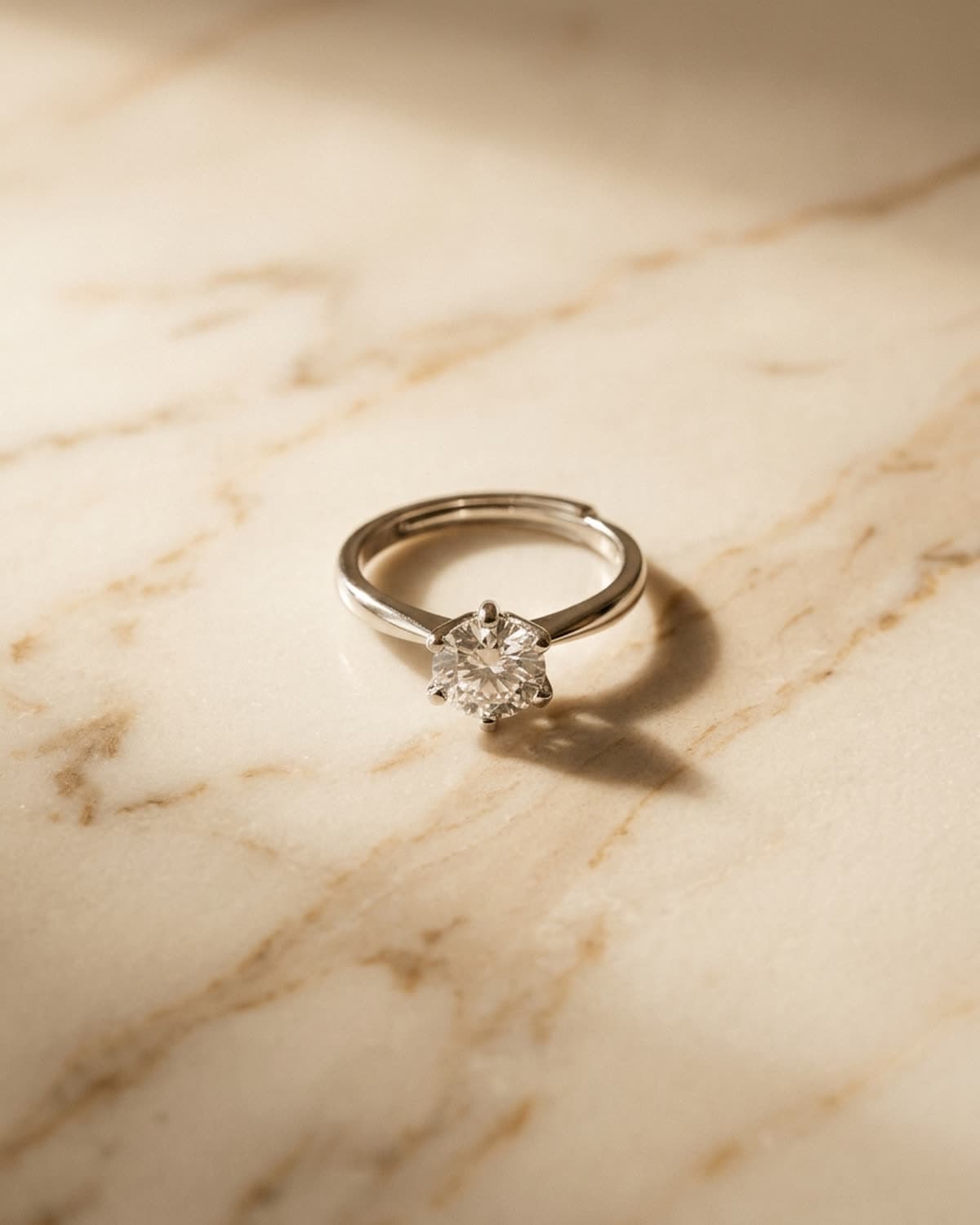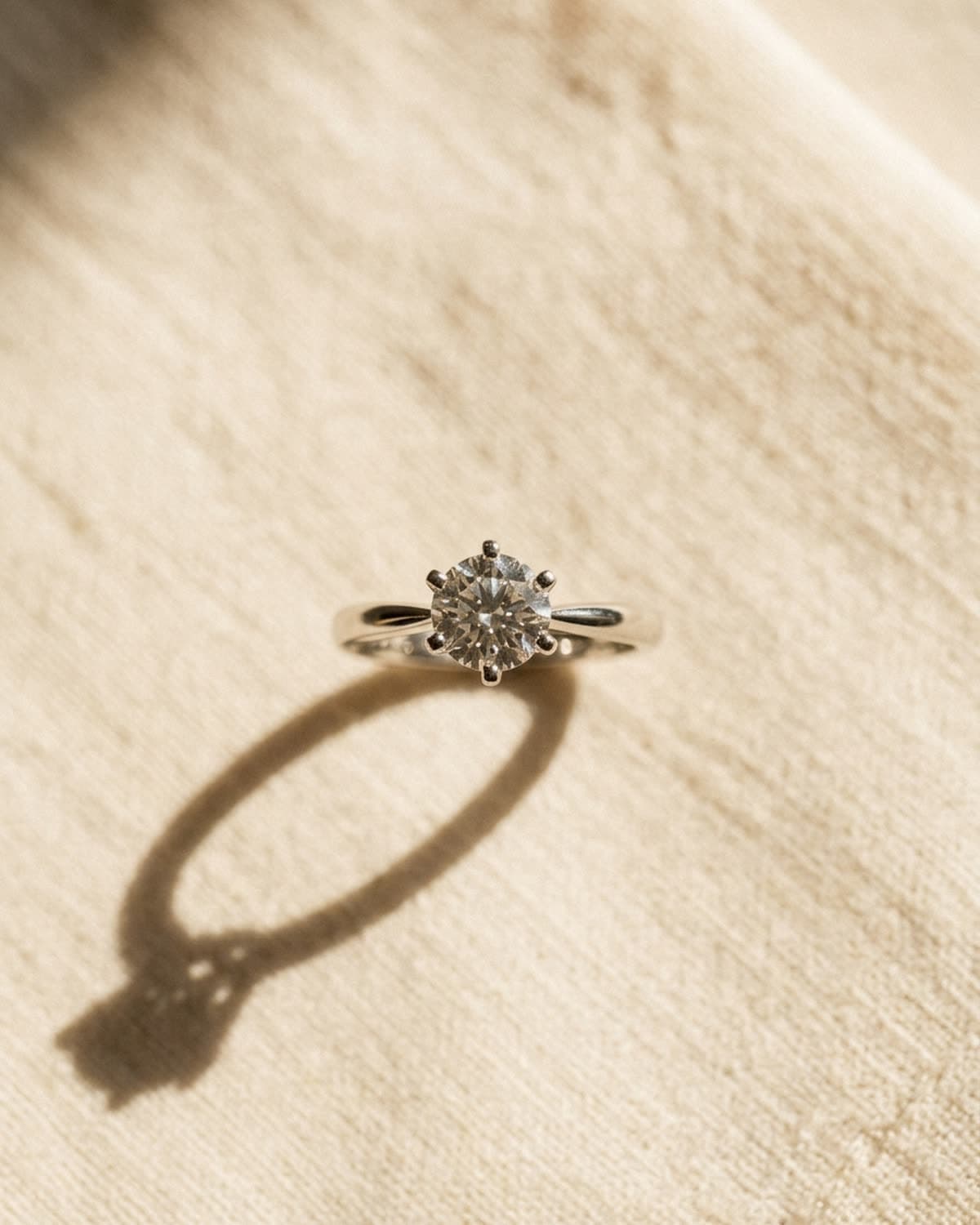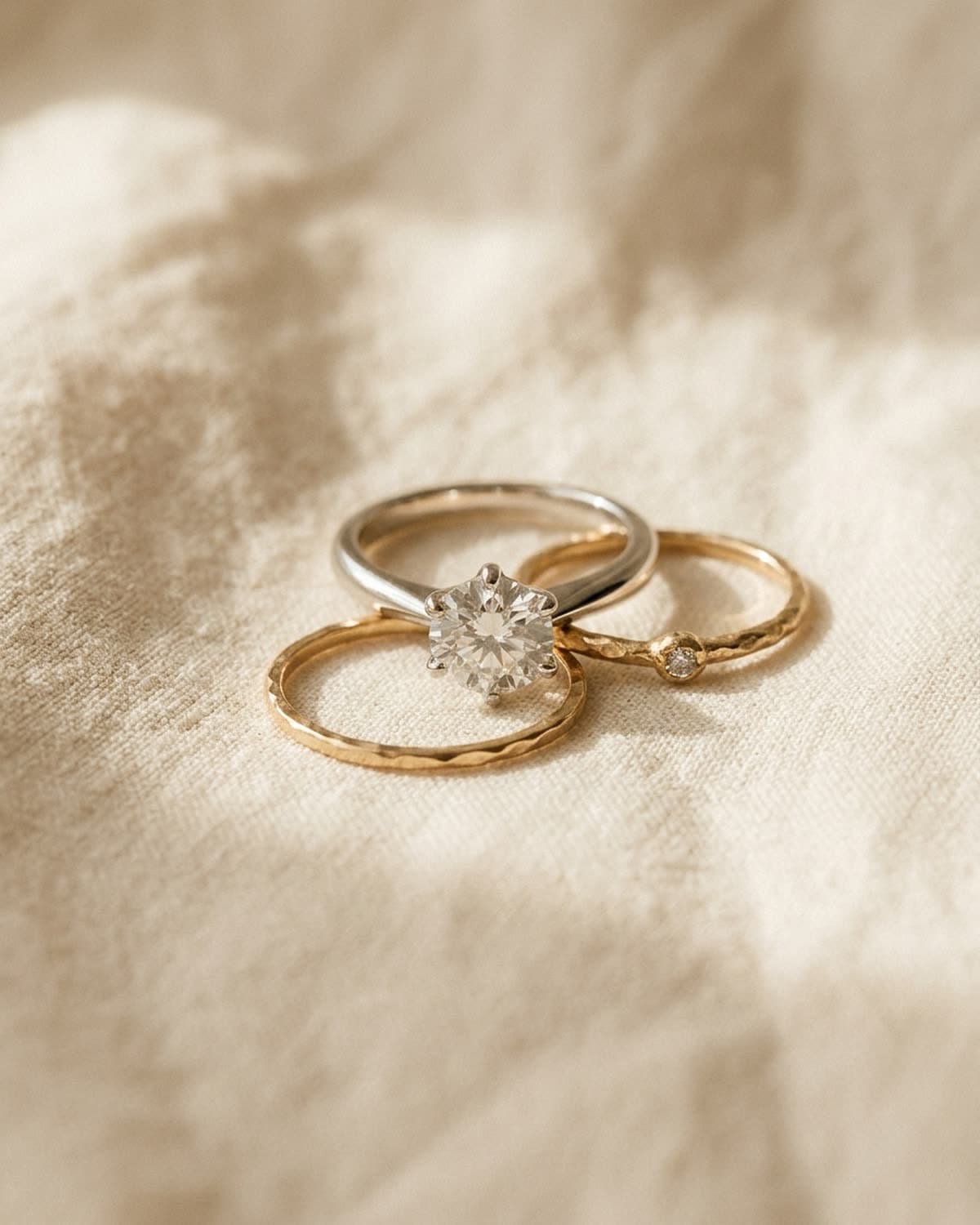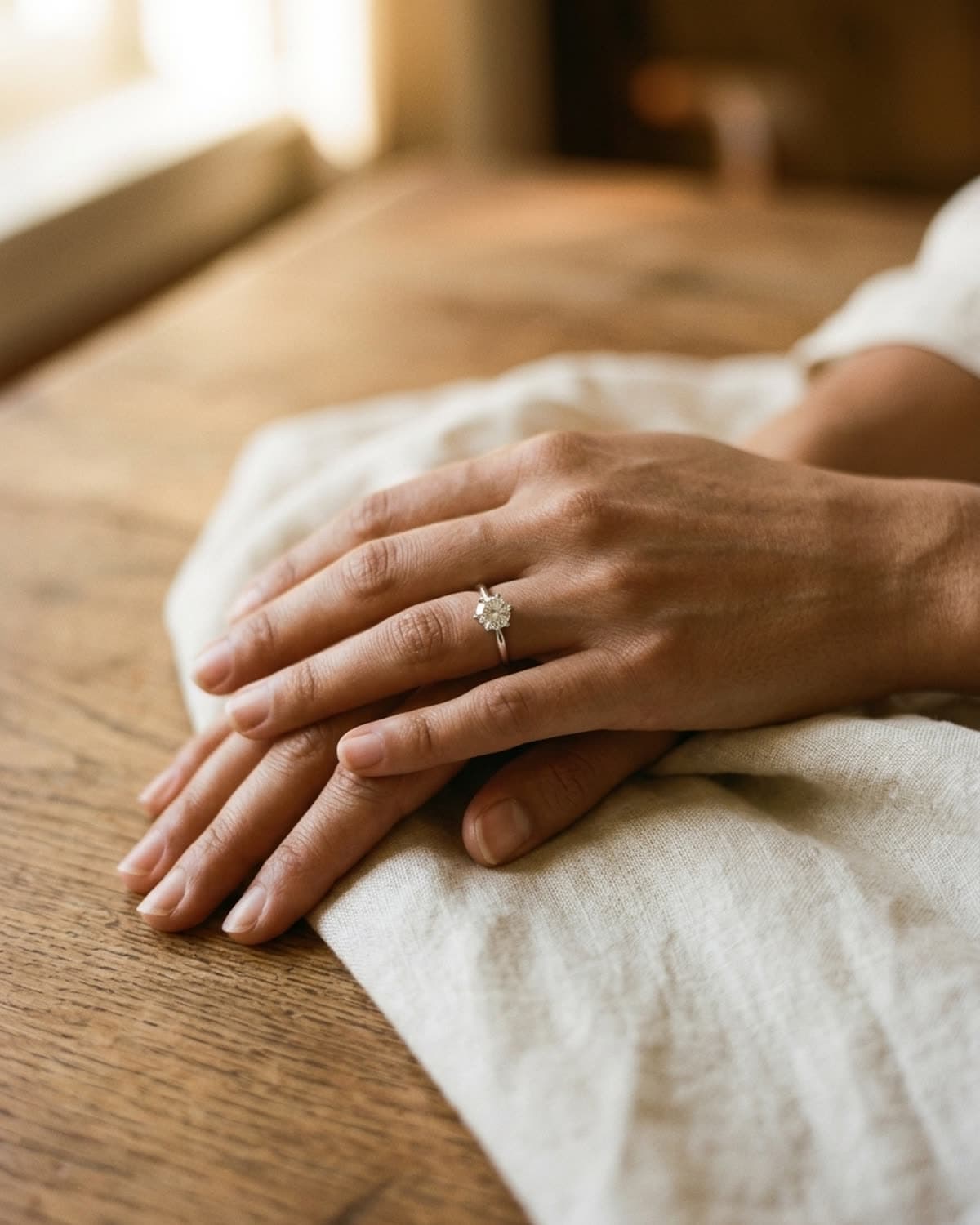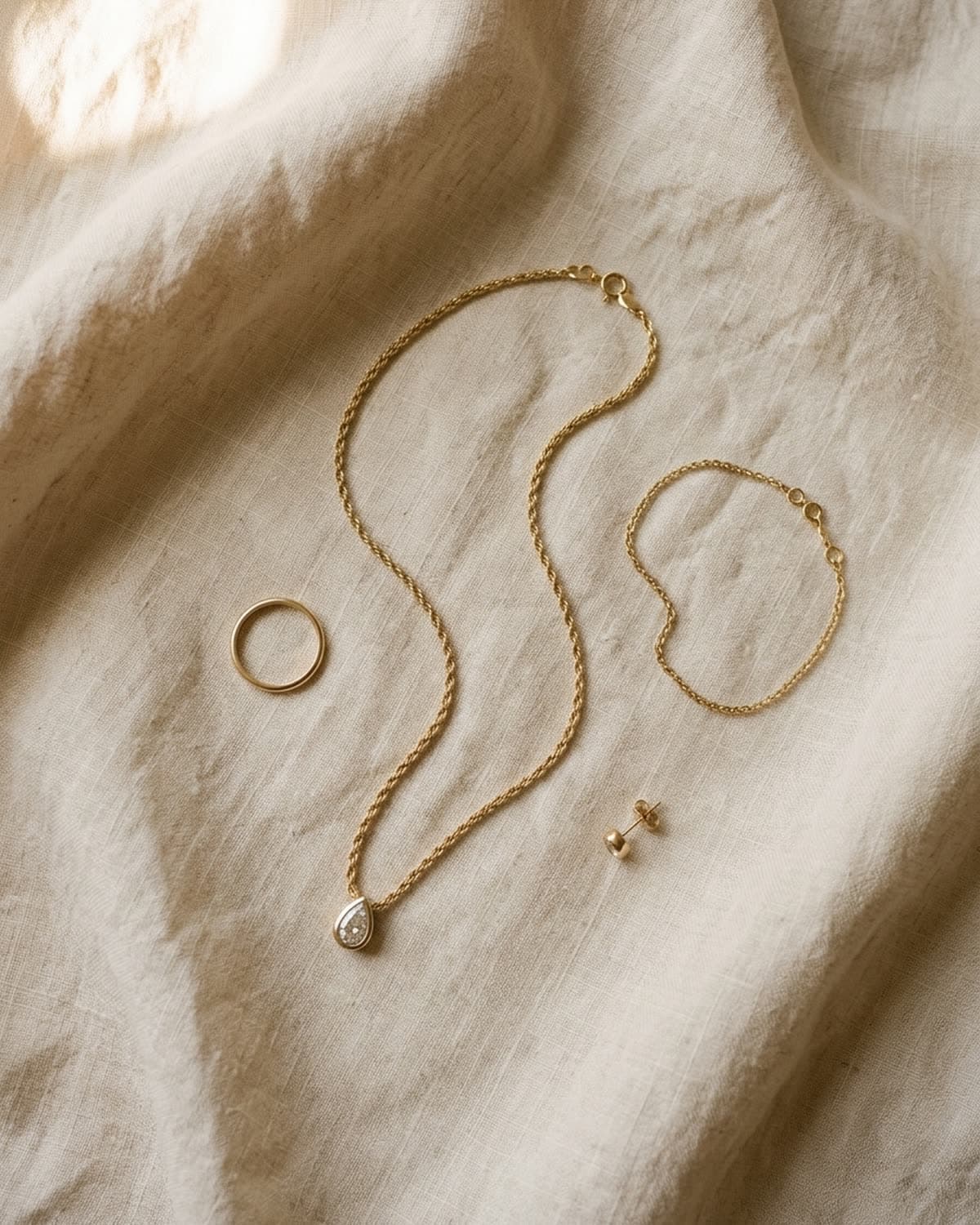
Overhead lay-flats
Four-piece gold jewelry flat lay on linen.
A flat lay of four gold pieces on creased cream linen: the rope chain pendant in an S-curve through the middle, a plain band to the left, a fine chain bracelet to the right and a single round stud below. The necklace is the piece from the source photo; the band, bracelet and stud were added in the prompt as matching companions. The S-curve gives the chain length in a tall frame and leads the eye from top to bottom, and the smaller pieces are spaced so none of them touch. A patch of sunlight in the top left corner adds warmth without landing on the jewelry. A collection flat lay like this works as a site banner, a launch post or the lead image for a gift set, anywhere you want to show range in one picture.
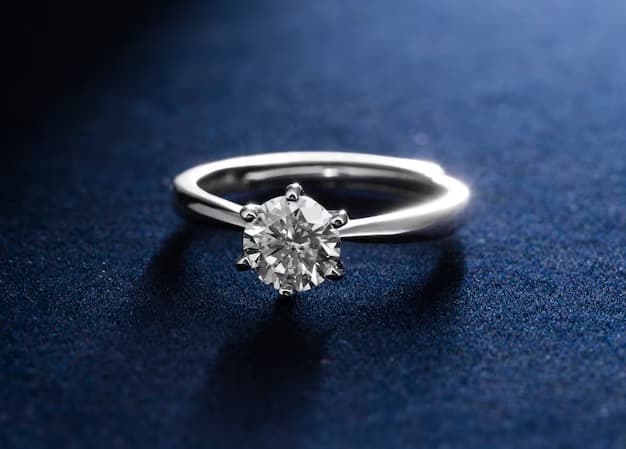
Started from this
A single iPhone photo of the piece. One prompt. Sixty seconds.
- Piece
- Overhead lay-flats
- Scene
- Four-piece lay-flat on cream linen
Shoot your jewelry like this. 3 free photos, no card needed.
Recreate this look
Same workflow, your piece.
The studio + model pairing here is in the app. Pick them, upload your iPhone photo of a real piece, and Bling AI runs the same generation pipeline.
Step 1
Upload a phone shot of your piece.
Any iPhone photo on a neutral surface — cream linen, paper, a clean wood board. Natural diffused light. Sharp focus on the piece.
Step 2
Pick the Patina studio.
Warm earthy. Quiet luxury. — Warm earthy aesthetic — natural light, soft golden hour, walnut and cream textures. For indie / handmade jewelry that wants to look intentional, not loud.
Step 3
Generate. ~60 seconds.
Run on its own or as part of the Etsy listing pack — same studio + model, four shots, one tap.
for a piece like this
the metal and the fit
brands making pieces like this