bling ai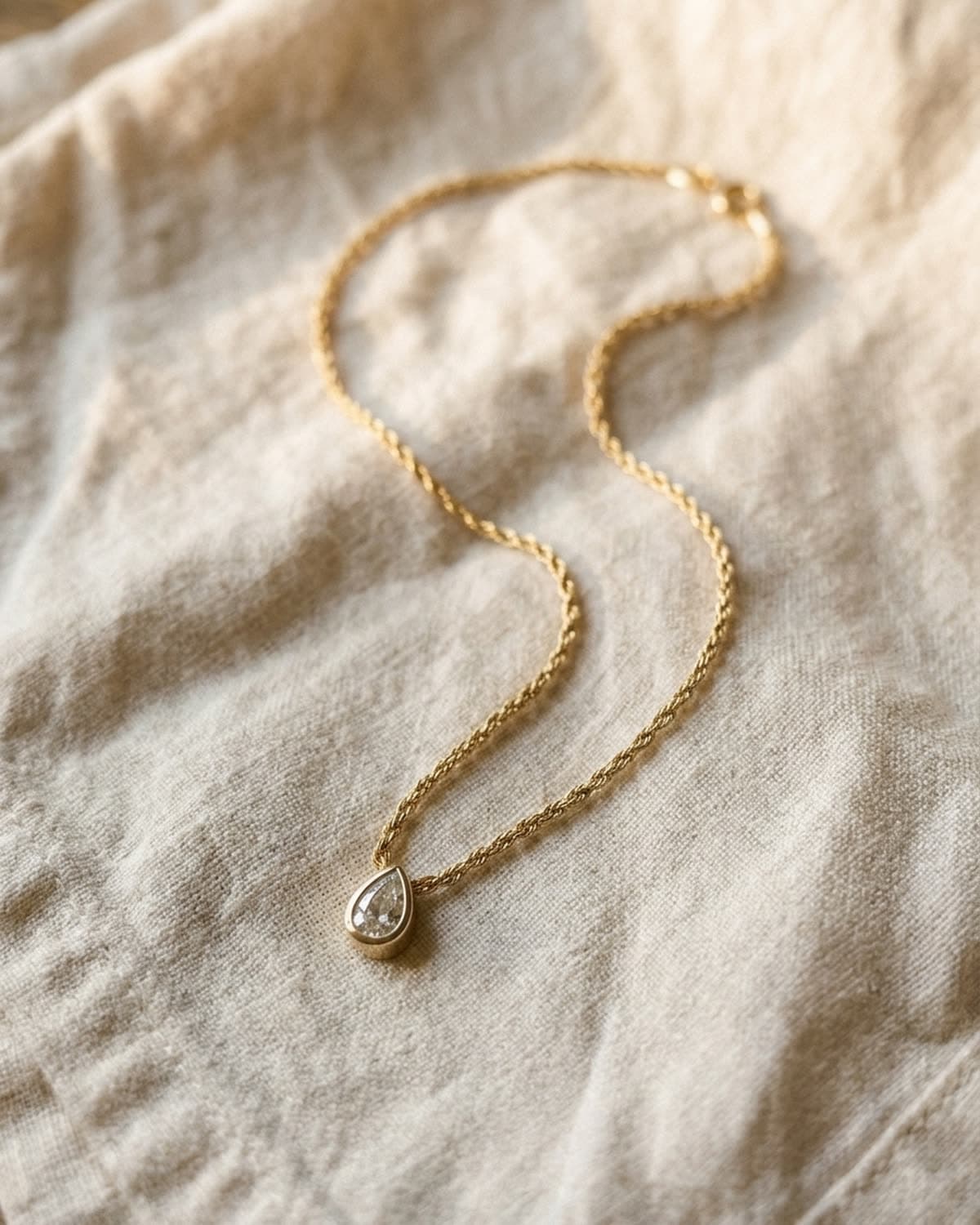
necklaces
rope chain pendant flat lay on linen.
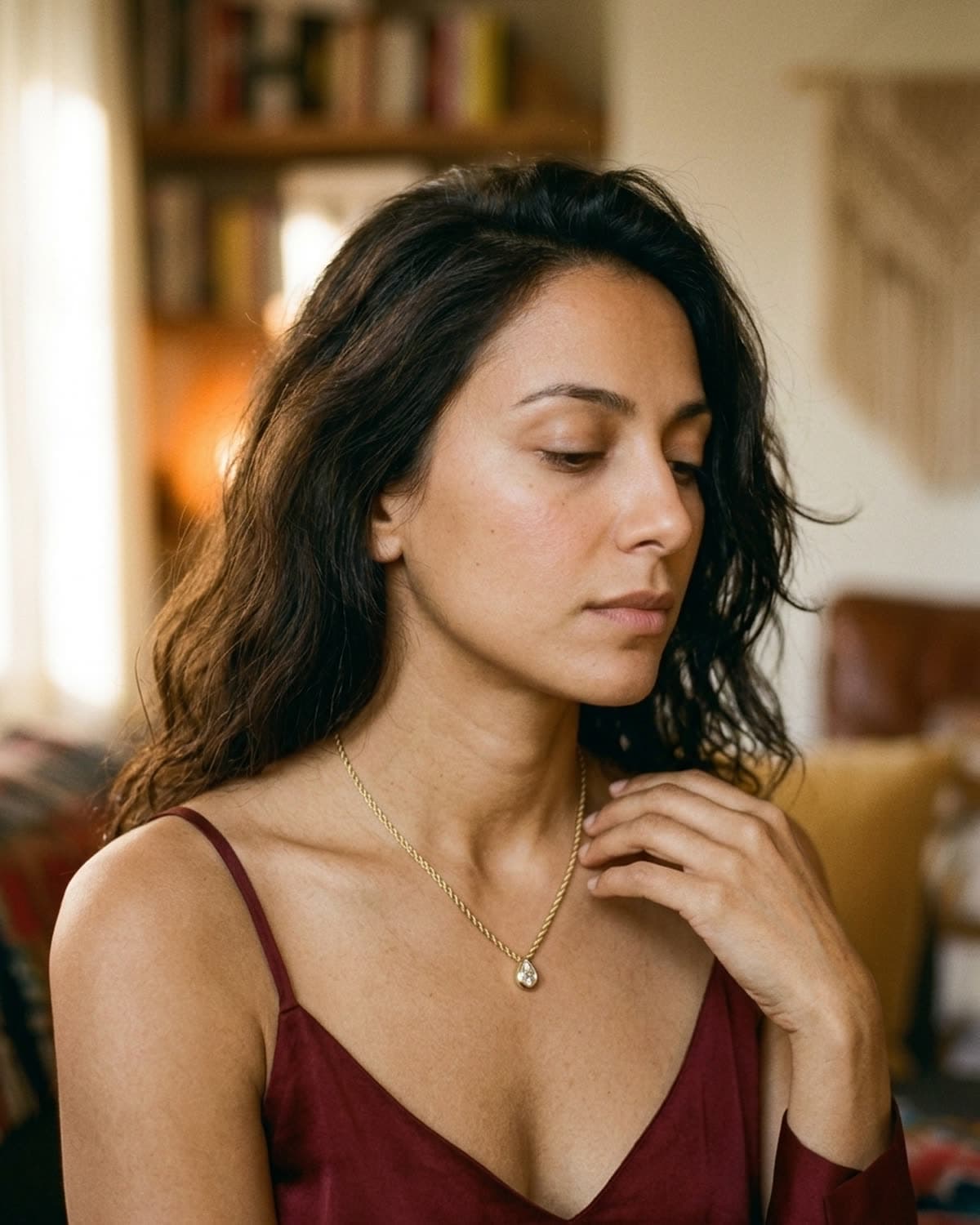
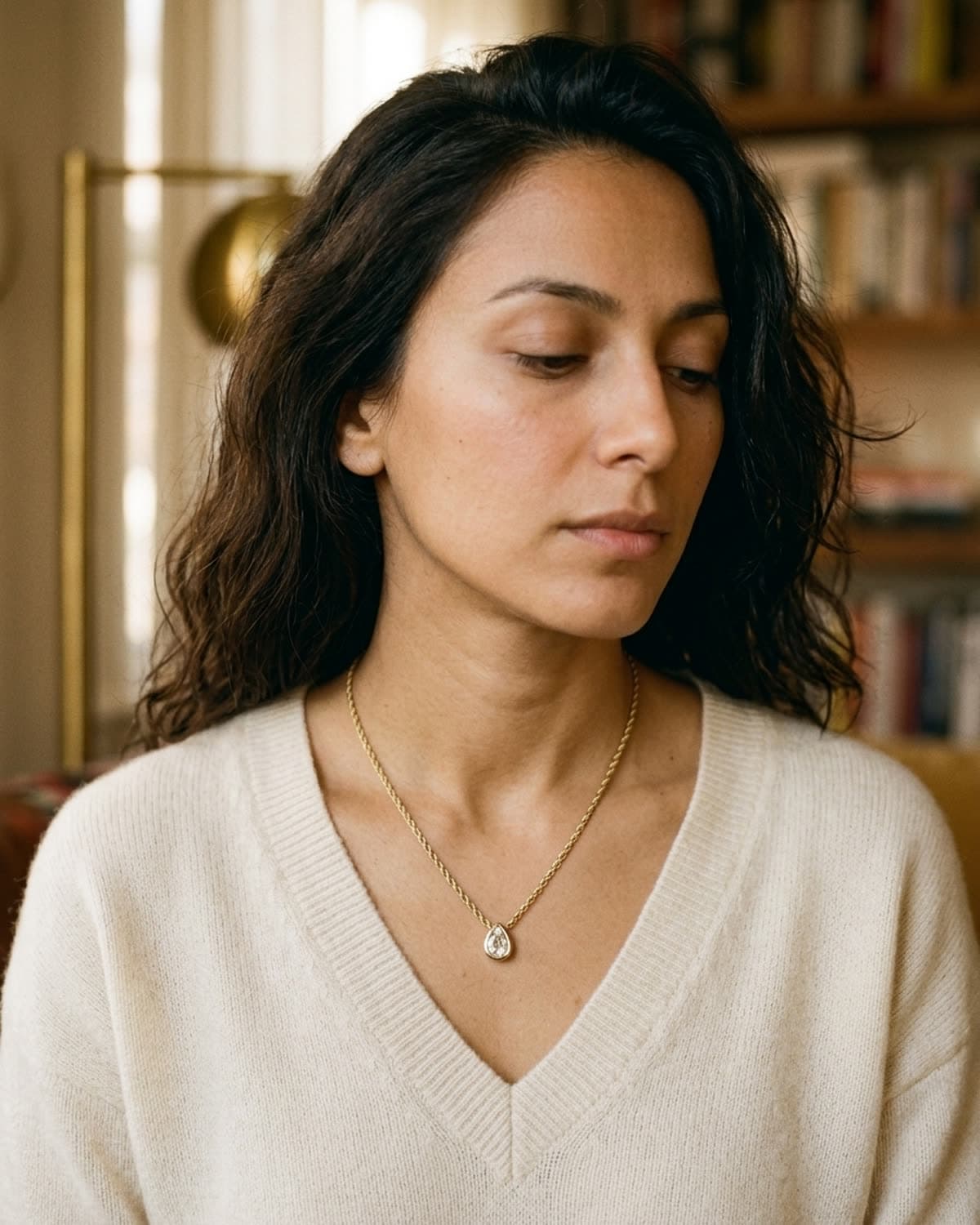
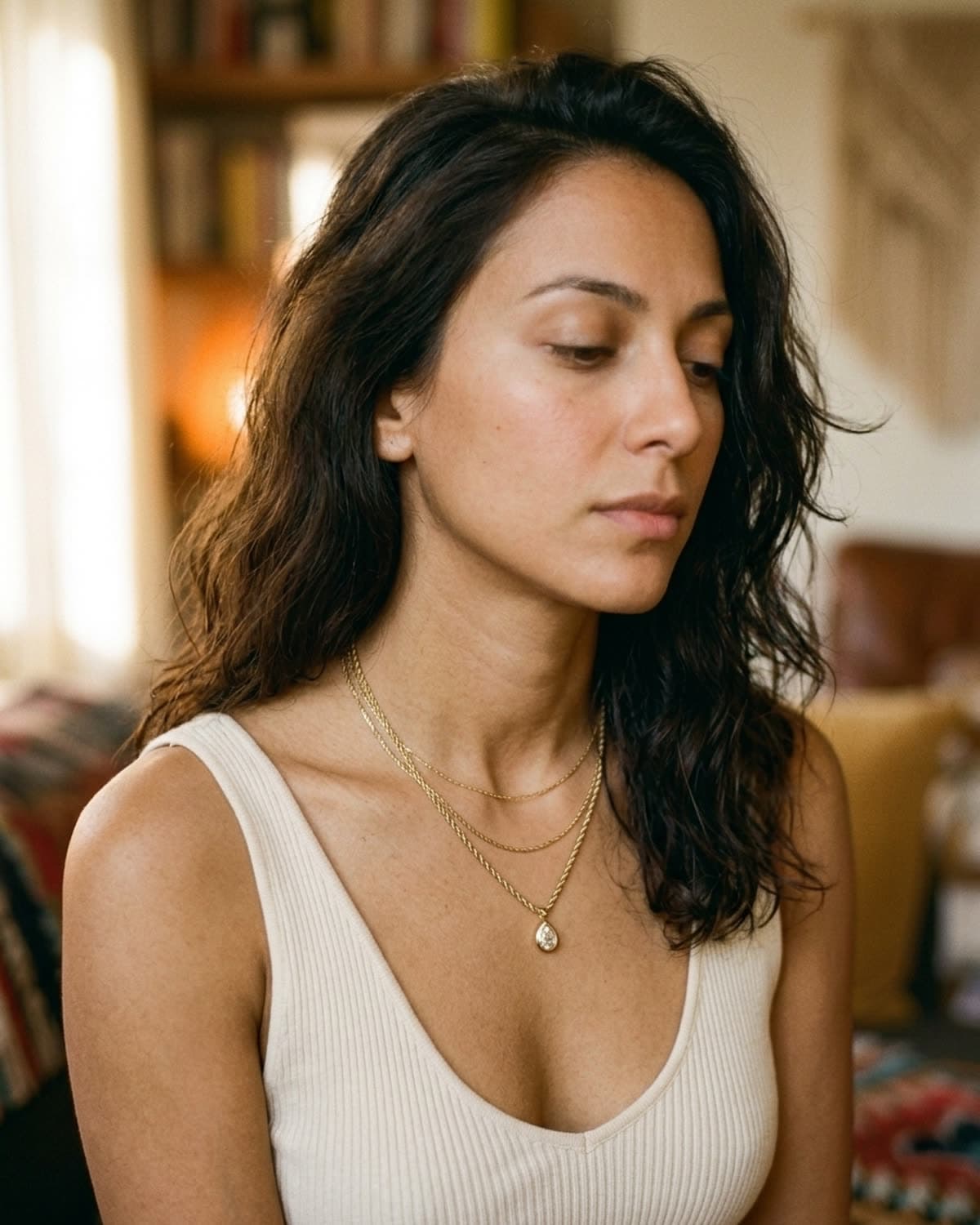
The gold rope chain laid in a loose S-curve on creased cream linen, shot from above with no model, the pear pendant at the bottom of the curve. An S-curve is the standard way to fit a long chain into a tall frame. Laid straight, a necklace becomes a thin line across the middle of the picture; curved, it fills the frame from top to bottom and leads the eye down to the pendant. The linen is matte, so the only highlights in the frame come from the chain itself, and the creases add texture without drawing attention. Light from the upper left gives the rope links enough shadow to show their twist. For necklace listings this is the product-only image that shows the full length and the clasp, and it pairs with a worn shot that shows where the pendant sits.
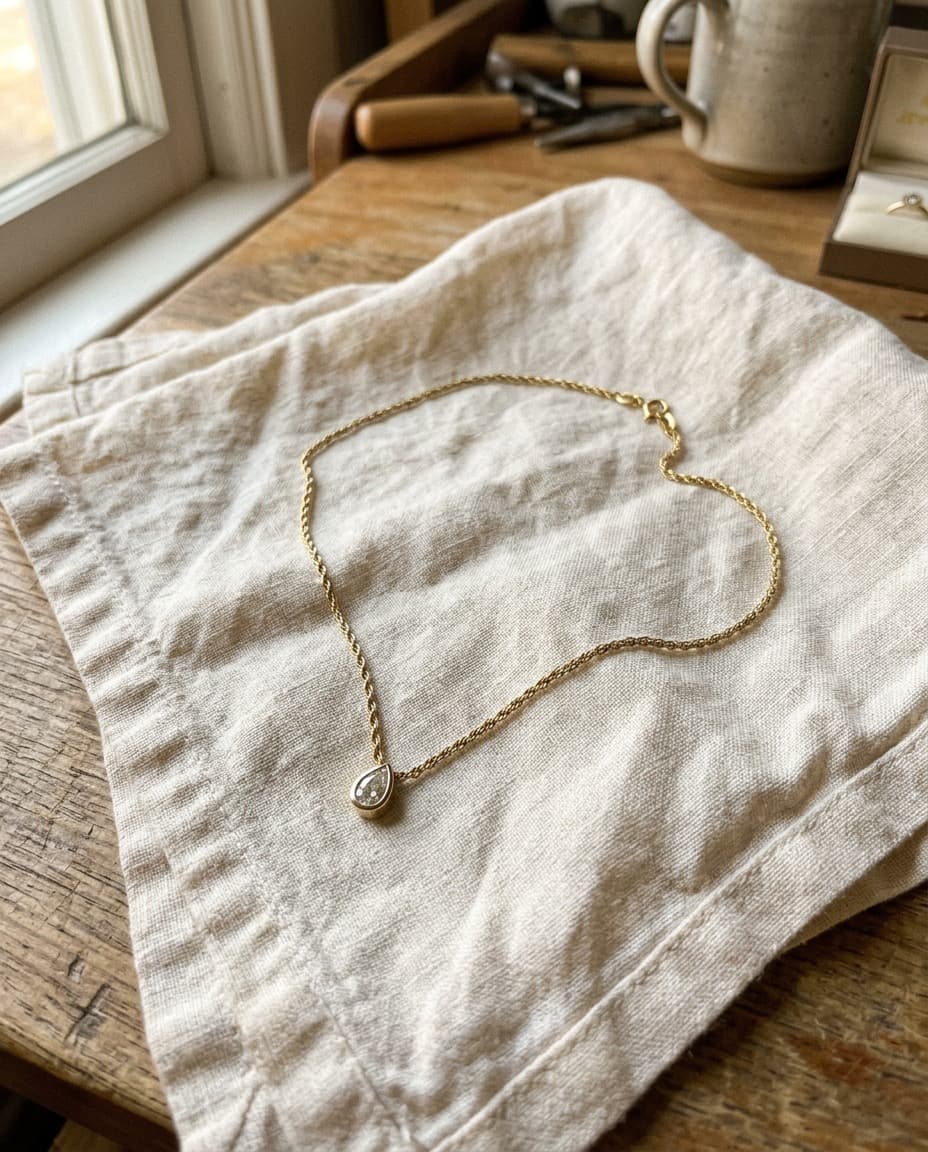
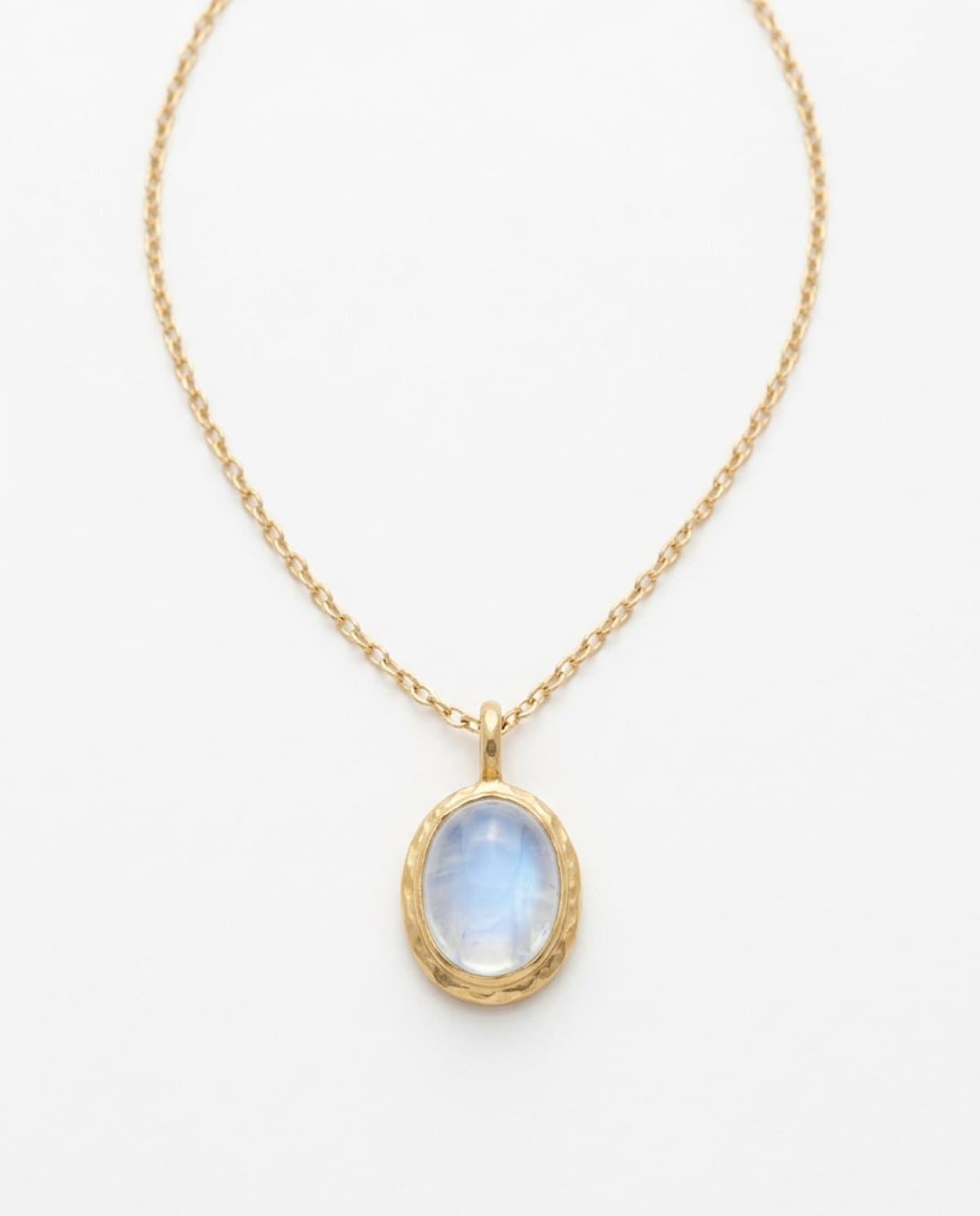
started from this
a single iphone photo of the piece. one prompt. sixty seconds.
- piece
- necklaces
- scene
- overhead s-curve on linen
shoot your jewelry like this. 100 free credits, no card needed.
recreate this look
same workflow, your piece.
The studio + model pairing here is in the app. Pick them, upload your iPhone photo of a real piece, and bling ai runs the same generation pipeline.
step 1
upload a phone shot of your piece.
Any iPhone photo on a neutral surface — cream linen, paper, a clean wood board. Natural diffused light. Sharp focus on the piece.
step 2
pick the patina studio.
warm earthy. quiet luxury. — Warm earthy aesthetic — natural light, soft golden hour, walnut and cream textures. For indie / handmade jewelry that wants to look intentional, not loud.
step 3
generate. ~60 seconds.
Run on its own or as part of the etsy listing pack — same studio + model, four shots, one tap.