bling ai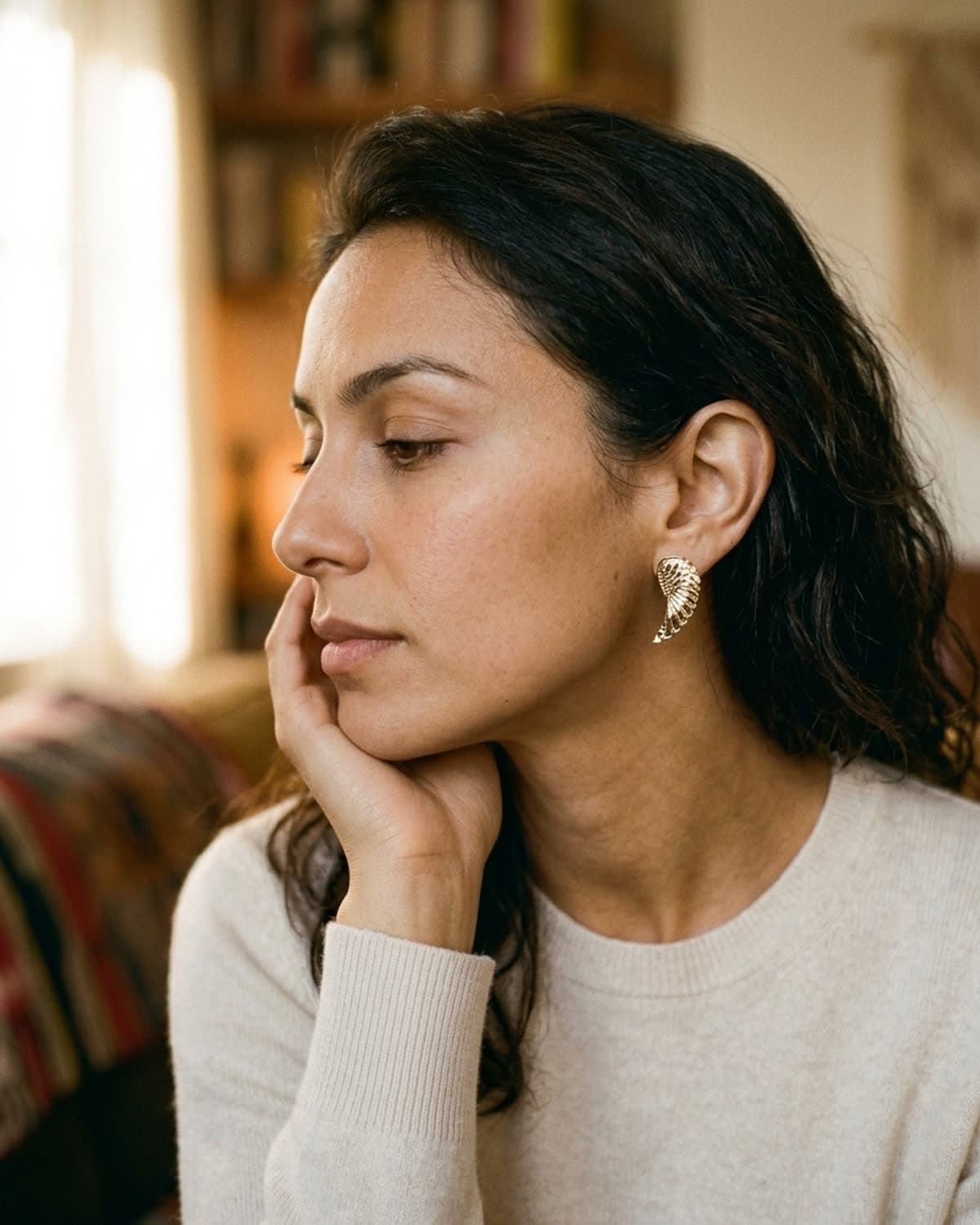
earrings
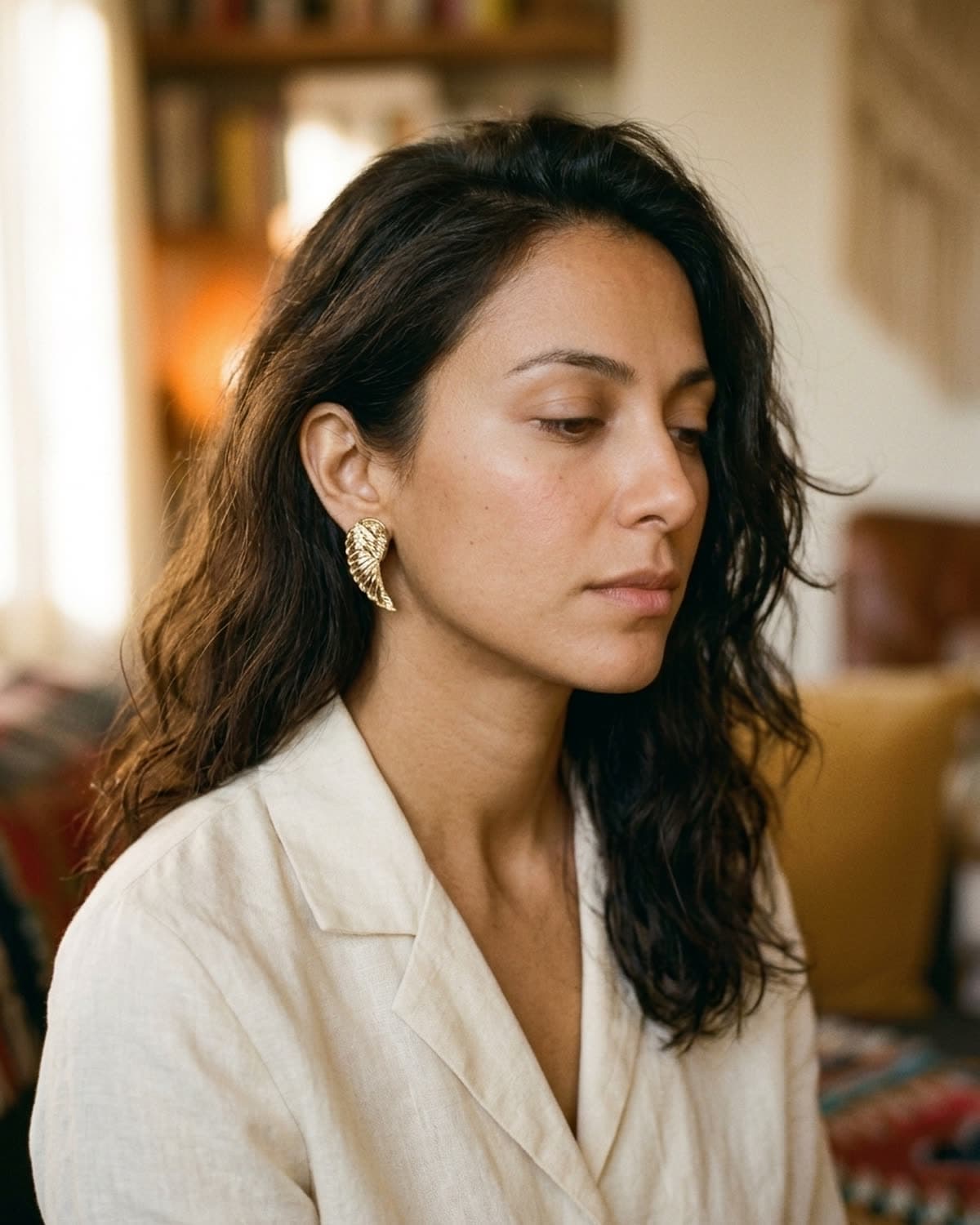
gold wing stud earring, hand-to-jaw pose.
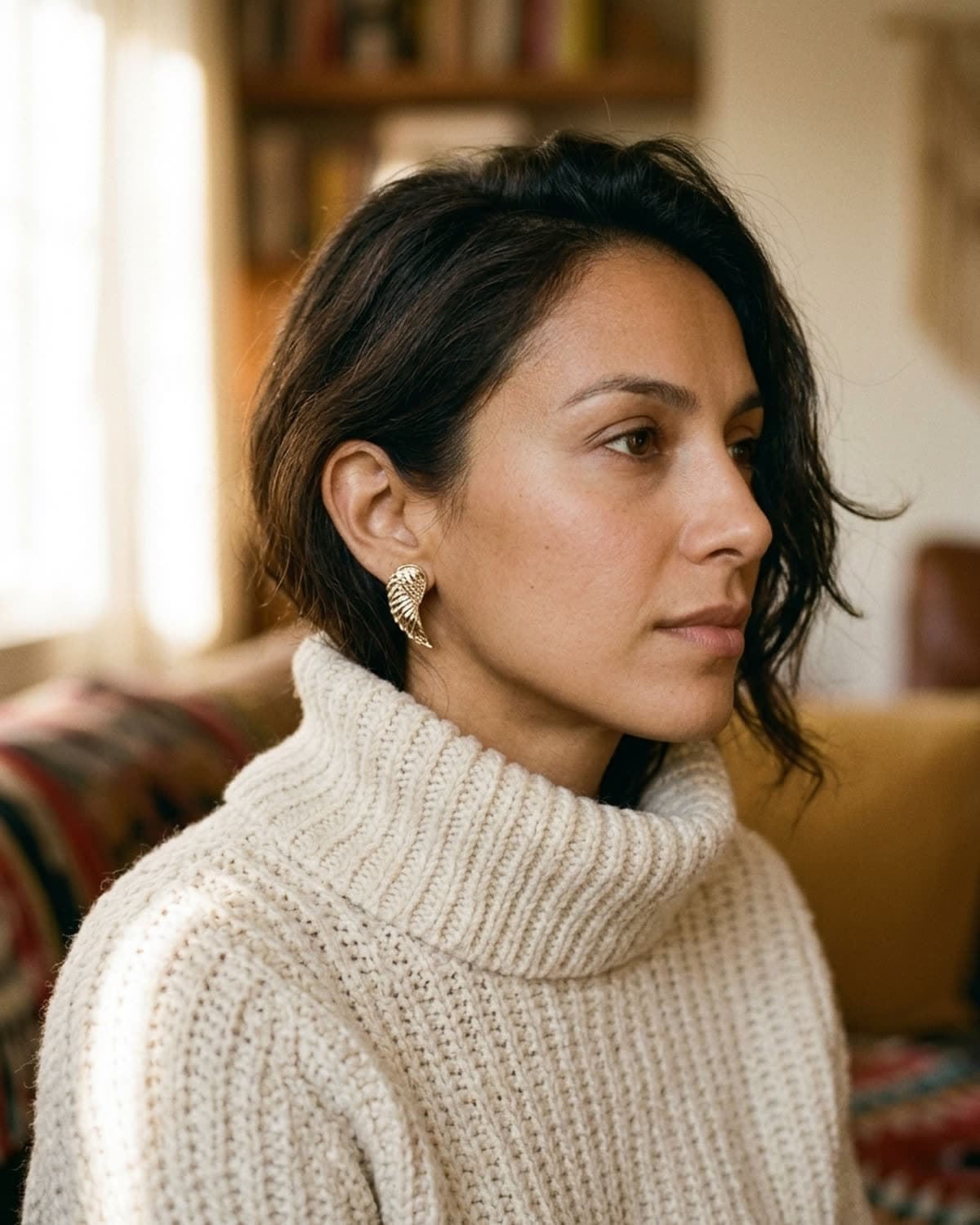
The hand-to-jaw pose is the locked hero crop Patina uses for earrings, and Mira's late-twenties bone structure was the original reason we tuned it that way — the angle puts the ear at the optical center of the frame, with the hand framing it without obscuring. This shot was generated from a single photo of a gold wing stud. The warm overcast light is part of the Patina template; the sweater and the soft brass behind the ear are not in the source photo, but emerge from the studio's mood. For Etsy sellers shooting earrings, this is the THREE-QUARTER shot inside the etsy-pack preset — and it's the shot that does the most conversion work on Instagram saves, more than the FRONT shot does.
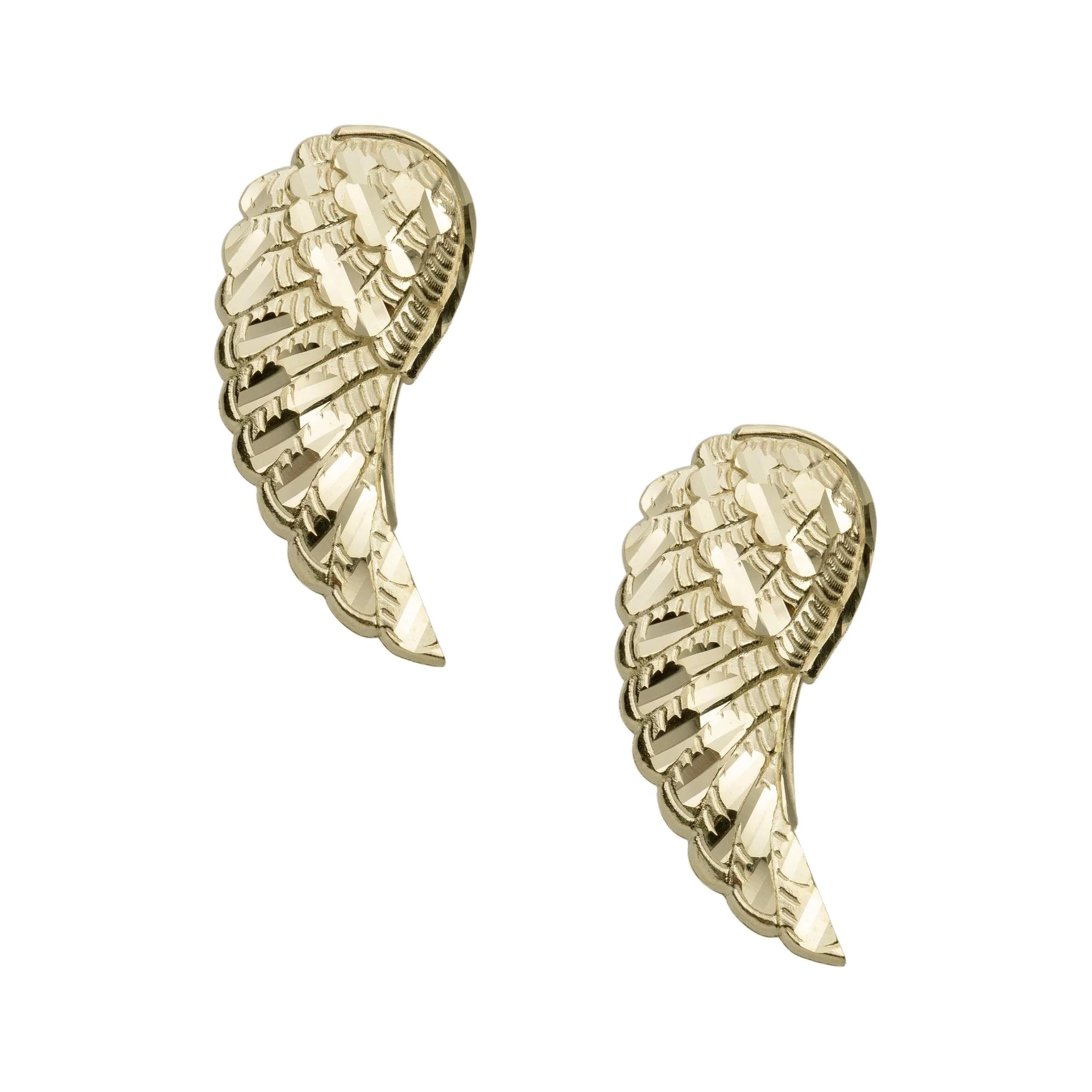
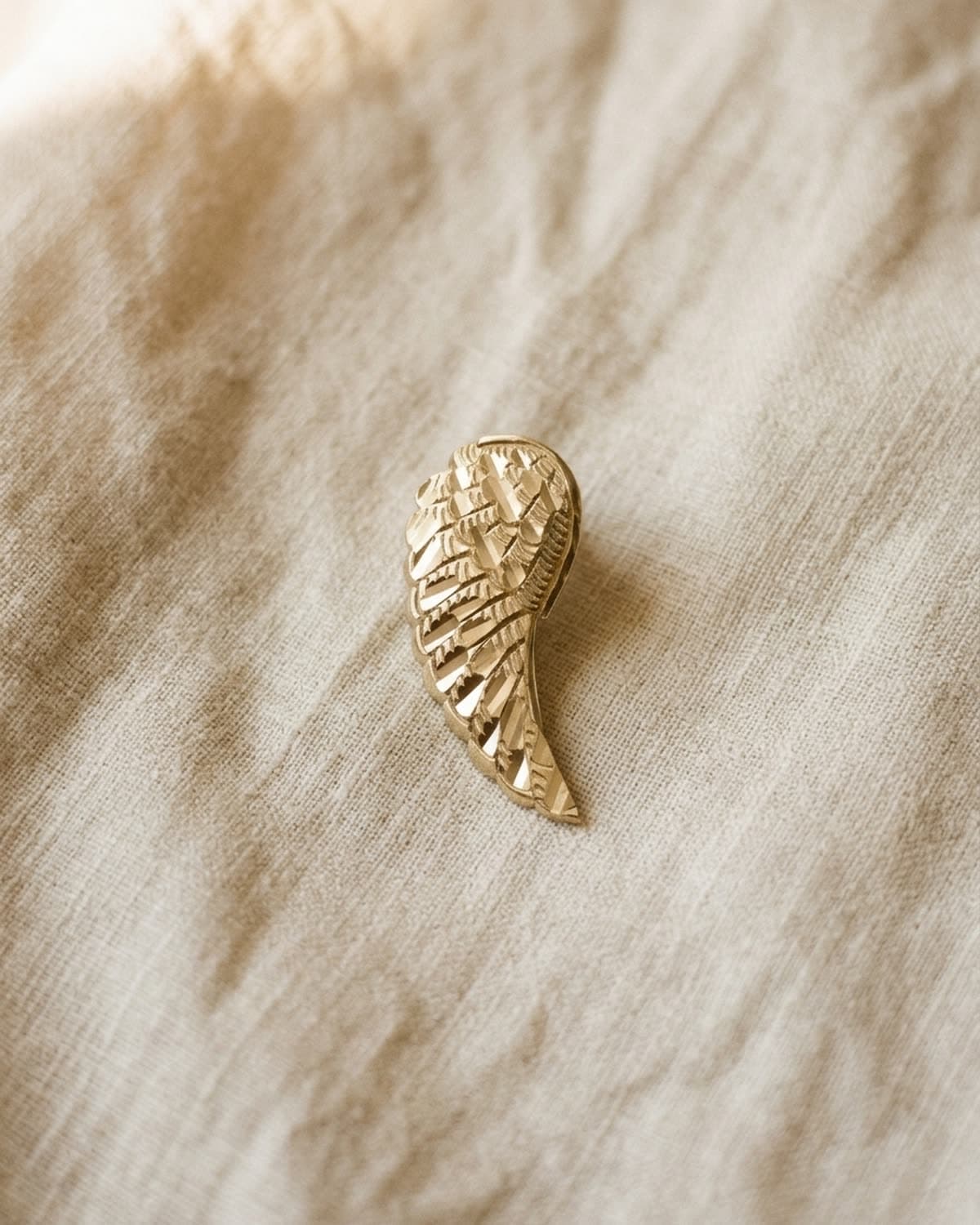
started from this
a single iphone photo of the piece. one prompt. sixty seconds.
- piece
- earrings
- scene
- hand-to-jaw portrait
shoot your jewelry like this. 100 free credits, no card needed.
recreate this look
same workflow, your piece.
The studio + model pairing here is in the app. Pick them, upload your iPhone photo of a real piece, and bling ai runs the same generation pipeline.
step 1
upload a phone shot of your piece.
Any iPhone photo on a neutral surface — cream linen, paper, a clean wood board. Natural diffused light. Sharp focus on the piece.
step 2
pick the patina studio.
warm earthy. quiet luxury. — Warm earthy aesthetic — natural light, soft golden hour, walnut and cream textures. For indie / handmade jewelry that wants to look intentional, not loud.
step 3
cast mira.
warm earthy. quiet luxury. — A soft, contemplative late-twenties presence. Natural light, walnut and cream textures, golden hour warmth.
step 4
generate. ~60 seconds.
Run on its own or as part of the etsy listing pack — same studio + model, four shots, one tap.