bling ai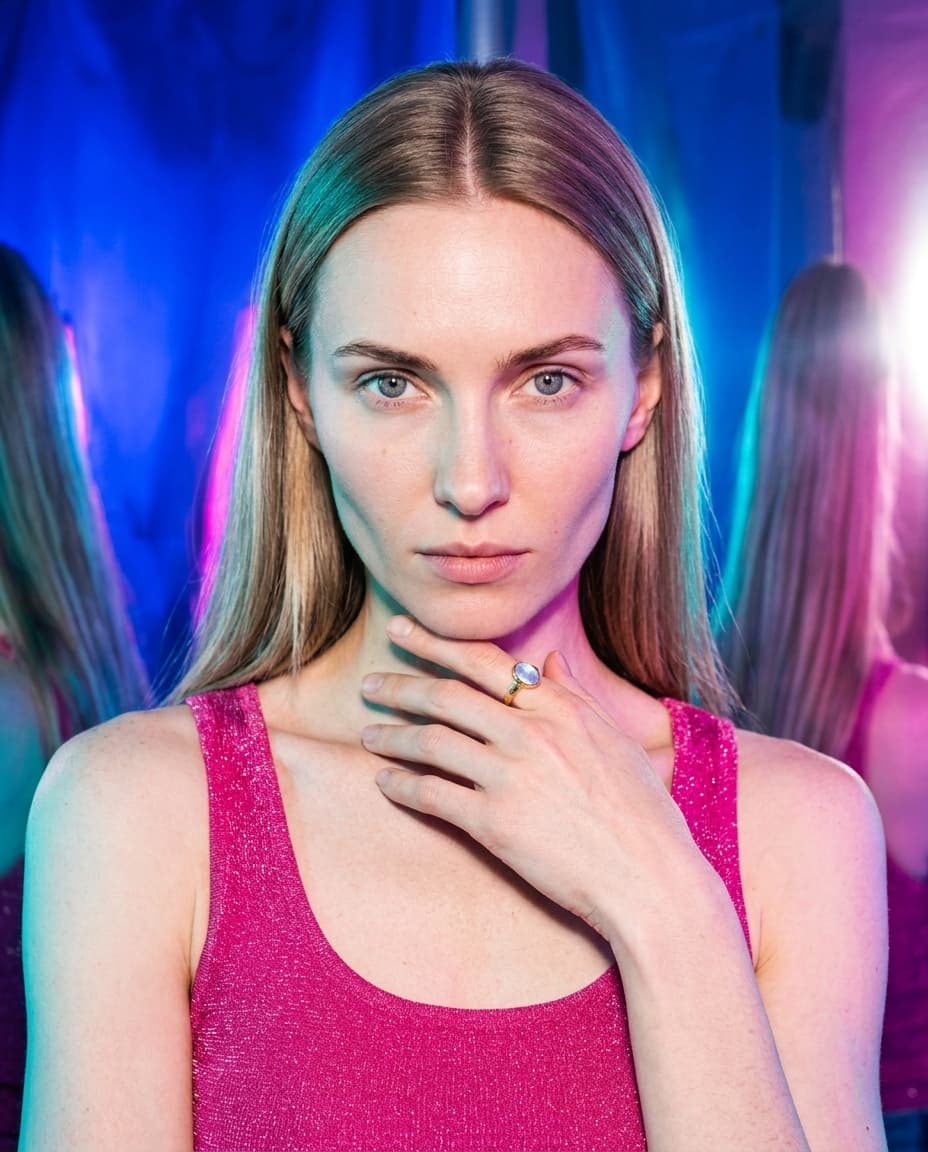
every jewelry seller now competes with video. instagram reels are the highest-reach surface on instagram. tiktok carousels are the second. pinterest idea pins outperform static pins by 3-4x. etsy listings with a video convert 7-10% better than listings without.
and yet — most indie jewelers post zero video. not because they don't want to. because shooting jewelry video means hiring a photographer who also does motion, which means a budget the per-piece margin can't support. the “just shoot a quick video” phone clip looks exactly like a phone clip, and the listing underperforms a static photo instead of beating it.
bling ai v2 added a video tool to fix this. one still, one tap, a short animated clip — same quality bar as the photo output. this is the guide to using it.
what the video tool does
every still that comes out of bling ai is a candidate for the video tool. tap the video button on any generation, and within ~45 seconds you get back a short animated clip — typically 3-5 seconds — built around that exact still.
the motion is subtle and editorial. cameras drift slowly. models breathe and blink. light shifts across a moonstone's surface. fabric catches a small wind. nothing is animated in the cartoon sense — the clip is the cinematic version of the still.
you can specify the camera move in the prompt — slow push in, lateral drift, locked-off hold, slow pull back — or let the tool pick what fits the composition. for jewelry specifically, the four moves that work consistently:
- slow push in — camera moves toward the piece. best for hero macro shots; sells the detail.
- lateral drift — camera moves sideways across the subject. best for portrait shots with environment; sells the world.
- locked-off hold — camera stays still, only the model breathes / blinks. best for reveal moments. intimate.
- slow pull back — camera moves away. best for opening clips; sets up the scene.
every clip exports as a 1080×1920 vertical mp4 — directly postable to instagram reels, tiktok, and pinterest idea pins without re-cropping.
the one-tap workflow
- 01
generate a still you love
use any studio and model in the app. for video specifically, pick a shot you'd actually post as a photo — the video tool can't fix a still that doesn't already work.
- 02
tap the video button
every generated still has a video action. tap it and the tool fans out a short animation job — same gemini-grade quality bar as the photo pipeline.
- 03
pick a camera move (optional)
the tool will pick a default move that fits the composition. for most shots that's correct. for hero macro shots, request “slow push in” explicitly. for portrait shots, request “slow lateral drift.”
- 04
wait ~45 seconds
longer than a still. shorter than rendering a single second of cgi.
- 05
download the mp4
1080×1920 vertical, 3-5 seconds, no audio. drop it directly into instagram reels, tiktok, or pinterest idea pins. add audio at the platform layer.
platform-specific use cases
each platform wants slightly different video material. the bling ai video tool covers all five:
instagram reels. 3-5 second clip works as a single reel with a trending sound. for longer reels (15-30 sec), string 3-6 clips together (see the next section). the cover frame matters more on instagram than tiktok — the still you animated is the cover.
tiktok carousels. tiktok's native image carousel format already handles single stills well, but adding one animated clip in the middle of a 5-image carousel converts unusually well. the eye reads the motion as “wait, that one's alive” and the dwell time spikes.
pinterest idea pins. pinterest's idea pin format prefers vertical video. a single 3-5 sec animated still is short by pinterest standards but doesn't need to be longer — the algorithm rewards motion over duration.
etsy listing videos. etsy now supports up to 5 video clips per listing. drop one animated still per listing (the macro hero shot animated slowly) and conversion lifts noticeably. it costs you nothing to add and signals listing quality.
brand instagram stories. stories are 9:16, 3-15 sec. animated stills land beautifully here as “new arrival” drops or back-of-the-feed catalog teases.
picking the still to animate
not every still is worth animating. the rule of thumb:
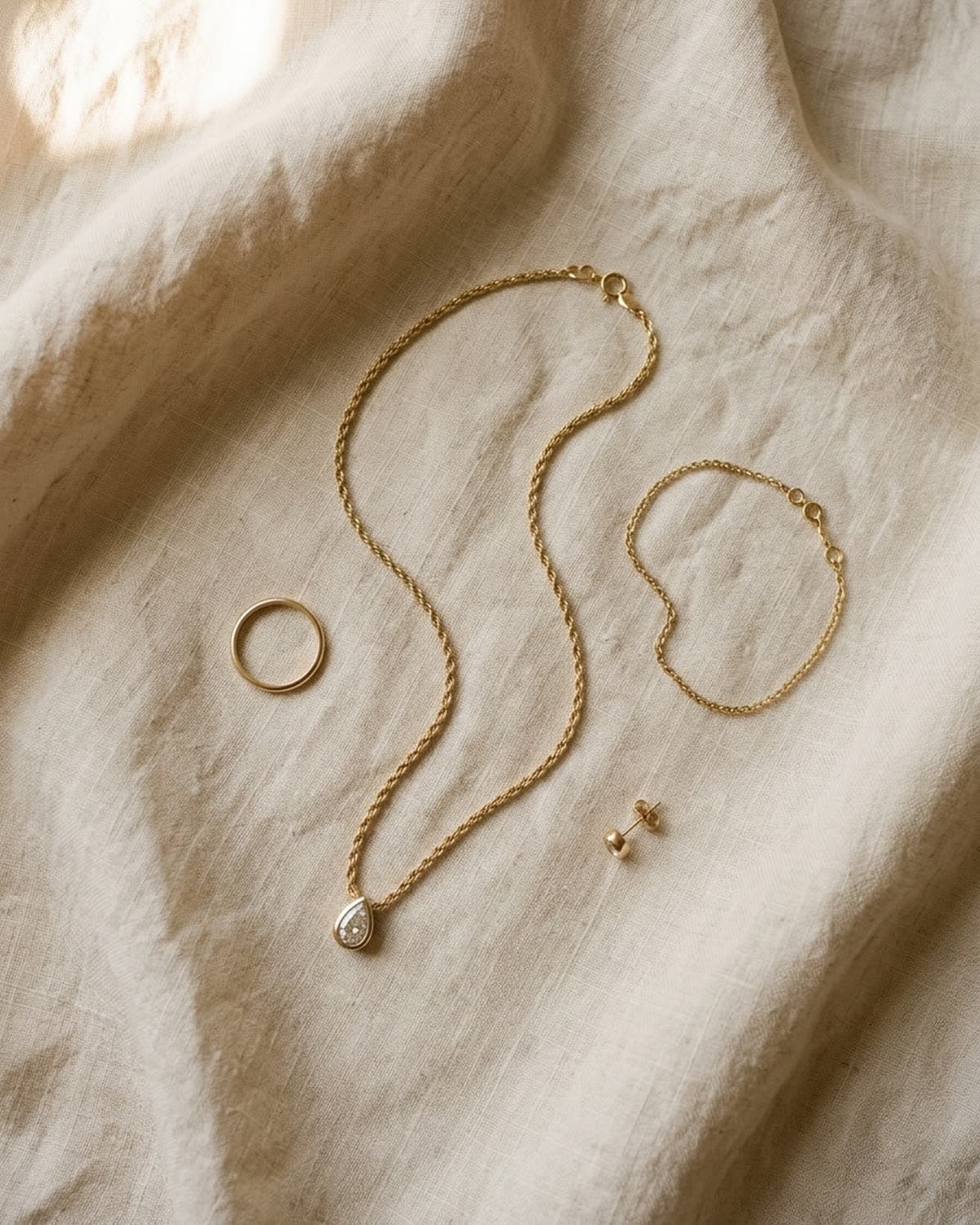
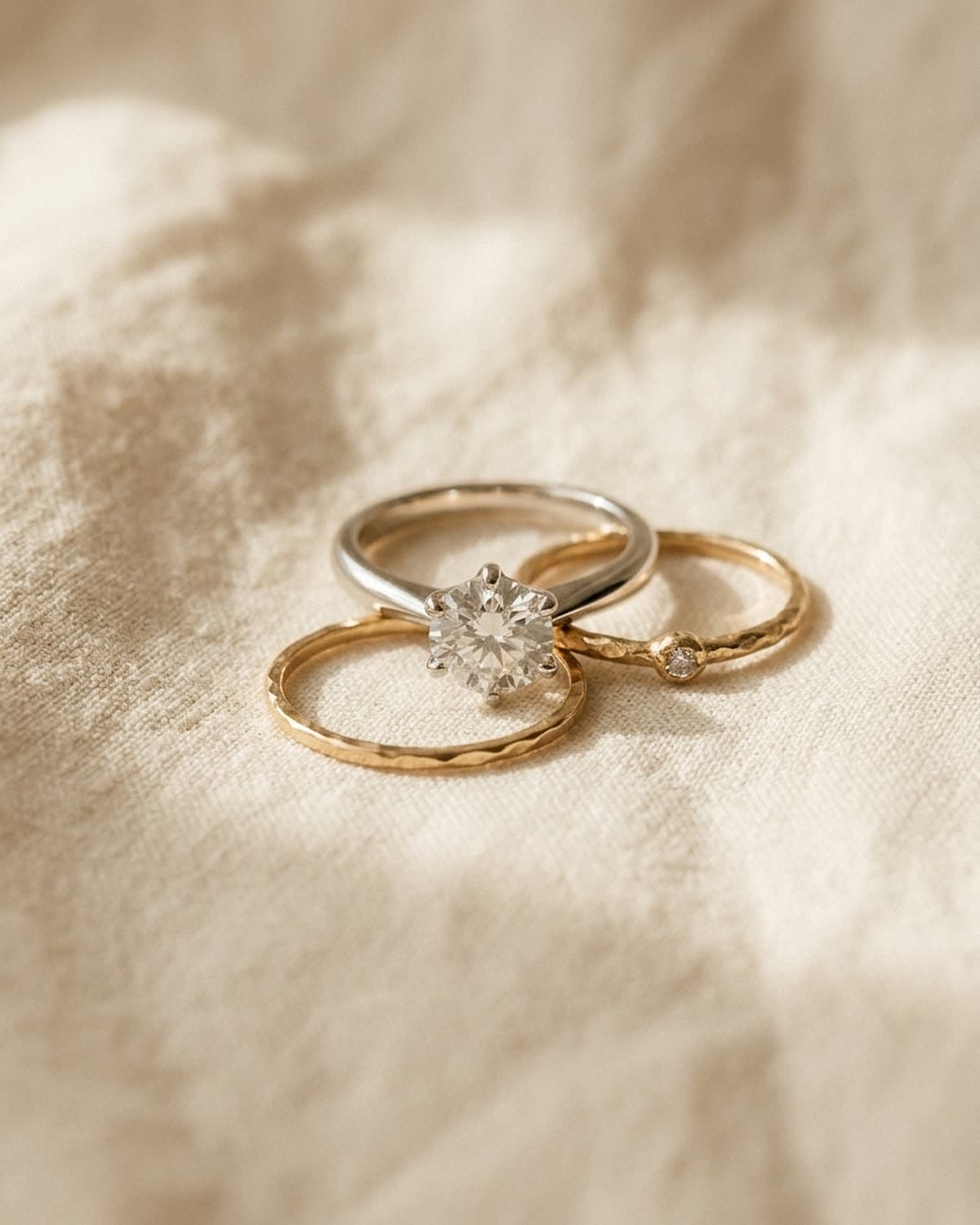
animate stills with depth. macros where light moves across the surface, portraits with a held gaze, environmental shots where the background can drift. these gain something from motion.
don't animate clean catalog shots. vellum and similar flat product shots gain nothing from motion. a still product image is the right format. animating it adds time-to-load without adding value.
lean toward the studios that have ambient motion. tide (sea haze drift), verdure (light through glass), reel (warm window light shifts), suite (brass-lamp tungsten flicker), atrium (raking sun across marble). these studios have natural reasons for things to move.
stay away from halo for video (mostly). halo's chrome-and-neon aesthetic is photographic — the motion equivalent tends to look like a music video, which mismatches most indie jewelry listings. exception: if you sell statement chains or body jewelry to a gen-z audience, halo + motion is the whole point.
stringing clips into a longer reel
a single 3-5 second clip is enough for a story or a single-reel post. but the reels that perform on instagram and tiktok run 15-30 seconds. for that, you string clips.
a basic 4-clip reel:
- hook (1-2 sec) — macro of the piece, slow push in. the “wait, what is this?” moment.
- establish (5-7 sec) — model in studio with the piece, slow drift. the world.
- reveal (4-6 sec) — held shot of the model looking at camera. the moment.
- cta (2-3 sec) — held macro again, with text overlay. the call.
generate four matching stills (same model, same studio, same wardrobe), animate each, then stitch them together in any free editor — capcut, descript, even ios' photos app handles multi-clip exports. add audio at this layer.
this is the workflow most jewelry brands use for their “new collection drop” reels. it works for a $40 etsy listing the same way it works for a $4,000 collection launch — only the music and the brand voice change.
advanced — the impossible coastal shoot
we built one of these recently and documented the workflow as a reel called the impossible coastal shoot. it's a 20-second tide reel — four clips, twelve kinetic stills, a custom suno track, baked-in text overlays.
the full breakdown:
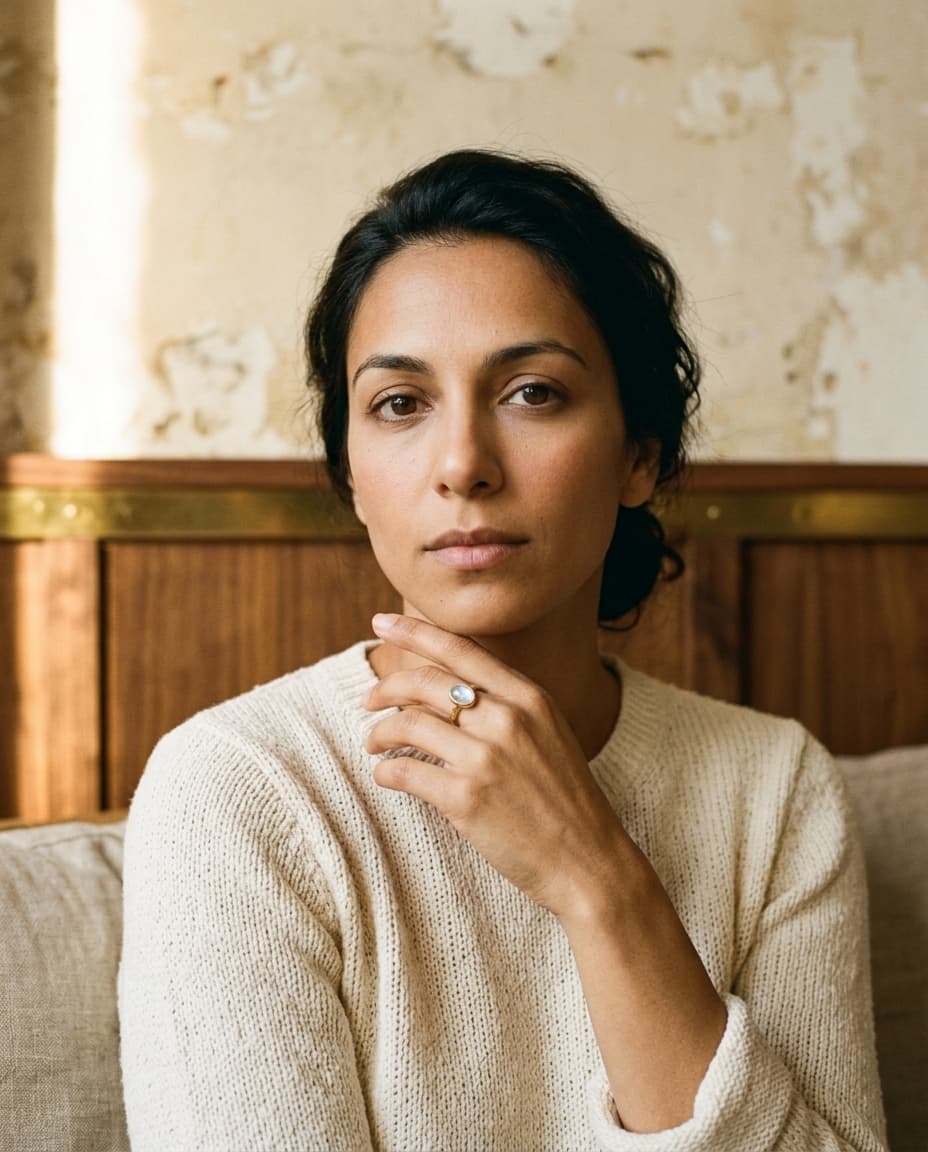
- subject: an ai-generated artisan moonstone ring (also fictional). hammered gold band, oval moonstone, bezel-set.
- studios used: tide for the model shots, with the same ring as the piece across all of them.
- models used: naomi (lead, in 3 of 4 clips) and yuki (in the third clip — proves the studio holds identity across cast).
- clips: generated through veo with the original stills as conditioning frames. four total: hook macro (1.5 sec), naomi-in-tide drift (6 sec), naomi held reveal (4 sec), cta macro (2.5 sec).
- stills: 12 additional photographic stills shot through the same tide studio with the same ring — used as 0.5-sec fast cuts between the held shots.
- music: a 20-second suno track — 118-122 bpm modern electronic with chopped vocal samples, drums from frame 1, a swell at the 13-second reveal.
- text overlays: five fade-in lines — “naomi isn't real,” “the ring isn't either,” “the moonstone is,” “made by bling ai,” “ios app — link in bio.”
- assembly: ffmpeg from a single bash script. film-stock grain + chromatic aberration applied to all four veo clips to kill the “too-clean ai” tell.
- cover image: the most striking single frame from the reveal clip, with the hook line “none of this exists.” in big serif over a soft dark gradient.
- total cost: ~$3 in compute. ~5 hours of build time (most of it iterating on the music + film-stock pass).
this is more involved than the one-tap in-app video tool. it's the advanced version — the one you reach for when you're building a campaign launch reel rather than a single listing video. for most jewelers, most weeks, the one-tap in-app workflow does the job.
but when you're building the campaign moment — the new collection drop, the brand-launch reel, the “this is who we are” hero piece — the four-clip stitched workflow above is the recipe. the cost is hours, not money.
common mistakes
embedding audio in the clip. bling ai exports muted on purpose. embedded audio loses to platform-picked audio every time on reels and tiktok. let the algorithm reward you for picking a trending sound.
animating clean catalog stills. vellum, clean product hero shots — these gain nothing from motion. animation adds load time without adding conversion. use animation on shots where the motion means something.
posting the same animated clip on every platform without reconsidering. instagram, tiktok, and pinterest each reward different things. on instagram, the cover frame matters most. on tiktok, the first 0.5 seconds matter most. on pinterest, the keyword-rich title matters most. one clip can supply all three, but the metadata should change per platform.
stringing too many clips for the platform. instagram reel sweet spot: 15-22 seconds. tiktok: 8-15 seconds. pinterest idea pin: 5-10 seconds. longer doesn't equal better — it equals lower completion rates and worse algorithmic distribution.
ignoring the cover frame on reels. instagram lets you pick the cover image of a reel. it should be the still that isn't the first frame of the video — usually the held reveal moment with the model looking into the camera. people scroll through reel grids; the cover decides whether they tap.
starting recipe
if you're sitting down to add your first video to a listing tonight:
- generate a strong macro of a piece you currently sell — vellum or patina works
- tap the video action; pick “slow push in”
- download the 3-second clip
- drop it as the first video on the corresponding etsy listing
- wait a week
- check conversion
if it lifts — and on most listings it will, by 5-10% — the same workflow applies to the next ninety listings in your shop.
video has been a competitive moat for jewelry brands that can afford a videographer. the moat is gone now.