bling ai
the camera in your pocket is better than most independent jewelers give it credit for. the gap between an okay phone shot and one that sells is almost never the hardware — it's three settings most people never touch, one window, and knowing where to stand. you do not need a dslr, a lightbox, or a studio. you need technique.
this is the complete phone setup, start to finish: the light, the surface, the three iphone settings that do most of the work, and how the framing changes piece by piece. it's the overview — each per-piece guide goes deeper, and they're linked as we go.
start at the window
every good jewelry photo is a lighting decision before it's a camera decision. a window beats a softbox roughly nine times out of ten for small reflective objects, because a window gives you direction — light arriving at a clear angle, with shadow falling opposite — and a softbox gives you flat, even light, which is exactly what makes metal look dull.
clear six inches of counter near a window. north-facing is most consistent; east and west shift warm-to-cool across the day; south-facing needs a sheer curtain to diffuse direct sun. set your piece six to twelve inches from the window edge, with the light coming from the side, not head-on.
the four mistakes that flatten any phone shot, regardless of piece:
- overhead light — kitchen pendants and ceiling fixtures kill dimension.
- direct sun — blows out highlights on metal and shifts color unpredictably.
- mixed sources — window plus indoor bulbs plus phone flash makes three white balances in one frame. pick one.
- the phone flash — almost always wrong; it flattens depth and throws a hard reflection on polished metal. leave it off.
pick one surface
the surface carries the warmth and the mood. the short version: warm, textured, matte. cream linen is the most forgiving; warm wood adds depth; oxblood or champagne silk is the most editorial and lifts gold half a stop; warm marble works overhead. avoid white seamless paper, glass cases, and mirrors — all read dated now.
pick one surface and shoot your whole inventory on it. consistency across your grid reads as a brand; a different background every time reads as a hobby. the full breakdown, including how to match a surface to your metal, is in the background guide.
the three settings that matter
this is the part that's actually phone-specific, and it's where most of the quality lives. three settings, all hidden in plain sight, none requiring a single app.
- 01
shoot in portrait mode.
the default mode keeps everything in focus. portrait mode picks one focal plane and blurs the rest — which is what you want for jewelry. your phone may try to kick you out of portrait when it doesn't see a face; tap the stage light or studio light effect at the bottom and most current iphones will hold portrait for an object.
- 02
tap and hold to lock focus and exposure.
tap once on the piece to focus. tap and hold for two seconds and the phone locks both focus and exposure — a yellow AE/AF LOCK banner appears. now the phone won't re-meter as you move to reframe, which is exactly what you want while hunting for the composition.
- 03
drag the exposure down a notch.
with the lock on, a small sun-icon slider appears beside the focus box. drag it down one or two notches. iphones overexpose indoors by default and blow out the highlights on metal; underexposing slightly recovers detail in the band, the chain, the stone.
that's the whole camera technique. portrait mode, AE/AF lock, exposure down a notch. nothing else on the screen needs touching.
the framing changes per piece
light and settings are universal. framing isn't — each kind of piece has a crop and a pose that consistently convert, and getting them wrong hides the thing you're selling.
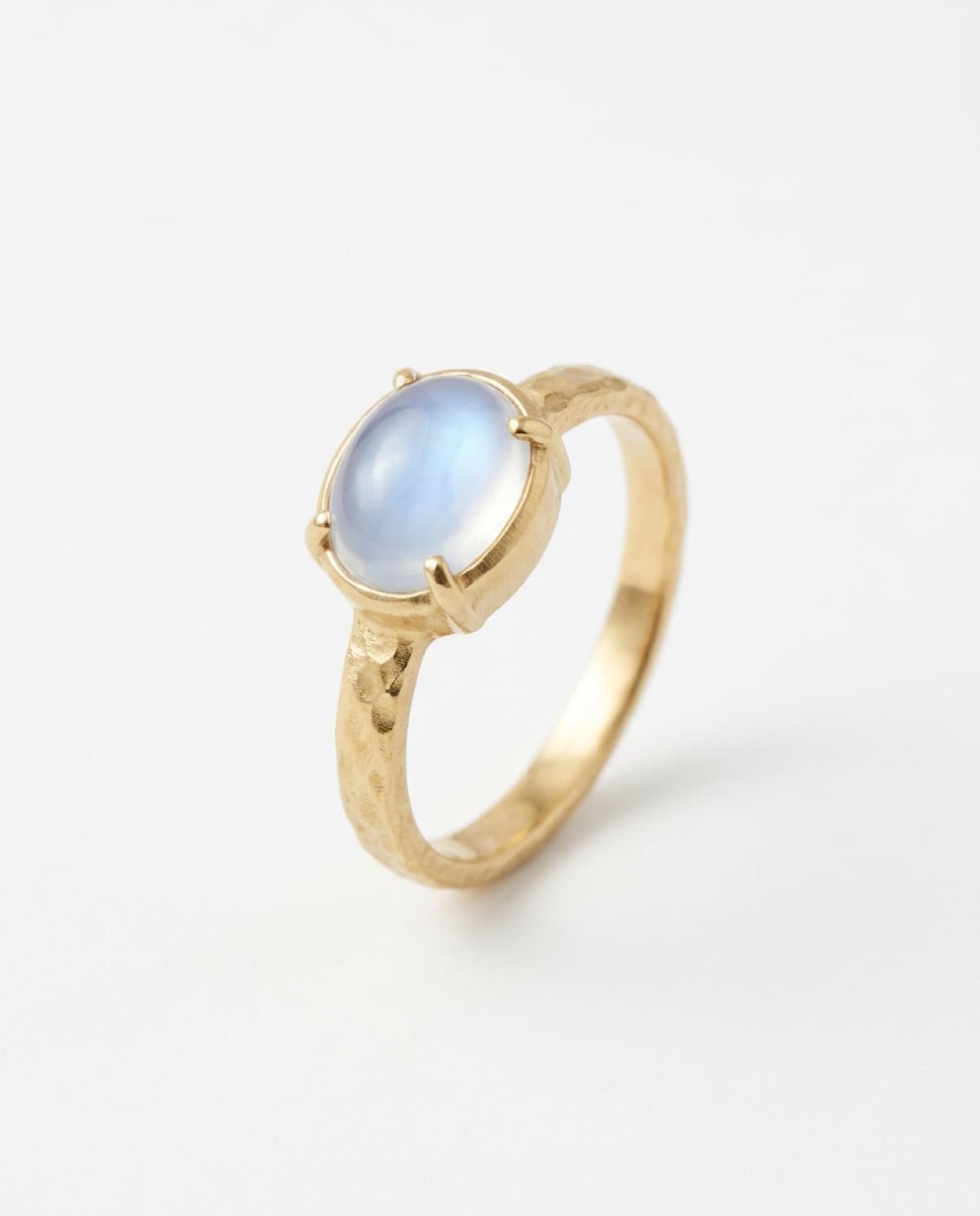
- rings — a low three-quarter angle, off-center in the frame. if a hand's in it: relaxed fingers, palm down, non-dominant hand. full setup in how to photograph rings.
- earrings — a head-to-jaw crop with a three-quarter turn does most of the work. how to photograph earrings.
- necklaces — shape the chain into an open s-curve for the flat-lay, and shoot a collarbone crop for the hero. how to photograph necklaces.
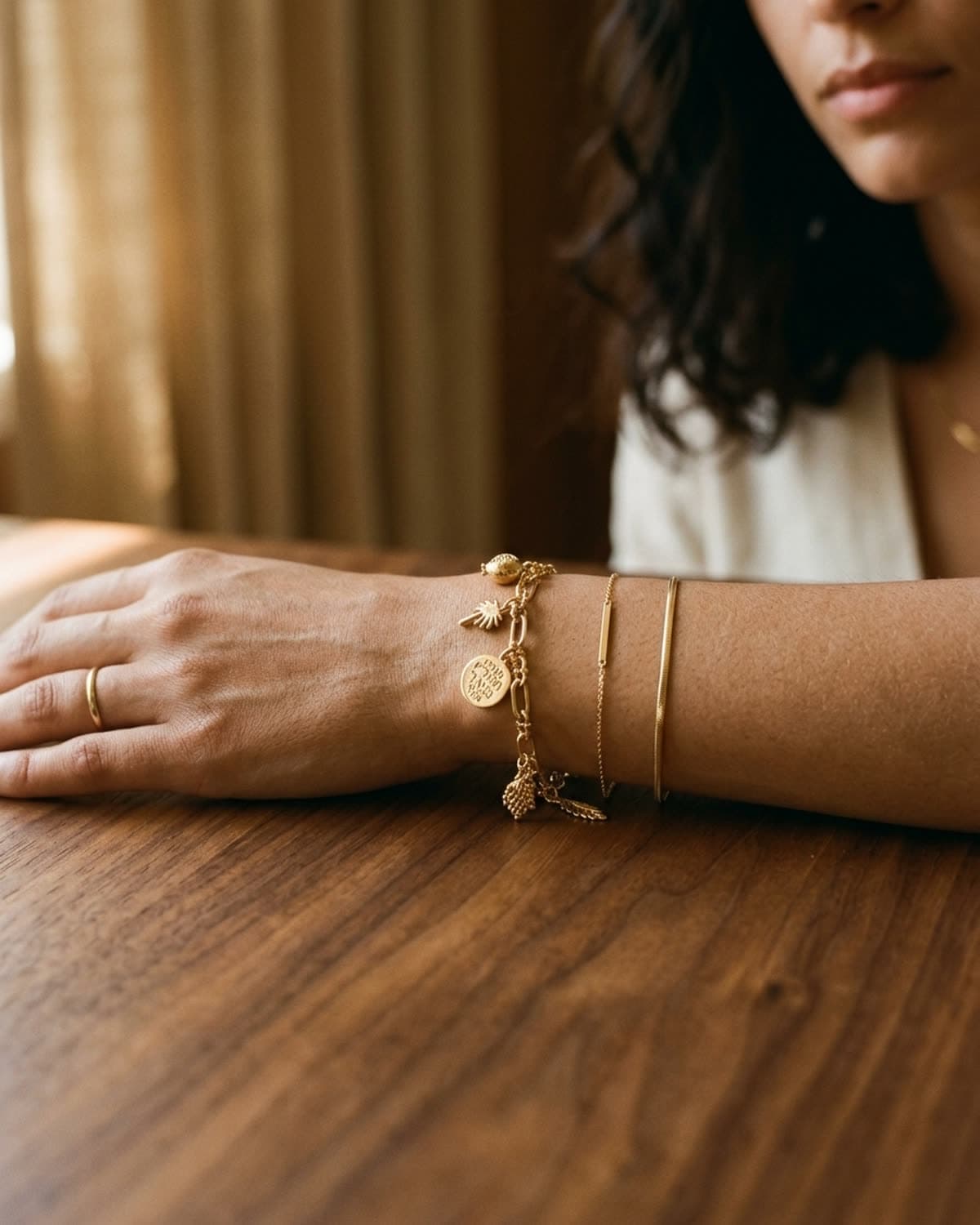
- bracelets — the wrist sells it, a loose coil keeps the curve for the detail shot. how to photograph bracelets.
the phone was never the problem. nobody ever lost a sale because they shot on an iphone instead of a canon. they lost it to overhead kitchen light and a centered composition.
the off-center rule
one composition habit improves nearly every amateur shot: stop centering the piece. put it in the bottom-left third with negative space at the top-right, or any opposite-corner arrangement. a centered piece photographs as catalog; an off-center piece photographs as editorial. it's a tiny shift with an outsized effect, and it costs nothing.
then, the edit
a clean phone source is also the best possible starting point if you plan to polish with ai afterward — and most independent jewelers now do. ai jewelry tools work from your photo as a reference, so the cleaner and better-lit the source, the more faithful the result: the band geometry, the stone, the metal tone, the natural shadow all carry through. a flat, overhead, badly-lit source fights the tool the whole way. shoot it well on the phone first, and everything downstream looks better.
not sure whether the shot you've got clears that bar? run it through the photo checker — it scores exposure, focus, background and framing, and tells you whether the file is big enough for etsy, shopify and instagram. it runs in your browser, so nothing is uploaded.
the shortcut
if the window math and the three settings aren't how you want to spend your evenings, that's the entire reason bling ai exists. you take one quick iphone photo — even an imperfect one — and the app handles the light, the surface, and the warmth, dropping your piece into any of fourteen studios or a lifestyle scene in under a minute. you keep the rights and can use the shots commercially.
start creating for free in your browser, or get the iphone app. 100 free credits, no card needed. or browse the showcase to see how phone-sourced shots polish across every kind of piece.