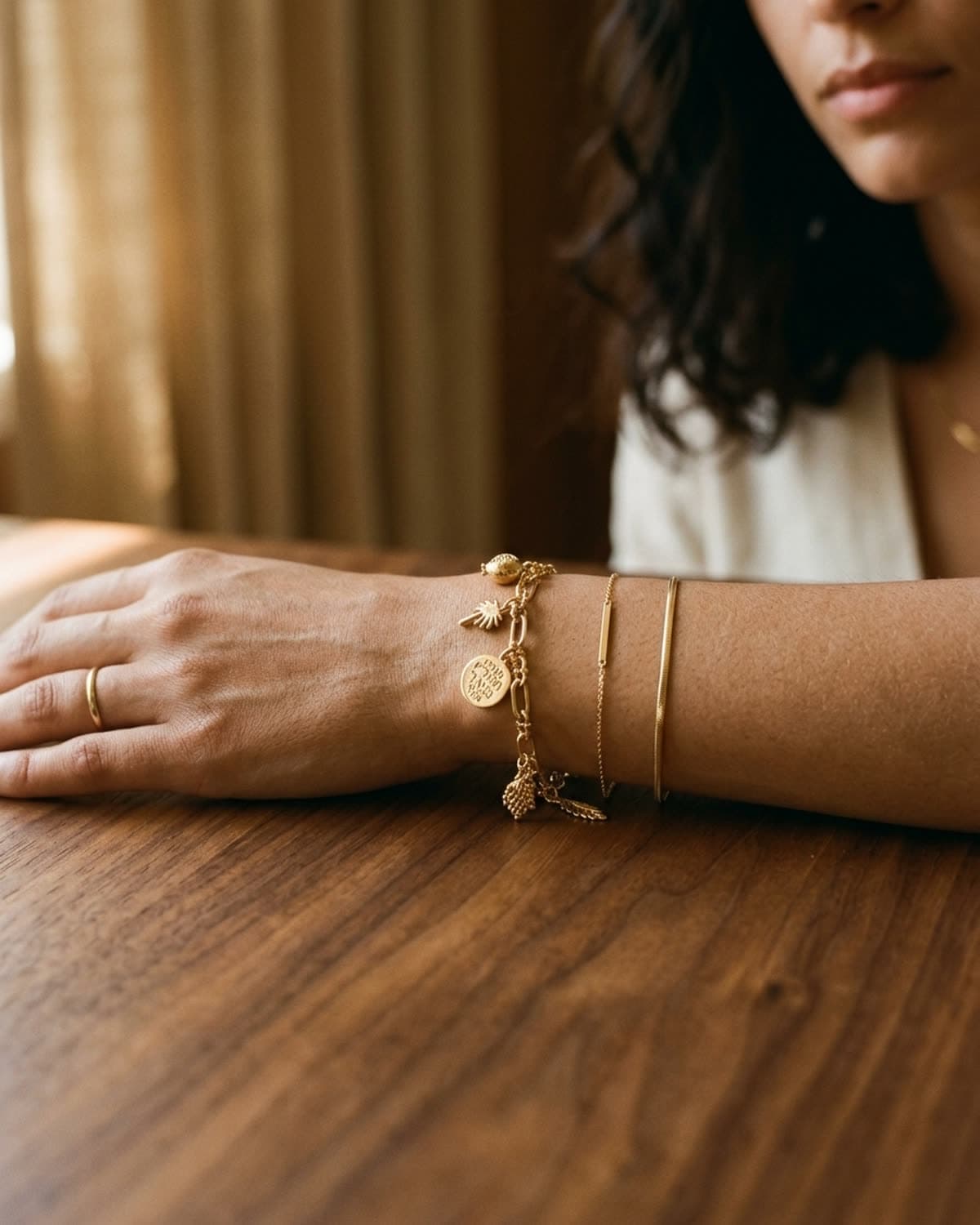
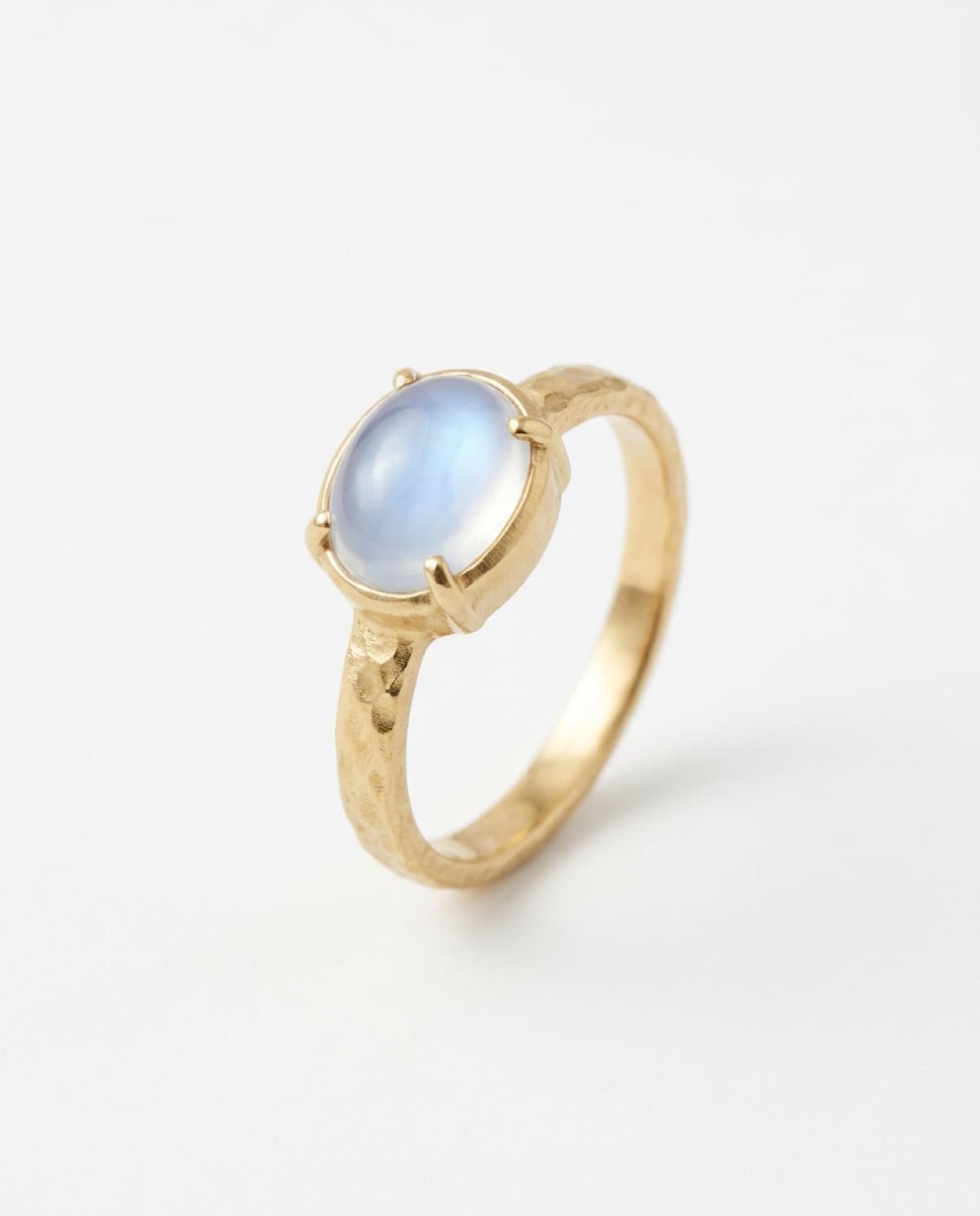
bling ai
most ring photography problems are lighting problems. cluttered backdrops, awkward angles, and weird color casts are downstream of one decision: where the light comes from.
a window beats a softbox roughly nine times out of ten — for ring photography specifically. softboxes spread light evenly, which is exactly what you don't want for a small reflective object. a window gives you direction, falloff, and warm color temperature for free. you don't need to buy anything. you don't need a studio.
what follows is the setup most jewelers use to shoot ring inventory at home, the four common mistakes that flatten the result, and the iphone-specific tricks that close the gap with a real camera.
the setup
clear six inches of counter near a window. that's it.
the window does not need to be tall, picturesque, or south-facing. what matters is that it gives you directional light — light that has a clear angle of arrival, with shadow falling in the opposite direction. north-facing windows are best because the light is consistent throughout the day. east-facing windows give you warm light in the morning and cool light by afternoon. west-facing is the opposite. south-facing is the trickiest because direct sun blows out detail; you'll need to diffuse it with a sheer curtain or shoot when the sun isn't directly hitting the window.
put a neutral surface on the counter — more on surfaces in a moment. set the ring on the surface six to twelve inches from the window edge. that's the workspace.
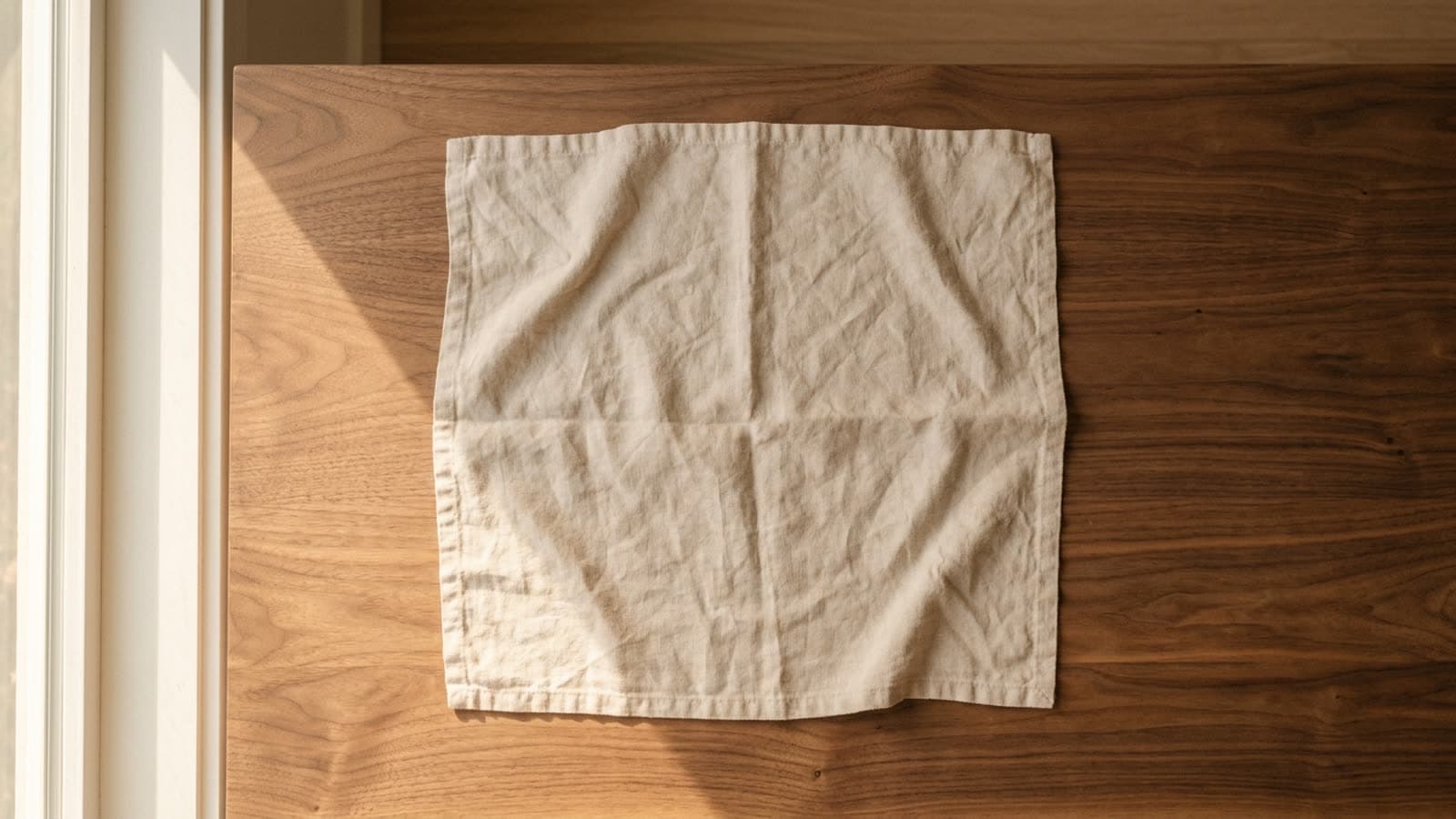
if you can shoot in the same physical spot every time, your output will look more cohesive across pieces — buyers reading your etsy grid or your instagram feed will register the visual consistency before they read a single caption.
the light
direction is the rule. soft, warm, camera-left is the cliché because it works.
soft means diffused — bare sunlight through clear glass on a south-facing window at noon is too harsh; the same window with a sheer curtain pulled across is exactly right. warm means golden-hour-adjacent — late morning and the hour before sunset have warmer color temperature than midday, and warm tones flatter both gold and skin. camera-left is convention; you can shoot camera-right too, but shadows fall more naturally to the right of a piece for most western readers.
the four mistakes that flatten any ring shot:
- overhead light — kitchen pendants, ceiling fixtures, the bathroom mirror light. flat-on overhead light kills the dimension on the band and makes a stone look dull.
- direct sun — blows out the highlights on metal, leaves harsh shadows, and shifts white balance unpredictably across the surface.
- mixed sources — window light + indoor tungsten + iphone flash all firing at once produces three different white balances in the same frame. pick one.
- flat-on phone flash — almost always wrong. it kills depth and produces a hard reflection on any polished metal.
every indie jeweler already has the most expensive lighting equipment they need: a window. the rest is just knowing where to stand.
the surface
the surface is the second decision after the window. it carries the mood, sets the warmth, and decides whether the ring reads editorial or catalog. four options that work, in rough order of how forgiving they are:
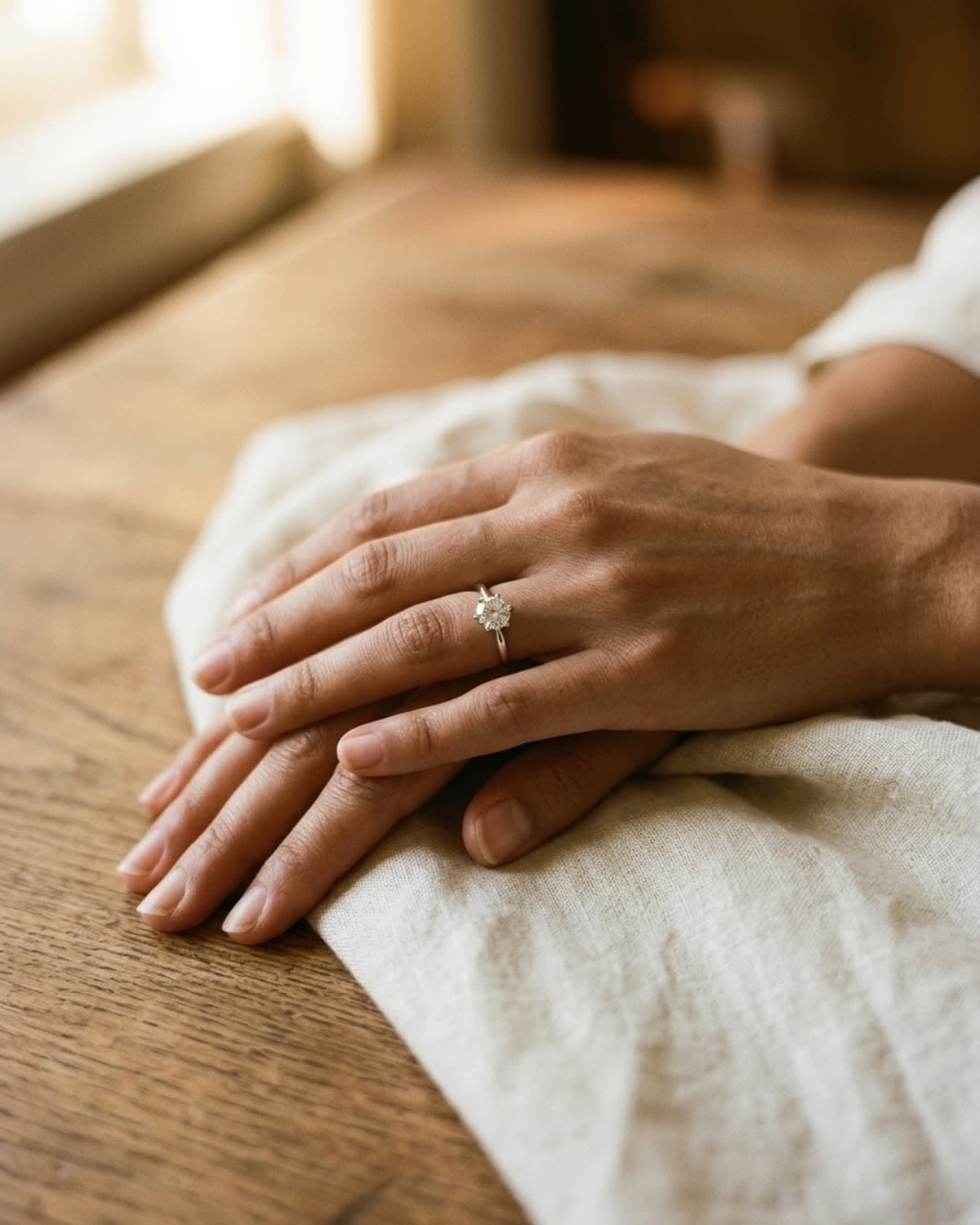
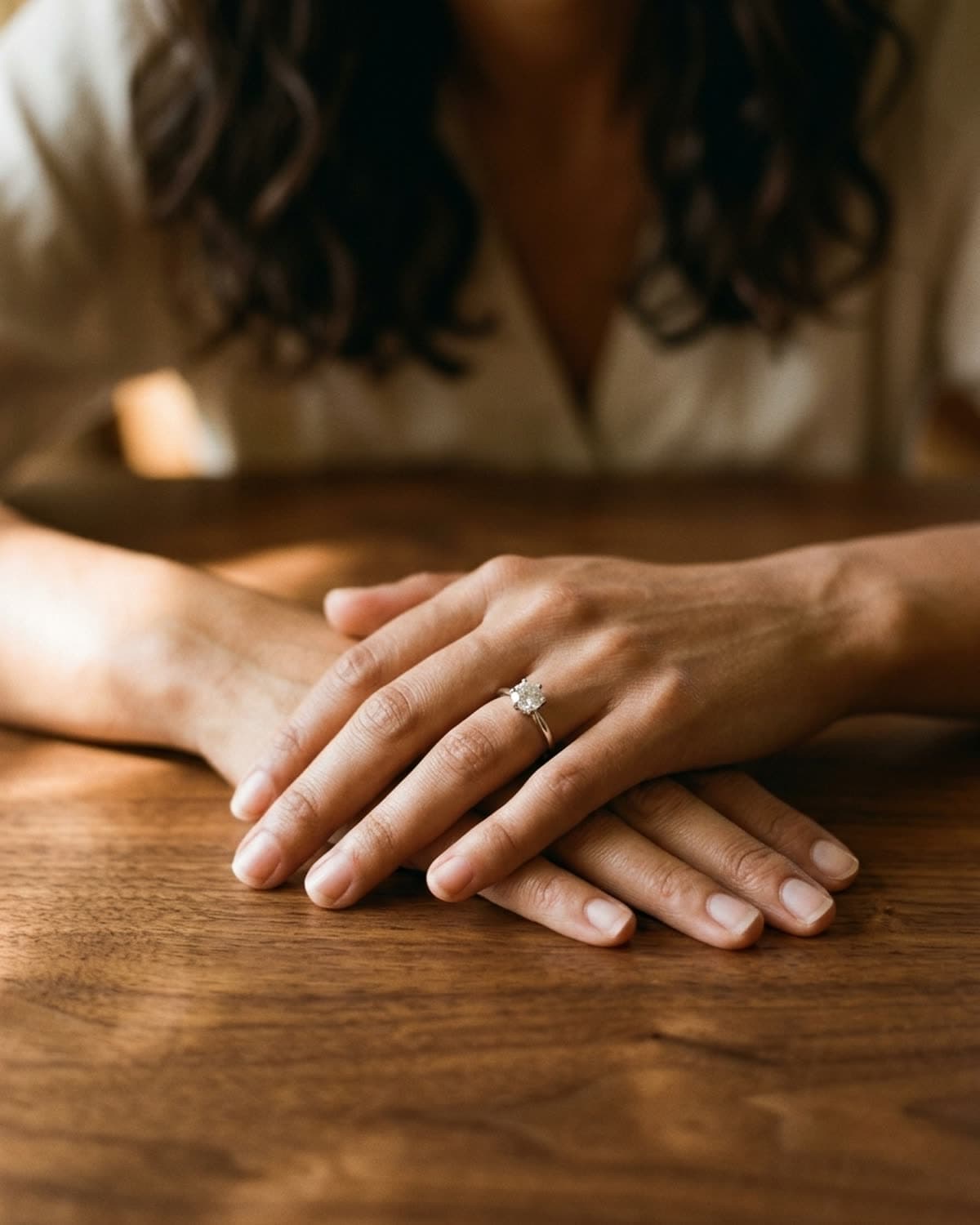
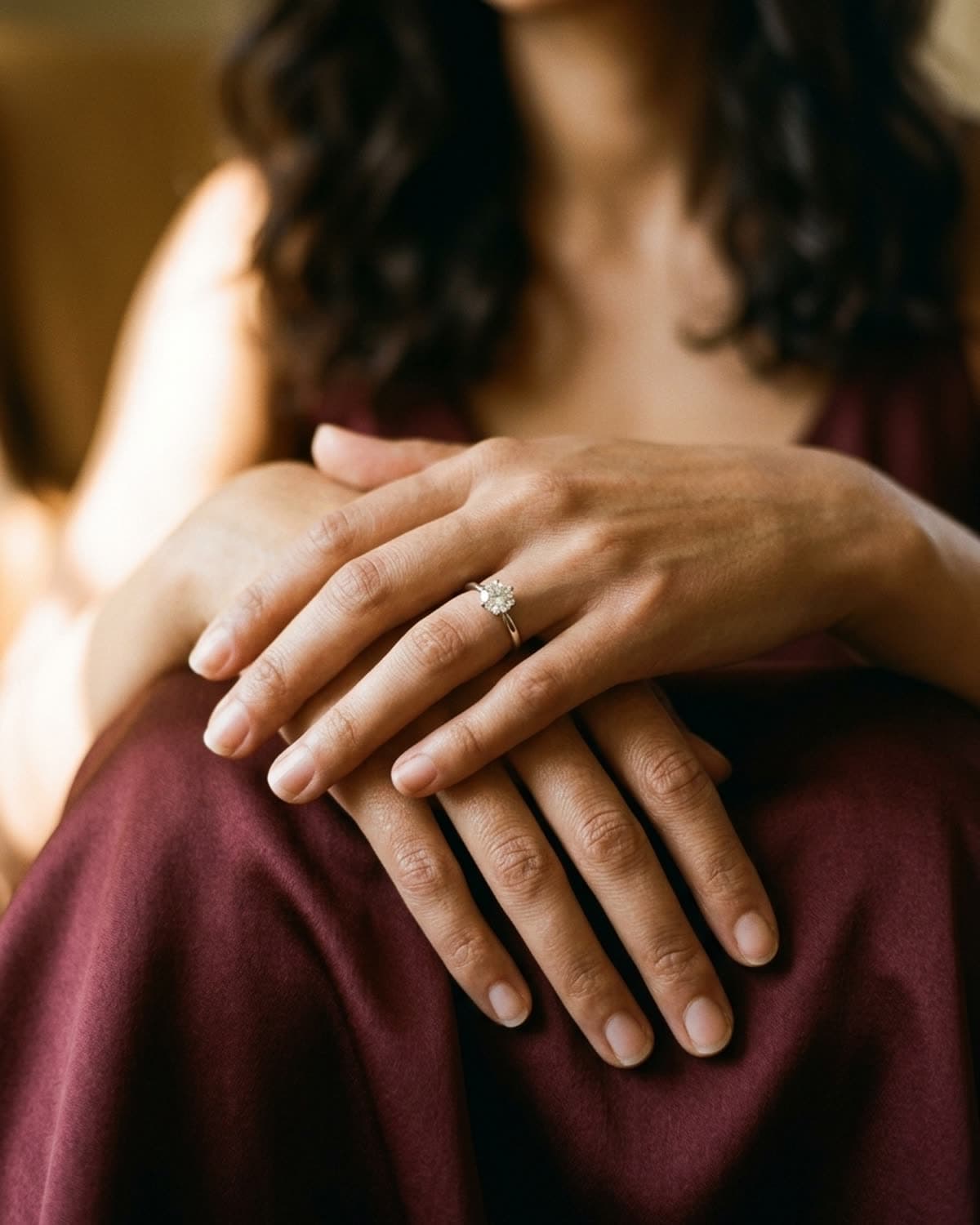
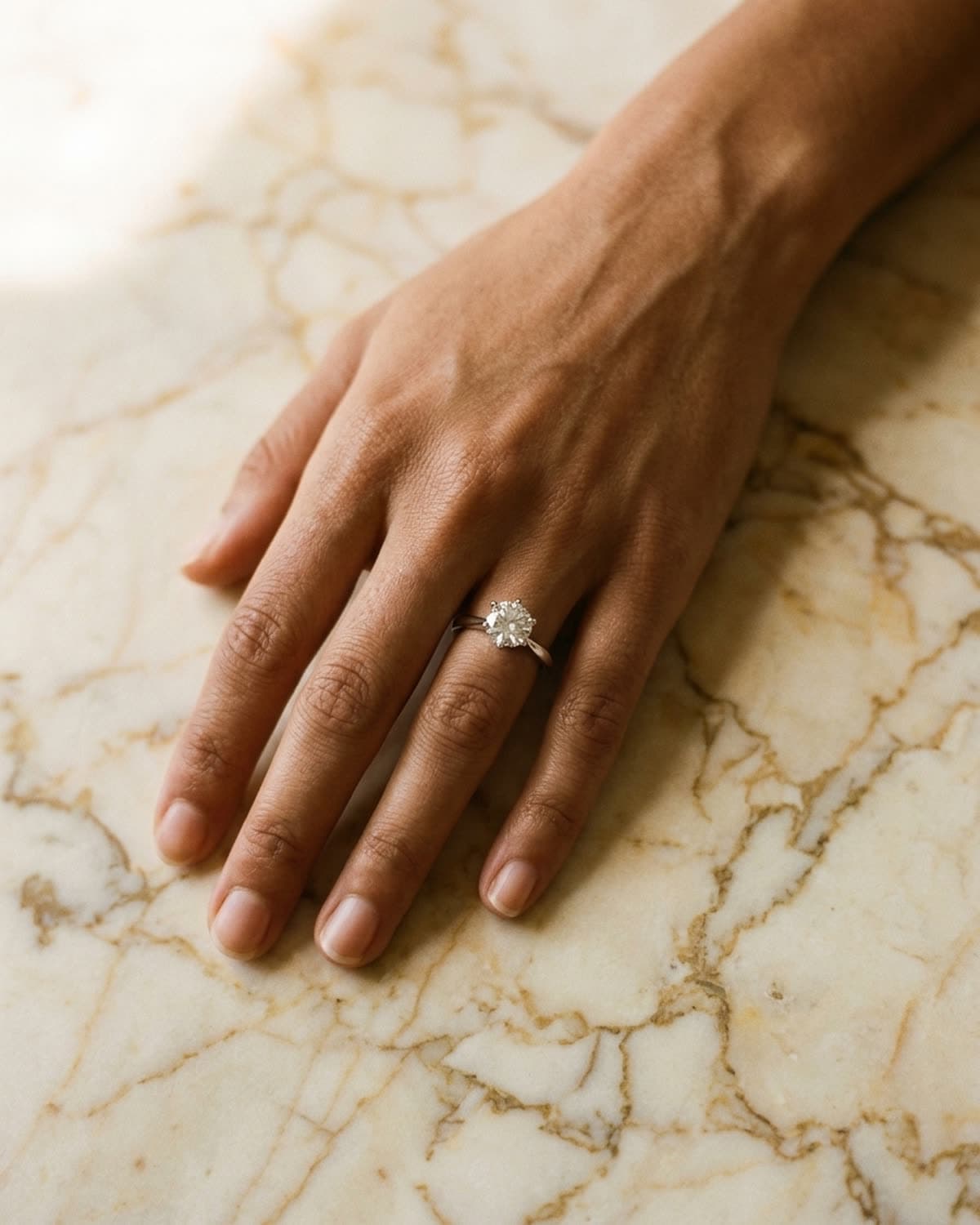
cream linen is the default for a reason. it absorbs harsh light, takes wrinkles that read intentional rather than messy, and gives any metal something warm to sit against. a clean linen napkin from your kitchen drawer is fine. iron it lightly if it's badly creased; otherwise let the texture work.
warm walnut or oak adds depth, especially under low directional light where the grain catches shadow. cooler woods (white oak, ash, painted surfaces) tend to read flat — they reflect rather than absorb light.
oxblood silk is the most editorial of the four. silk picks up window light and bounces it warm, lifting gold metal by roughly half a stop without you having to do anything. expensive-looking, cheap to buy — a silk camisole or scarf works.
marble is a reach. it photographs well overhead and under bright soft light, but at close range it can read cold and clinical, especially if it's white-veined rather than cream-veined. if you're shooting on marble, lean into the overhead format — flat-lay rather than three-quarter.
avoid: white seamless paper backgrounds, glass display cases, mirrors. all three were trends in jewelry photography ten years ago and now read dated.
the angle
most rings look best when shot from a low three-quarter angle — the camera held slightly above the band, tilted down at roughly 30 degrees. dead-on overhead works for flat-lay product grids but loses the shape of the band. straight side-on loses the stone.
the composition rule that improves nine out of ten amateur shots: off-center. position the ring in the bottom-left third of the frame, with negative space at the top-right. or any opposite corner — the point is that a centered ring photographs as catalog, an off-center ring photographs as editorial. that's a tiny shift with an outsized effect.
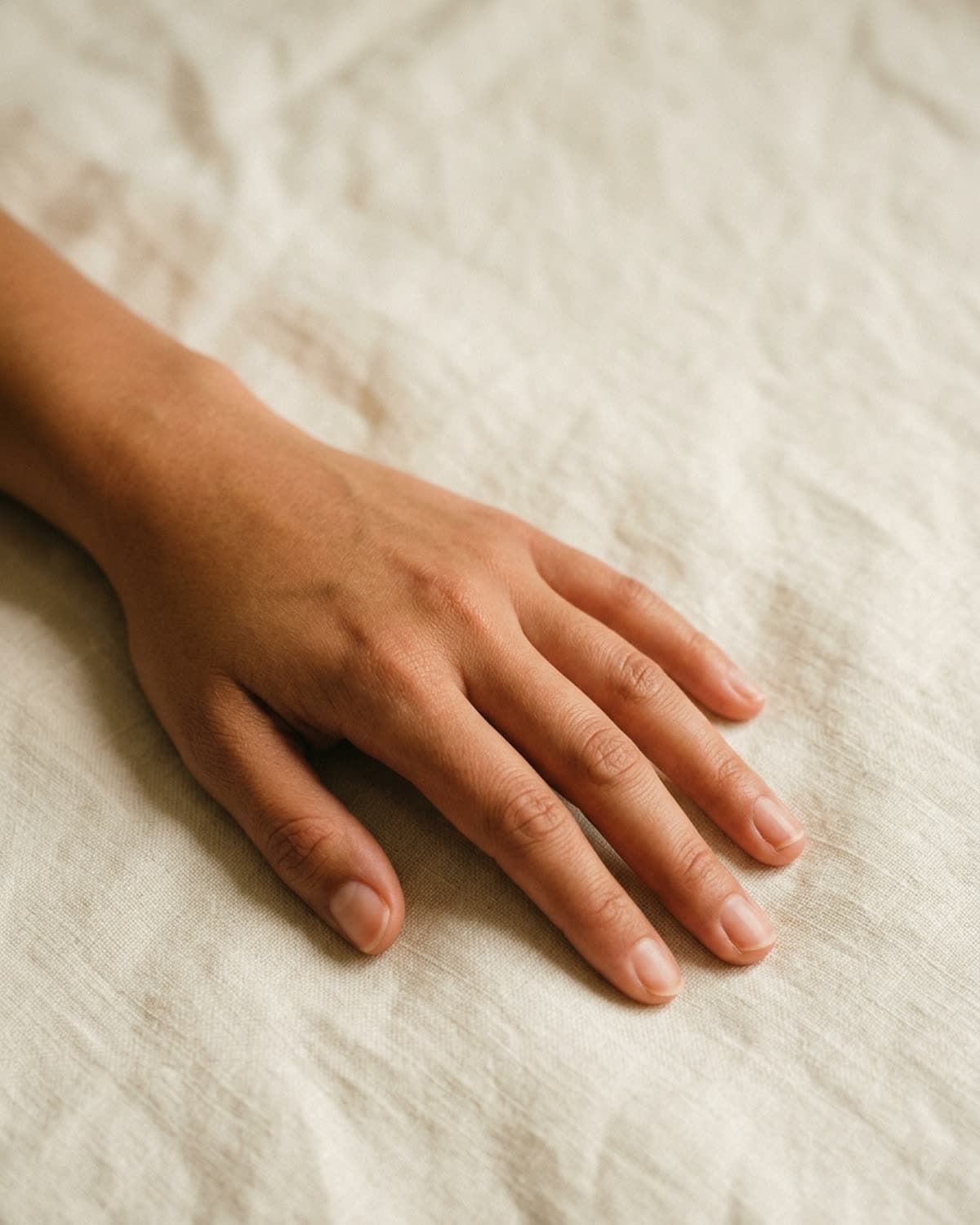
if a hand is part of the shot, the same off-center rule applies, plus three more:
- fingers relaxed, never extended — extended fingers read tense, like you're modeling the ring rather than wearing it.
- palm down, not palm up — palm-up shows the underside of the hand which most people aren't styling. palm-down lets the back of the hand carry the composition and the ring sits cleanly on the finger.
- shoot the non-dominant hand — usually less weathered, less marked, and the fingers tend to fall more naturally because there's no muscle memory pulling them taut.
if you don't want to include a hand at all, fine. a ring on cream linen with no hand is a perfectly valid shot — it just sells the ring rather than the wearer.
the focus
iphone cameras are better than most people's understanding of how to use them. the gap between an okay phone shot and a great one is usually three settings, all hidden in plain sight.
portrait mode. the default camera mode tries to keep everything in focus. portrait mode does the opposite — it picks one focal plane and blurs everything outside it. for ring photography, portrait is almost always the right mode, even though apple originally designed it for faces. your phone may try to switch you out of portrait when it detects you're not shooting a person; tap the stage light or studio light lighting effect at the bottom of the screen and most current iphones will keep you in portrait mode for objects.
tap-and-hold to lock exposure. tap once on the ring and your phone focuses there. tap and hold for two seconds and the phone locks focus and exposure together — a yellow AE/AF LOCK banner appears at the top of the viewfinder. the lock means the phone won't try to re-meter as you reframe, which is exactly what you want when you're moving the camera around to find the right composition.
drag the exposure slider down a notch. with the lock active, a vertical sun-icon slider appears next to the focus indicator. drag it down by one or two notches to underexpose slightly. iphones default to overexposing in indoor light, which blows out the highlights on polished metal. underexposing recovers detail in the band and the stone.
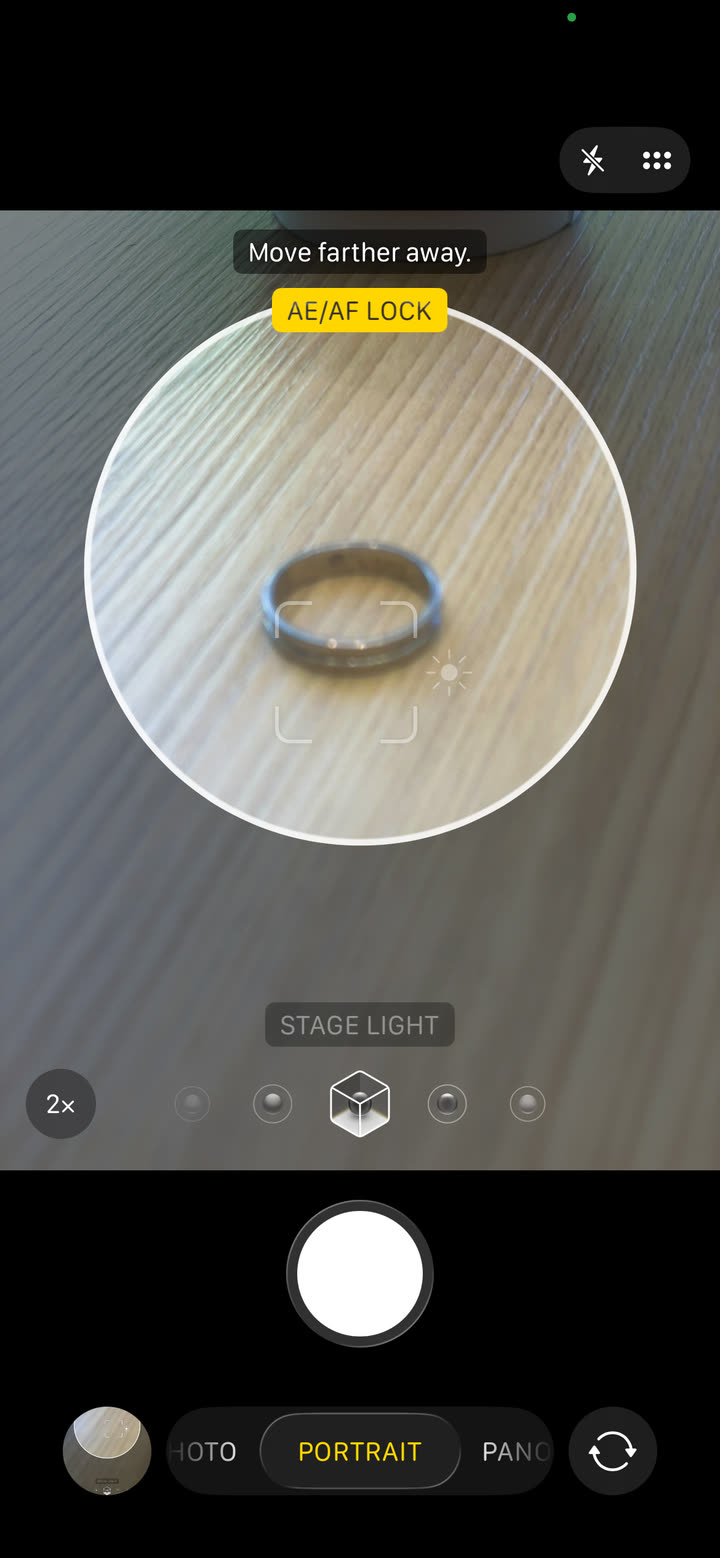
if your iphone shows a “move farther away” prompt in portrait mode, that's the lens telling you you're below its minimum focus distance. step back six inches and try again. for a ring you generally want to be about ten inches from the piece — close enough to fill the frame, far enough that the lens can resolve detail.
what's working in 2026
the natural-light setup above is still the single most important thing to get right, even if you plan to enhance the result with ai afterward. ai jewelry tools work from your source photo as a reference — the cleaner the source, the more accurate the output. an ai-polished version of a well-lit ring shot will preserve the band geometry, the stone, the metal tone, and the natural shadow. an ai-polished version of a flat overhead pendant-light shot will fight the source data the entire way and produce something that reads off.
what's specifically working right now in indie ring photography:
- single-source natural light is back as the editorial default — the late-2010s "studio sweep" look has aged poorly
- warm earth tones as backdrops — cream, taupe, warm wood, oxblood — are replacing the cool grays and bright whites that dominated five years ago
- ai-augmented workflows are mainstream now — shooting on iphone, polishing with ai, and posting straight to instagram or etsy is the default pipeline for most independent jewelers we work with
- off-center compositions with negative space — feed-grid coherence beats hero-shot maximalism
if you want examples of what ai-polished ring shots look like across the four surfaces above, the showcase has the full edit — 24 shots across rings, earrings, necklaces, bracelets, lifestyle, and overhead. each one started as a single iphone source photo.
shooting earrings instead? the surfaces are similar but the framing isn't — the head-to-jaw crop and a three-quarter turn are doing most of the work. we have a separate guide on how to photograph earrings without a studio that covers the four poses that consistently convert on etsy and instagram. same warm-aesthetic philosophy as this one, tuned for the specific challenges of shooting at the ear.
the rest of the inventory has its own quirks: necklaces live or die by how the chain is shaped, and bracelets need the wrist or a coil to keep their curve. still deciding what to set any of it on? the background guide covers the four warm surfaces that lift a piece and the dated ones to retire.
and once you have a shot you like, the photo checker will tell you whether it holds up technically — exposure, focus, clutter, and how much of the frame the ring actually fills before a marketplace grid shrinks it.
the shortcut
if you'd rather skip the lighting math and go straight from iphone source to campaign-ready, that's what bling ai does. one upload of a real iphone photo, one prompt, sixty seconds, polished output ready for etsy or instagram or paid ads. you keep the rights, you can use it commercially, and you don't have to wait for golden hour.
start creating for free in your browser, or get the iphone app. 100 free credits, no card needed.
or if you'd rather see how the polish reads on your specific kind of inventory: browse the showcase — every shot in there started as a single iphone source.