 bling ai
for shopify jewelry stores
jewelry product photography for shopify, without the studio day.
a shopify jewelry store lives or dies on its product gallery — the specs, the angles, and whether the whole catalog looks like one brand. here's how to get all three from an iphone photo, and the real cost math behind the decision.
the gap
what's between you and a store that converts.
your catalog doesn't match itself.
the pieces you shot in january don't look like the ones from june. on a collection page, that grid of mismatched backgrounds and crops reads as a mismatched brand — and shoppers feel it before they can name it.
the studio day doesn't scale.
a photographer for a 40-SKU drop is a four-figure invoice and a two-week turnaround. every new collection restarts the meter, while your merchandising calendar keeps moving faster than your camera.
the PDP is your whole sales floor.
on shopify there's no salesperson, no lighting, no glass case. the product page carries the entire close — and the image gallery is the part a shopper actually studies before deciding.
how it works
shoot your whole catalog. without a single shoot.
start with an iphone photo of each piece — and get a consistent, conversion-ready product gallery, at the scale your season demands.
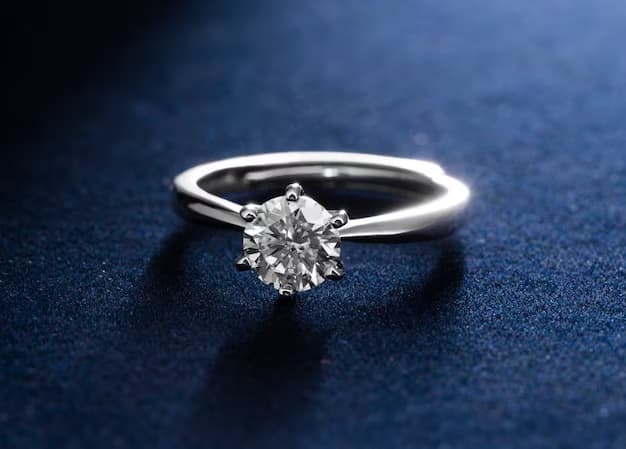
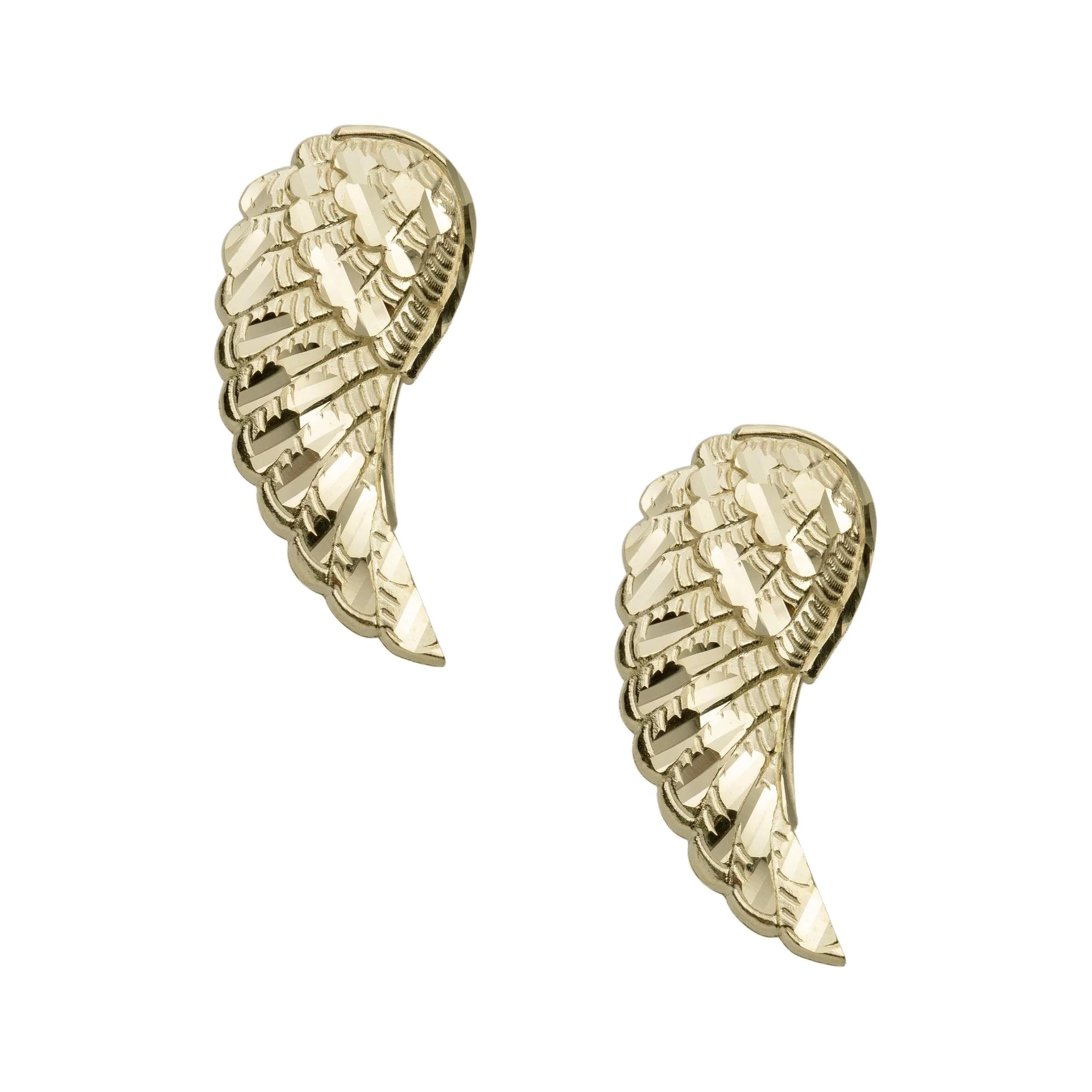
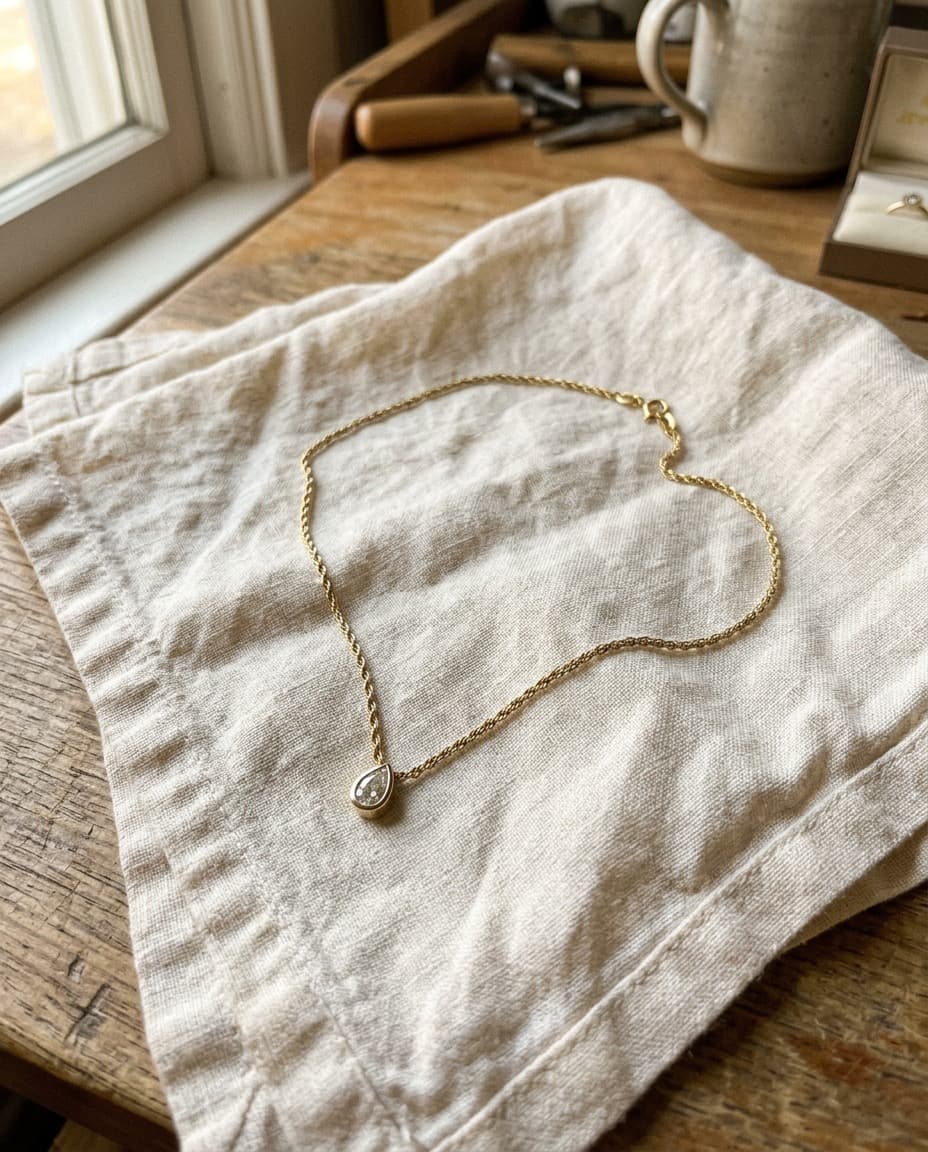
upload your piece
any iphone photo works — on a counter, in a tray, even flat on a bust. the source is just a reference.

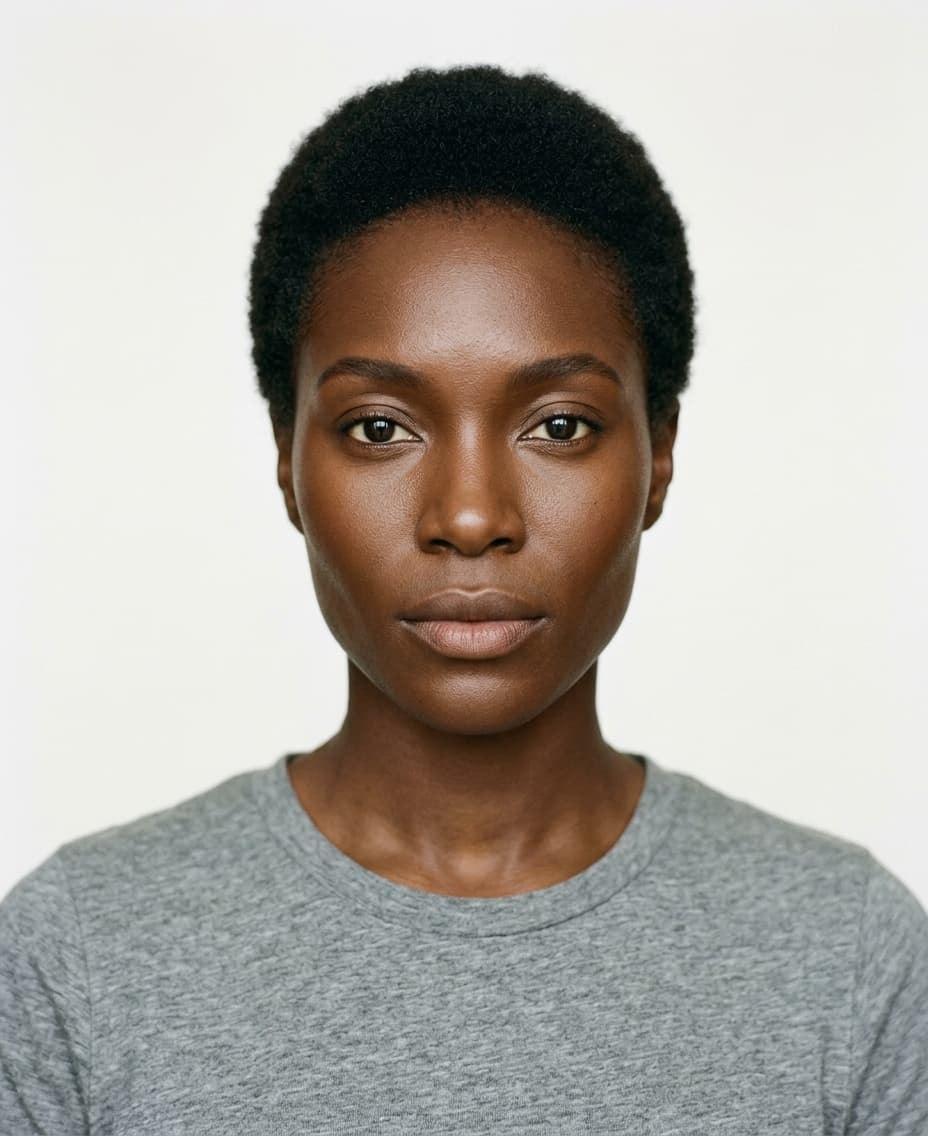
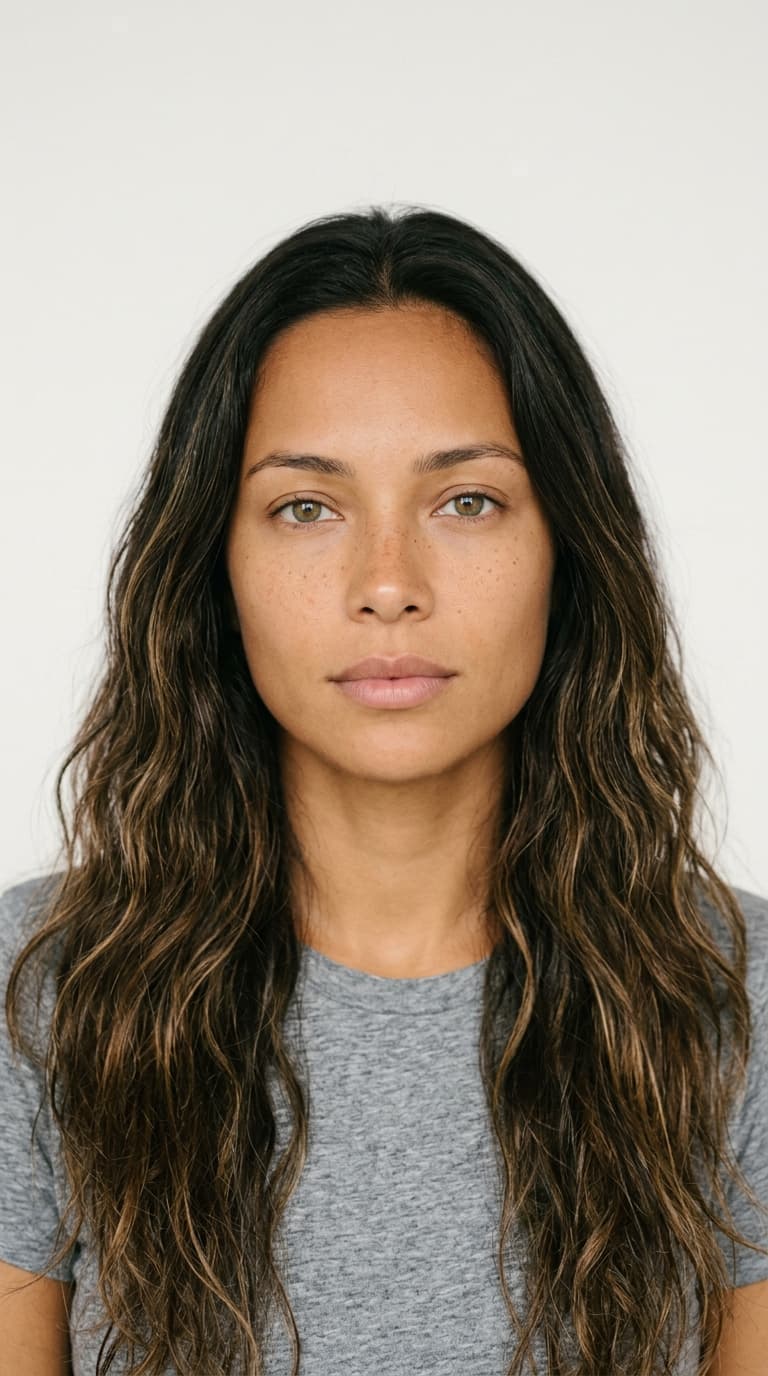






pick your model
choose from a roster of house models — rights included, commercial use allowed. or shoot product-only.
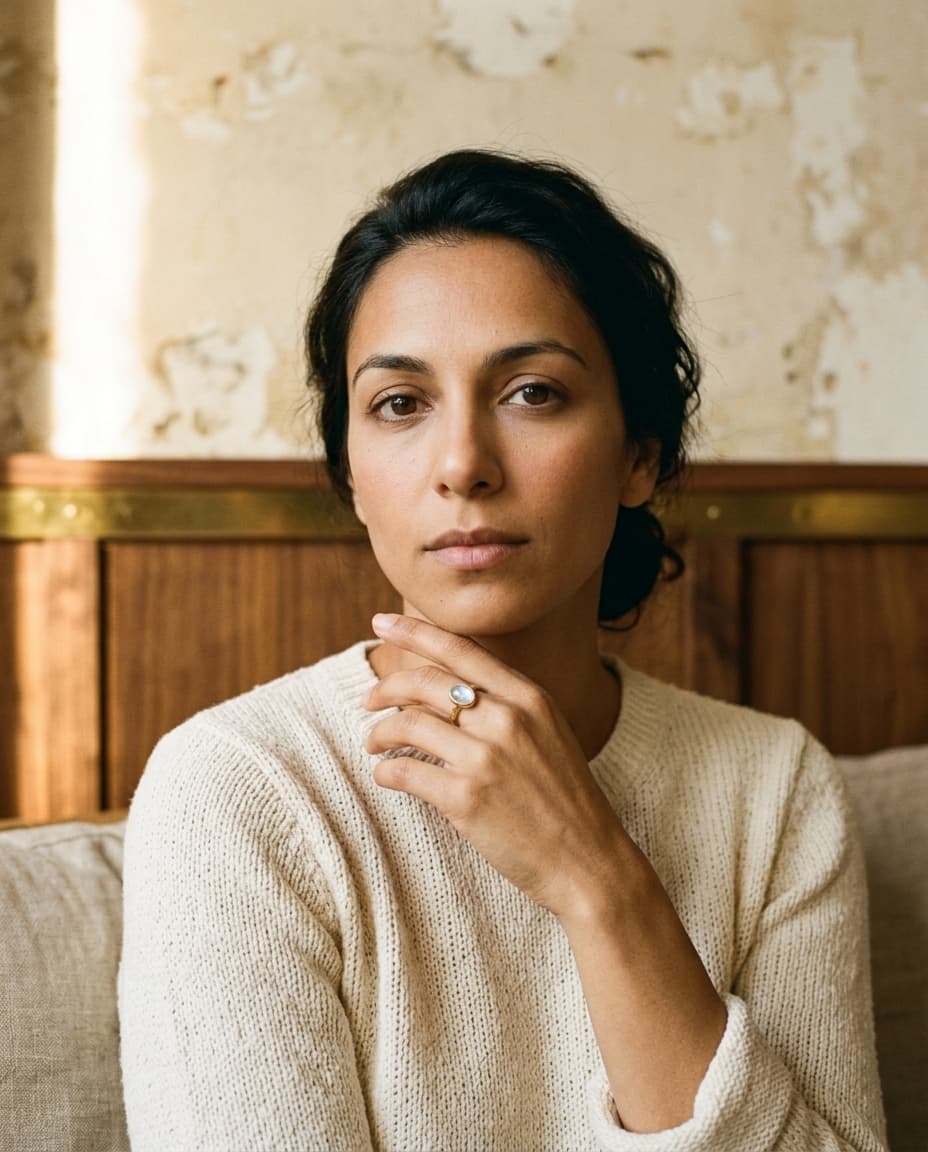

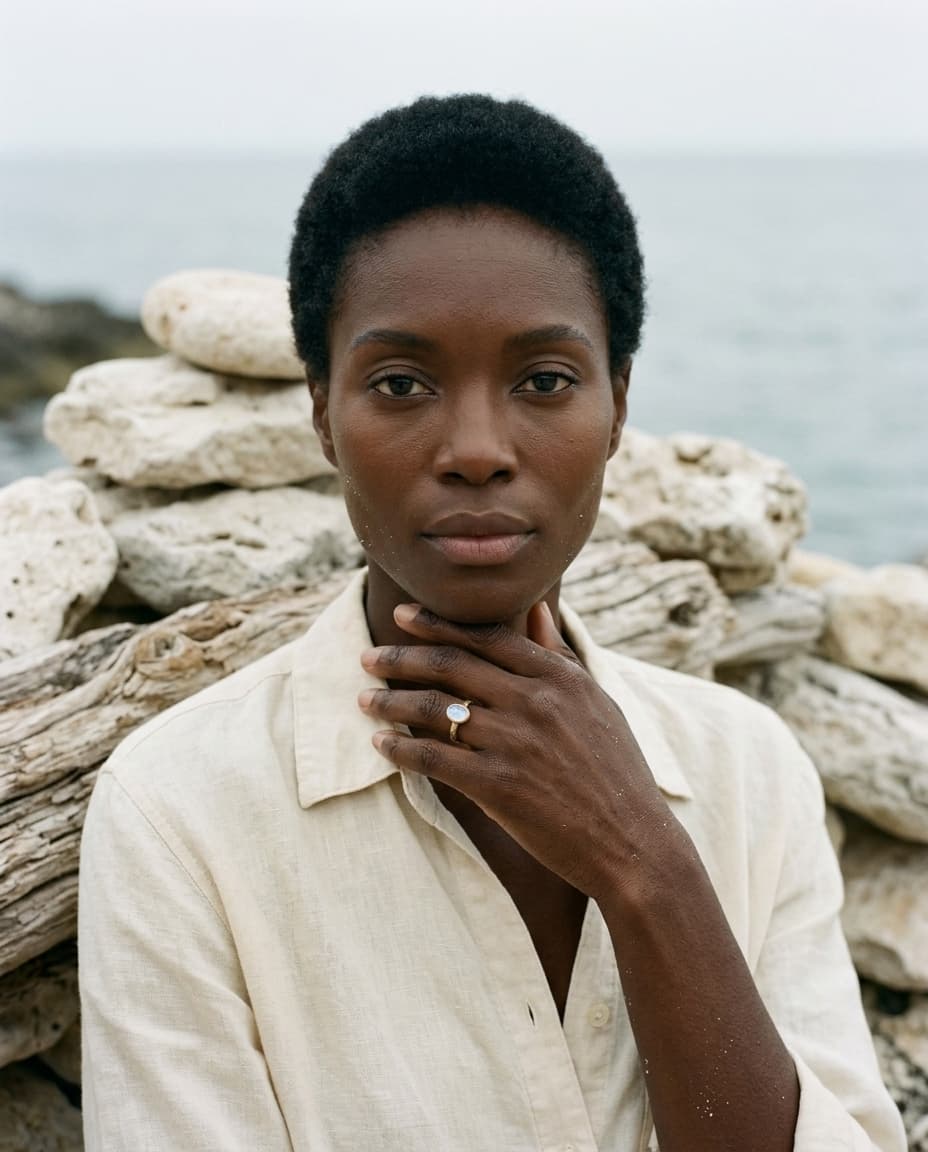
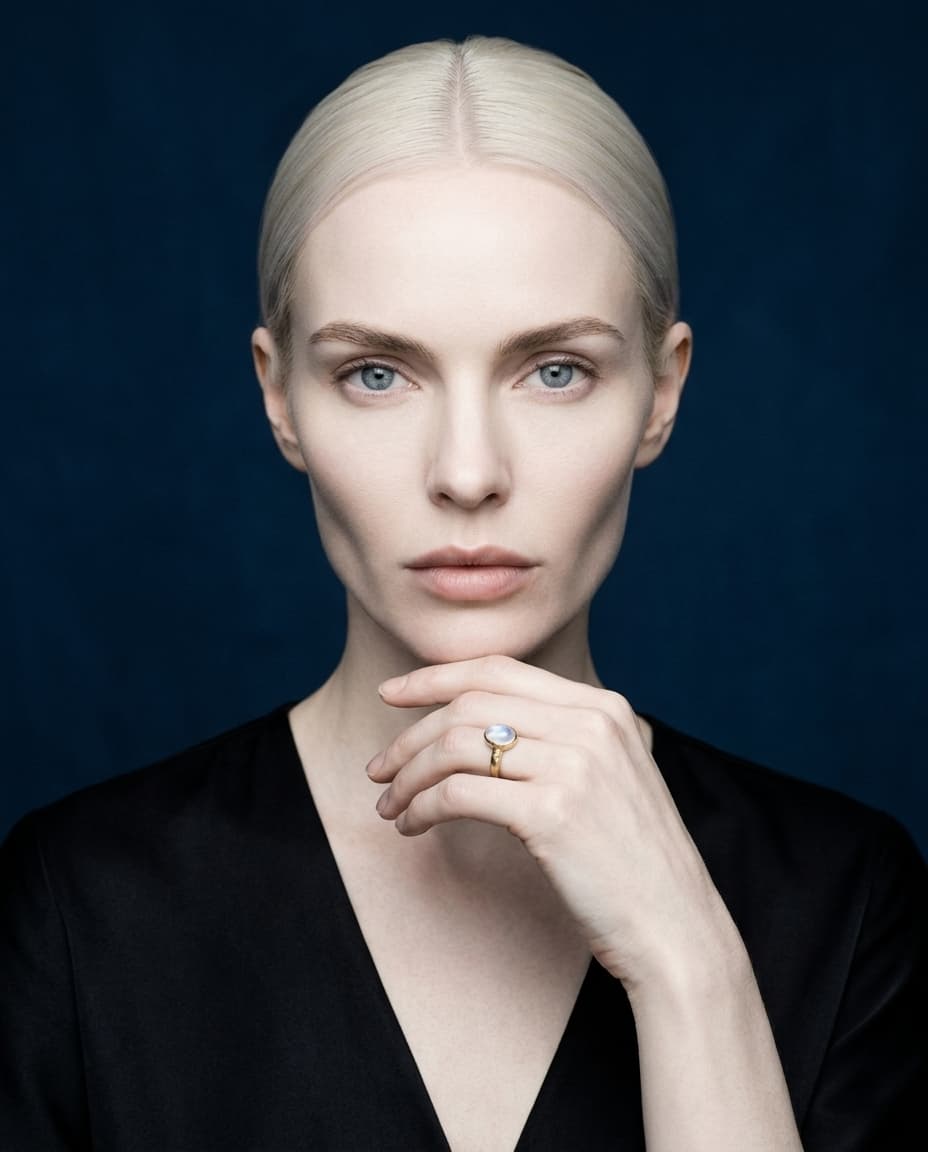
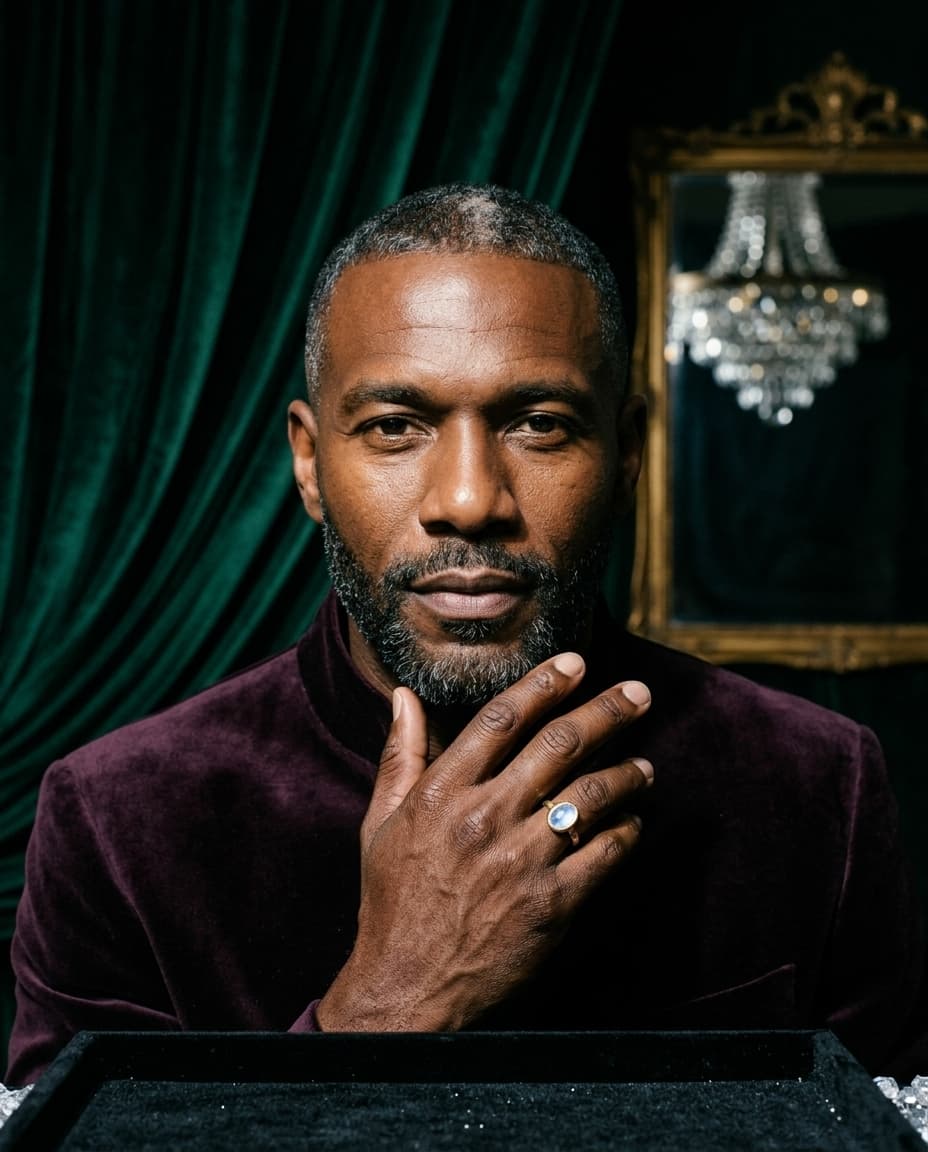
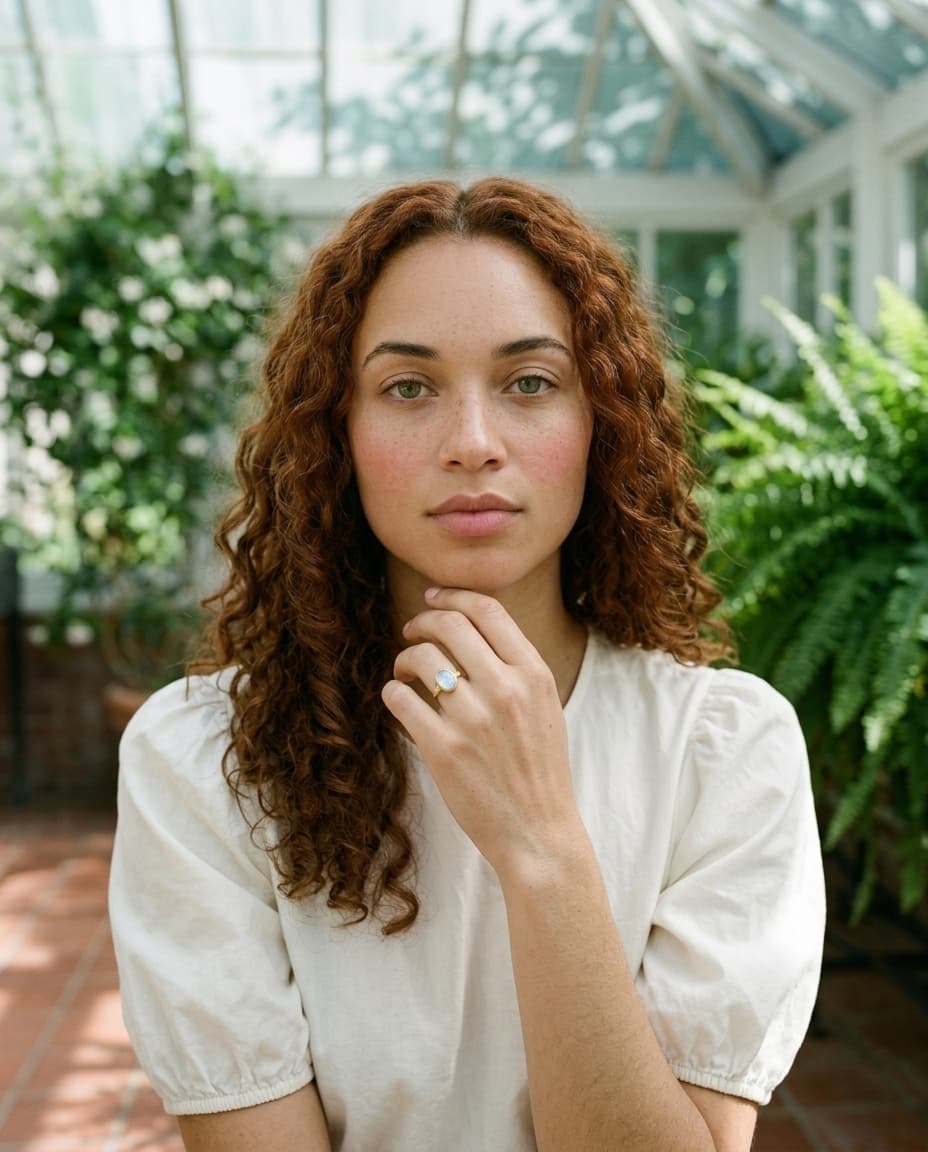
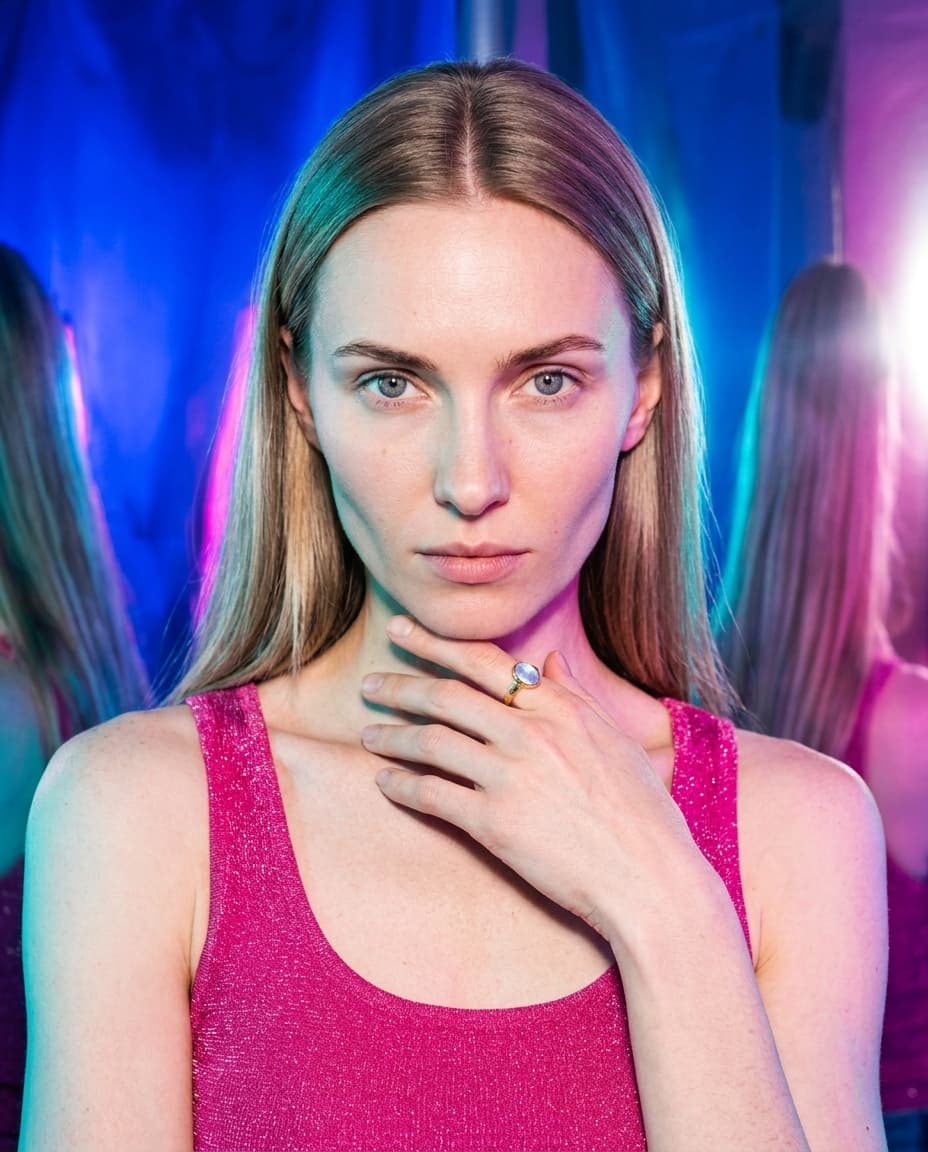
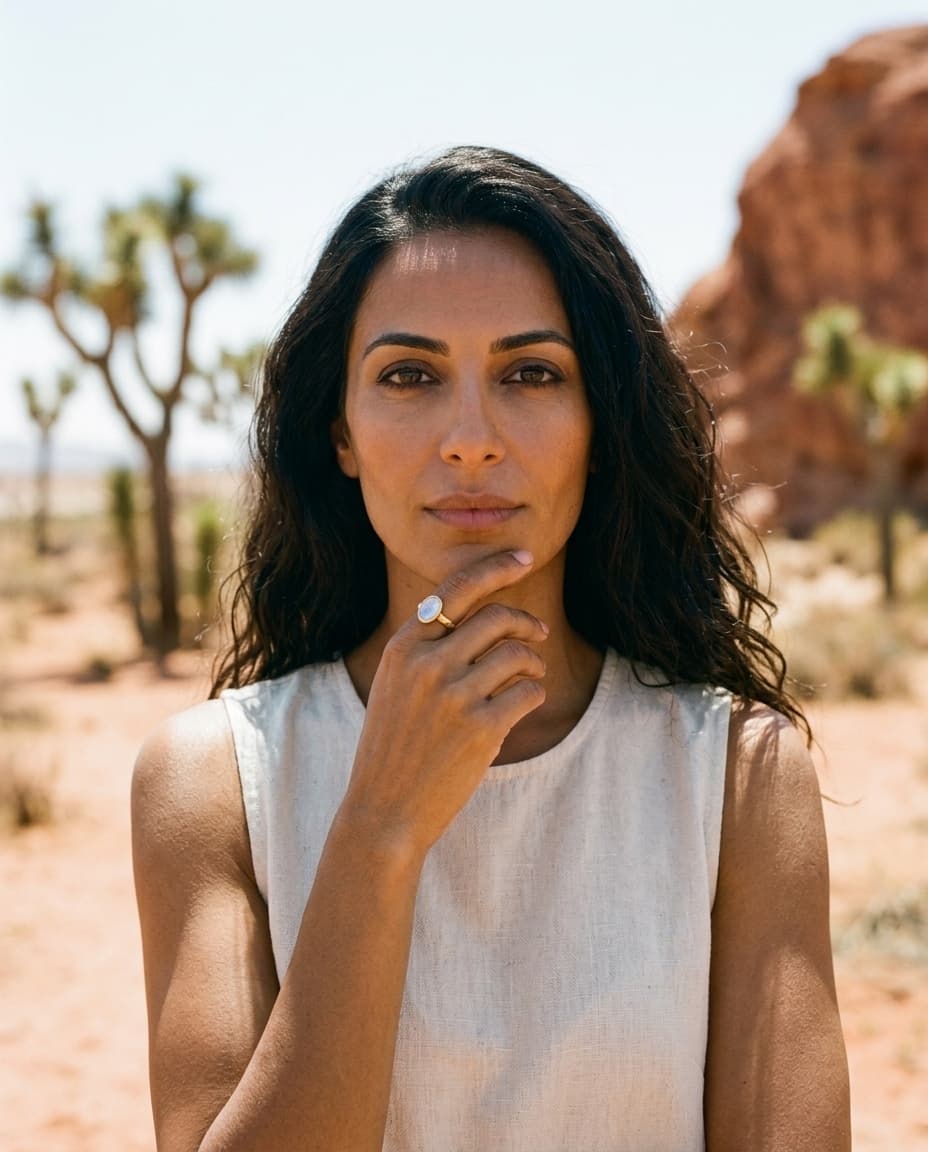
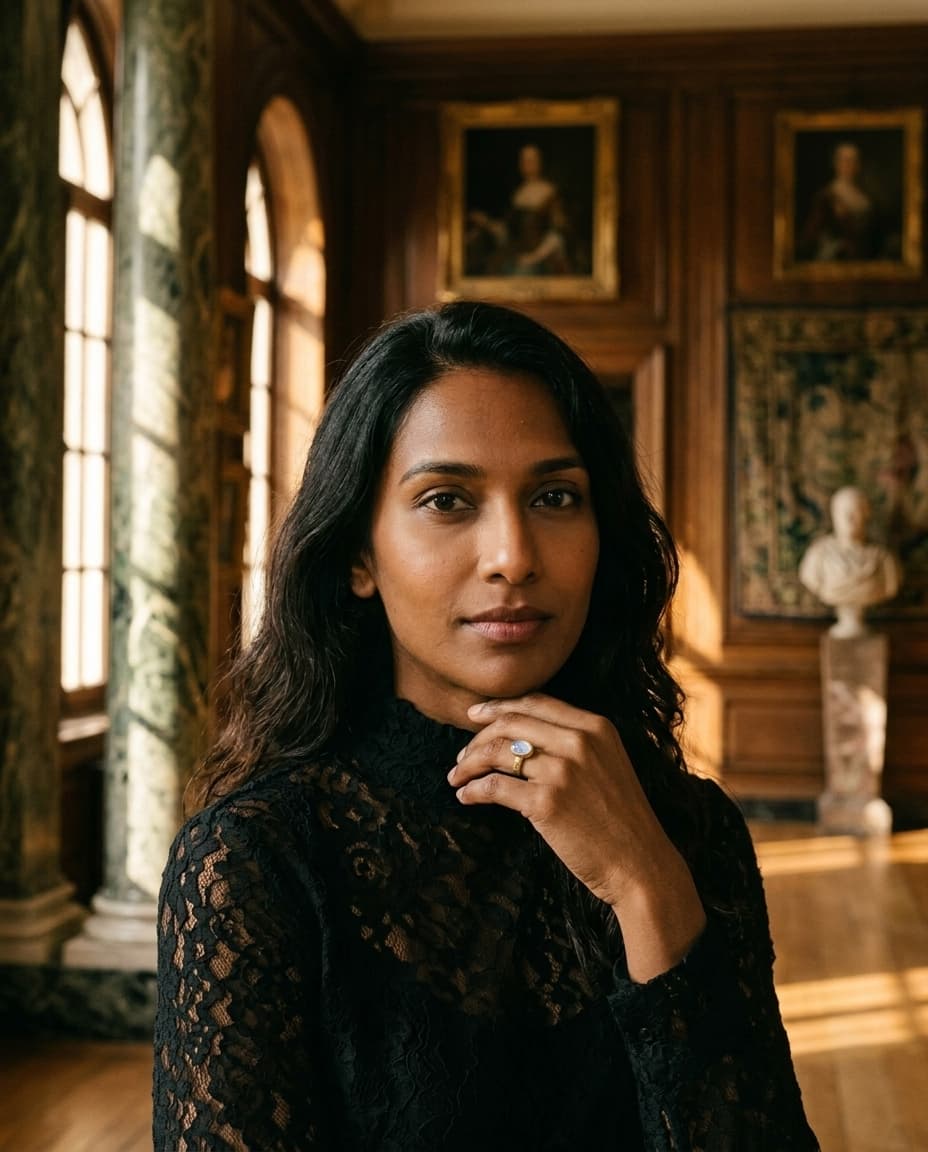
choose your studio
fifteen photographic studios — clean catalog, warm editorial, or on-location. whatever fits your brand.

get your shots
campaign-ready stills and reels in about a minute — high-resolution and ready to download.
the specs
shopify's image requirements for jewelry.
shopify is forgiving on dimensions and strict on consistency. the four things that actually affect how your pieces look — and load — on the storefront.
- recommended dimensions
- 2048 × 2048 px
- shopify's reference size — large enough to enable zoom on the product page. any piece you shoot for the store should clear 2048px on its longest edge.
- file format
- jpeg, png, webp
- jpeg for photographic product shots, png only when you need transparency. shopify's cdn auto-serves webp to browsers that support it — you don't upload webp yourself.
- file size
- under ~300 kb (max 20 mb)
- the hard cap is 20 mb and 20 megapixels, but aim far lower. shopify compresses and resizes on its cdn — upload the best-quality source and let the platform optimize delivery.
- aspect ratio
- pick one, hold it everywhere
- this is the rule that matters most on shopify. the theme crops every image to the same frame in the collection grid, so a catalog of mixed ratios crops unevenly. choose one ratio and shoot the whole store to it.
the takeaway: don't agonize over exact pixels — shopify's cdn resizes and reformats on delivery. agonize over consistency. one aspect ratio, one background, one light, held across every SKU, is what makes a catalog read as a brand.
the shot list
how many photos per product — and which ones.
four to six images per piece is the range that converts on shopify, and more angles measurably lower returns. four cover the job for jewelry; add a lifestyle shot when the piece earns it.
shot 01
the hero.
straight-on, clean background, the whole piece readable. this is the collection-grid thumbnail and the first PDP image — the shot that wins or loses the click.
shot 02
the 45°.
turned three-quarters to camera. proves the piece is dimensional — depth on a ring shank, the drop of an earring, the curve of a cuff — which a flat hero can't show.
shot 03
the detail.
extreme macro on the craftsmanship: the clasp, the stone setting, an engraving, a hallmark. the shot that answers “is this well made?” and justifies the price.
shot 04
the scale.
on the body, or in an open palm. jewelry's most-returned problem is “smaller than it looked.” a scale shot is the single most effective way to cut size-based returns.
bling ai's listing pack generates these four together from a single upload, all sharing the same studio — so the set lands consistent instead of stitched from four separate attempts.
got photos on the store already? run one through the photo checker — it scores lighting, focus, background and framing, and checks the file against shopify's 2048px square recommendation so zoom stays sharp on a product page. free, and nothing is uploaded. selling on amazon or etsy too? the jewelry photo size requirements cover every platform in one place.
before · after
an iphone shot, a product-page hero.

the cost math
what a season of catalog photos actually costs.
take a store adding 20 pieces a season, four shots each — 80 finished images. here's the same catalog three ways.
studio / freelance
$3,200–9,600
at $40–$120 per finished image, per season — plus shipping pieces back and forth and a two-week turnaround before the drop can go live.
diy phone
~$0 + 15–25 hrs
free in cash once you can shoot metal and stones well — but 15 to 25 hours of your time a season, and the discipline to keep every shot consistent.
bling ai
under $50 + an afternoon
a low-tens monthly plan, unlimited pieces, a couple of hours of uploading and choosing scenes. per image it pencils out to cents.
the honest version — including when a store should still hire a human for a flagship hero — is in what jewelry product photography costs.
images & store speed
the gallery that sells can also slow the store.
jewelry PDPs are image-heavy by nature — four to six high-detail shots per piece, often with zoom. that's exactly what a buyer wants and exactly what drags page-load if the source files are careless. and load time isn't just UX: core web vitals feed google's ranking, and a slow product page loses the sale and the position at once.
shopify handles most of the delivery side for you — its cdn compresses, resizes per device, and serves webp automatically. your job is upstream: give it clean, correctly-sized source images instead of 12-megapixel phone dumps, and don't pre-compress into mush. quality in, optimized out.
bling ai exports at 2048×2560 — sized for zoom, clean enough for the cdn to optimize without fighting artifacts, and identical across the catalog so the theme crops every piece the same way.
built for a catalog
pick one studio, and the whole store matches.
bling ai ships fifteen photographic studios in the app. for a shopify store the move is to commit to one — consistency is the brand. three cover almost every price point.
the PDP workhorse
vellum
clean catalog. seller-grade.
warm-white seamless paper, controlled overhead light, isolated product. the safest default for a product gallery — the piece is the loudest thing in frame. hermès e-com / tiffany product page-coded.
for a warmer brand
patina
warm earthy. quiet luxury.
golden hour light, cream linen, oxblood silk. for demi-fine and handmade-leaning stores that want warmth over clinical. aurate / mejuri / catbird-coded.
for fine / high-ticket
glacier
cold. cartier-grade.
crisp, cool, precise light for diamonds and fine metal. the studio that reads as a $5k+ object. use it when your price point earns it — otherwise pick patina or vellum.
see all fifteen and how to match one to your brand in fifteen aesthetics for jewelry brands.
keep reading
for the shopify store owner deciding.
questions
shopify-specific answers.
ready when you are
shoot your whole store in an afternoon.
100 free credits. no card needed, and it runs right in your browser.