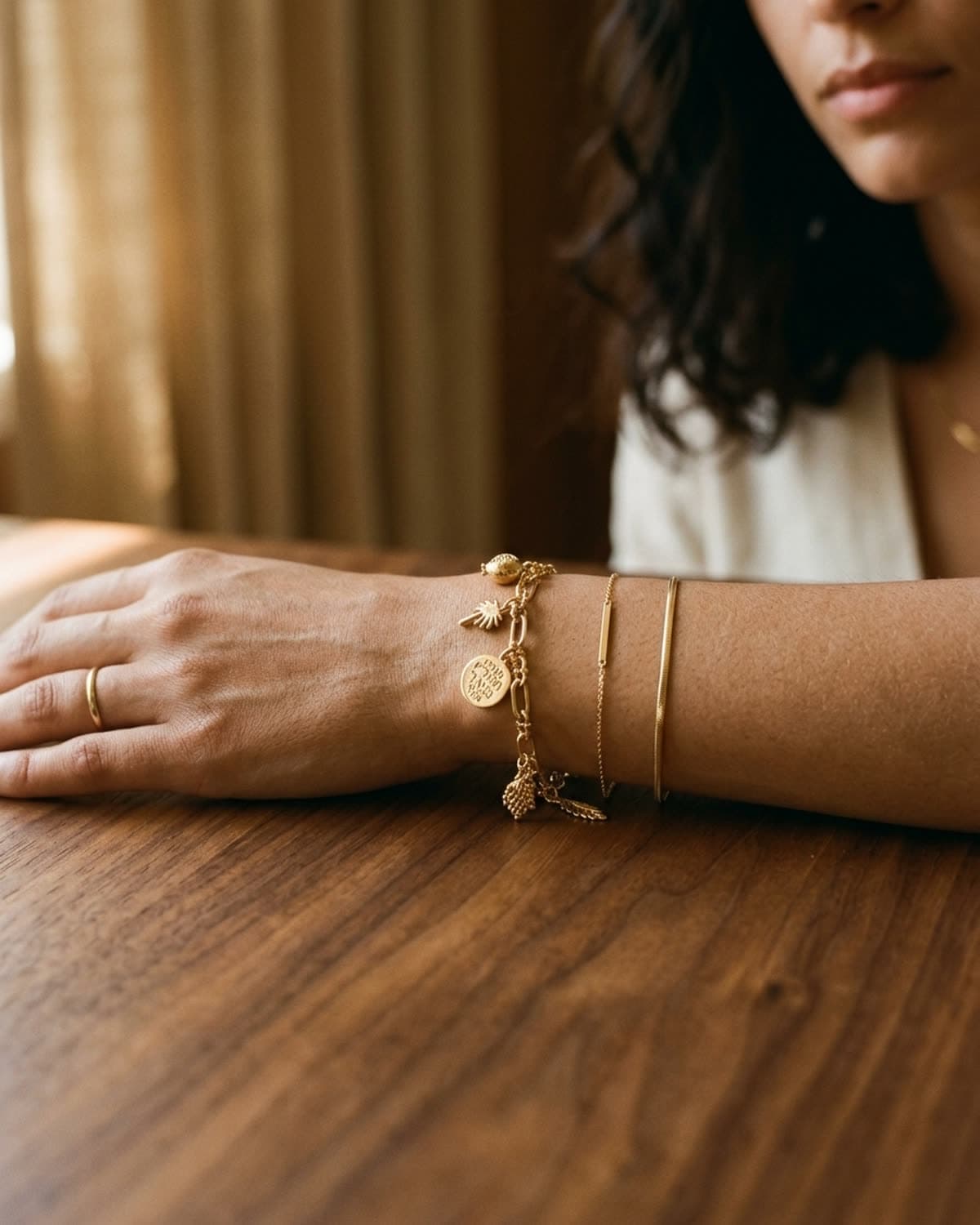
bling ai
a gemstone photo has two jobs that pull in opposite directions: show the stone's true color, and capture its fire — the sparkle and life that make it worth photographing at all. soft, even light gives you accurate color but kills the sparkle. hard, direct light gives you sparkle but wrecks the color and blows out highlights. shooting stones well is mostly about resolving that tension on purpose.
here's how to keep a gem's real hue, make a faceted stone flash, and handle the stones that have their own special tricks.
get the color true first
a stone photographed in the wrong color is just wrong, no matter how sharp it is. an emerald that reads grey-green or a sapphire that goes purple has lost the one thing the buyer is paying for.
- one light source. mixed light gives a transparent stone two color temperatures and a muddy result. window light alone, or one lamp alone — never both.
- a neutral-warm surround. the stone borrows color from nearby surfaces just like metal does. a green stone on a green prop oversaturates; a blue stone near something orange goes flat. keep the immediate surround warm-neutral and let the stone be the only strong color in frame.
- lock exposure and don't let it drift. tap-and-hold on the stone for AE/AF LOCK so the phone stops re-metering and re-coloring as you reframe.
then chase the fire
fire is directional. a faceted stone flashes when a small, bright, single light source hits it at an angle and the facets throw it back — which is exactly what soft, wrapping, even light cannot do. a flat-lit diamond looks grey; the same diamond near a bright window edge, turned slowly, throws white and rainbow flashes.
so for faceted stones, do the opposite of what you'd do for metal: find a harder, smaller light — direct window edge, or a single lamp — and turn the stone slowly while watching the screen until the facets catch fire. shoot the instant they do. it's a moving target; take several and keep the one where the most facets are lit.
soft light flatters skin and metal. it murders a diamond. a stone needs a hard little light and a slow hand — sparkle is a moment you catch, not a setting you dial in.
transparent vs opaque
the two kinds of stone want opposite handling:
- transparent / faceted (diamond, sapphire, emerald, tourmaline) — needs directional, harder light to show fire and depth. a touch of light coming through or behind the stone reveals its clarity and lets color glow rather than sit flat. underexpose slightly so the brights don't blow.
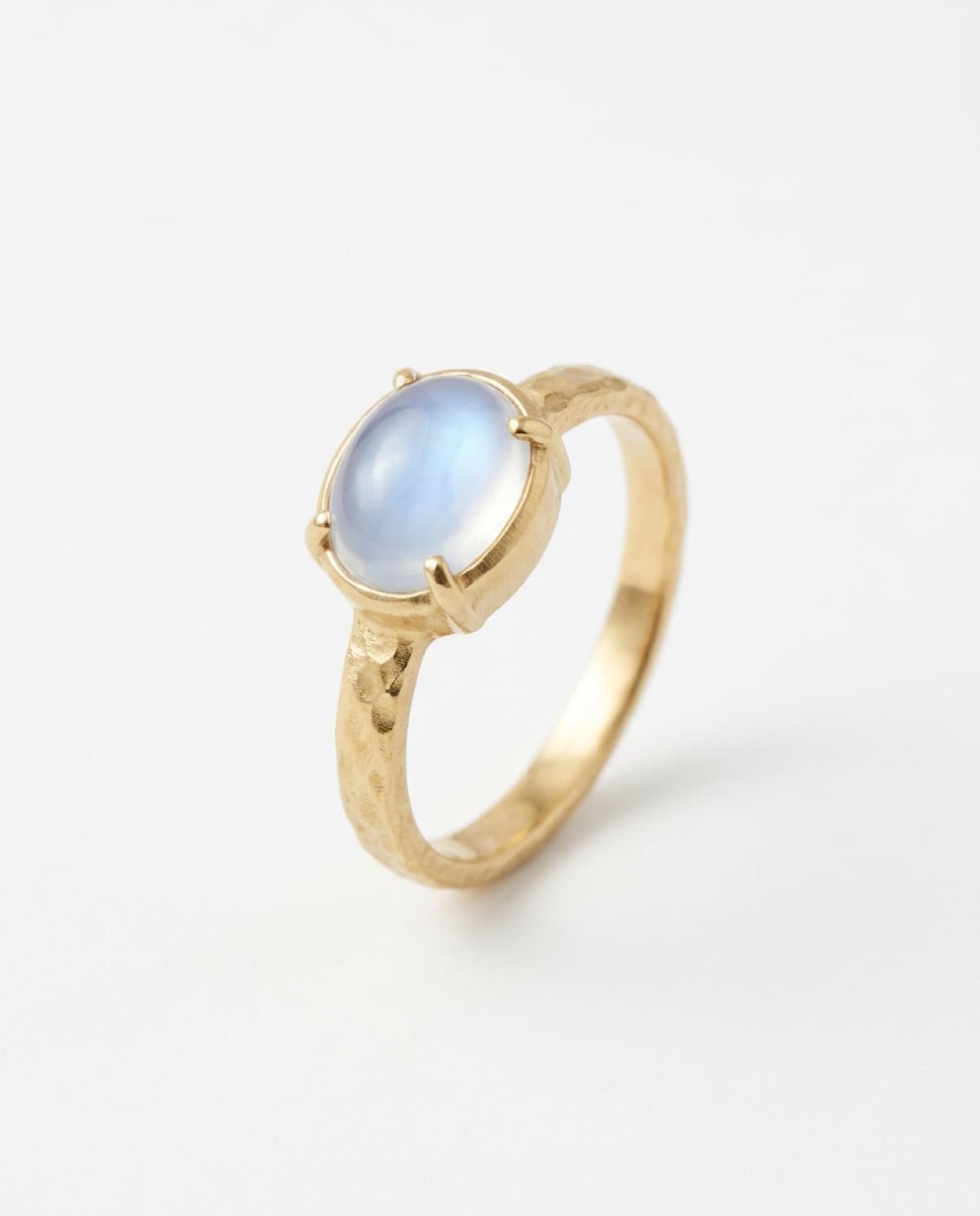
- opaque / cabochon (moonstone, opal, turquoise, onyx) — no facets to flash, so the game is surface and phenomenon, not sparkle. these want softer, raking light to bring out the glow and the play of color, and they reward a slow turn to find the angle where the effect appears.
notes per stone
a few stones have a specific behavior worth knowing:
- diamond — brilliance (white flash) and fire (rainbow) both need a hard small light and movement. keep the table clean of dust; on a phone, dust reads enormous.
- moonstone — the blue adularescence only appears at a narrow angle. turn the ring slowly under soft side light until the blue floats up, then lock and shoot.
- opal — play-of-color shifts as it moves; capture the angle with the most color firing. opal looks dead shot flat and head-on.
- emerald — graded on color, not clarity. don't over-light it chasing sparkle; keep the deep green true and let inclusions be.
- pearls — not a faceted stone at all; it's about luster. soft, wrapping window light shows the surface glow; hard light makes them look like plastic beads.
the phone settings
the usual three — portrait mode, AE/AF lock, exposure down — with a stone-specific note: get close, but not too close. stones reward filling the frame, but every iphone has a minimum focus distance, and crossing it gives you a soft blur and a "move farther away" prompt. back off six inches and let a slight crop do the rest. and underexpose a notch more for faceted stones so the flashes hold detail instead of blowing to white.
the shortcut
stones are the hardest thing to shoot and the easiest to get wrong, which is exactly where ai earns its place — bling ai renders a stone's color true and its fire intact from a single phone photo, across any scene, without you chasing the one angle where it sparkles. it works from your source, so a clean, in-focus, true-color phone shot gives it the best to work with.
start creating for free in your browser, or get the iphone app. 100 free credits, no card needed. for the pieces the stone sits in, see how to photograph rings and necklaces, or browse the showcase.