bling ai
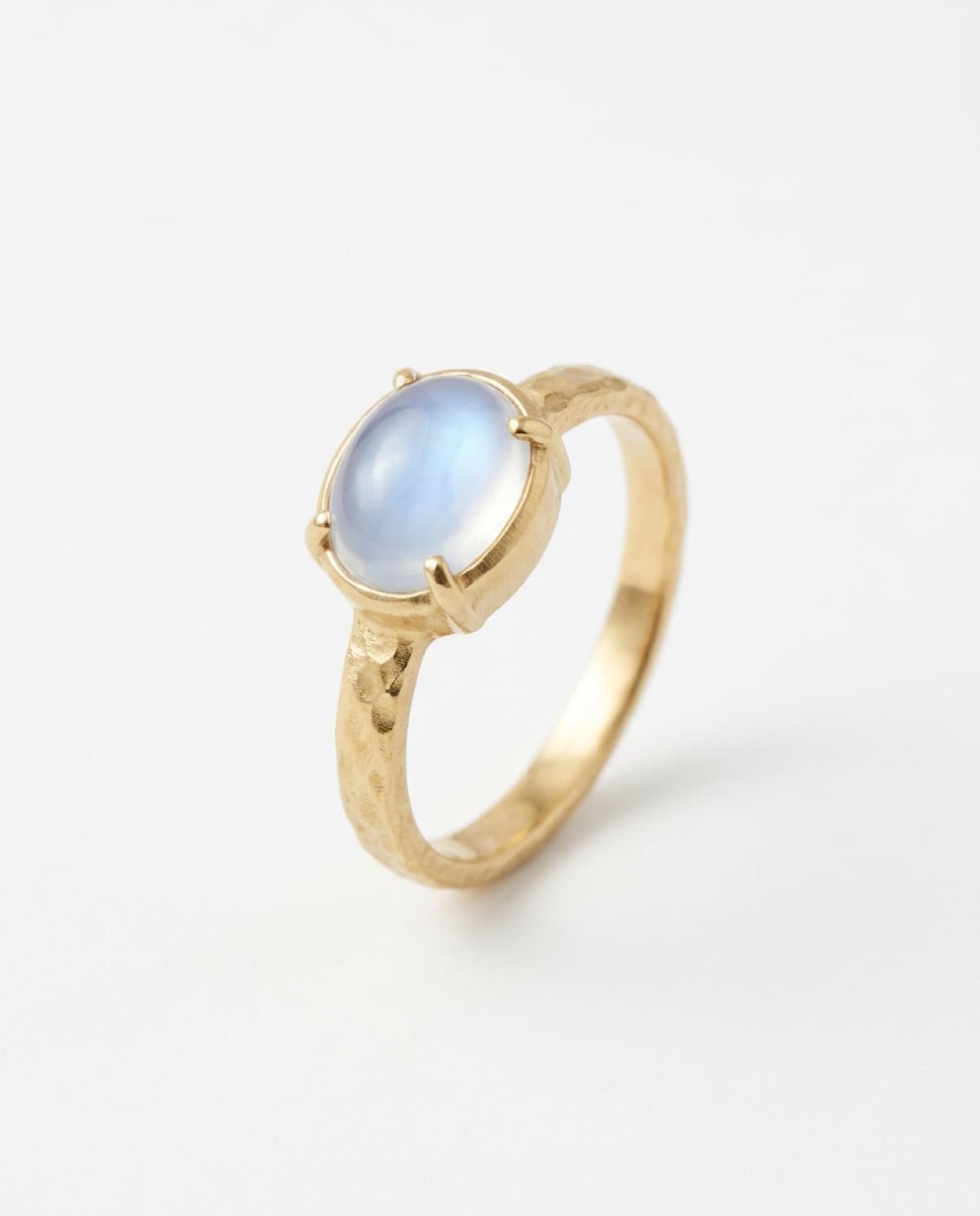
gold is the default metal for most independent jewelers and the hardest one to photograph well. it's a warm mirror: it reflects whatever is around it, it shifts color under the wrong light, and shot carelessly it reads pale, grey, and cheap — the opposite of what you paid for the metal to look like.
two problems sit underneath every bad gold photo: a color problem and a reflection problem. solve those two and gold photographs as the rich, warm, expensive thing it is. here's how, on a phone, without a studio.
the color problem
gold has no fixed color in a photograph. it borrows. put it near something warm and it deepens; put it on white under cool light and it drains to a flat pale grey-yellow that looks like costume jewelry.
three rules keep gold's color true:
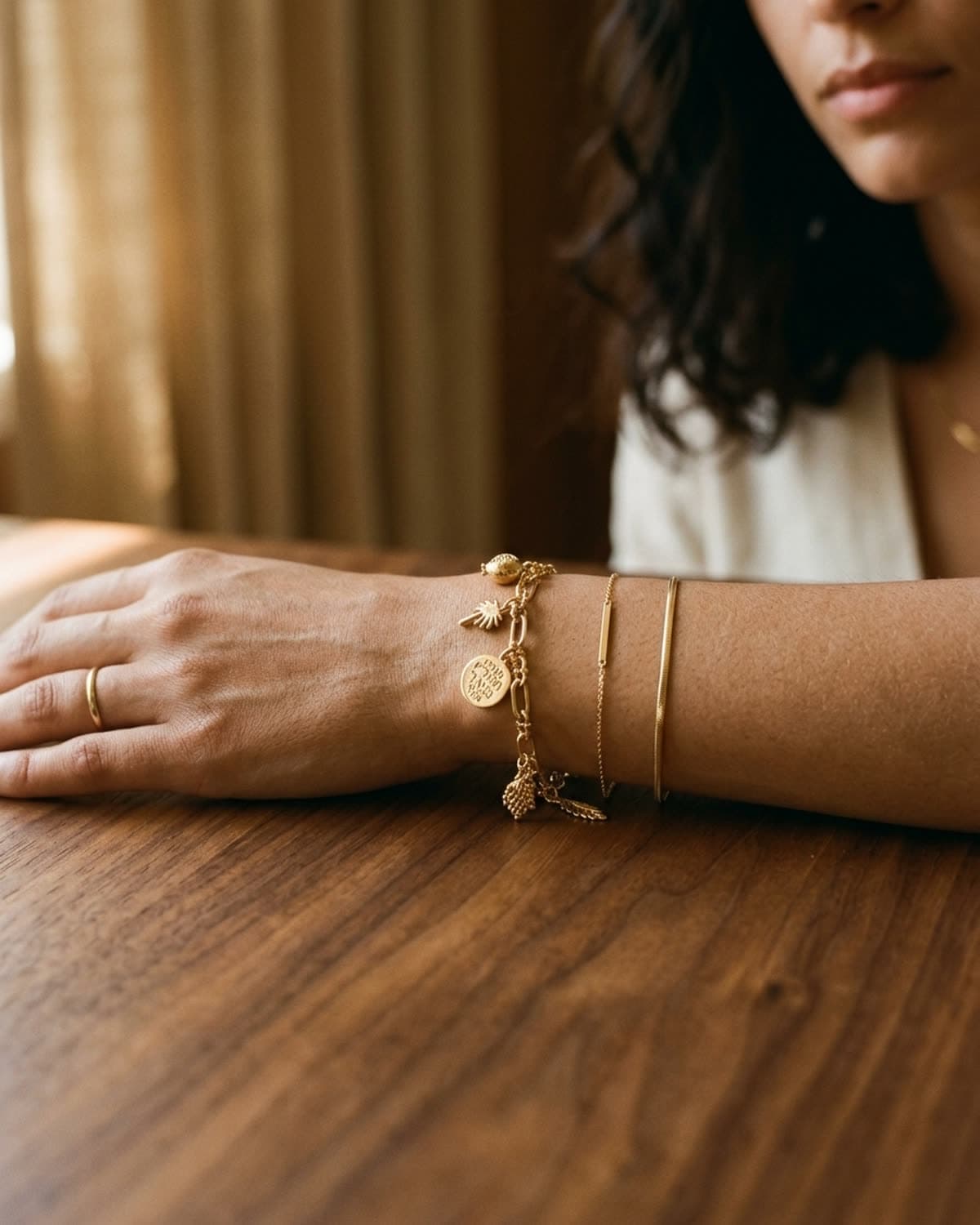
- shoot it warm. warm window light — late morning or the hour before sunset — flatters gold the way midday and overcast never will. and the surface matters as much as the light: cream linen, warm wood, oxblood or champagne silk all bounce warm into the metal. white paper and cool grey drain it. the full surface breakdown is in the background guide.
- kill stray color casts. gold is a mirror, so a bright blue wall, a green plant, or a coloured prop two feet away will contaminate the metal with a tint you didn't intend. keep the immediate surroundings warm and neutral.
- lock white balance, don't let it drift. mixed light — window plus a tungsten bulb plus your phone — gives gold three different colors in one frame. pick one light source. on iphone, locking exposure (below) also stabilizes the rendering so the gold stays consistent shot to shot.
gold doesn't have a color, it has a neighborhood. shoot it next to warm things and it looks expensive. shoot it next to white and it looks like a party favor.
the reflection problem
a polished gold surface is a mirror, and a mirror photographs whatever you point it at — including the window, the room, and your own phone. the goal isn't to remove reflections (impossible) but to control what gets reflected.
- rake the light across the piece, not into it. light hitting gold head-on gives you one flat sheet of glare. light arriving from the side gives each surface a run of small highlights and a continuous warm glow. if the gold looks flat and dull, you're too square to the light — rotate the piece fifteen degrees and watch it come alive.
- rotate until the reflection falls into shadow. when a hard reflection lands in the lens, don't move the camera — turn the piece a few degrees until that reflection rolls off the edge into the darker side of the frame.
- mind your own reflection. on a very polished bangle or a wide band, you and the phone show up as a dark shape. shoot from a slight angle rather than straight overhead, and wear something dark and plain so the reflection reads as shadow, not as a person.
yellow, rose, and white
the three golds behave differently and want different handling:
- yellow gold is the warmth-hungry one. everything above applies most strongly here — warm light, warm surface, no cool casts.
- rose gold reads best slightly cooler and softer than yellow; too much warmth pushes it toward orange and loses the pink. a neutral-warm surface like cream linen is safer than oxblood.
- white gold and platinum are the exception to the warm rule — they can take a cooler, cleaner light and a paler surface, because they aren't relying on a warm bounce to look rich. even so, a warm background on white gold reads luxe, while a cool one on yellow gold reads clinical, so when in doubt, warm.
the phone settings
the standard three from shooting with your phone — portrait mode, AE/AF lock, exposure down — with one gold-specific emphasis: underexpose more than you think. gold is the brightest, most reflective thing you'll shoot, and iphones overexpose it hard indoors, blowing the highlights to white and losing the metal's color and detail. drag the exposure slider down two notches and recover the richness. you can always lift it slightly in editing; you can't recover a blown highlight.
what's working in 2026
warm, single-source, raked side light on a warm surface is the editorial default for gold right now, and it's a clean break from the bright-white catalog look that made so much gold read cheap for the last decade. the move is toward gold that looks worn and warm rather than displayed and sterile.
a true-color, well-lit gold source is also the best input for ai polishing — the tool preserves the metal tone it's given, so a warm accurate source comes out warm and accurate, and a grey washed-out source comes out fighting to look like real gold.
the shortcut
if chasing warm light and turning a bangle to dodge reflections isn't your afternoon, bling ai handles gold specifically well: upload one phone photo and the app renders it in warm, directional, color-true light across any scene you pick, with the reflections already controlled. rights included.
start creating for free in your browser, or get the iphone app. 100 free credits, no card needed. or see the showcase to judge the gold rendering on real pieces, every shot from a single iphone source.