bling ai
if your ai jewelry photos look fake, the model is probably doing exactly what it was asked to do — and the prompt was probably under-specified.
ai image models are pattern-completion engines. when you give them a generic prompt — “a model wearing a gold necklace, editorial style” — they fill the gaps with the average of their training data. that average is rarely warm, rarely consistent across shots, and rarely tuned to how jewelry actually photographs. the result reads as fake because it was generated from a generic intention.
below: the five most common ai jewelry photography mistakes, what each one looks like, and the specific prompt language that fixes it. with side-by-side examples where the mistake shows up visually.
mistake 1: pale, washed-out skin
this is the most common tell, and it ruins more ai jewelry shots than every other mistake combined.
ai image models default to a cool, neutral, slightly desaturated skin tone unless you explicitly tell them otherwise. the result is a model who looks lit by fluorescent office light — slightly grey, no flush, no warmth. on a polished gold piece, this is doubly bad: cool skin tones make warm metals look muddy. the same chain that reads rich on warm olive skin reads dull on grey skin.
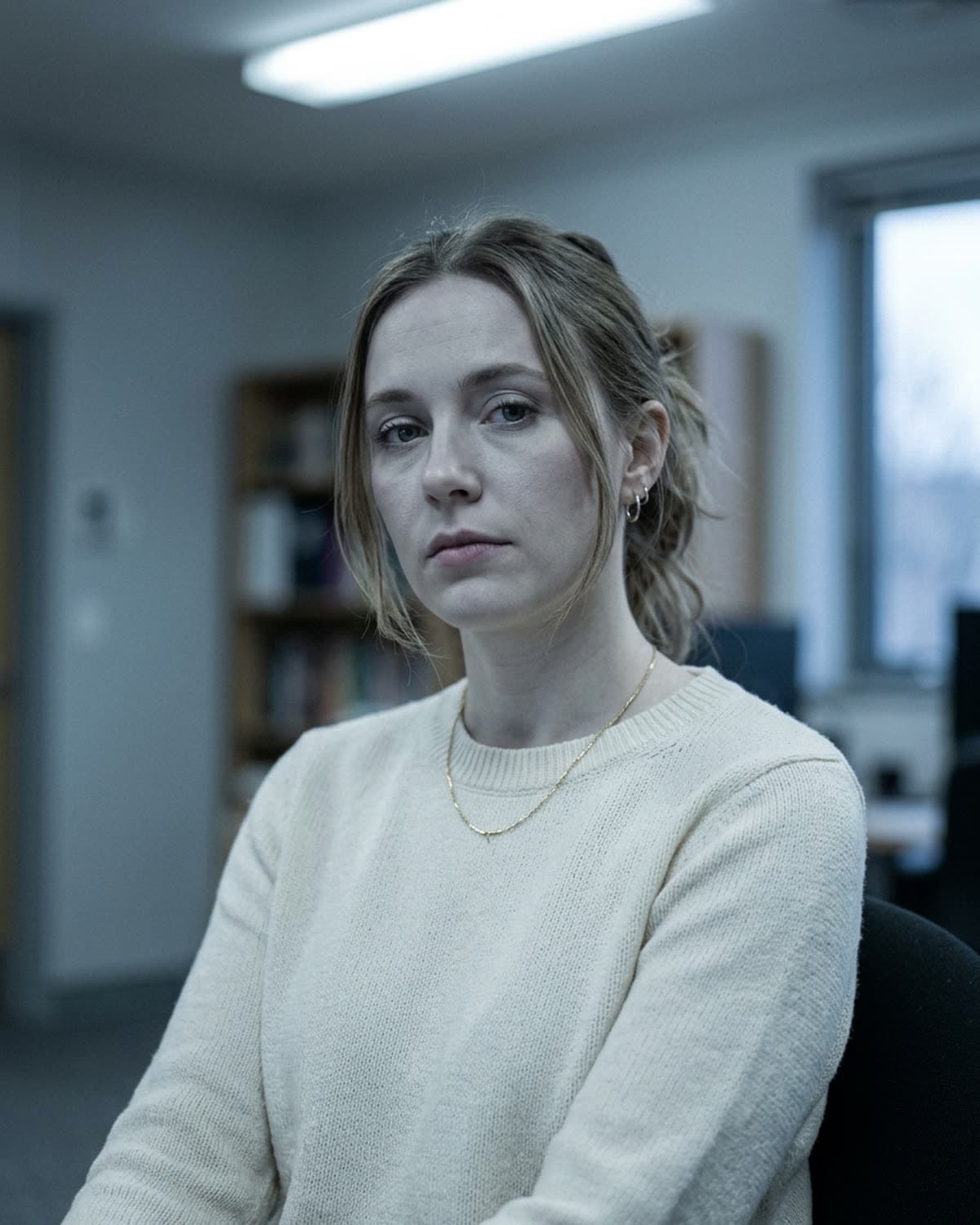
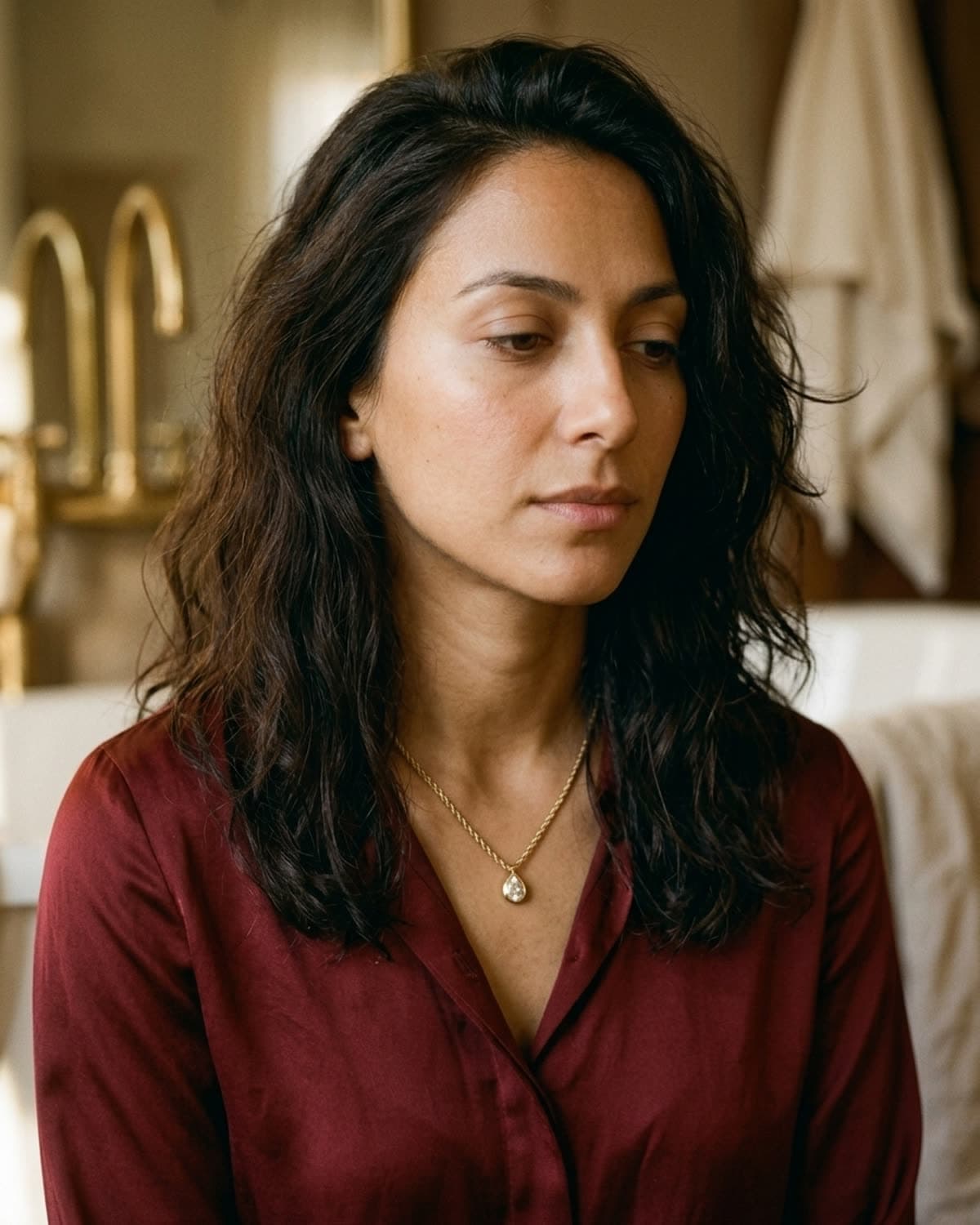
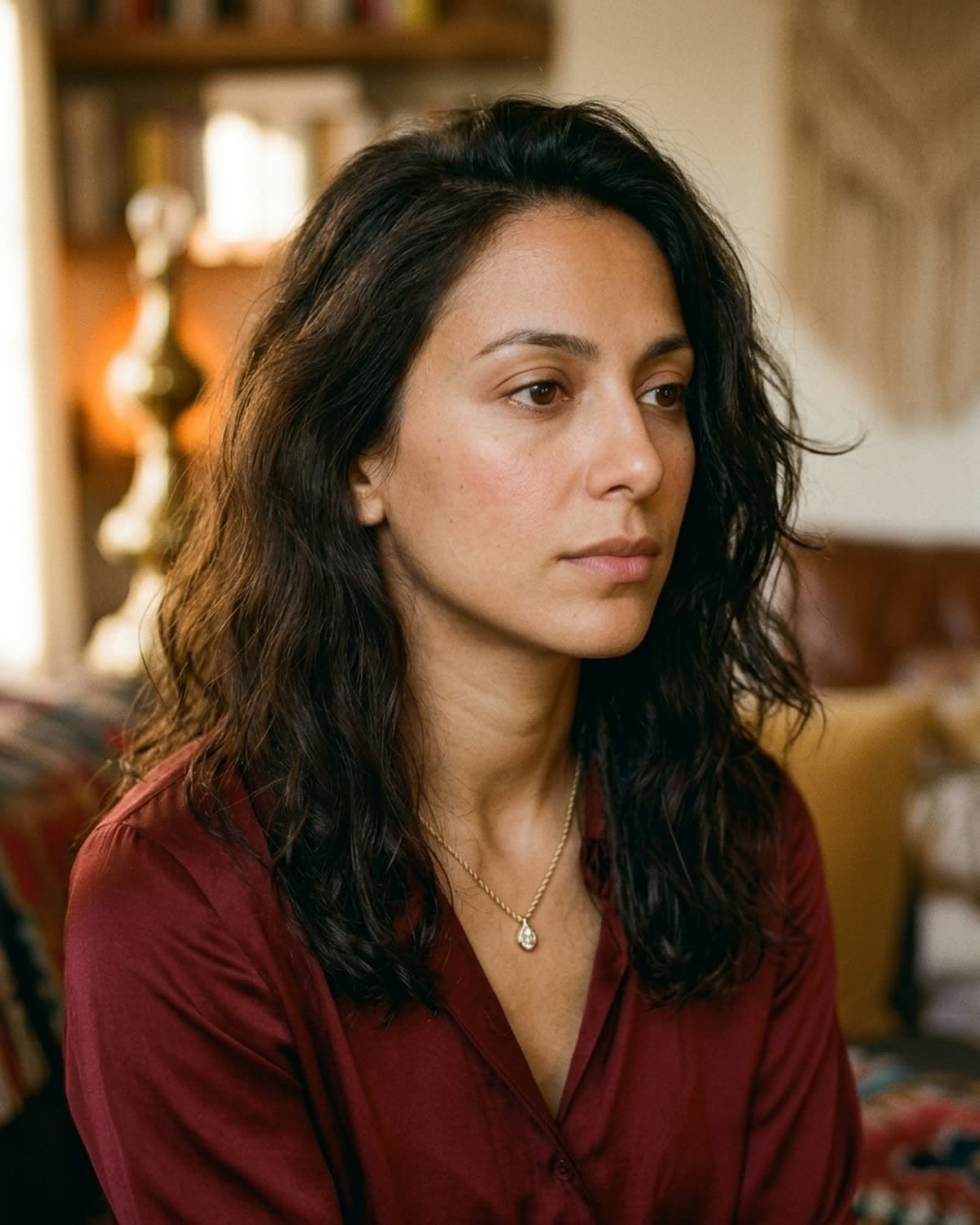
the fix is one line in the prompt: warm olive skin with a healthy natural flush (or whatever undertone fits your audience — “warm peachy undertone”, “rich mahogany skin with a soft glow”). the specific phrase doesn't matter as much as the fact that you said something. once you specify undertone and a vitality cue (flush, glow, warmth), the model stops defaulting to the desaturated average.
bonus: pair the skin specification with a lighting direction — “soft warm window light from camera left” — and the warmth carries through metal, fabric, and backdrop. cool light + warm skin still reads cool.
mistake 2: a different model in every shot
if you generate four separate ai shots of four different pieces and don't tell the model to use the same face, you'll get four different faces. obviously. less obviously: this kills your feed entirely.
instagram and etsy buyers don't consciously register “hey, this brand uses the same model in every shot” — they register cohesion, and the model identity is half of what creates it. four different faces in your feed-grid reads as four different brands sharing an aesthetic accidentally. one face across twelve shots reads as a brand with a campaign.
the fix is what we call a consistency anchor — a paragraph appended to every generation that locks the model identity. ours looks like this:
same model as reference image: identical bone structure (high cheekbones, soft jaw, almond brown eyes), warm olive skin with healthy flush, dark wavy shoulder-length hair, late-20s.
paste the same anchor at the bottom of every prompt. add a reference photo of the model into the same generation request when the model supports it. the result is the same person, recognizably, across every shot in your campaign — even when the angle, scene, lighting, and piece all change.
if you want to see the consistency anchor doing its job: the showcase is twenty-four shots — six categories, four scenes per category — of the same model, mira. she's not real, but she's recognizable in every frame because the anchor is in every prompt.
mistake 3: a scene that fights the piece
this one is subtler but it's where most ai jewelry shots cross from fine to unconvincing.
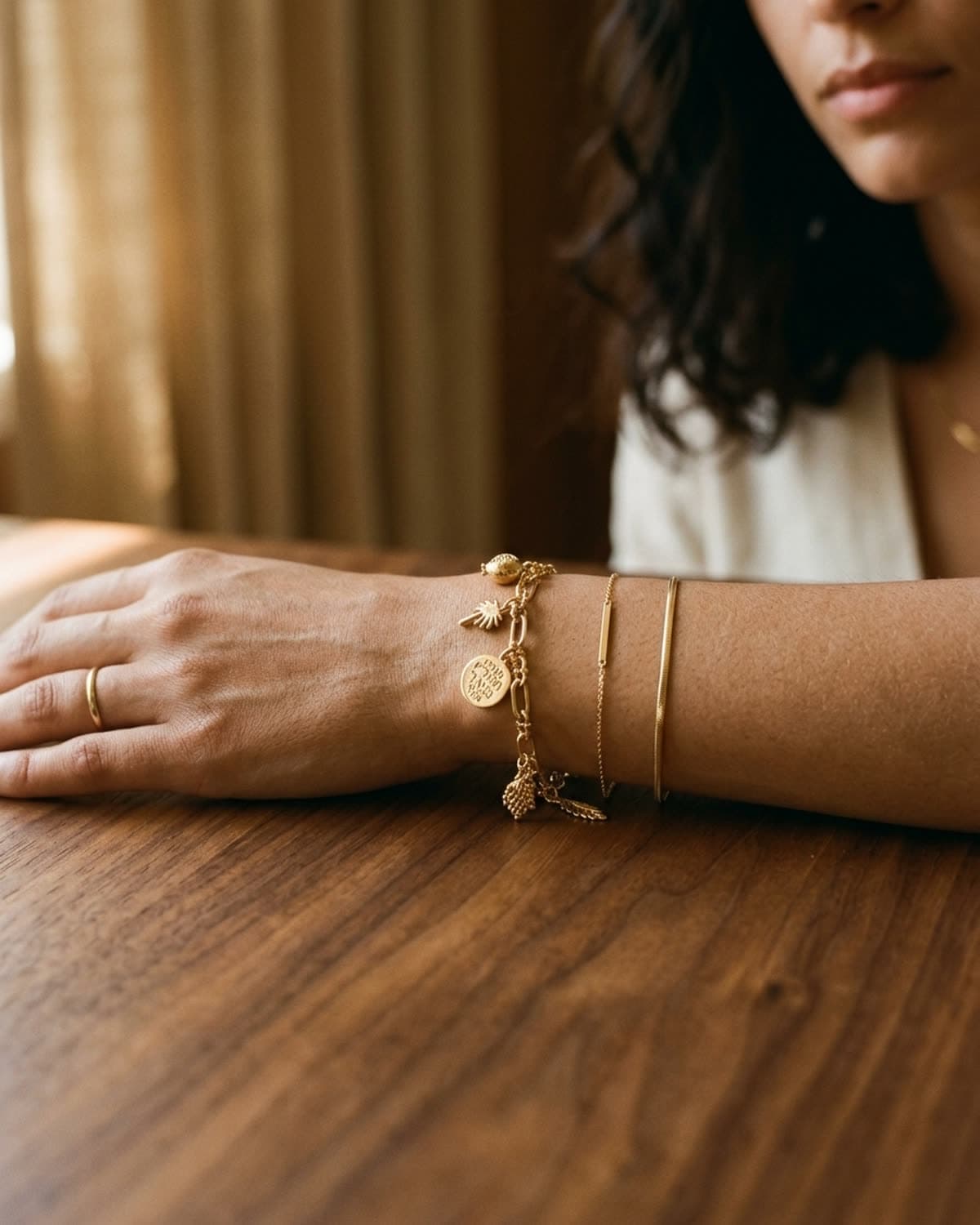
every piece of jewelry has an emotional weight. a delicate baguette-set diamond pendant has a different weight than a chunky chain link, even at similar gold mass. the scene you generate against has to match that weight. a delicate piece on a cold marble pillar reads as a luxury catalog. the same piece on warm cream linen reads as editorial.
the four scenes that almost always work for fine and demi-fine pieces, in the order we'd use them:
- cream linen — the safest, most flattering surface. absorbs harsh light, takes wrinkles that read intentional. works for every metal tone.
- warm wood — adds depth under low directional light. especially good for warm metals (yellow gold, brass).
- oxblood silk — for hero shots. silk picks up warm light and lifts gold by half a stop. premium without screaming luxury.
- warm marble — last resort and overhead-only. cream-veined warm marble works; cold white-veined marble reads catalog.
the four scenes that almost always fight the piece:
- white seamless paper backgrounds (reads dated)
- glass display cases (reads jewelry-store)
- mirror surfaces (kills depth, doubles complexity unnecessarily)
- high-contrast saturated colors (red velvet, royal blue silk — overpowers most metals)
if you want to see the same gold rope chain shot four different ways across four different scenes that all match the piece's weight: necklace shots in the showcase. each one leans on a different scene; the piece stays the hero in every frame.
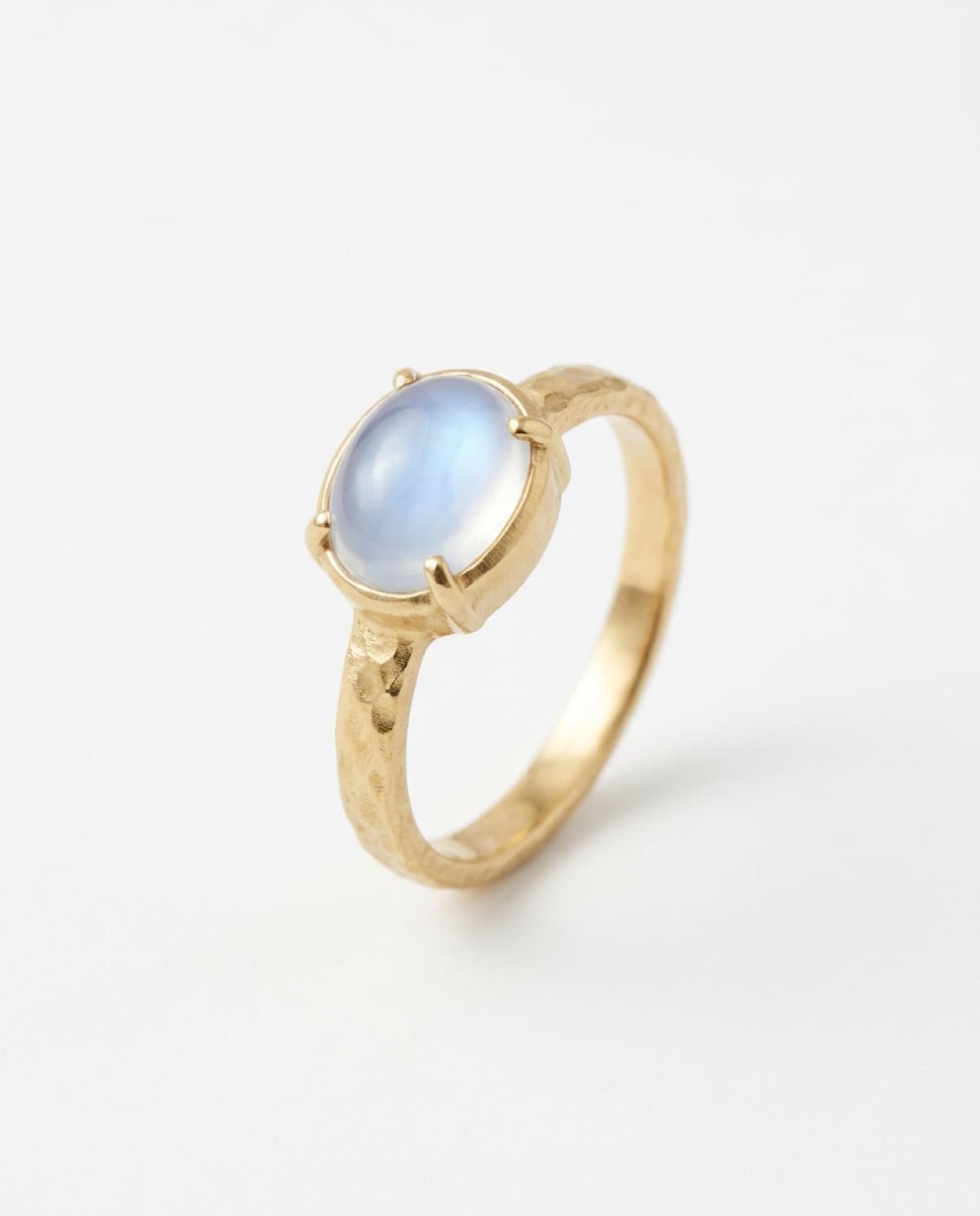
the same logic applies to other piece types — earrings need a backdrop that suits the metal weight, rings need a surface that matches the band's thickness. we have specific guides for how to photograph rings without a studio and how to photograph earrings without a studio that cover the surface choices for each piece type in depth.
mistake 4: flat overhead lighting
most ai jewelry shots that look fake fall into this trap: the model defaults to soft, diffuse, ambient lighting from no particular direction. on a person, this can look fine. on jewelry — especially polished metal — it kills the dimension entirely.
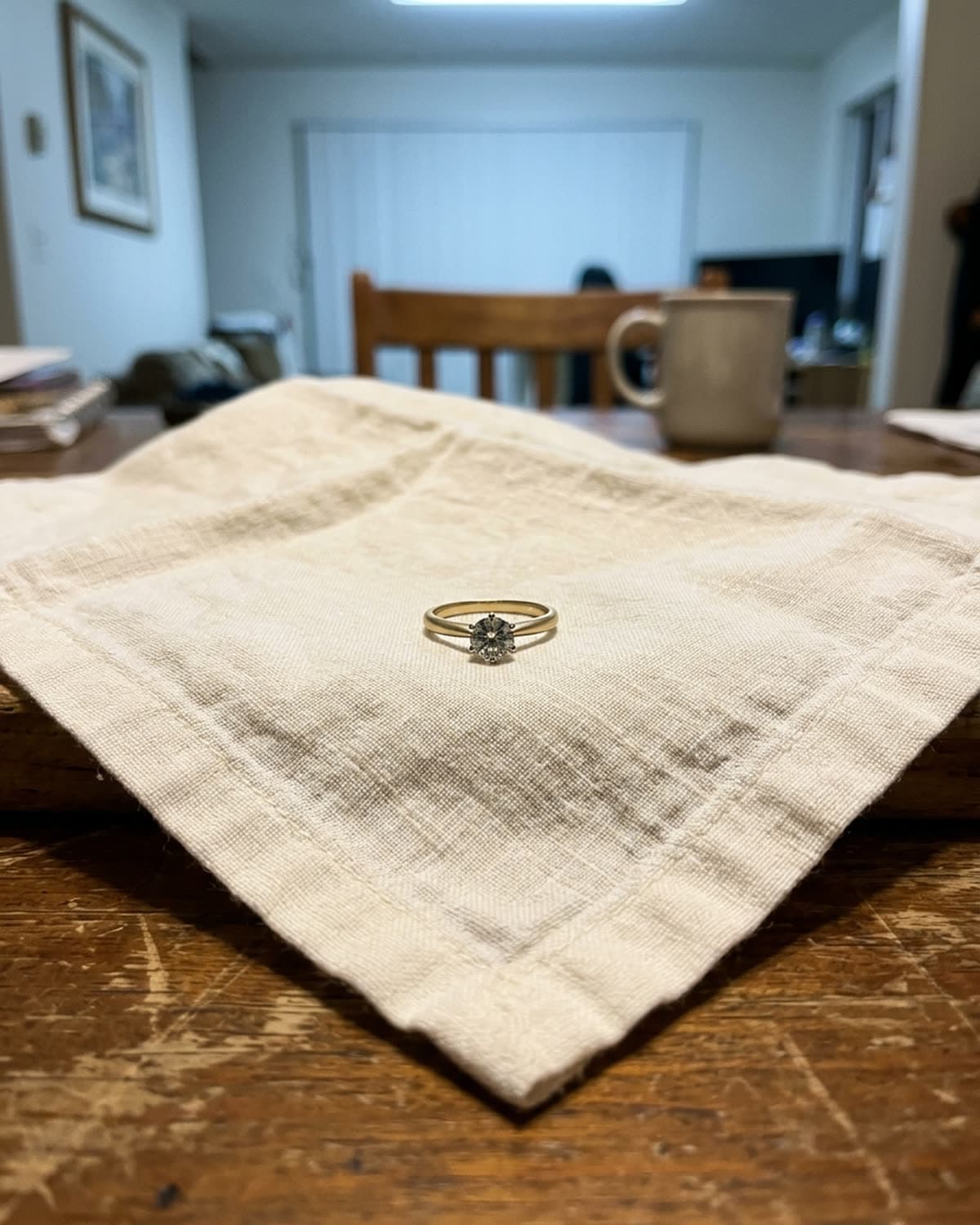
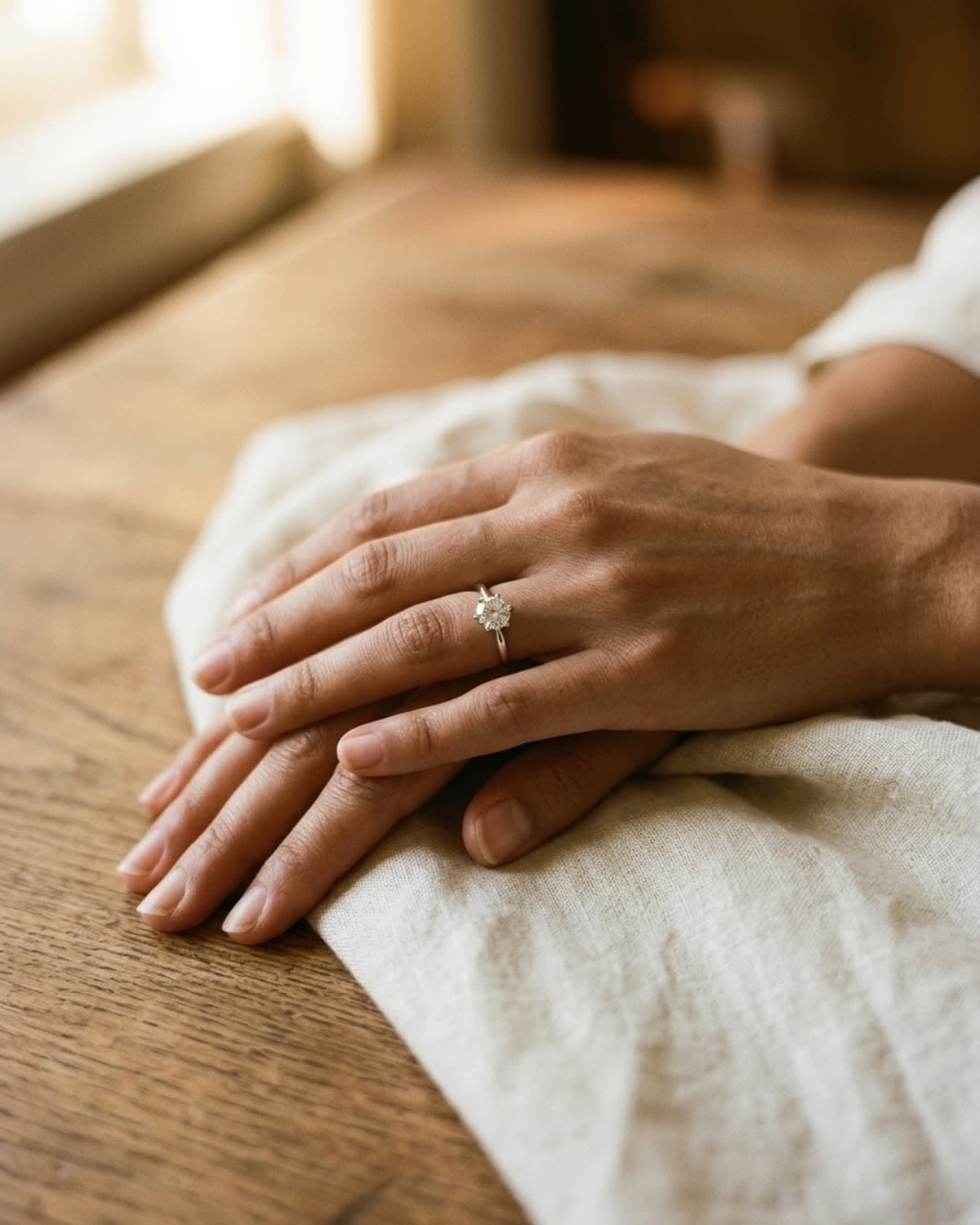
jewelry needs directional light to come alive. light arriving from one specific direction creates highlight on one side of the band, soft shadow on the other, and that gradient is what makes the metal read as three-dimensional. flat light gives you no gradient, no shadow, no specular highlight to read the metal's contour. the result is a piece that looks technically present but visually inert.
the fix in your prompt is precise: soft warm window light from camera left, golden hour color temperature, shallow depth of field with focus on the [piece], slight 35mm film grain, editorial fashion photography. that one line — direction + color temperature + focus + grain + reference aesthetic — does roughly 80% of the work of avoiding the flat-light failure mode.
if you want a deeper dive on lighting fundamentals (including what natural-light camera-left actually looks like and why it works), the previous guide covers it: how to photograph rings without a studio.
mistake 5: backgrounds with no palette discipline
the fifth and most overlooked mistake: every shot in your campaign has a different background palette.
shot 1 is on cream linen. shot 2 is on cool grey concrete. shot 3 is on a forest green velvet. shot 4 is on white marble. each shot might look fine in isolation. as a four-shot campaign, the result reads as someone who hasn't yet decided what their brand looks like.
the fix is a locked palette. pick a small set of warm tones that all your scenes will draw from — for our showcase work it's cream, taupe, mocha, oxblood, brass, soft brown. every prompt references at least one of those tones explicitly: “cream linen on warm walnut wood”, “oxblood silk camisole”, “blurred warm interior with brass detail”. backgrounds that aren't literally one of those tones are blurred so they don't fight the foreground.
the showcase is twenty-four shots all drawn from that single warm palette. the cohesion you feel scrolling through it isn't about the model or the pieces — it's about the palette discipline. without that, even individually beautiful shots read as a random collection.
the common thread: under-prompting
all five mistakes share a single root cause: the prompt didn't tell the model what to do, so the model picked the average.
generic prompts produce generic outputs. specific prompts produce specific outputs. the difference between a fake-looking ai jewelry shot and one that reads real is rarely the model — it's a few extra lines of specification:
- skin: warm olive with a healthy flush (prevents mistake 1)
- identity anchor: same model as reference image, identical bone structure, warm olive skin, dark wavy hair, late-20s (prevents mistake 2)
- scene match: cream linen / warm wood / oxblood silk (prevents mistake 3)
- lighting direction: soft warm window light from camera left, golden hour (prevents mistake 4)
- palette lock: warm earthy tones — beige, taupe, mocha, soft brown (prevents mistake 5)
string those five into every prompt and you've eliminated roughly 90% of what makes ai jewelry photos look fake.
the shortcut: how bling ai handles all five
every prompt bling ai sends to the underlying model has all five anchors baked in by default. you upload a single iphone photo of your piece, pick a scene, and the app appends the warm-skin language, the consistency anchor for the recurring model, the scene-piece pairing logic, the directional lighting spec, and the palette lock — automatically.
the showcase is the proof: twenty-four shots, six scenes, one model, one palette, generated from real jewelry sources. each shot started from a single iphone photo. you'd need to write the same five-anchor prompt twenty-four times to get there manually. the app does it once.
start creating for free in your browser, or get the iphone app. 100 free credits, no card needed. or browse the showcase to see what an ai jewelry shot looks like when the prompts aren't under-specified.